Cloud Based Restaurant POS India: 7 Best Checks Before Moving
A cloud based restaurant POS is sold on reporting and bought on convenience. It is judged, in practice, on one evening when the internet fails at 8:40pm with forty covers on the floor. Everything else is secondary to that. Our restaurant POS page covers the product; this covers the decision.
What follows is what genuinely changes when a restaurant moves to the cloud, what it gains, and the seven checks that separate a workable system from a demo.
On this page

The outage question comes first
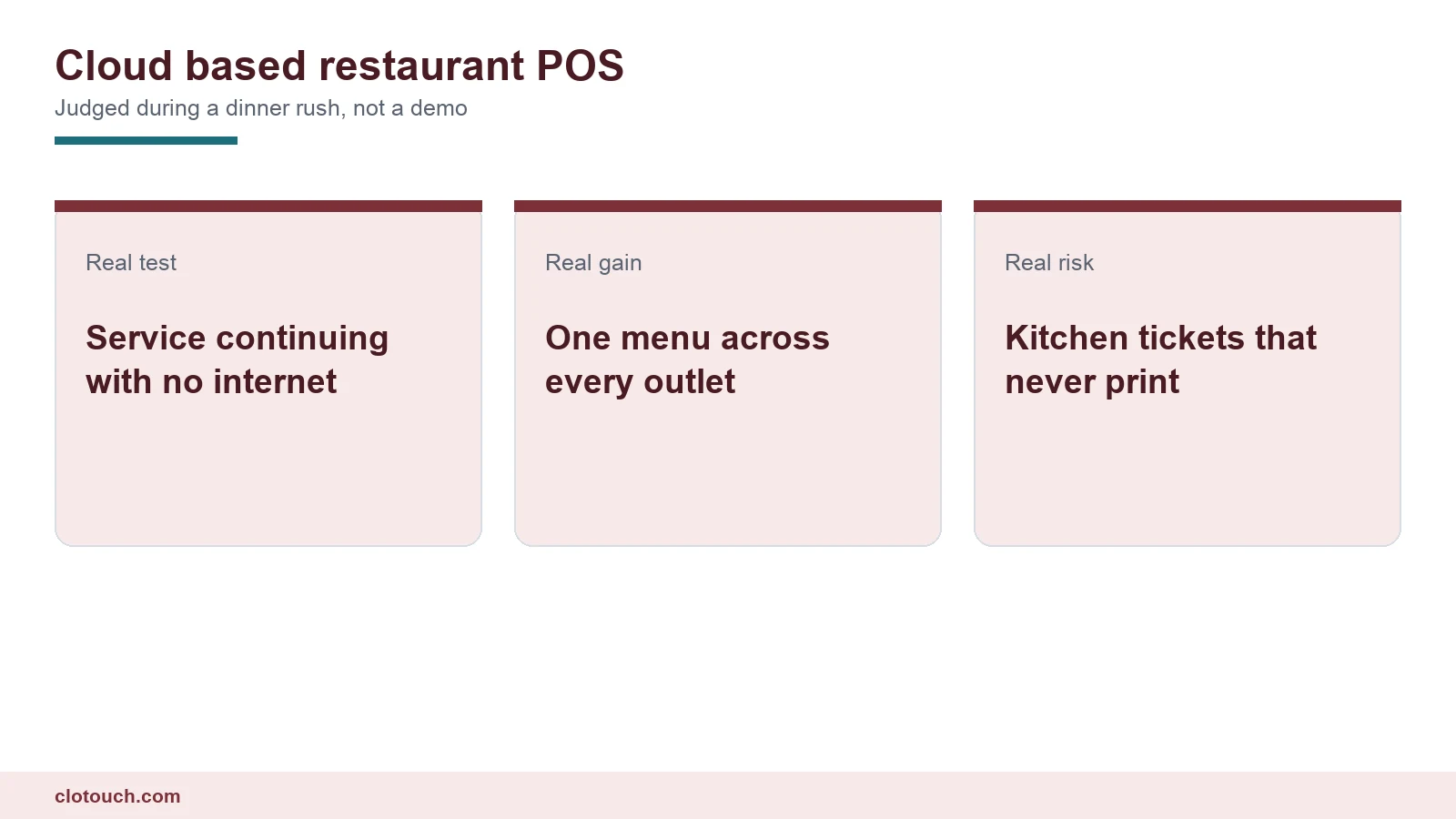
A retail counter that stops during an outage loses sales. A restaurant that stops during an outage has food cooking for tables it can no longer track.

That is why the standard is higher here. The floor must keep taking orders, the kitchen must keep receiving tickets, and bills must keep printing and settling, all with the line down.
Ask the vendor to demonstrate it rather than describe it. Pull the router during a demo with two tables open and watch what the captain’s device does.
Then reconnect and check two things. Every order synced exactly once, and stock moved by the right amount. Duplicate sync is a real failure and it hides until the stock report disagrees with the store.
Kitchen tickets are the part people forget
Billing gets tested on demos. Kitchen printing rarely does, and it is the half that stops service.
A kitchen printer usually sits on the local network. If the POS routes tickets through a cloud server, an internet outage can break printing even though the printer is six metres from the tablet.
The question to ask is specific: does the ticket travel over the local network, or does it leave the building and come back? Systems that print locally and sync centrally afterwards are the ones that survive. The routing logic itself is covered in our kitchen order ticket guide.
What a cloud based restaurant POS genuinely buys you
Three things, and they are real.
One menu across outlets. A price change or a new dish applies everywhere in one action. With on-site servers it is a job per outlet, which is why group menus drift apart within months.
Group reporting without consolidation. Sales across outlets are simply there, rather than assembled from exports somebody has to remember to run.
Terminal replacement in minutes. A tablet that dies on a Saturday is replaced by signing in on another one. With a local database it is a restore from whatever backup exists.
Aggregator orders and the margin question
Most Indian restaurants now take a meaningful share of orders through delivery aggregators, and that is where cloud systems have a genuine edge.
A cloud based restaurant POS can usually ingest those orders directly, so a delivery order creates a kitchen ticket and a stock movement exactly as a dine-in order does. Without ingestion, somebody re-keys it from a tablet on the counter, which is slow and error-prone at the busiest hour.
The commercially important part is the channel tag. Aggregator commission can take a fifth of the ticket, so a dish that is profitable in the dining room can lose money on delivery. If the sale does not record its channel, nobody can see that.
Where an on-site server beats a cloud based restaurant POS

A single restaurant with unreliable connectivity and no expansion plan often does better on-site. Nobody else’s outage can take the floor down.
Cost favours on-site at one outlet over a long horizon, because a subscription accrues while a licence does not. The economics flip quickly with each additional outlet.
Leaving is also easier. The database is already on your hardware rather than behind an export policy you agreed to years ago.
Devices on the floor
Moving to the cloud usually means captains carry tablets, which changes the service pattern more than the software does.
An order taken at the table and sent straight to the kitchen removes the walk to a terminal and the re-keying at it. That single change takes more time out of service than any report.
It also introduces a failure mode a fixed terminal does not have. Batteries die mid-shift, so plan chargers at the pass and decide whether devices are shop-owned or personal before go-live.
What it costs to run
Subscription pricing is usually quoted per outlet or per terminal, so the number grows with the floor rather than with revenue.
Price it over five years at the outlet and terminal count you expect, not the one you have today. Add the tablets, the chargers and the replacement cycle, because those are real and rarely in the comparison.
Then ask the question most owners skip: what happens to your data, your menu and your sales history if you stop paying.
Menus, modifiers and the thing that breaks on migration
Migration is where restaurant projects slip, and the menu is why.
A restaurant menu is not a product list. It carries modifiers, variants by portion size, combos, and items available only at certain hours. All of that has to be rebuilt, and no vendor imports it cleanly from a spreadsheet.
| Menu element | Why it complicates migration | What to confirm |
|---|---|---|
| Modifiers with prices | Each option changes the bill | That modifier pricing imports, not just names |
| Portion variants | Half and full are different stock draws | That each variant can hold its own recipe |
| Combos and thalis | One price, several kitchen sections | That a combo fires tickets to every section |
| Time-limited items | Breakfast menu, happy hour | That availability windows exist at all |
| Out of stock | Marked by staff during service | That a waiter can mark 86 from the floor |
Ask who does the menu build, how long it takes, and what happens if it is wrong on day one. A vendor who has done it before answers in specifics.
Compliance does not move with you
Wherever the database sits, the bill still has to be right. Food served on the premises is a restaurant supply; packaged goods sold off a shelf are a supply of goods and may attract a different rate.
Invoice numbering matters more in a group. A shared database can allocate series per outlet so two restaurants never issue the same number, which is harder to guarantee across independent local servers.
Above Rs 5 crore aggregate turnover, B2B bills additionally need registering with an Invoice Registration Portal, covered in our e-invoicing limit guide.
Seven checks before moving
- Pull the internet mid-service and confirm the floor keeps ordering.
- Confirm the kitchen ticket still prints with the line down.
- Reconnect and verify every order synced exactly once.
- Change a price once and see it apply at every outlet.
- Take an aggregator order and confirm it creates a kitchen ticket and a stock movement.
- Find margin by channel, separating dine-in from delivery.
- Ask who builds the menu, how long it takes, and who fixes it if it is wrong.
Checks one and two decide whether you can trade. Check five decides whether delivery is a channel or a chore. Check seven decides how the first fortnight goes.
For groups, add the obvious one: whether menus and pricing are genuinely central, which is the whole reason to run multi-outlet management rather than independent restaurants sharing a name.
Frequently asked questions
Does a cloud based restaurant POS work without internet?
The usable ones keep taking orders, printing kitchen tickets and settling bills with the line down, then sync on reconnection. Test it by pulling the router mid-service rather than accepting a description.
Will kitchen tickets still print during an outage?
Only if tickets travel over the local network. Some systems route them through a cloud server, so an internet fault stops printing even though the printer is metres from the tablet. Ask which path the ticket takes.
What does cloud actually give a restaurant group?
One menu applied everywhere in a single action, group sales reporting without consolidating exports, and a dead terminal replaced by signing in on another device. Those three are the real gains.
Can a cloud restaurant POS handle aggregator orders?
Usually yes, by ingesting them so a delivery order creates a kitchen ticket and a stock movement like any other. The important part is that the sale records its channel, because commission can take a fifth of the ticket.
What usually goes wrong during migration?
The menu. Modifiers with prices, portion variants, combos that fire to several kitchen sections and time-limited items do not import cleanly from a spreadsheet. Ask who builds it and how long it takes.
Sources, method and author
Method. Operational points reflect cloud and on-site restaurant POS deployments Clonet Technologies runs in India, including multi-outlet groups taking aggregator orders. GST treatment and invoice numbering were checked against the GST portal in September 2026. Commission rates are described in general terms because they vary by aggregator and contract.
- Goods and Services Tax portal — restaurant supply treatment and invoice numbering
- NIC e-Invoice portal — IRN registration above the turnover threshold
- National Restaurant Association of India — industry body for Indian food services
- FSSAI — food business licensing for restaurants and cloud kitchens
Disclosure. Clonet Technologies Pvt Ltd builds and sells Clotouch POS, including cloud deployments for restaurant groups. Linked product pages are our own.
Author. Aman Raj. Rewritten 27 September 2026 for Clonet Technologies Pvt Ltd, Bengaluru.