Barcode label printing: getting a code onto every item without slowing the shop down
Most of what a shop sells already carries a barcode. The rest does not, and that remainder decides how fast the counter is. Barcode label printing is how a shop puts its own code on those items, so that the billing system can scan rather than search.
Done well, it is a quiet routine at goods receipt. Done badly, it becomes a pile of unlabelled stock and a cashier typing item names during the evening rush.
On this page
Which items need your own label
Packaged goods from a brand usually carry a maker’s code already. Scan it at goods receipt, link it to the item in your system once, and you never print anything for it.
Loose goods, repacked items, garments from small makers, fabric, hardware parts and anything you assemble yourself usually carry nothing. Those are the items that need a label.
Never print your own label over a working maker’s code. Two codes on one item confuse scanners and staff, and the item can end up sold under two different records.
Choosing a code format once
The code on the label is just a number in a pattern the scanner can read. What matters is choosing one format and using it for every label you ever print.
| Format | Typical use | Watch for |
|---|---|---|
| EAN-13 | Retail goods, matches most maker codes | Numbers you invent can clash with real products |
| Code 128 | Internal codes, letters and numbers | Longer codes need wider labels |
| QR code | Long data, links, batch details | Not every counter scanner reads it |
| UPC-A | Imported American goods | Rarely worth choosing for your own labels |
For a shop printing its own internal codes, Code 128 is usually the practical choice. It reads reliably on small labels and carries both letters and numbers.
If you invent EAN-13 numbers without registering them, you risk printing a number that belongs to a real product elsewhere. Inside your own shop that is harmless until the day a supplier’s genuine code collides with yours.
Barcode label printing at goods receipt
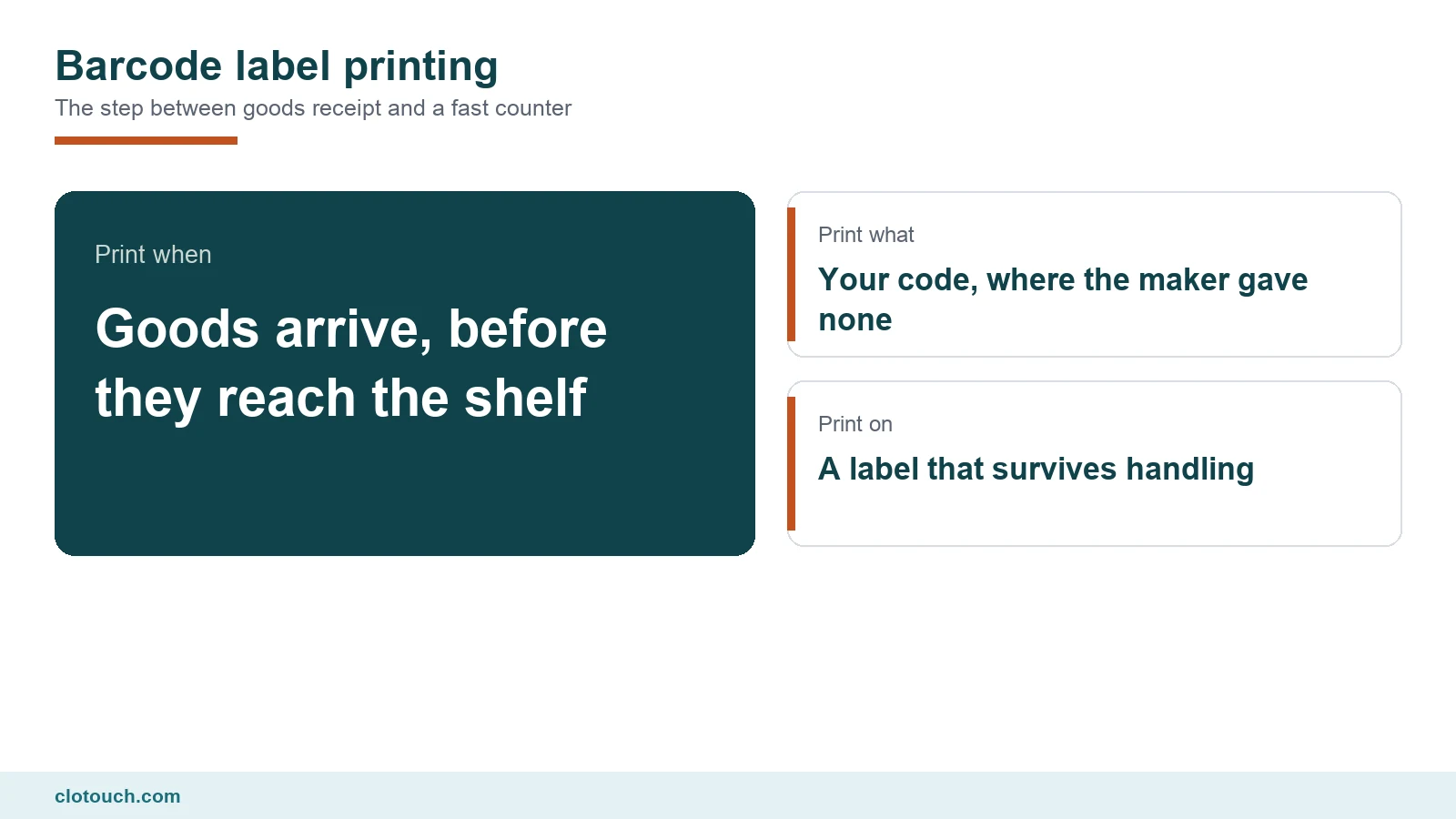
The right moment to print is when goods arrive, not when somebody notices an unlabelled item on the shelf. At receipt the quantity is known, the item is in hand and the record is fresh.
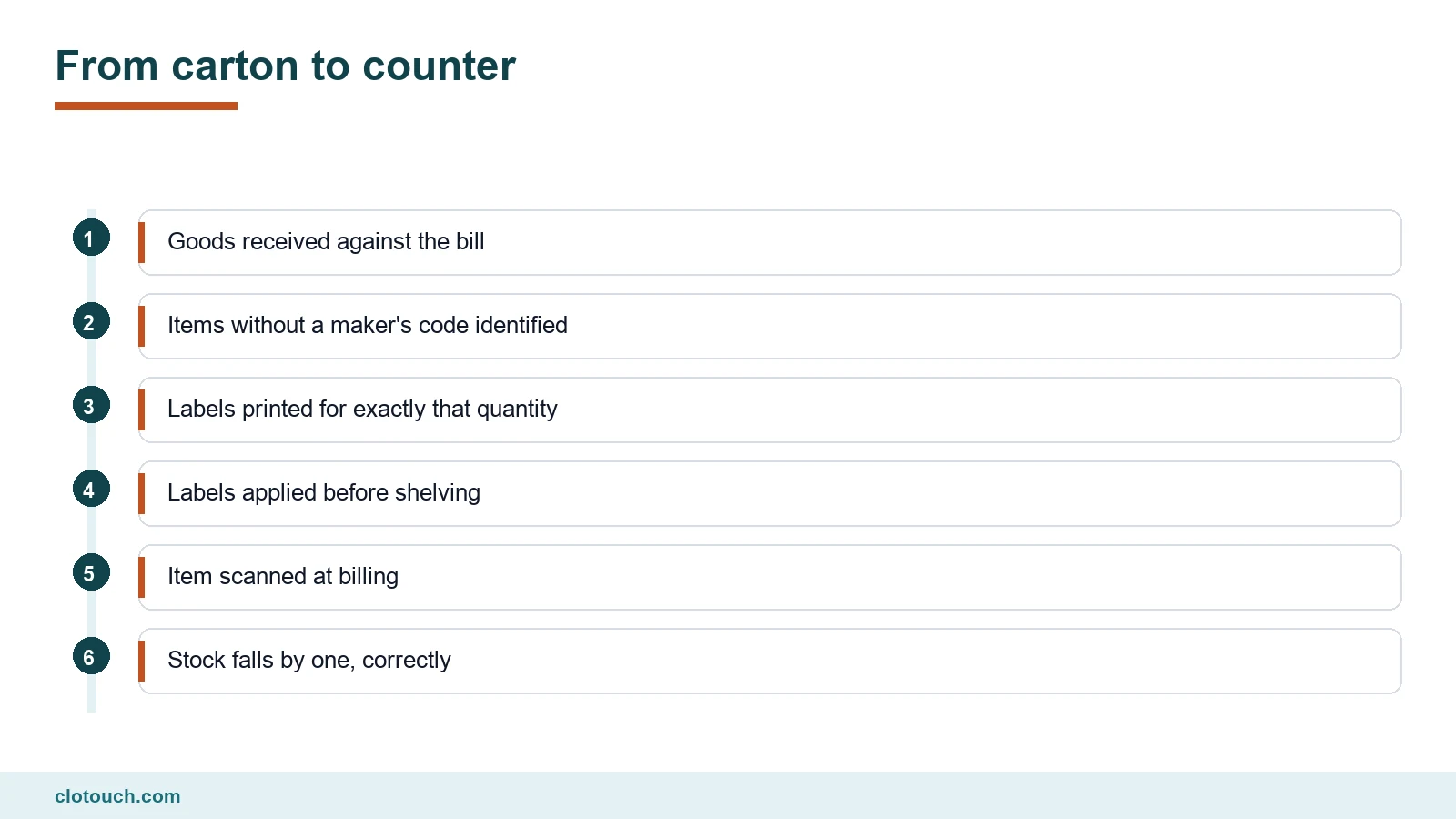
Print exactly the quantity received. A system that prints labels straight from the goods receipt line removes the most common error, which is a typed quantity that does not match the carton.
Label before shelving, always. Stock that goes onto a shelf unlabelled tends to stay unlabelled, and every unit of it becomes a manual search at the counter.
Label size, material and the printer
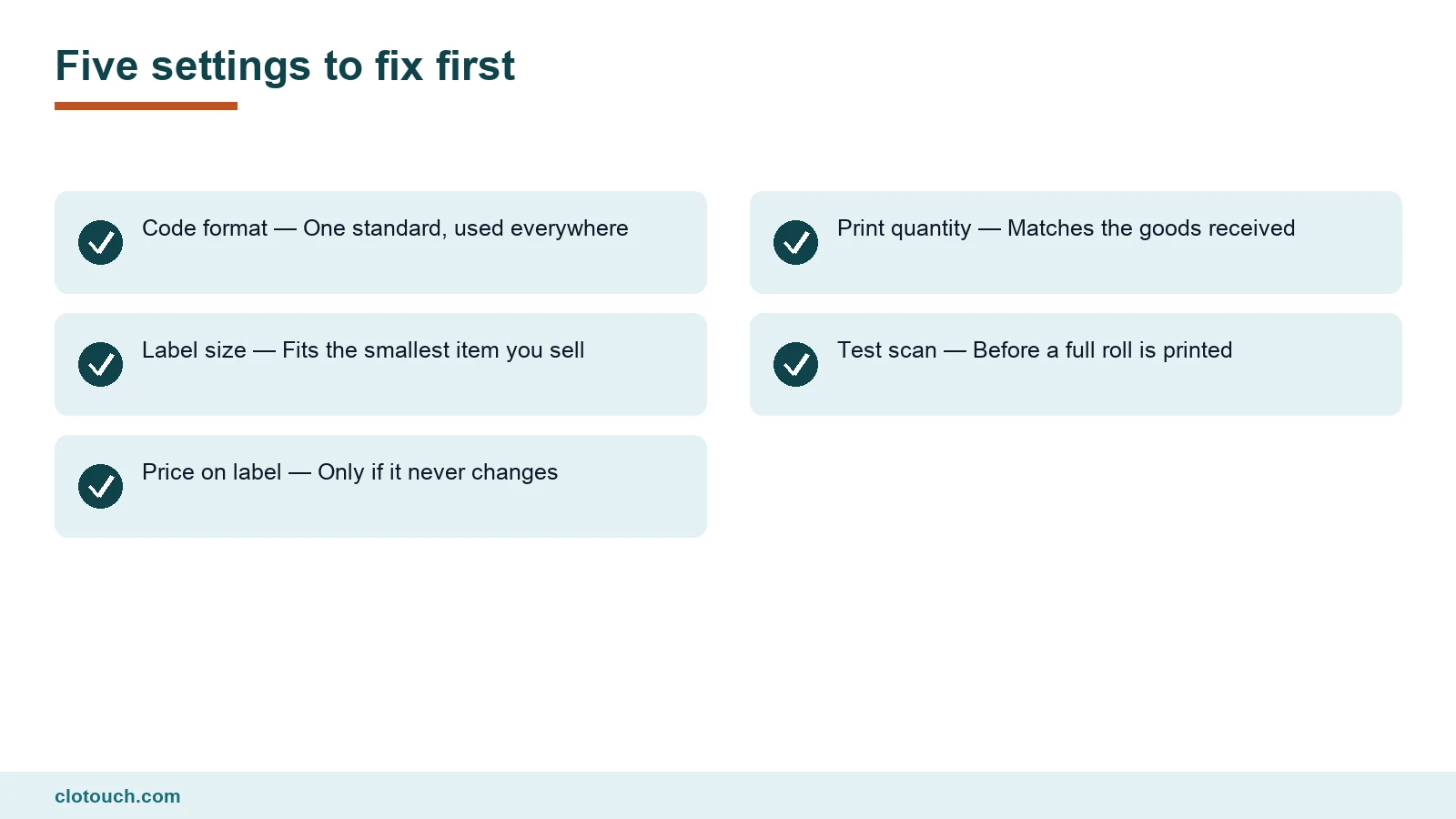
Pick the label size for the smallest item you sell, not the average one. A label that fits a lipstick fits a shoebox, but the reverse is not true.
- Direct thermal labels are cheap and fade, which suits fast-moving stock
- Thermal transfer labels use a ribbon and last for years
- Synthetic labels survive cold storage, moisture and handling
- Paper labels peel badly from fabric and curved surfaces
- A dedicated label printer beats a sheet printer for any real volume
Fading matters more than people expect. A label that turns pale after three months on a sunny shelf will not scan, and the item goes back to manual entry.
Price on the label, or not
Printing the price on the barcode label feels helpful. It also locks the price onto the item, so every price change means relabelling stock already on the shelf.
Keep the price in the system and on the shelf edge instead, wherever the law allows. The label then identifies the item, the system decides the price, and a change takes one edit rather than an afternoon with a label gun.
Packaged goods are different. Rules on declared retail price apply to them, and the maker’s printed MRP is not something a shop relabels casually.
Where shops go wrong
Most barcode problems are not technical. They come from the routine around the printer, and the same few patterns repeat.
- Labels printed in bulk for stock that has not yet arrived
- One code reused for several sizes or colours of the same item
- Unlabelled returns put back on the shelf without a new label
- A full roll printed before a single label was test-scanned
- Cashiers typing a code by hand because a label would not scan
The second item does the most damage. A shirt in three sizes needs three codes, or the stock count for each size becomes fiction. Your stock records can only be as specific as the labels feeding them.
Making it a routine
Barcode label printing works when it is part of receiving goods, not a separate job someone does when they have time. Tie it to the goods receipt screen and it happens every time.
Then watch one number weekly: how many bills had an item searched by name instead of scanned. That count tells you where labels are missing, and the back office reports can show it without anyone counting by hand.
Frequently asked questions
Which items need a barcode label printed by the shop?
Anything without a working maker’s code. That usually means loose goods, repacked items, garments from small makers, fabric, hardware parts and anything you assemble. Packaged branded goods normally carry a code already, which you link to the item once at goods receipt.
Which barcode format should a shop use for its own labels?
For internal codes, Code 128 is usually the practical choice, because it reads reliably on small labels and holds letters and numbers. Inventing unregistered EAN-13 numbers risks clashing with real product codes. Whatever you choose, use one format for every label.
When should labels be printed?
At goods receipt, for exactly the quantity received, before the stock reaches the shelf. Printing in bulk ahead of delivery or labelling later from the shelf both leave gaps, and every unlabelled unit becomes a manual search at the counter.
Should the price be printed on the barcode label?
Usually not for loose or internal items. A printed price means relabelling every time the price changes. Keep the price in the system and on the shelf edge where the law allows. Packaged goods are different, since declared retail price rules apply to them.
Thermal or thermal transfer labels?
Direct thermal labels are cheap and fade, which suits fast-moving stock. Thermal transfer labels use a ribbon and last for years, which suits slow movers and anything in sunlight. Synthetic labels survive moisture and cold storage.
Sources, method and author
A goods-receipt procedure rather than a printer buying guide. Code format guidance reflects how EAN-13, Code 128, QR and UPC-A are commonly used in retail. The risk of inventing unregistered EAN-13 numbers is the reason GS1 registration exists. Label material notes reflect the standard trade-off between direct thermal and thermal transfer printing. No printer brands or prices are named.
- GS1 India — registered barcode numbers and the EAN-13 standard
- Department of Consumer Affairs — declared retail price rules for packaged goods
- Investopedia on barcodes — how barcodes encode an item number
Clotouch is a point of sale product built by Clonet Technologies Pvt Ltd. The routine works in any system that prints labels from goods receipt, including ours. It is not legal advice on labelling rules.
Author. Aman Raj. Published 27 October 2026 for Clonet Technologies Pvt Ltd, Bengaluru.