The day close report: fifteen minutes that decide whether yesterday is a fact
Shops that struggle at month end almost never have a month-end problem. They have thirty unclosed days. Nothing was locked, bills stayed editable, and the figures were assembled weeks later from memory. A billing system can prevent all of it with one routine.
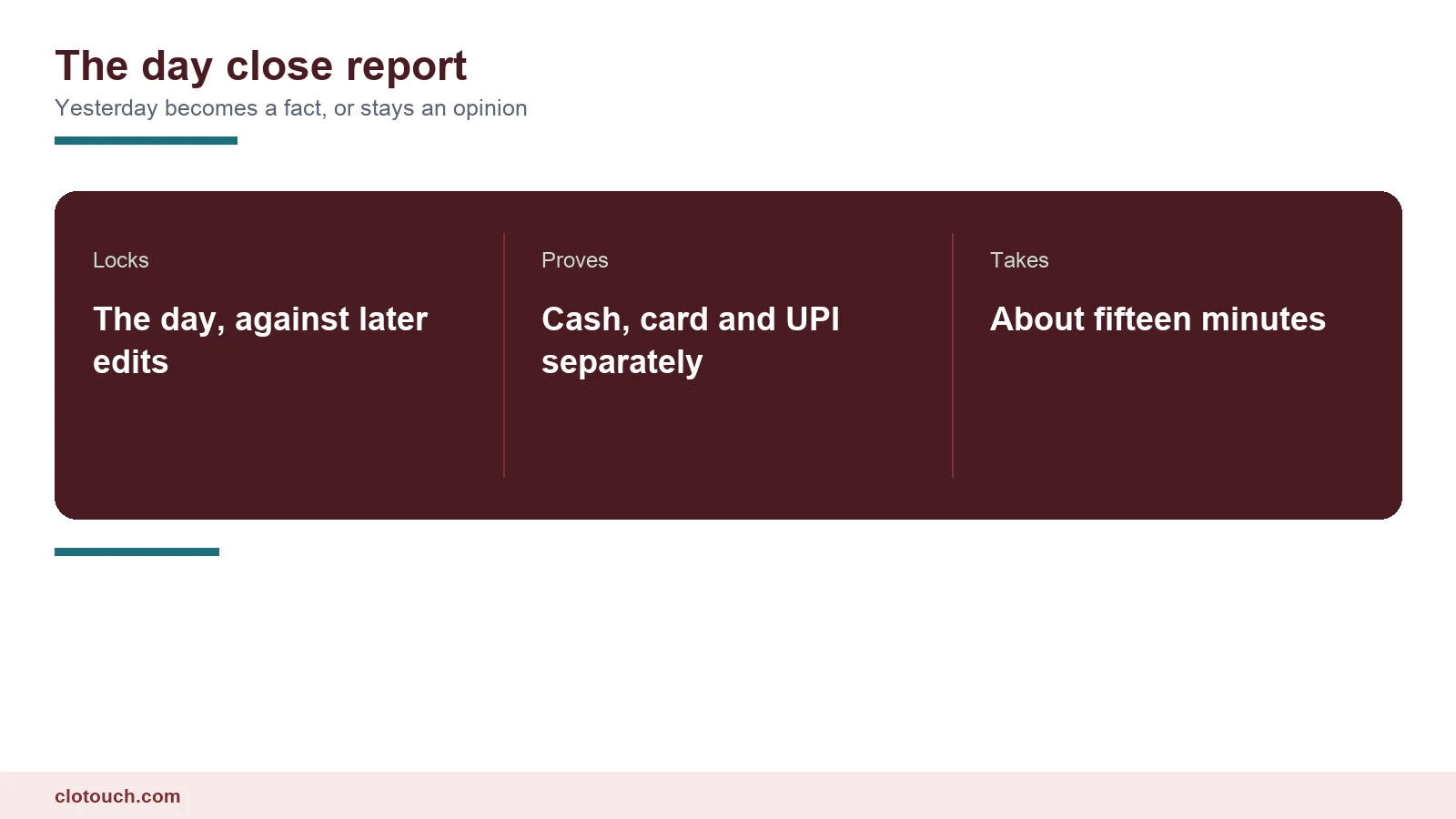
The day close takes about fifteen minutes and turns yesterday from something people remember into something nobody can change.
On this page
A day close report starts by closing every bill
Before anything is totalled, check that no bill is still open. A parked order, a held table, a draft invoice that someone started and abandoned all sit outside the day’s figures and quietly reappear tomorrow.
Restaurants have the worst of this, because a table can stay open across a shift change. Retail counters get it from quotations and held bills.
Make the system refuse to close the day while anything is open, and list what is blocking it. That single rule removes most reconciliation work before it starts.
Split the money by tender
One total for the day is useless. You need cash, card, UPI and credit separately, because each is proved in a different place.
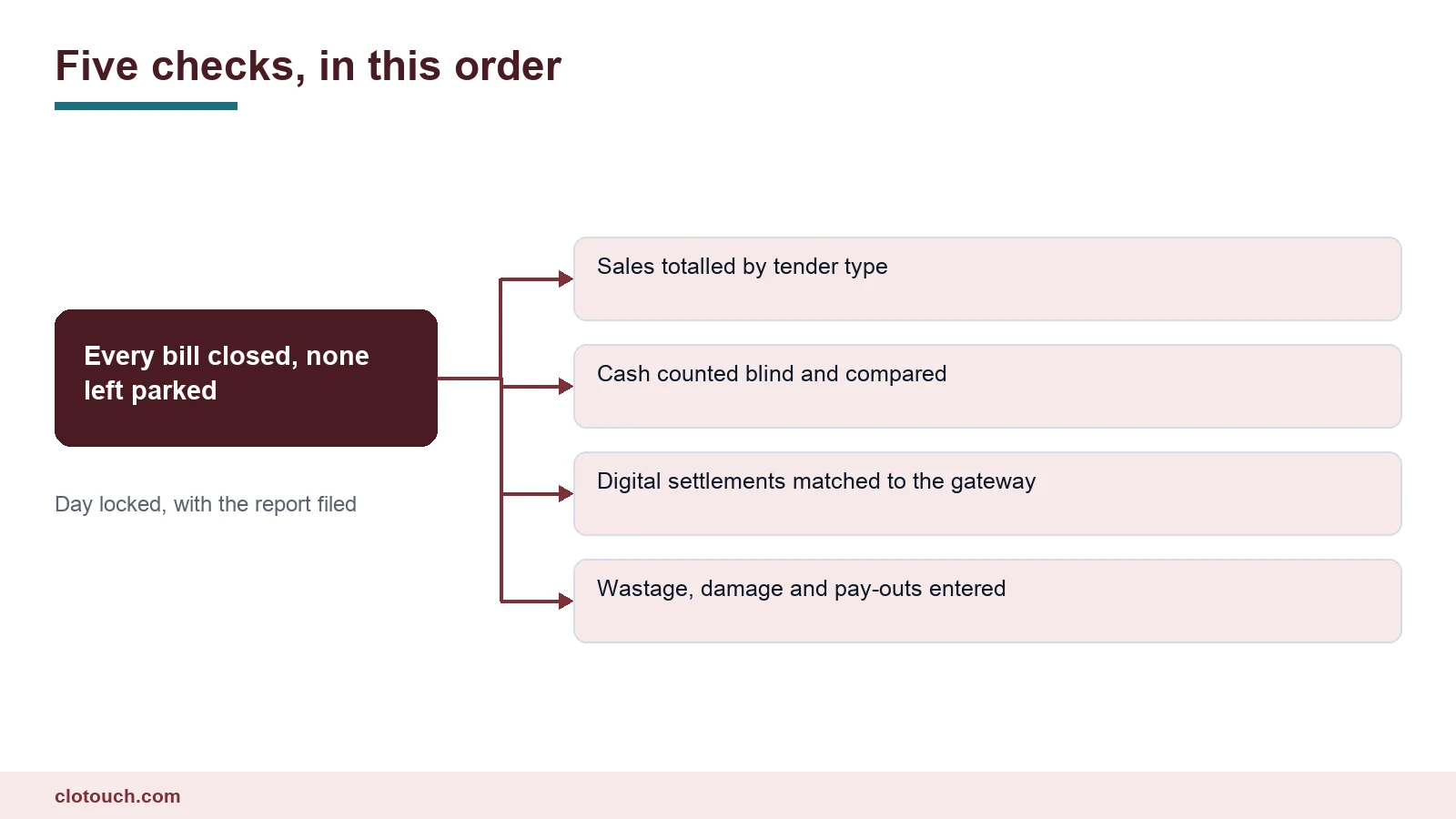
Cash is proved by counting the drawer. Card and UPI are proved against the settlement the provider reports. Credit sales are proved by appearing on a customer’s ledger rather than in any money at all.
Where those three proofs are not separated, a shortage in one hides behind a surplus in another and the day balances while being wrong twice.
Count the cash without looking
Counting by denomination rather than as one total is worth the extra thirty seconds. A shortage of exactly five hundred rupees points somewhere quite different from a shortage made up of coins and tens, and the denomination sheet is what tells the two apart.
Count the drawer by denomination before seeing what the system expects. Enter the total, then let the difference appear.
Record the difference whether it is a shortage, a surplus or zero. Zero is information too, and a run of zeros followed by one gap is far easier to investigate than a month of blanks.
Match the digital money
Card and UPI will not always settle the same day, and partial failures are common. A payment that the customer believes succeeded and the gateway never confirmed shows up as a sale with no money behind it.
| Tender | Proved against | Common difference |
|---|---|---|
| Cash | Physical count | Wrong tender type on a bill |
| Card | Terminal batch total | Unsettled or voided swipe |
| UPI | Provider settlement report | Payment shown as success, never confirmed |
| Credit | Customer ledger | Sale billed as cash by mistake |
| Wallet or voucher | Issuer statement | Expired or already redeemed |
Checking these daily keeps the question small. Checking them monthly turns a two-minute query into an afternoon with a gateway dashboard.
Enter what did not sell
Wastage, breakage, staff consumption and pay-outs belong in the close, not in a note on the counter. Each one explains stock or cash that otherwise looks missing.
This is the step most shops drop first when they are busy, and it is the one that makes the next stock count argue with itself. Two minutes at close saves an hour later.
Then lock the day
The lock is also what makes a day close report worth filing. A report covering a period that can still change is a snapshot of an opinion. Once the day is locked, the same report becomes evidence, which is what an accountant, a tax query or a dispute with a supplier actually needs.
Locking means yesterday’s bills can no longer be edited or deleted. Corrections after the lock happen as a dated adjustment, visible and attributable.
Without a lock, every figure in the business is provisional. Anyone can change a bill from last week, and no report can be trusted because the past is still moving.
- Only a named role may reopen a locked day, and the system records it
- Corrections after lock are adjustments, never silent edits
- The report is filed, as a file or a print, not just left on screen
- Discounts and voids on the report show who approved them
- The difference is recorded even when it is zero
Making it actually happen
A close that takes forty minutes will be skipped on a busy Saturday. Keep it short enough that nobody is tempted.
- Block the close while bills are open, and list them
- Show sales split by tender on one screen
- Make the cash count blind and by denomination
- Put wastage and pay-out entry on the same screen
- Lock the day and file the report automatically
Shops with several outlets should add a sixth step, which is that each outlet closes separately and the owner sees all of them in one view. That is what multi-store control and the back office exist for, and a day close report per outlet is what makes the group figure mean anything.
Frequently asked questions
What should a day close report contain?
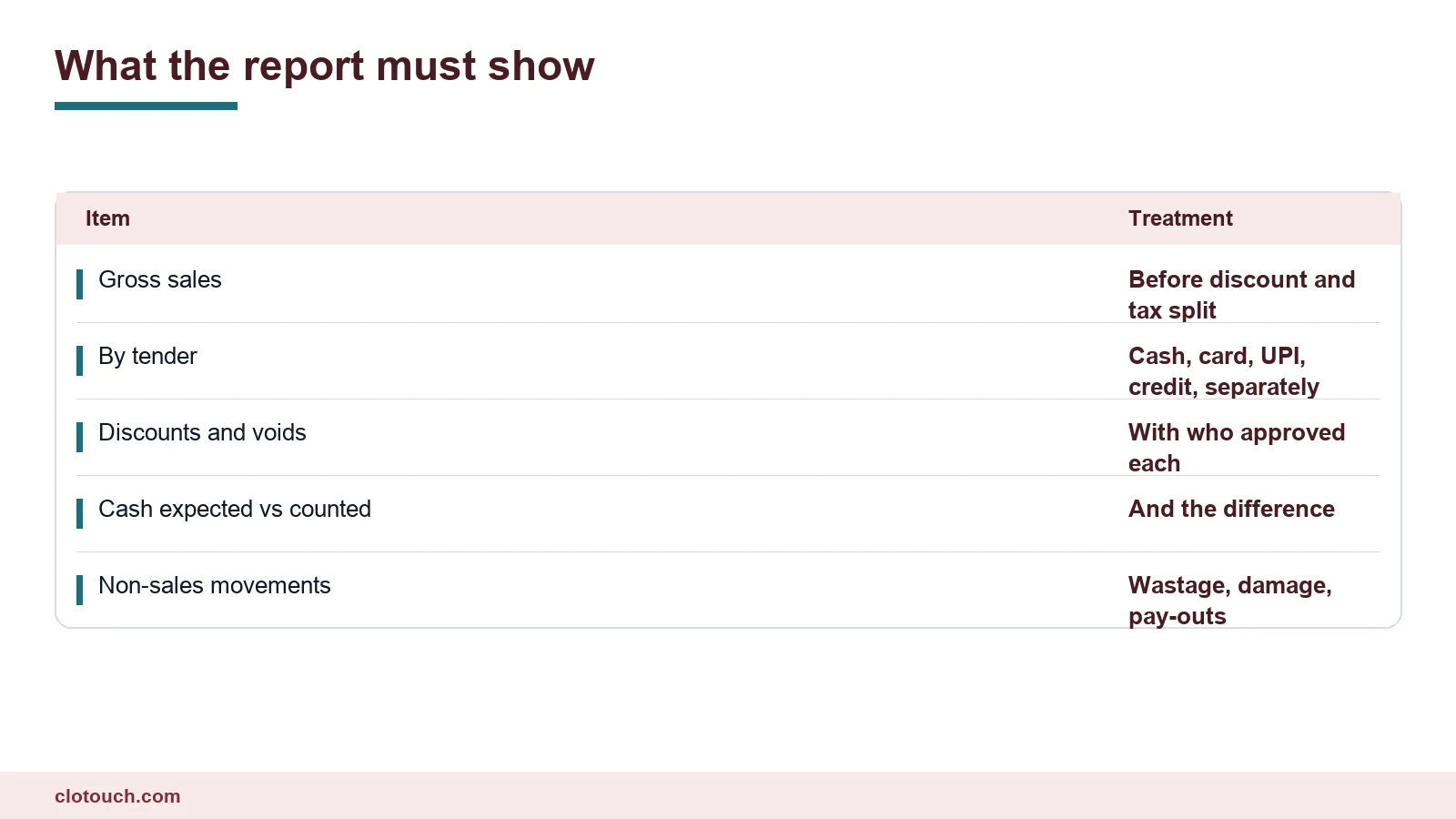
Gross sales before discount. The split by tender, with cash, card, UPI and credit kept separate. Discounts and voids, showing who approved each. Cash expected against cash counted, with the difference. And non-sales movements such as wastage, damage and pay-outs.
Why does the day need to be locked?
Because without a lock every figure stays provisional. Anyone can edit a bill from last week, so no report can be trusted. After locking, corrections happen as dated adjustments that are visible and attributable rather than as silent edits.
Why split sales by tender instead of taking one total?
Each tender is proved somewhere different. Cash is proved by counting, card and UPI against the provider’s settlement, and credit by appearing on a customer ledger. Combined into one total, a shortage in one can hide behind a surplus in another.
What usually blocks a clean close?
Open bills. A parked order, a held table or an abandoned draft sits outside the day’s figures and reappears tomorrow. Making the system refuse to close while anything is open, and listing what is blocking it, removes most reconciliation work before it begins.
How long should a day close take?
About fifteen minutes. If it takes forty it will be skipped on the busiest days, which are exactly the days it matters most. Keeping the whole routine on one or two screens is what keeps it short enough to survive a rush.
Sources, method and author
A counter routine rather than an accounting standard. The sequence runs in six steps: close open bills, split by tender, count the cash blind, match digital settlements, enter non-sales movements, then lock the day. That is standard retail practice condensed to what a single shop can run in a quarter of an hour. The difference causes listed are the ones that account for most unexplained day-end gaps.
- NPCI — UPI settlement, which is where digital differences surface
- Reserve Bank of India — payment system settlement and merchant obligations
- Investopedia on internal controls — why locking a period matters more than trusting people
Clotouch is a point of sale product built by Clonet Technologies Pvt Ltd. The routine works in any system that can lock a period and split sales by tender, including ours. It is not accounting advice.
Author. Aman Raj. Published 21 October 2026 for Clonet Technologies Pvt Ltd, Bengaluru.