The QR code menu: what it saves a restaurant, and what it quietly costs
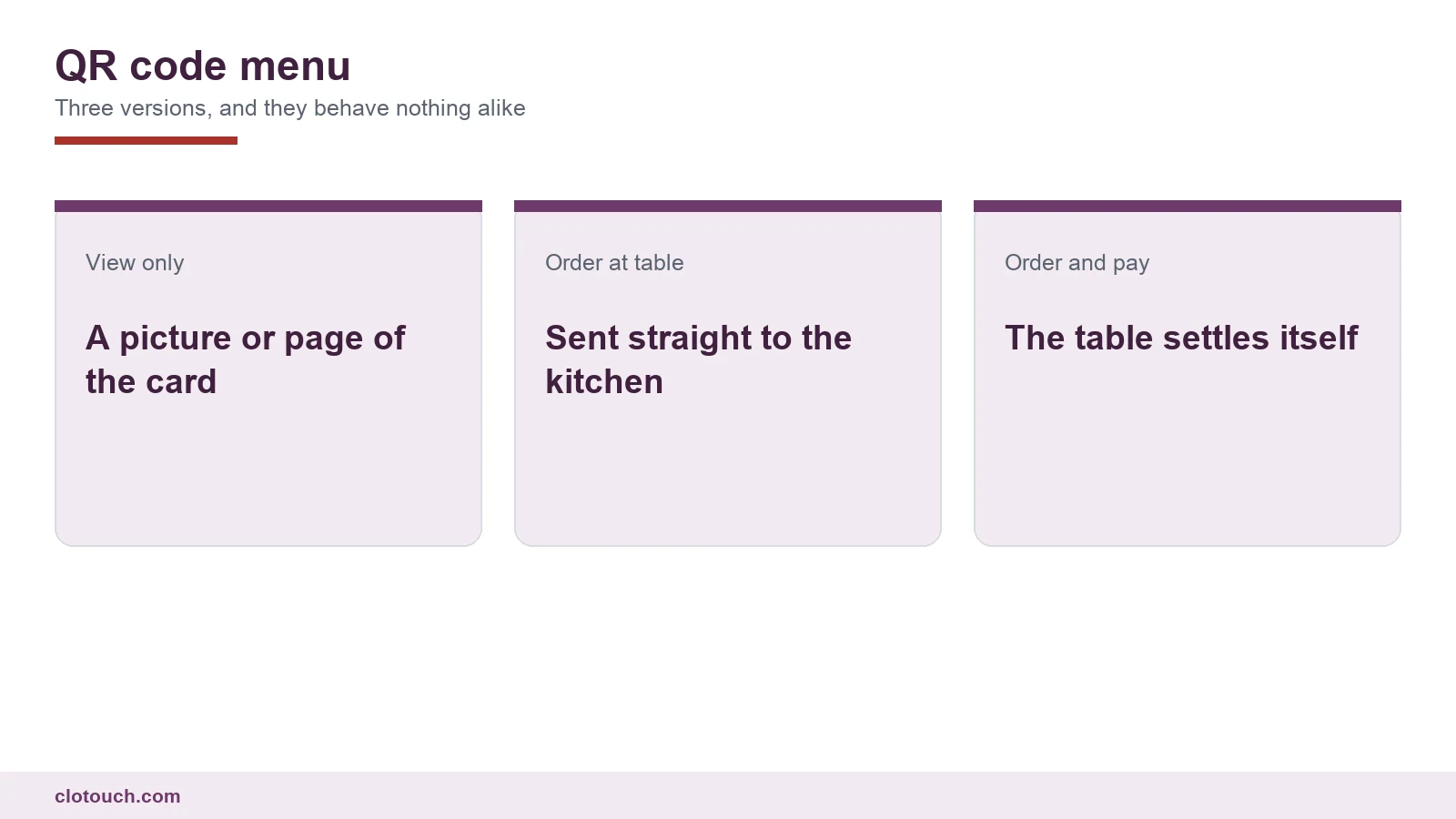
A QR code menu sounds like one thing and is really three. A picture of the printed card that opens on a phone. A live menu that sends orders to the kitchen. Or a full flow where the table orders and pays without waiting for anyone. Each one changes how the restaurant system and the floor behave.
Choosing between them is the real decision. The code itself costs nothing, and the printing costs almost nothing either.
On this page
The three kinds of QR code menu
The view-only version replaces printed cards and nothing else. Guests still call a waiter to order. It saves printing costs and lets you change prices without reprinting, which is useful but modest.
The ordering version is a different animal. The guest builds an order on their phone and it goes to the kitchen against the table number. Waiters stop being order takers and become servers.
The order-and-pay version adds settlement at the table. It removes the longest wait in most meals, which is the wait for the bill.
| Version | What it saves | What it needs |
|---|---|---|
| View only | Printing and reprinting | A page kept up to date |
| Order at table | Order-taking time, errors | Kitchen routing and table mapping |
| Order and pay | Bill wait, payment walks | Payment integration and reconciliation |
What changes on the floor
With ordering on, the first visit to a table is no longer to take an order. Staff who used to write orders now have time to greet, explain dishes and notice an empty glass.
That only works if staff still visit. A restaurant that lets the code replace the welcome usually sees guests feel ignored, and the average bill falls because nobody suggested a starter or a dessert.
Upselling moves onto the screen. Add-ons, pairings and combo suggestions shown at the right moment can lift the bill, but only if they are chosen with the same care a good waiter would use.
What changes in the kitchen
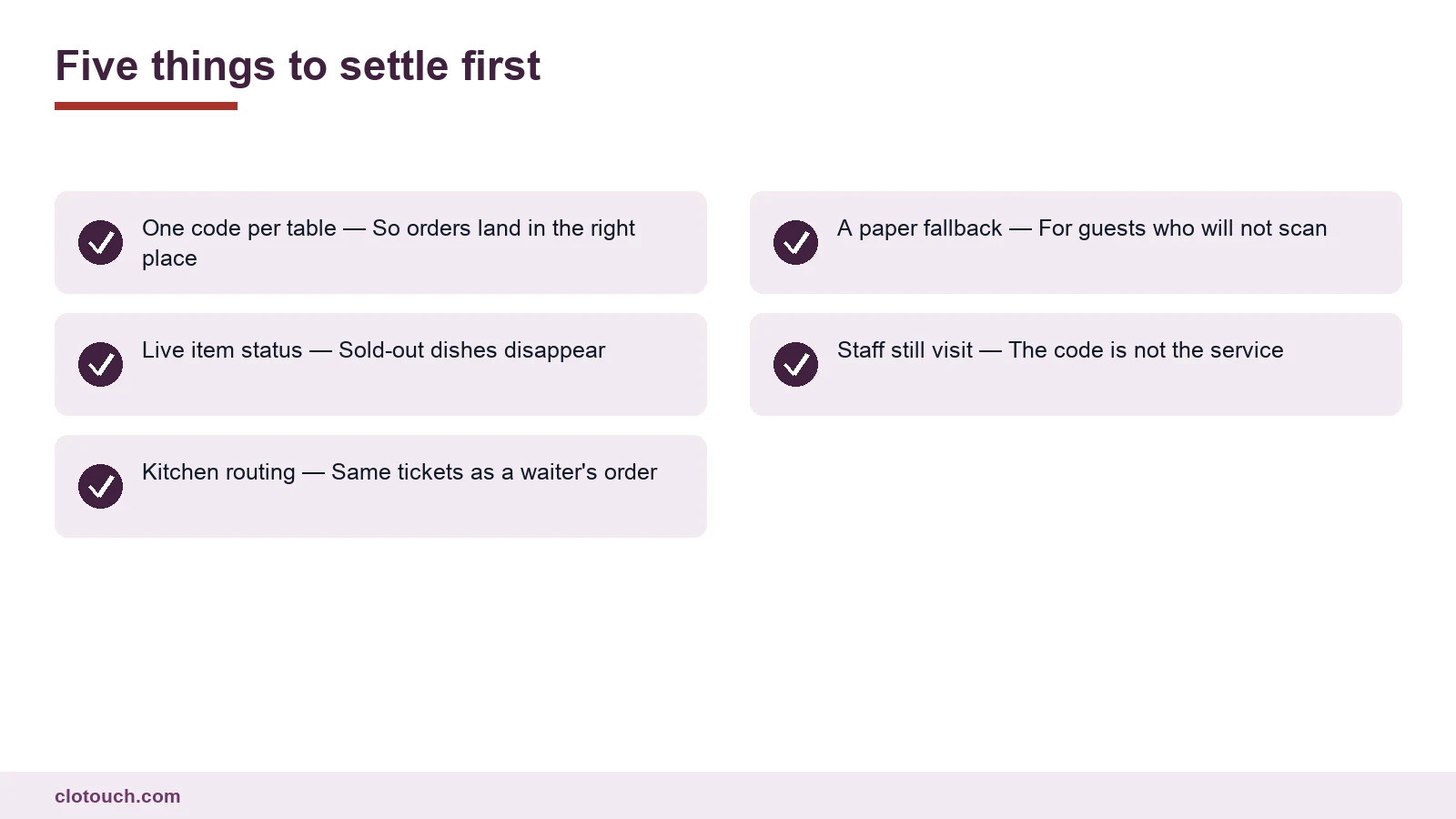
A QR order should arrive in the kitchen exactly like a waiter’s order. Same ticket, same station routing, same course timing.
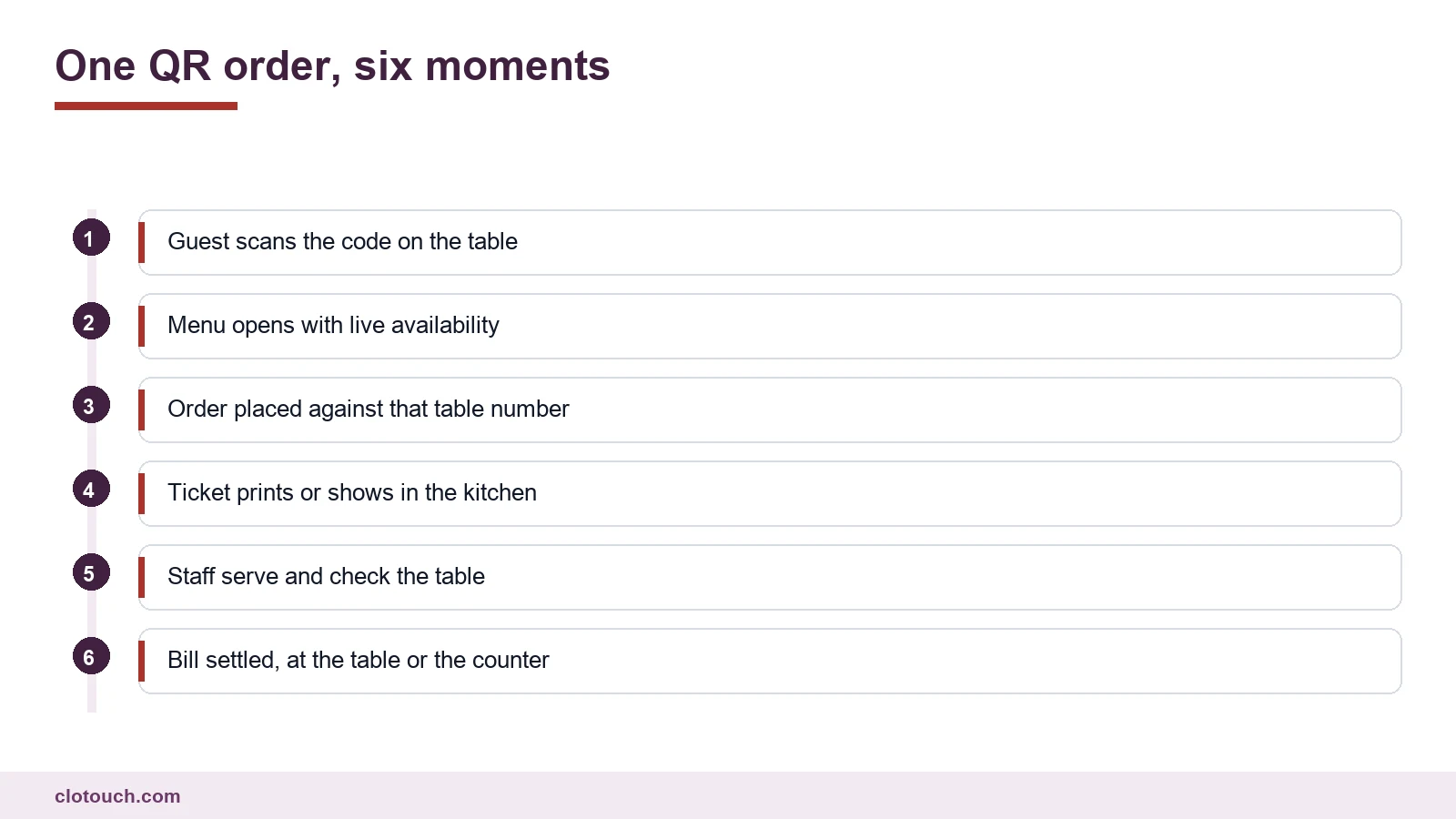
Where QR orders arrive on a separate tablet or a different printer, the kitchen runs two queues. Dishes get fired out of sequence, and a table that ordered by phone waits longer than the one next to it.
Availability matters more than people expect. A dish that is finished must disappear from the menu immediately. A guest who orders something unavailable and hears about it ten minutes later has had a worse experience than with a paper card.
Tables, codes and mistakes
Every table needs its own code, tied to that table number. A single code for the whole restaurant forces guests to type a table number, and typed table numbers are wrong surprisingly often.
- Print codes large enough to scan from a seated position
- Fix them so they cannot drift between tables
- Reprint immediately when a code is damaged
- Keep the table number printed beside the code
- Check every code with a phone after any rearrangement
Moved furniture is the classic failure. Two tables swap places for a party, the codes travel with them, and orders land on the wrong bill all evening. Make checking the codes part of resetting the room after any event.
Guests who will not scan
Some guests do not want to use a phone at dinner. Some have a dead battery. Some are older and would simply rather talk to a person.
Keep a small number of printed menus and keep waiter ordering available. A QR code menu that becomes compulsory turns a convenience into a barrier, and those guests remember it. They are often regulars, which makes the cost higher than it looks.
Payments at the table
Order-and-pay needs the payment to land against the right bill and the right table. Where that link is loose, the day close fills with payments nobody can match.
Make sure the payment closes the bill in the system automatically, and that split bills work on the phone as well as at the counter. A group of six who cannot split will call a waiter anyway, and the main benefit disappears.
Rolling it out
- Start with view-only for a week to see how guests react
- Turn on ordering for a section of the floor, not the whole room
- Watch kitchen ticket times for QR orders against waiter orders
- Fix availability updates before you scale up
- Add payment only once ordering runs cleanly
A QR code menu works when it is treated as part of service rather than a replacement for it. Run it through the same kitchen flow, keep people on the floor, and read the order data in the back office alongside your other reports.
Frequently asked questions
What is a QR code menu?
A menu guests open by scanning a code on the table. It comes in three versions. View-only replaces the printed card. Ordering sends the order to the kitchen against the table number. Order-and-pay also lets the table settle the bill without waiting for staff.
Does a QR code menu replace waiters?
It replaces order taking, not service. Staff who no longer write orders can greet, explain dishes and notice when a table needs something. Restaurants that let the code replace the welcome usually see guests feel ignored and the average bill fall.
How should QR orders reach the kitchen?
Exactly like a waiter’s order: same ticket, same station routing, same course timing. A separate tablet or printer for QR orders creates two queues, and dishes get fired out of sequence.
Do I need a separate code for every table?
Yes. Each code should be tied to one table number, printed large enough to scan from a seat and fixed in place. A single code for the room forces guests to type a table number, and typed numbers are frequently wrong.
Should printed menus be kept?
Keep a few, and keep waiter ordering available. Some guests will not or cannot use a phone at the table. Making the QR code compulsory turns a convenience into a barrier for exactly the guests who notice it most.
Sources, method and author
Written from how table service, kitchen routing and payment actually interact in a restaurant, rather than from a product feature list. The three versions describe the common configurations in use. The rollout sequence is a cautious one: view-only first, then ordering for part of the floor, then payment. No adoption figures are quoted, because published numbers vary widely by format and city.
- National Restaurant Association of India — operating context for Indian restaurants
- NPCI — UPI, which most table payments in India run on
- Food Safety and Standards Authority of India — menu labelling and display requirements
Clotouch is a point of sale product built by Clonet Technologies Pvt Ltd. The guidance applies to any QR menu that connects to a restaurant system, including ours. It is not legal advice on menu labelling.
Author. Aman Raj. Published 30 October 2026 for Clonet Technologies Pvt Ltd, Bengaluru.