
The ONDC seller app, explained for a shop that already has a POS
Most Indian retailers meet ONDC as a word rather than a decision. It arrives in a WhatsApp forward, or from a supplier, and it is usually described as a government version of a marketplace. That description is wrong in a way that matters to anyone running a shop with a POS system already in place.
This piece explains what an ONDC seller app is, what it is not, and what a shop actually has to prepare before joining.
On this page
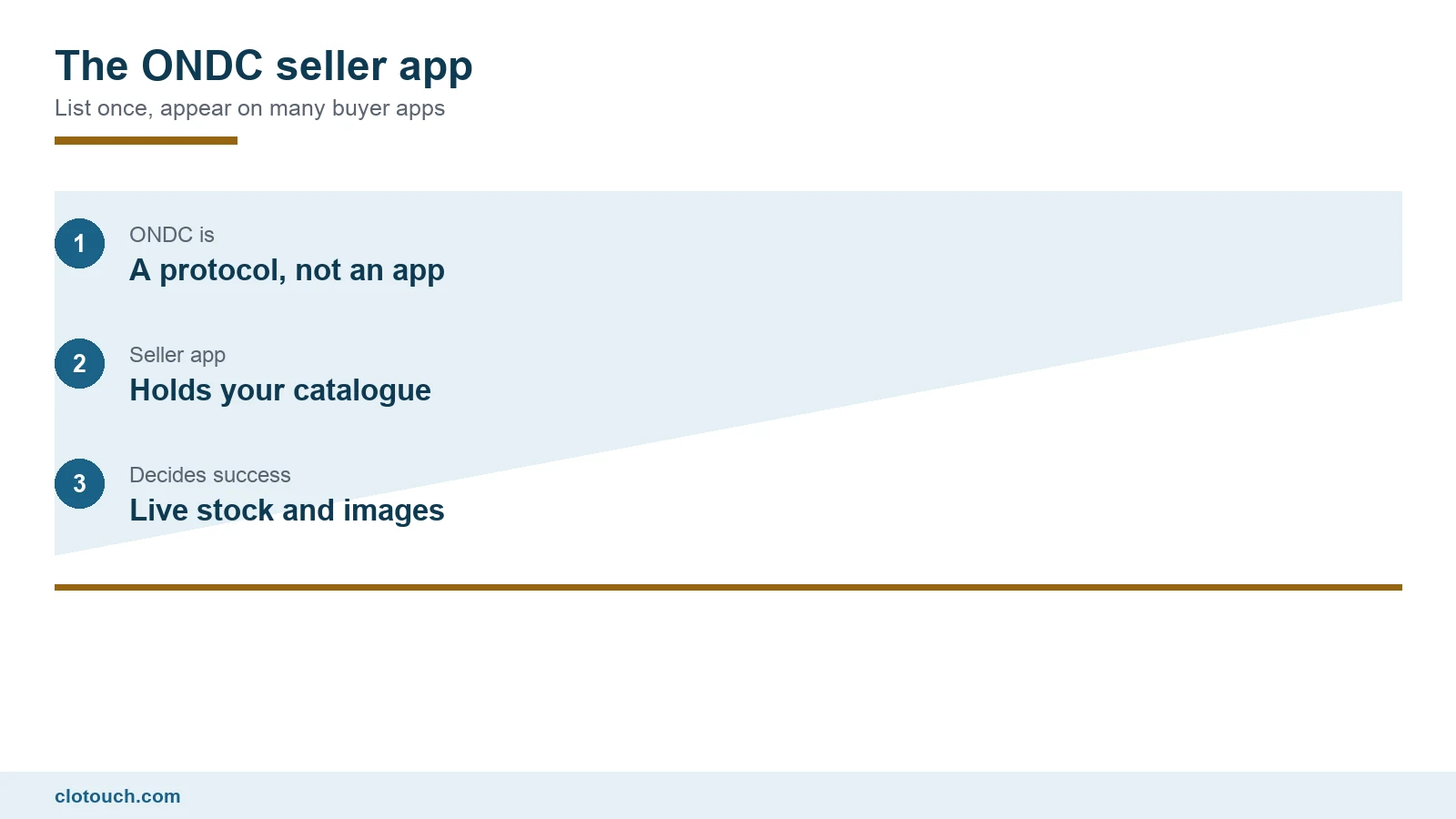
ONDC is a network, not an app
The Open Network for Digital Commerce is an initiative backed by the Department for Promotion of Industry and Internal Trade. It is a set of open protocols rather than a shopping application, and there is no ONDC app for a customer to install.
The important structural idea is the separation of the two sides. On a conventional marketplace, one company owns both the customer-facing app and the seller tools. On ONDC those can be different companies, connected by a common protocol.
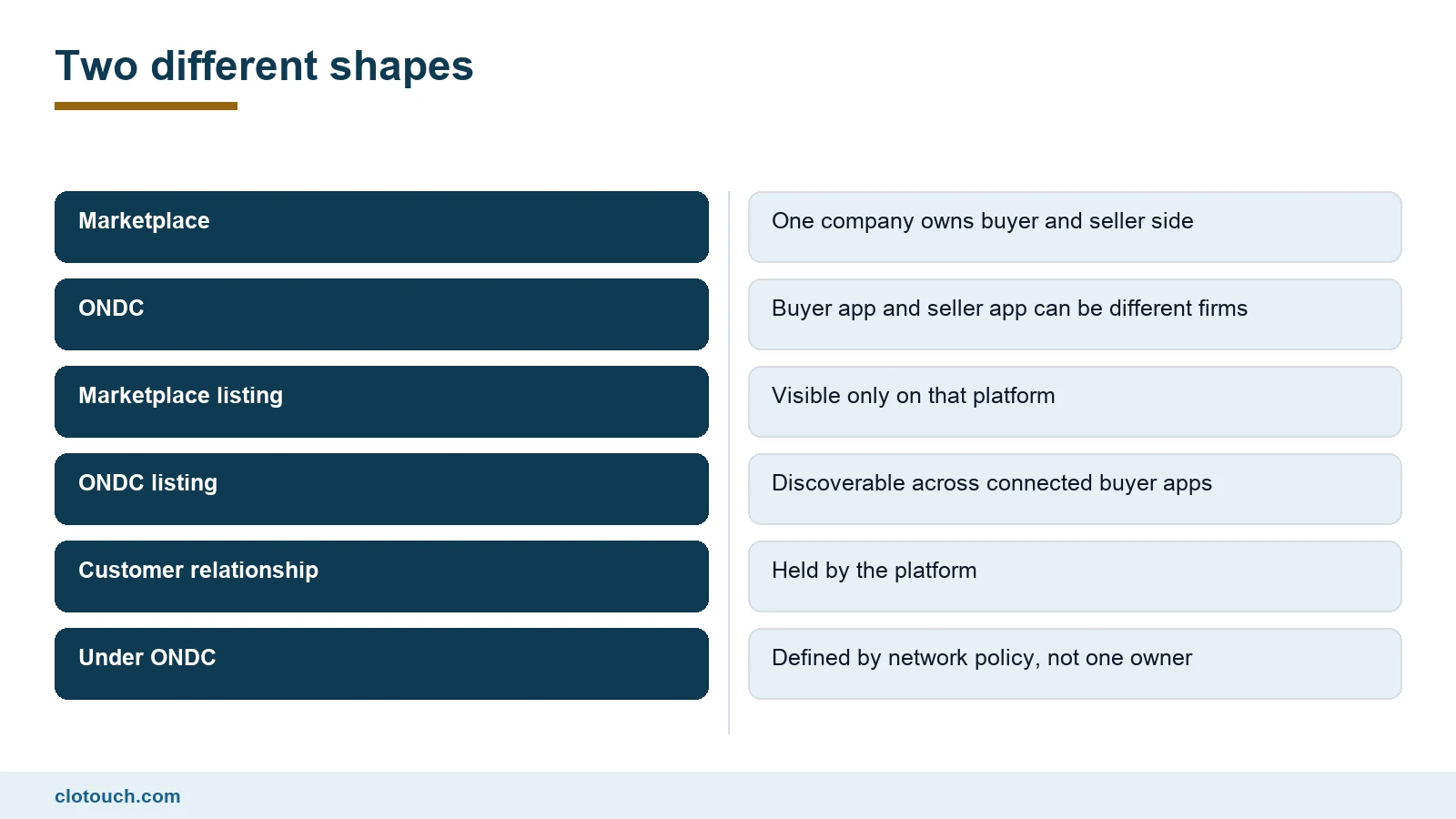
That is why the phrase ONDC seller app exists at all. A seller app, formally a seller network participant, is the software through which your shop joins the network. A buyer app is what the customer uses. They need not be the same firm, and often are not.
What the order flow looks like
A customer searches on a buyer app. The search goes out across the network rather than to one company’s catalogue. Seller apps answer with matching products from the shops they represent.
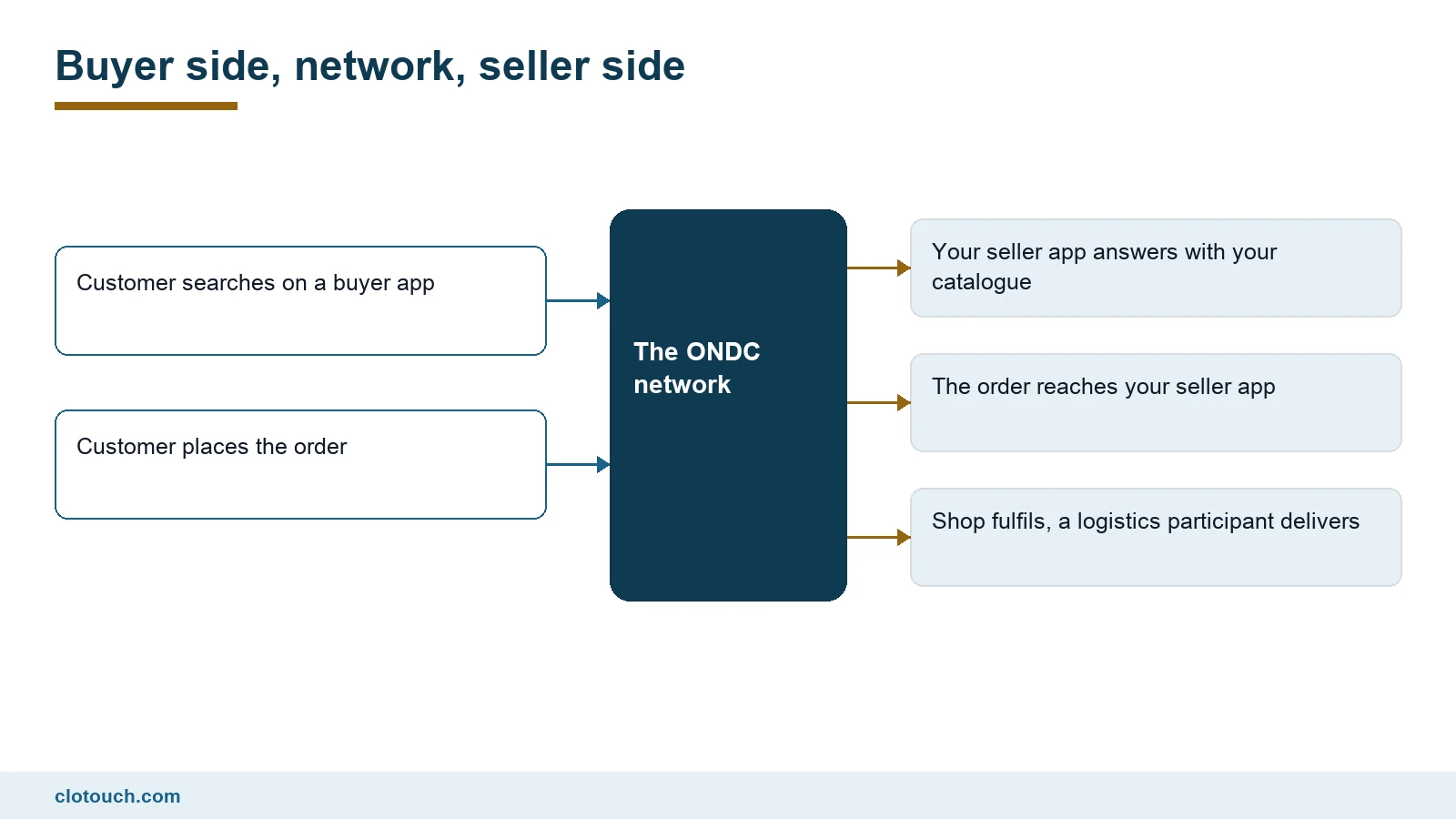
If the customer orders, the order travels back through the network to your seller app and reaches you. Delivery is arranged through a logistics participant, which again may be a separate firm.
For the shop the practical effect is simple. One catalogue, maintained in one place, can be discoverable on several buyer apps at once.
What a shop has to get right first
Joining is not the hard part. Being ready to receive orders is.
The requirement that catches most small retailers is the catalogue. A shop selling from a POS product master built for a counter usually has short internal names, no descriptions and no images. None of that survives contact with an online buyer.
| What you need | Why | Where it usually fails |
|---|---|---|
| Clean product names | Customers search by name | Counter shorthand like RICE 5K |
| Images per product | Nobody buys an unseen item | No photographs exist |
| Accurate live stock | Cancellations damage ratings | Stock is counted weekly, not live |
| Correct GST rate per item | Invoices must be right | One rate applied to everything |
| Serviceable area defined | Delivery has to be feasible | Set too wide at the start |
| A person who checks orders | Orders arrive during trading | Nobody is assigned |
Live stock is the one that decides whether the channel is worth having. If the shop sells the last unit at the counter and the catalogue still shows it available, an online customer will order something that does not exist. That is a cancellation, and cancellations are the fastest way to lose visibility on any network.
This is a POS question before it is an ONDC question. The stock number shown online has to come from the same record the counter decrements, which needs inventory that updates in real time rather than a periodic export.
Where the POS sits in all this
A seller app is a sales channel. It is not a replacement for the shop’s billing system, and treating it as one creates two versions of your stock.
The workable arrangement keeps the POS as the record of what the shop holds and what it sold, whatever the channel. Online orders come in, are fulfilled, and are recorded against the same inventory. The alternative, where the counter and the online channel each keep their own count, drifts within days.
For a retailer running more than one shop, the question extends to which outlet fulfils an order. Serviceability and stock are per location, so the mapping has to be explicit. That is ordinary multi-store management work rather than anything specific to the network.
An honest view of the trade
ONDC is worth understanding, and it is not a shortcut to demand. A shop that joins with a thin catalogue, no photographs and unreliable stock will get very little from it, and may collect poor ratings on the way.
The retailers who get value are the ones who were already disciplined about their product master. For them a seller app is a low-cost additional channel on top of work they had already done. For everyone else, the catalogue work comes first and the network comes second.
A sensible order of work
- Clean the product master: full names, categories, images.
- Confirm the GST rate held against each item is current.
- Make stock live from the counter rather than a weekly count.
- Decide a serviceable area you can actually deliver to.
- Choose a seller network participant and check their fees and settlement terms.
- Start with one category rather than the whole shop.
Starting narrow is the advice most often ignored and most often vindicated. One well-photographed category with reliable stock teaches you how the channel behaves, and it does so without putting the whole catalogue at risk of cancellations.
Related reading
- getting a supermarket product master clean
- serialised stock in a mobile shop
- the e-invoicing limit once you sell online
Frequently asked questions
What is an ONDC seller app?
It is the software through which a shop joins the ONDC network, formally called a seller network participant. It holds your catalogue and receives orders. The customer meanwhile uses a separate buyer app, which may be operated by a different company.
Is ONDC an app customers download?
No. ONDC is a set of open protocols rather than a consumer application. Customers shop through buyer apps built by various companies, and those apps can discover products from sellers listed anywhere on the network.
Does joining ONDC replace my POS?
No. A seller app is an additional sales channel. The POS should remain the record of stock and sales for the shop, with online orders recorded against the same inventory. Otherwise the counter and the channel keep two different counts.
What is the most common reason retailers struggle on ONDC?
Catalogue readiness and live stock. Counter shorthand names, missing photographs and stock counted weekly rather than live all lead to cancellations, and cancellations reduce visibility quickly.
How should a small shop start?
With one category rather than the entire catalogue. A narrow start with good images and reliable stock shows how the channel behaves before the rest of the shop is exposed to it.
Sources, method and author
Method. The description of ONDC’s structure, the separation of buyer and seller network participants and the order flow follow the network’s own published material, checked in September 2026. Participant counts and transaction volumes circulate widely in secondary sources and are not repeated here, because they could not be verified against a primary source. Readiness points come from Indian retail POS deployments run by Clonet Technologies.
- ONDC network participants — the network’s own description of buyer, seller and logistics participants
- Department for Promotion of Industry and Internal Trade — the department backing the ONDC initiative
- ONDC protocol specifications — the published open API specifications
- Beckn Protocol — the open protocol specification ONDC is built on
Disclosure. Clonet Technologies Pvt Ltd builds and sells Clotouch POS. Linked product pages are our own. We are describing how a seller app sits alongside a POS, not recommending a particular network participant.
Author. Aman Raj. Published 18 September 2026 for Clonet Technologies Pvt Ltd, Bengaluru.