How to Choose a POS System for a Small Restaurant: A 2026 Guide
Choosing the right point-of-sale system is one of the most important decisions a small restaurant owner will make. The right setup speeds up service, keeps your inventory under control, and gives you clear numbers to grow on. The wrong one slows down your staff and frustrates your customers. This guide walks you through exactly what to look for, step by step, so you can pick a POS that fits your restaurant and your budget.
Why Your POS System Matters More Than You Think
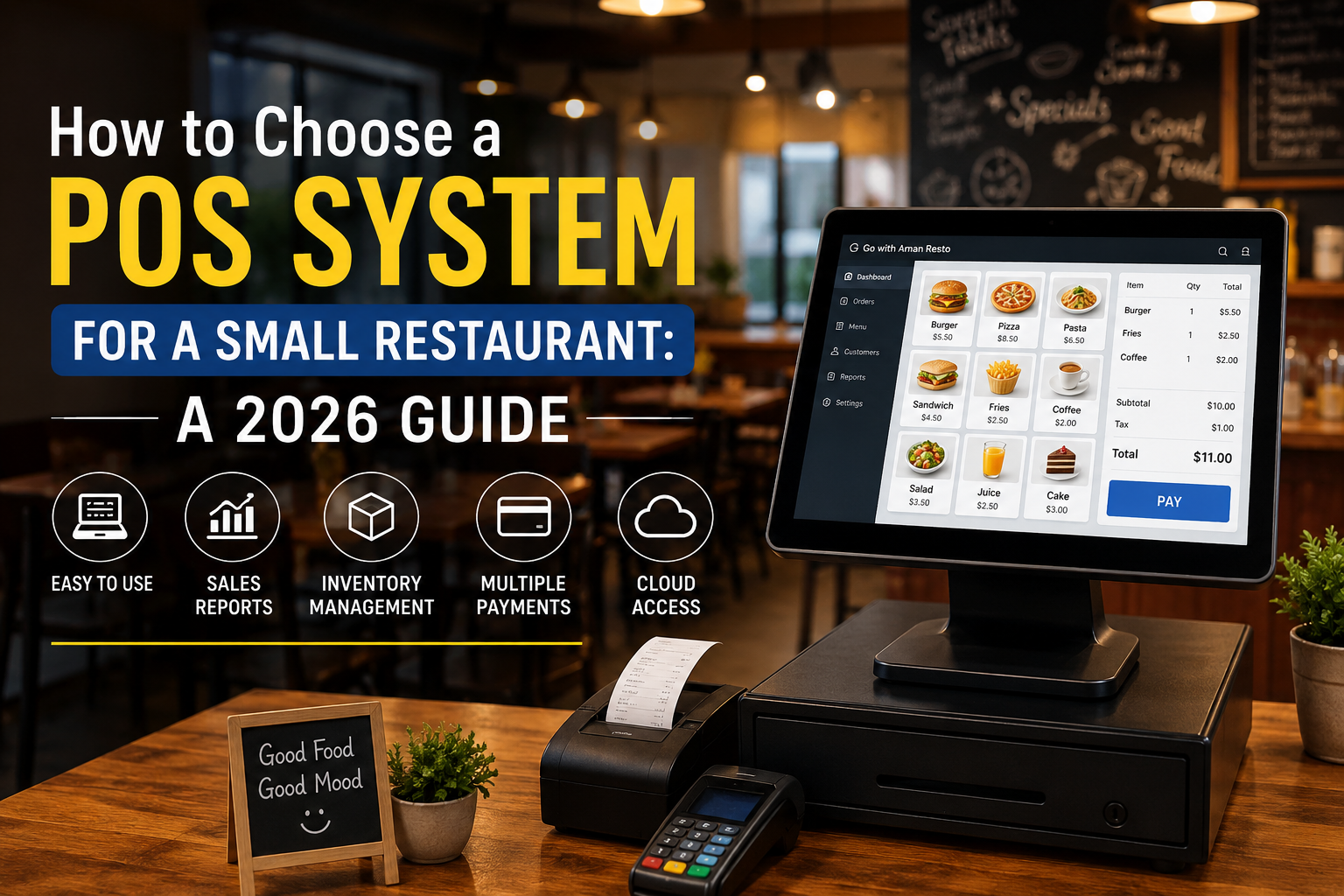
For a small restaurant, a POS system is far more than a cash register. It is the hub that connects your billing, your kitchen, your inventory, and your reporting. When these pieces work together, orders reach the kitchen faster, stock levels stay accurate, and you always know which dishes make you money. A modern cloud-based POS for restaurants also lets you check sales from your phone, whether you are on the floor or at home.
Key Features to Look For in a Restaurant POS
Not every POS is built for food service. When you compare options, focus on the restaurant POS features that actually affect your day-to-day service rather than a long list of extras you will never use.
Fast and Simple Billing
Your staff should be able to punch in an order and generate a bill in seconds, even during a rush. Look for a clean interface, quick item search, and support for splitting or holding bills.
Kitchen Order Tickets and Display
A good restaurant POS sends orders straight to the kitchen through printed tickets or a kitchen display screen. This cuts errors and keeps the front and back of house in sync.
Inventory and Stock Tracking
The system should reduce stock automatically as items sell and warn you when ingredients run low. This is where many small restaurants lose money without realising it.
Reports You Can Actually Use
Daily sales, best-selling dishes, and staff performance should be a click away. Clear reporting turns your POS into a decision-making tool, not just a billing machine.
Cloud-Based POS vs Traditional POS
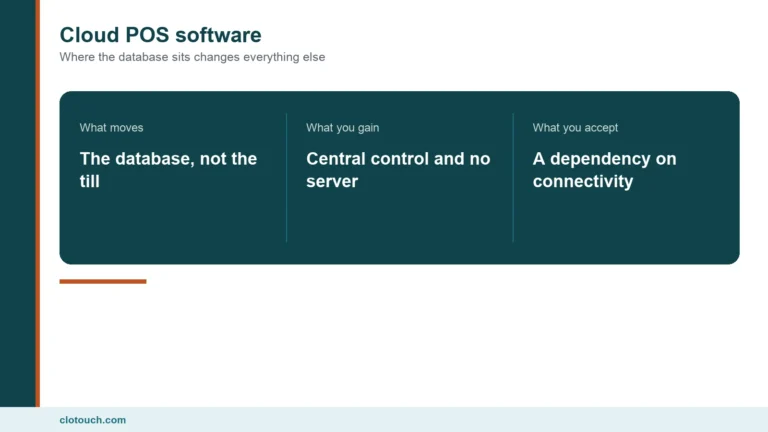
A traditional POS stores everything on one machine in your restaurant. A cloud-based POS for restaurants stores your data online, so you can access sales and reports from anywhere and never lose data if a device fails. For most small restaurants and cafes today, cloud POS is the safer and more flexible choice, especially if you plan to open a second location later.
How to Match a POS to Your Budget
Do not just look at the sticker price. Factor in hardware, monthly software fees, support, and the cost of training your staff. A slightly higher monthly fee is often worth it if it saves your team an hour a day and prevents costly stock mistakes. Ask every vendor whether there are hidden charges for extra outlets, integrations, or updates.
A Simple 5-Step Checklist Before You Decide
- List the exact problems you want the POS to solve.
- Confirm it has billing, kitchen display, and inventory built in.
- Check that it works offline in case your internet drops.
- Ask for a live demo with your own menu.
- Read reviews from other small restaurant owners.
Final Thoughts
The best POS for your small restaurant is the one that fits how you actually work: fast at the counter, clear in the kitchen, and honest with your numbers. Take your time, request demos, and choose a system that can grow with you. If you want an all-in-one restaurant POS with billing, kitchen display, inventory, and cloud reporting built in, explore what Clotouch POS can do for your restaurant.