Best Mobile POS Software for Small Business India: 6 Checks
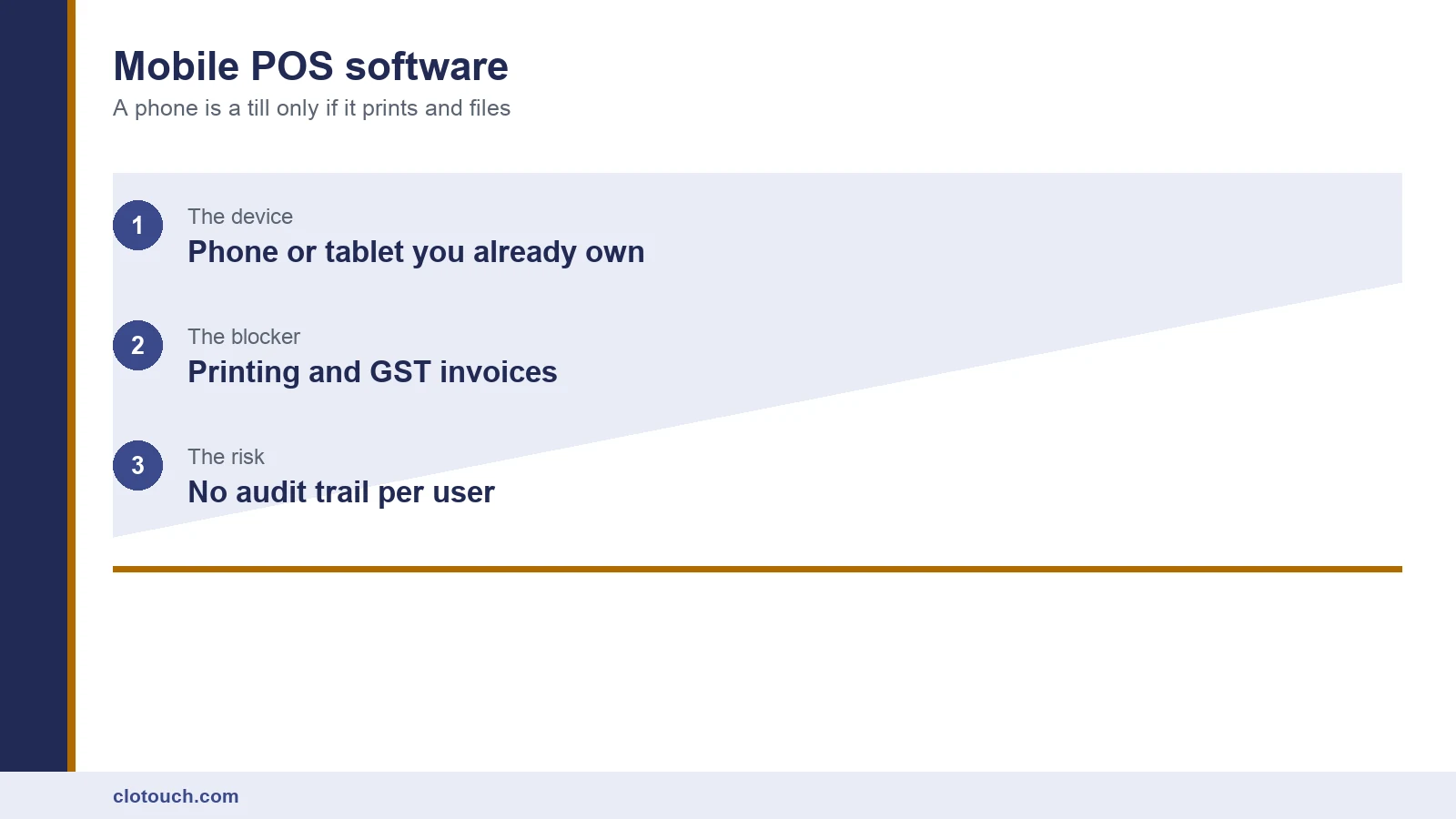
Mobile POS software is sold as the cheap way to start billing: use the phone you already own, skip the counter, begin today. That is broadly true, and it hides three things that decide whether the setup survives its first month. Before picking a device, it helps to know what a point of sale has to do at all.
This guide covers what has to work before going live, in the order those things break.
On this page

First, can you even open the account from India?
The app installing from the Indian Play Store does not mean a merchant account can be created from India. Several well-reviewed products restrict onboarding to country lists that exclude India, or run payments only in markets India is not part of.
We checked the ten most-recommended Android POS apps against exactly this question and only one, Loyverse, could be signed up for and used by an Indian merchant. The working is in our Android POS app review.
Settle this before anything else. A generous feature list you cannot register for is worth nothing.
Printing is where mobile setups usually fail
Customers in India expect a printed bill, and for many transactions one is required. A phone has no printer, so something has to bridge the gap.
The common answer is a Bluetooth thermal printer. It works, with caveats worth knowing before you buy one.
- Pairing drops when the phone sleeps, and reconnecting mid-queue costs time.
- Print width matters: a 58mm roll fits fewer columns than 80mm, which changes the invoice layout.
- Some printers need a vendor app in the middle, which means two apps must both be working.
- Battery printers die quietly; a mains-powered one at the counter is more predictable.
Test printing on the actual printer you intend to buy, with a real multi-line GST invoice, before committing to mobile POS software at all.
The GST invoice has to be valid, not just printed
A receipt and a tax invoice are different documents. Mobile products built for other markets often produce the former while the shop believes it has the latter.
Check the printed output carries your GSTIN, the correct rate on each line, HSN codes where they apply, and an unbroken invoice number series. Check what happens when a customer supplies their own GSTIN for a B2B bill.
If turnover has ever crossed Rs 5 crore since 2017-18, B2B bills additionally need registering with an Invoice Registration Portal, as set out in our e-invoicing limit guide.
Offline is not optional in India
Mobile data drops. When it does, a cloud-only app either queues the sale locally or refuses to bill.
Ask the vendor to demonstrate an outage rather than describe one. Put the device in flight mode mid-basket and try to finish the sale, print the bill and take payment.
Then reconnect and check two things: that the sale appears exactly once, and that stock moved by the right amount. Duplicate sync is a real failure mode and it is invisible until the stock report disagrees with the shelf.

Who holds the device, and what that changes
A fixed till sits in one place and everyone knows who is standing at it. A phone moves, which is the point, and that creates a control gap a counter does not have.
Two things close it. Separate logins per person, so a discount or a void is attributable. And a device policy: whether staff use their own phones or a shop-owned device.
Personal phones are cheaper and worse. Staff leave with the app, the data and sometimes the customer list still on the device. A shop-owned tablet costs money once and removes that whole category of problem.
Mobile, fixed, or both

Mobile wins on cost to start and on selling away from the counter: a queue outside, a delivery handover, a stall at an event.
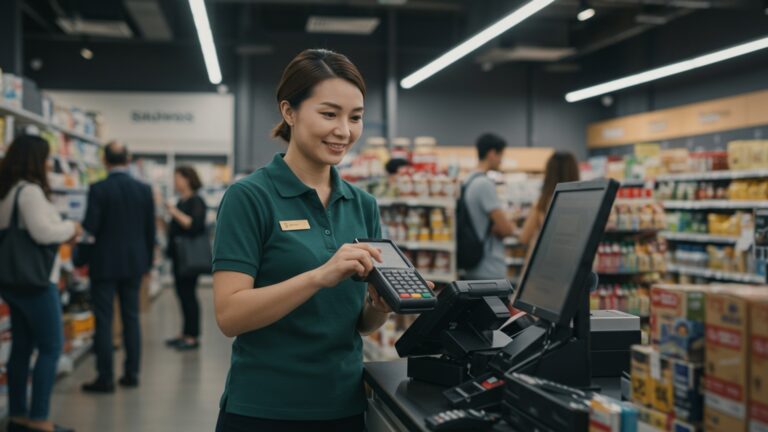
A fixed counter wins on sustained speed, printing reliability and cash handling. At a real queue, a device held in one hand is slower than a terminal with both hands free.
Many Indian shops end up with both: a fixed terminal such as an Android POS terminal at the counter, and mobile billing for overflow. Where that is the plan, insist both run on one item master and one stock figure.
Tablet or phone
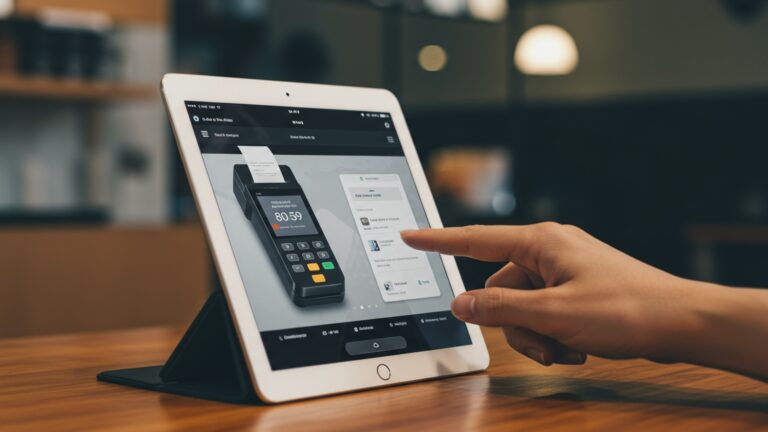
A phone is what most shops start with because it is already paid for. A tablet is what most shops move to within a year.
The reason is screen area, not power. Mobile POS software lays out a grid of items, and a phone shows perhaps eight of them at a legible size. A ten-inch tablet shows forty, which removes most of the scrolling from a mixed basket.
Battery life points the same way. A tablet on a stand can stay on charge all day, while a phone used as a till stops being usable as a phone.
Payments are a separate decision
Billing and collecting money are different problems, and mobile POS software solves only the first unless it is explicitly integrated.
Most Indian small businesses take UPI through a separate app or a static QR code. That works, but it leaves the POS unaware of whether a bill was actually paid, so the day-end reconciliation is manual.
If that matters, ask whether the software can mark a bill paid automatically on UPI settlement, or whether staff will tick it by hand. Either answer is workable; only one of them reconciles itself.
What mobile POS software costs beyond the licence
The phone is free only if it already exists and is not needed for anything else during trading hours.
| Item | Usually needed | Note |
|---|---|---|
| Bluetooth thermal printer | Yes | Test the exact model with a real invoice |
| Shop-owned device | Strongly advised | Personal phones walk out with staff |
| Printer paper rolls | Yes | 58mm and 80mm are not interchangeable |
| Card or UPI acceptance | Usually | Check settlement time, not just fees |
| Power bank or charger at the counter | Yes | Battery is a failure mode a counter does not have |
| Stand or case | Often | A dropped till is an expensive till |
A one-afternoon test before you commit
- Create the merchant account from India, with an Indian address and number.
- Load 20 real items at your actual GST rates.
- Pair the printer you intend to buy and print a multi-line invoice.
- Check that invoice against GST requirements line by line.
- Switch to flight mode, bill a basket, then reconnect and confirm it synced once.
- Add a second user and verify a void is recorded against a name.
Steps three and five are where most mobile setups fail, and both are cheaper to discover now than after the item list has been migrated.
Frequently asked questions
Can a phone really work as a POS in India?
Yes for low-volume and mobile selling, provided the app lets an Indian merchant register, prints a valid GST invoice to a paired thermal printer, and can bill while offline. Those three conditions rule out many popular products.
What usually breaks first in a mobile POS setup?
Printing. Bluetooth pairing drops when the phone sleeps, print widths differ between 58mm and 80mm rolls, and some printers need a second app in the chain. Test the exact printer before buying the software.
Does mobile POS software work without internet?
Some do, some stop entirely. Test it by putting the device in flight mode mid-basket. Then reconnect and confirm the sale appears exactly once and stock moved correctly, because duplicate sync is a real failure mode.
Should staff use their own phones for billing?
Better not. Staff leave with the app, the data and sometimes the customer list still installed. A shop-owned tablet costs money once and removes that entire class of problem.
Is mobile POS faster than a fixed counter?
Not at a sustained queue. Mobile wins on cost to start and on selling away from the counter. A fixed terminal wins on sustained speed, print reliability and cash handling, which is why many shops run both.
Sources, method and author
Method. The merchant-availability finding comes from our own check of the ten most-recommended Android POS apps against Indian onboarding, published separately and linked above. GST invoice requirements were checked against the GST portal in September 2026. Printing and offline behaviour reflect mobile POS deployments Clonet Technologies runs in India.
- Goods and Services Tax portal — tax invoice content requirements
- NIC e-Invoice portal — IRN registration above the turnover threshold
- NPCI — UPI acceptance and settlement in India
- Loyverse — the one checked app an Indian merchant could register for
Disclosure. Clonet Technologies Pvt Ltd builds and sells Clotouch POS, including the Android terminals linked here. Product pages are our own. Tax points are general, not advice.
Author. Aman Raj. Rewritten 11 September 2026 for Clonet Technologies Pvt Ltd, Bengaluru.