Restaurant POS Integration: The 6 Best Ones to Set Up First
Every restaurant POS claims integrations. The list is rarely the useful part, because almost any system can push data somewhere when everything is working. What separates them is what happens on the evening something fails. Our restaurant POS software page covers the product side.
This guide sets out which six integrations earn their place, the order to set them up in, and the test that actually distinguishes products.
On this page

The six that earn their place

Most restaurants need these and little else. Each removes a specific manual job rather than adding a capability.
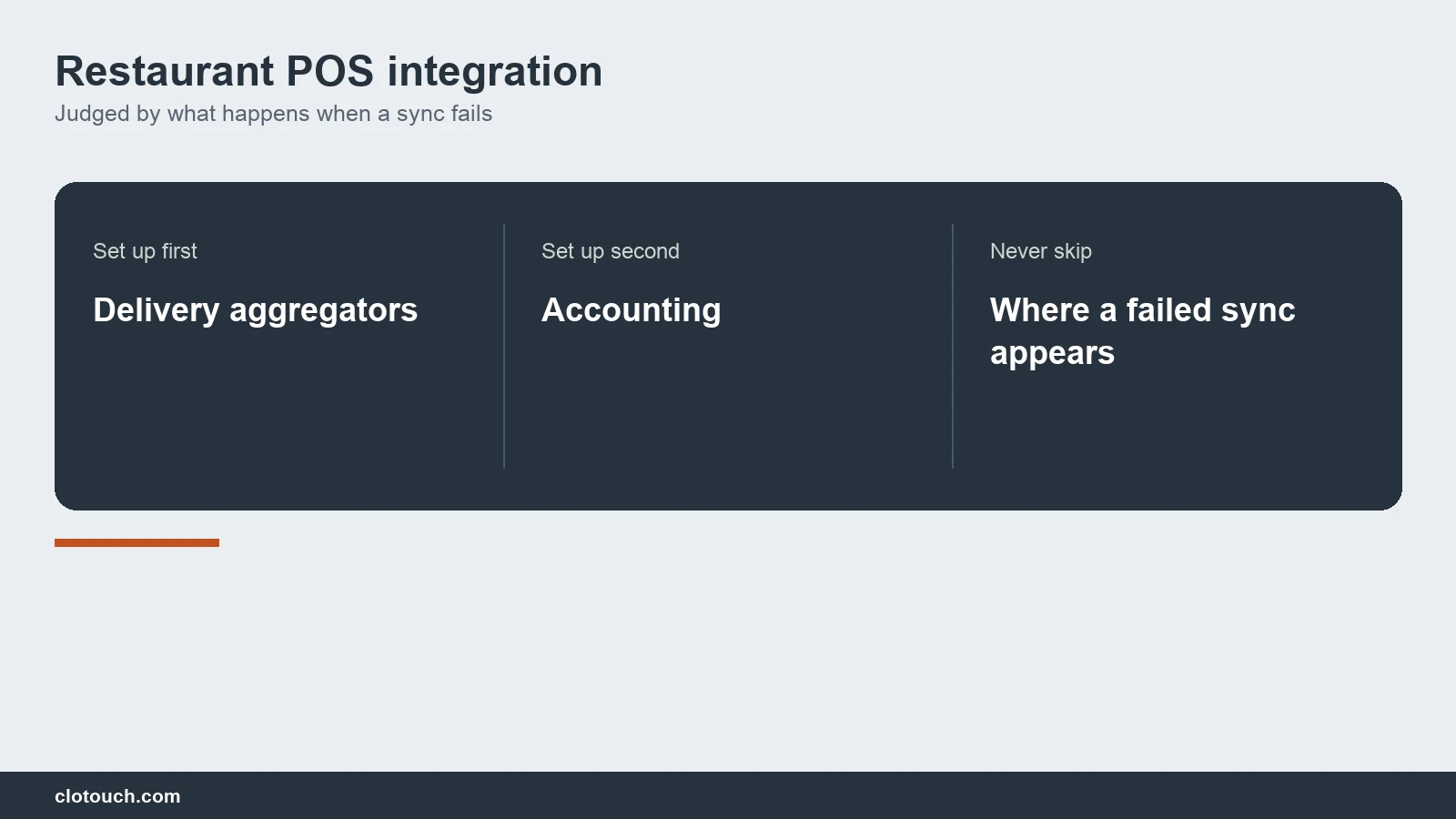
Delivery aggregators remove re-keying. Accounting removes month-end data entry. Payments close the gap between a bill marked paid and money actually received.
Inventory and purchase make stock figures real rather than theoretical. Loyalty or CRM matters only once the first four hold. Everything else should be justified against these.
Aggregators come first
This is the integration that pays back fastest, because it deletes a job happening right now at the busiest hour.
Done properly, an online order becomes a kitchen ticket with no retyping. Stock moves exactly as it would for a dine-in order. And the sale carries a channel tag, so margin can be read by channel later.
Two directions matter, not one. Orders come in; availability goes out. A restaurant that cannot mark an item sold out from the floor will keep receiving orders for it. The detail is in our online ordering guide.
Accounting is second, and narrower than you think
The useful question is not whether the POS connects to your accounting package. It is what it sends and how often.
A daily sales summary per outlet, split by tax rate and payment mode, covers what most Indian restaurants actually need. Pushing every individual invoice is heavier, slower, and rarely necessary unless B2B billing is significant.
Ask what happens when a push fails. If the answer is that it retries silently, ask where you would see that it had been failing for a week.
Payments and the reconciliation gap
Most Indian restaurants mark a bill paid by hand after a UPI or card transaction. That works, and it leaves a gap.
The gap is that the POS believes it was paid while the money may not have settled, or may have settled for a different amount. At day end the counter balances against what staff entered rather than against what arrived.
An integrated payment path closes it by writing settlement status back to the bill. Where that is not available, ask for a reconciliation report that compares recorded payments against a settlement file.
Inventory, purchase and the honest limit
Restaurant stock is a recipe problem, so integration here is harder than in retail.
Full recipe-level depletion is accurate and heavy to maintain. For many restaurants the workable version is partial: track the dozen inputs that cost most and move fastest, with reorder levels and a wastage entry.
If a purchase system is connected, test one goods receipt. Stock should update at the cost you actually paid, so margin reflects this week rather than last quarter. Our inventory module is built around that.
Loyalty and CRM come last for a reason
Customer schemes are the integration restaurants are most often sold and least often use well.
They need somebody to run them: to decide the offer, watch redemption and judge whether the discount bought a visit that would not otherwise have happened.
Without that person, a loyalty integration quietly becomes a discount applied to customers who were coming anyway. Set up the first four, then revisit this one.
The restaurant POS integration test that separates products

Any restaurant POS integration works on a demo. Break it deliberately and watch.
| Deliberate failure | Weak behaviour | What good looks like |
|---|---|---|
| Disconnect mid-order | Order lost silently | Queued, surfaced on reconnection |
| Push a bad menu item | Prices drift between channels | Rejection shown, item named |
| Send a duplicate order id | Two kitchen tickets | Deduplicated automatically |
| Fail an accounting push | Retries forever, unseen | Error visible to a named person |
| Settle a payment short | Day end still balances | Reconciliation flags the difference |
Ask where each failure appears and who is expected to look. If the answer is a log file, the honest answer is nobody.
What an API is worth to a restaurant
Vendors list an API as a feature. For most single restaurants it is worth very little, because nobody will write against it.
It becomes valuable at group scale, where a finance team wants sales in a warehouse of their own, or where an unusual workflow has to be automated.
If that is you, ask three things: what is documented, what is rate limited, and whether the vendor versions the API or changes it without notice.
The cost of an integration nobody uses
Every connected system is a thing that can break, and each one adds a surface somebody has to watch.
A restaurant running six integrations and checking none of them is worse off than one running two that are watched, because the reports look complete while the data quietly rots.
Connect what removes a job you are doing today. Leave the rest until there is a job to remove.
Who owns an integration after go-live
Integrations are set up by a vendor and then belong to the restaurant, which is where they decay.
Tokens expire. An aggregator changes its API. A menu item added on the floor never reaches the delivery channel. None of these announce themselves.
Name one person who checks the error surface weekly, and make a failed sync visible to them rather than to an inbox nobody reads.
Six checks before you commit
- Place an aggregator order and watch a kitchen ticket print untouched.
- Mark an item unavailable from the floor and confirm the channel updates.
- Send a day of sales to accounting and check the tax split.
- Force an accounting push to fail and find where the error shows.
- Compare one day of recorded payments against a settlement file.
- Receive goods and confirm stock updates at the price you paid.
Check one is why you are buying. Check four is why some integrations are quietly abandoned after a month.
For groups, add whether integrations are configured once centrally or per outlet, which is the usual argument for multi-outlet management.
One closing point on restaurant POS integration. The products that look best in a demo are the ones with the longest list. The products that are still working in six months are the ones that tell a named person, clearly, the moment something has stopped.
Ask to see that notification during the demo. It takes a minute, and it is the single most useful thing you can learn about how an integration behaves after the salesperson has moved on.
Frequently asked questions
Which restaurant POS integration should I set up first?
Delivery aggregators. It deletes a job happening right now at the busiest hour. An online order becomes a kitchen ticket with no retyping, and stock moves as it would for a dine-in order.
What should the accounting integration actually send?
For most Indian restaurants, a daily sales summary per outlet split by tax rate and payment mode is enough. Pushing every individual invoice is heavier and rarely necessary unless B2B billing is significant.
Why does payment integration matter?
Because marking a bill paid by hand leaves a gap between what staff entered and what actually settled. An integrated path writes settlement status back to the bill, so day end balances against money received.
Is loyalty worth integrating?
Only after the first four are working, and only if somebody will run it. Without an owner watching redemption, a loyalty scheme becomes a discount given to customers who were already coming.
How do I test a restaurant POS integration properly?
Break it on purpose. Disconnect mid-order, push a bad menu item, send a duplicate order id, fail an accounting push and settle a payment short. Then ask where each failure appears and who looks at it.
Sources, method and author
Method. The priority order and failure tests reflect restaurant POS integrations Clonet Technologies has implemented in India, covering aggregators, accounting, payments and purchase. Aggregator API behaviour varies by platform and changes over time, so it is described structurally rather than by naming current endpoints.
- Goods and Services Tax portal — tax split required in an accounting handover
- NPCI — UPI settlement, which drives payment reconciliation
- National Restaurant Association of India — industry body for Indian food services
- FSSAI — licensing obligations that follow delivery operations
Disclosure. Clonet Technologies Pvt Ltd builds and sells Clotouch POS and implements the integrations described. Linked product pages are our own.
Author. Aman Raj. Rewritten 20 September 2026 for Clonet Technologies Pvt Ltd, Bengaluru.