Retail POS Software India 2026: The 7 Best Checks
Retail POS software has one job at the counter and one behind it. At the counter it has to bill quickly and correctly. Behind it, it has to leave a stock figure you can reorder from without checking the shelf. Most products do the first adequately and the second badly. Our point of sale overview covers the basics.
This guide covers how to test both, what a general retail shop can skip, and the seven checks worth running on a demo.
On this page

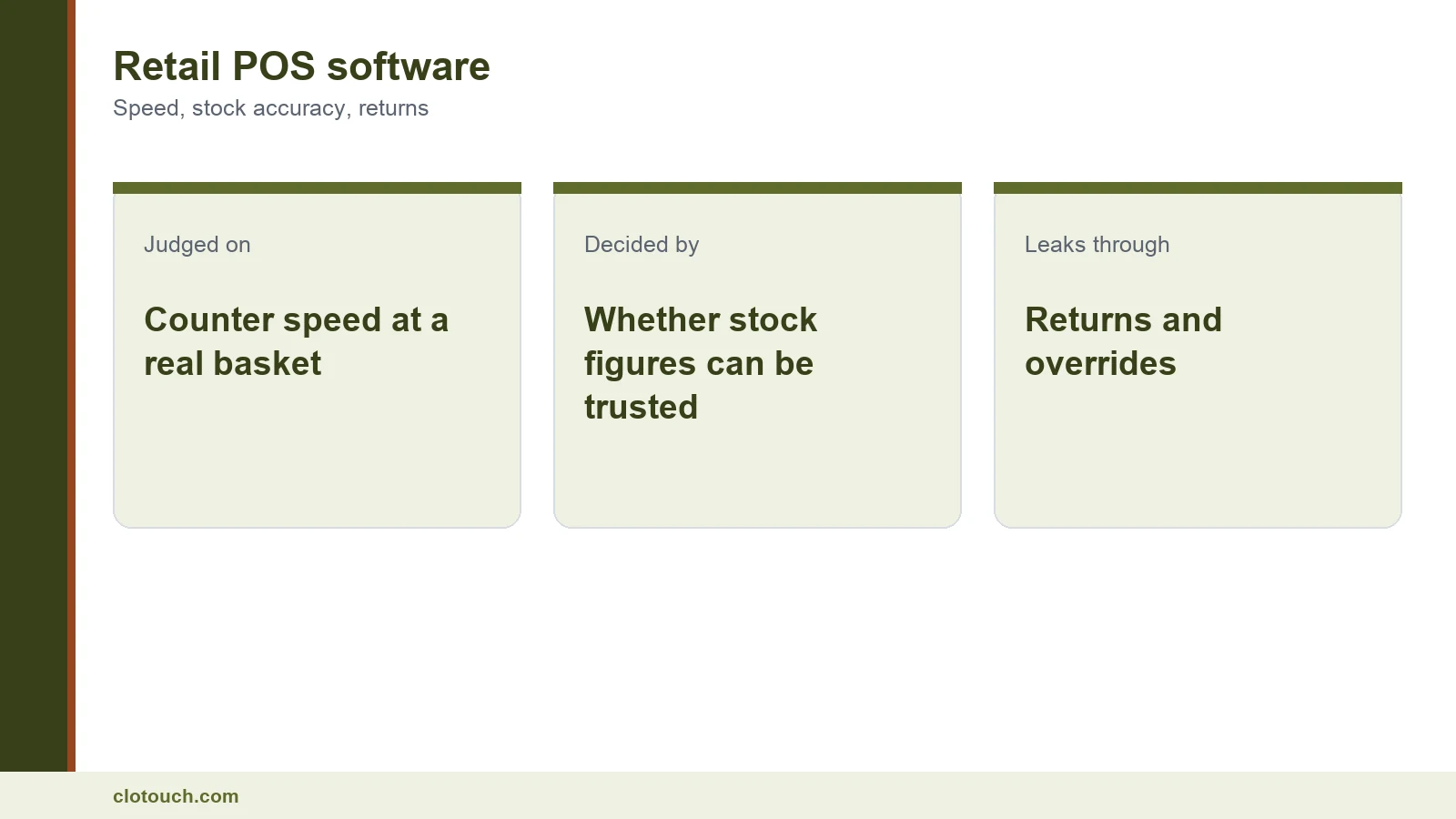
Retail POS software is judged on counter speed
Vendors demo four items. Shops bill forty. The difference is where products separate.
Time a realistic basket on the actual hardware you would buy. Watch for three specific things: whether the cashier’s hand leaves the scanner, whether an item lookup pauses, and whether any prompt interrupts the scan.
None of these matter at four items. All of them compound across a full basket, and they compound hardest at the hour that decides your week.
A stock figure is either trustworthy or decorative

Shops buy POS software for stock control and then keep checking the shelf anyway, because the number drifts.
It drifts for predictable reasons: receipts entered late or not at all, returns that never go back into stock, overrides nobody reviews, and damage written off in somebody’s head.
Close those four and the count becomes usable. Leave any one open and reordering still runs on judgement, which is what you were trying to replace. That is what proper inventory management has to deliver.
Returns are where retail quietly loses money
A return that is not linked to its original bill is an untracked refund and an untracked stock movement.
The system should find the original bill, refund the right amount at the right tax rate, and put that exact item back into stock. Anything less creates a gap somebody can walk through.
Test it on a mixed basket: return one item out of six, and check the refund, the tax and the stock all move correctly.
What retail POS software can safely skip

Most general retail shops need the four essentials and very little else.
Loyalty schemes need somebody to run them. Advanced promotions need somebody to design and review them. Both become discounts given to customers who were already buying when nobody owns them.
The exception is a second outlet. If one is planned within a year, buy something that runs two locations from one item master rather than migrating again.
Barcodes, and the shops that do not have them
Packaged goods arrive with barcodes and scanning is straightforward. Plenty of Indian retail does not work that way.
Loose goods, unbranded stock and locally sourced items often have no barcode at all. The shop then either prints its own labels or bills by searching a name.
Both work. What matters is that the search is fast on a partial name and that printing a label is a counter action rather than an office project.
GST on a retail bill is a floor, not a feature
Every product claims GST billing. Check the printed output instead of the claim.
It needs your GSTIN, the correct rate per line, HSN codes where applicable, and an unbroken invoice number series across every counter. Rates were restructured with effect from 22 September 2025, so an older configuration needs re-checking.
Above Rs 5 crore aggregate turnover, B2B invoices also need IRN registration, as covered in our e-invoicing limit guide.
Staff, overrides and the weekly report
With one owner billing, discretion is not a system problem. With staff it is.
Separate logins make a discount, a void or a return attributable. The override report then becomes a short weekly read rather than an argument.
The purpose is less about suspicion than about pricing. A pattern of deep discounts on one line usually means that line is priced wrong, and nobody can see that without the record.
Hardware you already own
Most shops replacing software already have a scanner, a printer and a drawer that work. Replacing all of it is a cost that rarely needs paying.
Take your existing scanner and printer to the demo. Retail POS software that only runs on hardware bought from the same vendor is a longer commitment than it appears.
Where new hardware is genuinely needed, a compact terminal such as the Pixi GO range suits counters with little space.
Getting your items in
Loading a few hundred items with correct rates and barcodes is a day or two of somebody’s attention, and it is the part of the project that slips.
Ask who does it, in what format, and what happens if the data is wrong on day one. A vendor who has done it before answers in specifics.
It is also worth asking what the first week of support looks like, because that is when most of the real questions arrive.
Offline behaviour decides your worst day
A counter that cannot bill during an outage stops trading, and the stock ledger stops updating at the same moment.
Ask for a demonstration. Disconnect mid-basket, finish the sale, print and take payment. Then reconnect and confirm the sale appears exactly once and stock moved correctly.
If the shop falls back to a manual bill book, whatever sold during those hours is invisible until somebody keys it in. The next morning’s reorder then runs on a number that is quietly wrong.
Seven checks on a demo
- Time a forty-item basket on the hardware you would actually buy.
- Receive goods and confirm stock increases at the cost you paid.
- Return one item from a mixed basket and check refund, tax and stock.
- Apply a price override and find the record of who did it.
- Print a GST invoice and check it line by line.
- Disconnect mid-basket, finish the sale, reconnect and confirm one clean sync.
- Export your item list and sales history, and confirm it is free.
Checks two and three are the ones that decide whether your stock figure can be trusted. Check seven decides how easily you could ever change your mind.
If your shop is a specific type, one capability outranks all of these, and it differs by trade. That ordering is set out in our choose by business type guide.
One closing note. Retail POS software is bought to replace judgement with a number. If the number cannot be trusted, the shop keeps using judgement and pays for the software anyway.
Run the demo at the hour your own shop is busiest, with your own hardware and a basket that looks like a real one. Problems invisible on a quiet afternoon are obvious at the counter on a Saturday evening.
Frequently asked questions
What should retail POS software do first?
Bill quickly at a realistic basket size, and leave a stock figure you can reorder from without checking the shelf. Most retail POS software handles the first adequately and the second badly.
Why do POS stock figures drift?
Four reasons. Goods receipts entered late or not at all. Returns that never go back into stock. Price overrides nobody reviews. And damage written off in somebody’s head. Retail POS software closes all four or the count stays decorative.
How should returns be handled?
Against the original bill. The system should find that bill, refund the correct amount at the correct tax rate, and return the exact item to stock. A return not linked to its bill is an untracked refund and an untracked stock movement.
What can a general retail shop skip?
Loyalty schemes and advanced promotions, unless somebody will own them. Without an owner they become discounts given to customers who were already buying. The exception is multi-outlet support if a second shop is planned.
What if my stock has no barcodes?
Plenty of Indian retail works that way. Either print labels in the shop or bill by searching a name. What matters is that the search is fast on a partial name and that printing a label is a counter action.
Sources, method and author
Method. The tests here reflect general retail POS deployments Clonet Technologies runs in India. GST invoicing and the 22 September 2025 rate restructure were checked against published guidance in September 2026. Counter timing figures are observed ranges from staffed shops rather than laboratory benchmarks.
- Goods and Services Tax portal — invoice content and numbering rules
- GS1 India — barcode standards on packaged retail goods
- Legal Metrology — packaged commodity declarations at the counter
- NIC e-Invoice portal — IRN registration above the turnover threshold
Disclosure. Clonet Technologies Pvt Ltd builds and sells Clotouch POS. Linked product pages are our own, and the checks are written to be applied to any vendor.
Author. Aman Raj. Rewritten 22 September 2026 for Clonet Technologies Pvt Ltd, Bengaluru.