Best Android POS Software India 2026: 7 Key Things to Check
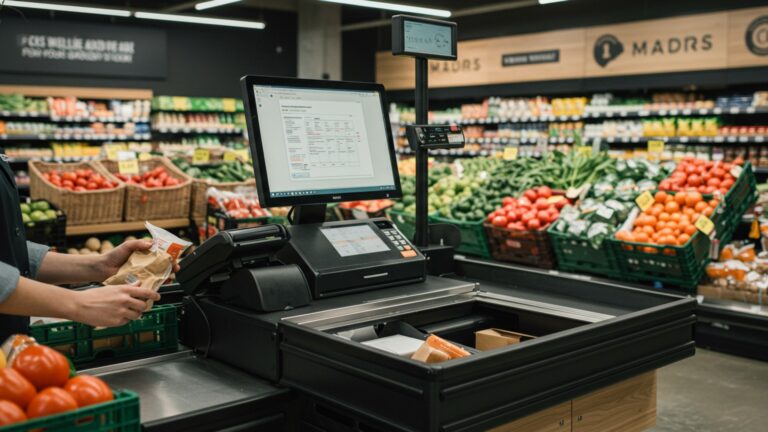
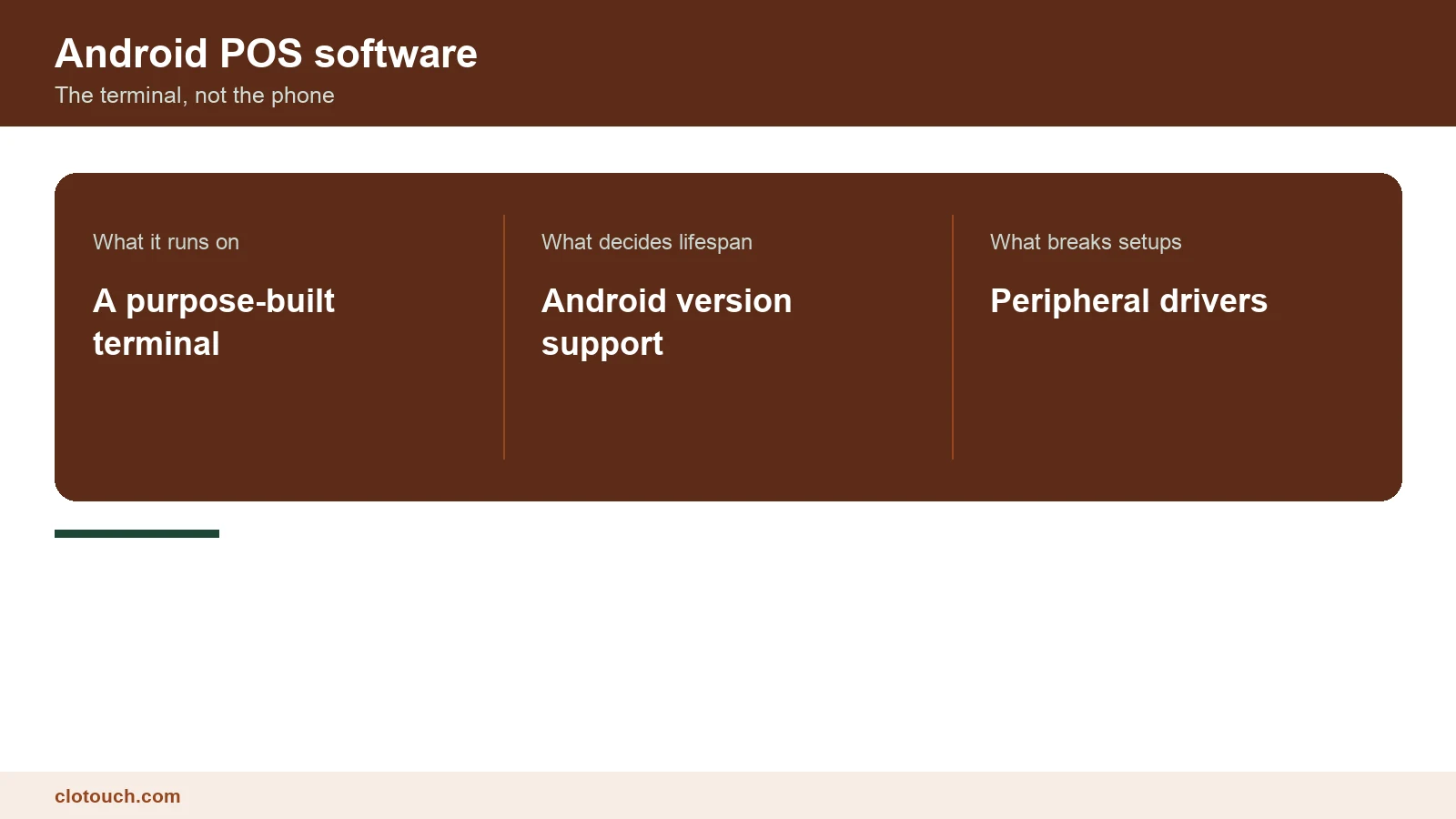
Android POS software and an Android POS app are not the same purchase. An app turns a phone into a till for low volume. Android POS software runs a shop’s counter on a purpose-built terminal with a printer, a scanner and often a scale attached. Our Android POS terminal range is the hardware side of that.
This guide covers the seven things that decide whether an Android counter still works in three years, not just on day one.
On this page
Why Android became the default counter in India
Three reasons, none of them about the operating system being better.
Hardware is cheaper. A capable Android terminal with a built-in printer costs a fraction of a Windows till plus peripherals. Boot time is shorter, which matters when a counter restarts mid-trading. And staff already know the interface, so training is shorter.
The trade is a shorter support window and a narrower peripheral ecosystem. Both are manageable if you check for them before buying.
The Android version is a lifespan question
A terminal shipping on an old Android build is a terminal with a short remaining life. Payment integrations and browsers stop supporting old versions, and security patches end.
Ask two questions the specification sheet does not answer. What Android version does the device ship with, and until when will the manufacturer issue updates for it?
A vendor who cannot answer the second question is selling you an unknown replacement date. For a counter you expect to keep five years, that is the single most expensive unknown in the purchase.
Peripherals are where Android POS software actually breaks
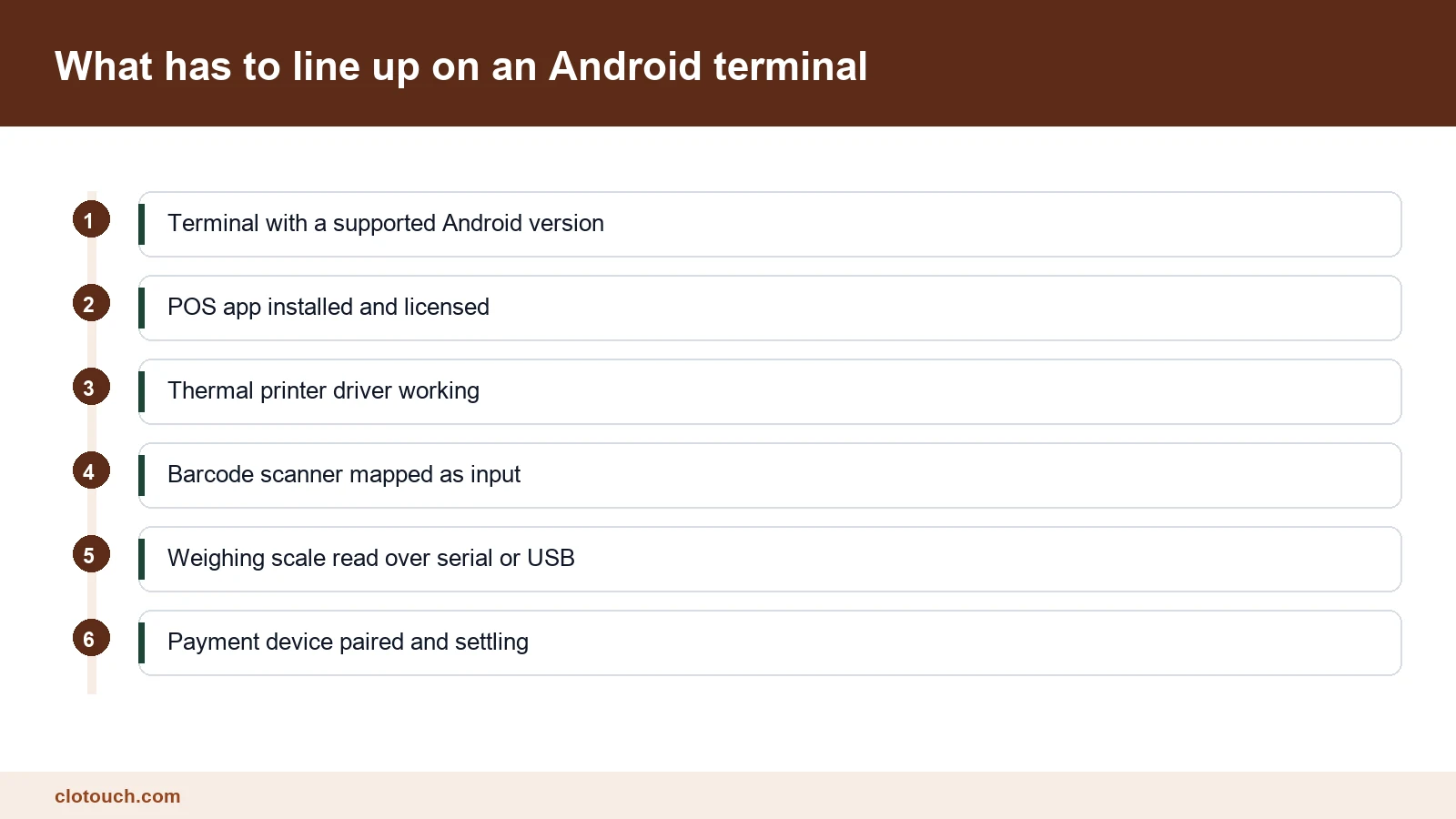
On Windows, almost any printer or scale has a driver. On Android the support list is narrower and specific.
Barcode scanners are usually fine, because most behave as keyboards. Thermal printers are usually fine if built into the terminal. Weighing scales are where setups fail, because reading a scale over serial or USB needs explicit support in the app.
If you sell loose goods, make the scale a condition of purchase. Take your actual scale to the demo and ask them to read a weight into a bill. A promise to add support later is not a feature.
GST billing has to be correct on the device
An Android terminal prints beautifully and can still produce an invalid tax invoice.
Check the printed bill carries your GSTIN, per-line rates, HSN codes where applicable and an unbroken number series across all counters. Two terminals issuing the same invoice number is a common and avoidable failure.
Above Rs 5 crore aggregate turnover, B2B invoices must also be registered with an Invoice Registration Portal, covered in our e-invoicing limit guide.
Android against Windows, honestly
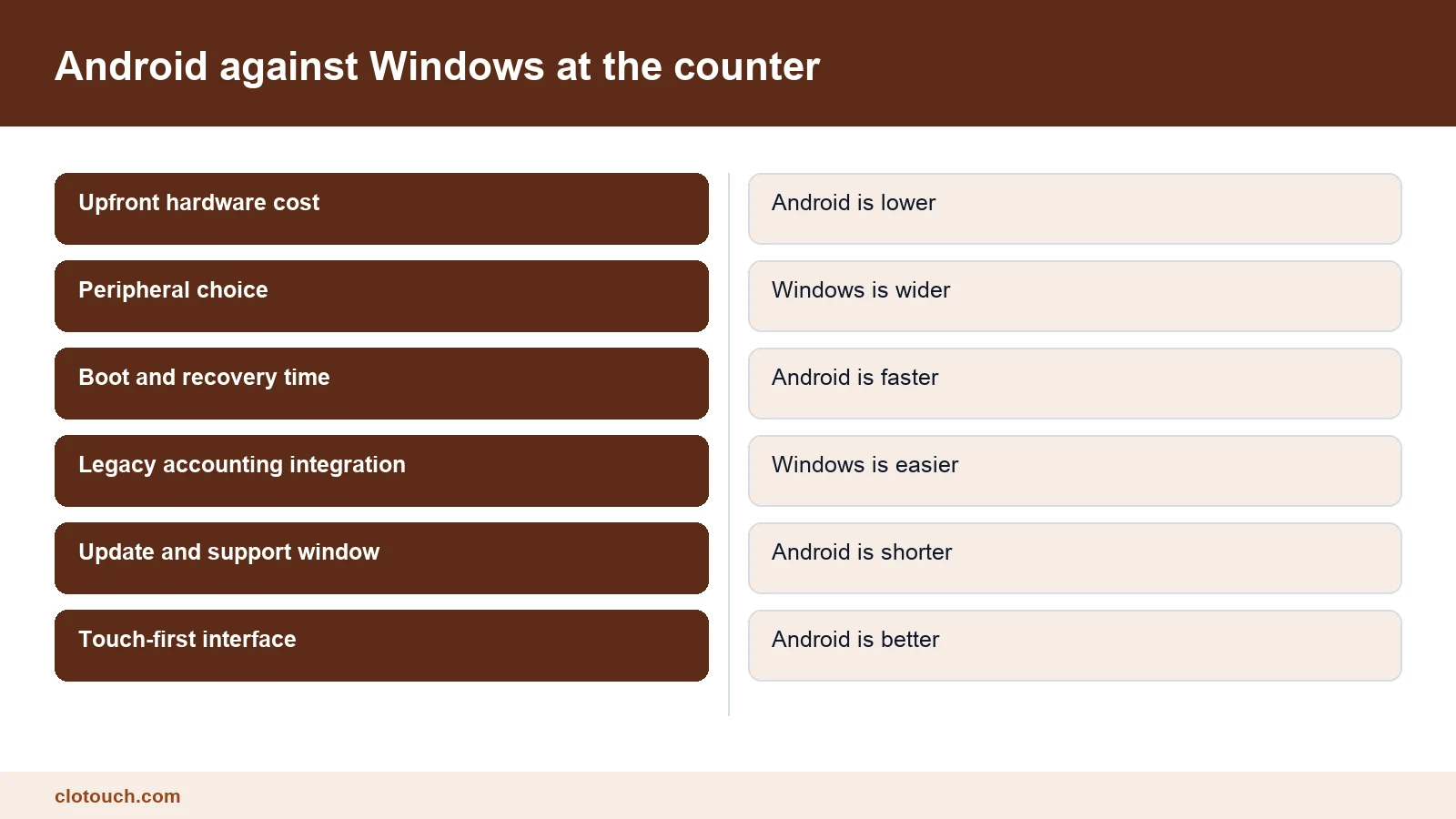
Android wins on cost, boot time and touch interface. Windows wins on peripheral breadth, on integrating with older accounting software, and on support longevity.
For most Indian retail and food counters opened today, Android is the right default. Windows remains the better answer where an existing desktop accounting package must be driven from the same machine, or where unusual hardware is already in place. That case is served by terminals such as the Windows retail range.
Offline behaviour, and the duplicate-sync trap
Connectivity fails. The question is whether the counter keeps billing and what happens on reconnection.
Test it directly. Put the terminal in flight mode mid-basket, finish the sale, print the bill, then reconnect.
Check the sale appears exactly once and that stock moved by the right amount. Sales duplicating on reconnection is a genuine failure mode, and it stays invisible until the stock report disagrees with the shelf.
One last practical note on Android POS software. Ask to see the counter running on the terminal model you will actually buy, not a newer demo unit. Performance on a mid-range Android device is very different from performance on the one the salesperson carries.
Updates, and who pushes them
Android POS software updates through an app store or through the vendor. Both are fine; silence is not.
Tax rules change. Rates were restructured with effect from 22 September 2025, and any product that did not ship an update for that is a product nobody is maintaining.
Ask what the last three updates contained and when they shipped. It is the cheapest way to tell an active product from an abandoned one.
Locking the terminal down
An Android terminal is a general-purpose computer sitting on a counter. Without restriction, staff can install anything on it.
Most serious deployments run the device in kiosk mode, where the POS app is the only thing that launches and the home button does not leave it. That is a device setting rather than a software feature, and it is worth insisting on.
The reason is not distrust. It is that a counter running a browser, a game and a messaging app has three more ways to slow down or crash during billing.
Backups nobody thinks about until the terminal dies
Terminals fail. They get dropped, they get liquid on them, and eventually one stops booting on a Saturday.
Ask one question: if this device is destroyed, how long until a replacement is billing, and from where does its data come? A cloud-synced product answers in minutes. A device-local product may answer never.
If the answer involves a manual export somebody was supposed to be running, treat that as the real backup plan and decide whether it is acceptable.
What it costs to run, not to buy
Purchase price is the visible number. Three recurring ones follow it: the software licence, paper rolls, and the replacement cycle implied by the update window.
A cheaper terminal with a two-year support horizon is more expensive over five years than a dearer one supported throughout, and the gap is rarely shown on any comparison page.
What to check before you buy
- Which Android version ships, and the manufacturer’s update commitment date.
- Your own weighing scale read into a bill on the demo terminal.
- A printed GST invoice checked line by line against the rules.
- Invoice numbering across two terminals, proving no collision.
- A sale completed in flight mode, then a clean single sync.
- The last three software updates, with dates and contents.
- Whether the software runs on hardware you already own.
Items one and six tell you how long this decision lasts. Items two and four tell you whether it works at all in your shop. A vendor who clears all seven is not necessarily the cheapest, but the price is at least for something measurable.
Where several outlets are involved, add one more: whether item masters and pricing are managed centrally, which is the point of a multi-store setup.
Frequently asked questions
What is the difference between Android POS software and an Android POS app?
An app turns a phone into a low-volume till. Android POS software runs a shop counter on a purpose-built terminal with a printer, scanner and often a weighing scale attached, and is built for sustained billing.
How long will an Android POS terminal last?
That depends on the Android version it ships with and the manufacturer’s update commitment. Payment integrations and security patches stop supporting old builds, so ask for the update end date before buying, not the spec sheet.
Do weighing scales work with Android POS software?
Only where the app explicitly supports reading your scale over serial or USB. Scanners and built-in printers are usually fine. If you sell loose goods, make a live scale test a condition of purchase.
Is Android better than Windows for a POS counter?
For most Indian retail and food counters opened today, yes, on cost, boot time and touch interface. Windows still wins where legacy accounting software must run on the same machine or unusual peripherals are already in place.
What happens to billing when the internet drops?
Good systems keep billing and sync on reconnection. Test it by switching to flight mode mid-basket, then confirm on reconnection that the sale appears exactly once and stock moved correctly.
Sources, method and author
Method. The comparisons here reflect Android and Windows POS deployments Clonet Technologies runs for Indian retail and restaurant businesses. GST invoice requirements and the 22 September 2025 rate restructure were checked against published guidance in September 2026. Device support windows vary by manufacturer and are not quoted as a single figure.
- Goods and Services Tax portal — invoice content and numbering rules
- Android Security Bulletins — how long a given Android version receives patches
- Press Information Bureau on the GST rate reforms — the September 2025 rate changes
- Legal Metrology — weighing instrument requirements at the counter
Disclosure. Clonet Technologies Pvt Ltd builds and sells Clotouch POS and the Android and Windows terminals linked here. Product pages are our own.
Author. Aman Raj. Rewritten 9 September 2026 for Clonet Technologies Pvt Ltd, Bengaluru.