Best Cloud Based POS System India: 7 Key Questions to Ask
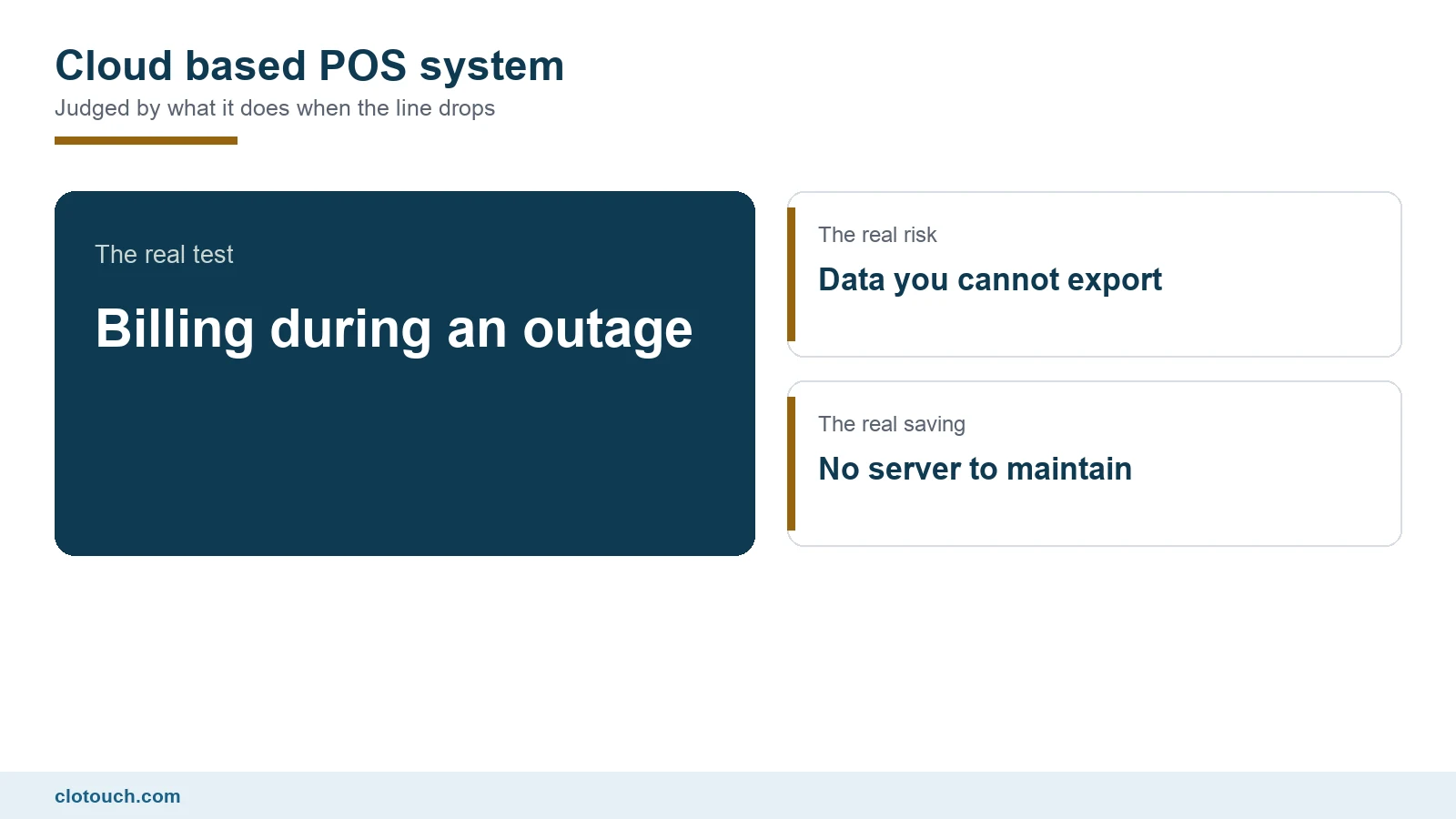
A cloud based POS system moves the database off a machine in your back room and onto someone else’s servers. That removes a class of problems and introduces a different one. Which trade you are making depends almost entirely on questions vendors are not asked often enough. Our WebPOS is one such system, and the questions below apply to it as much as to any other.
This guide sets out the seven that actually decide the outcome, starting with the one that costs trading hours.
On this page

What happens when the internet drops
This is the first question and most comparison articles make it the last.
Indian retail connectivity is good until it is not. A cloud based POS system that refuses to bill during an outage converts a broadband fault into a trading halt, usually at the worst hour.
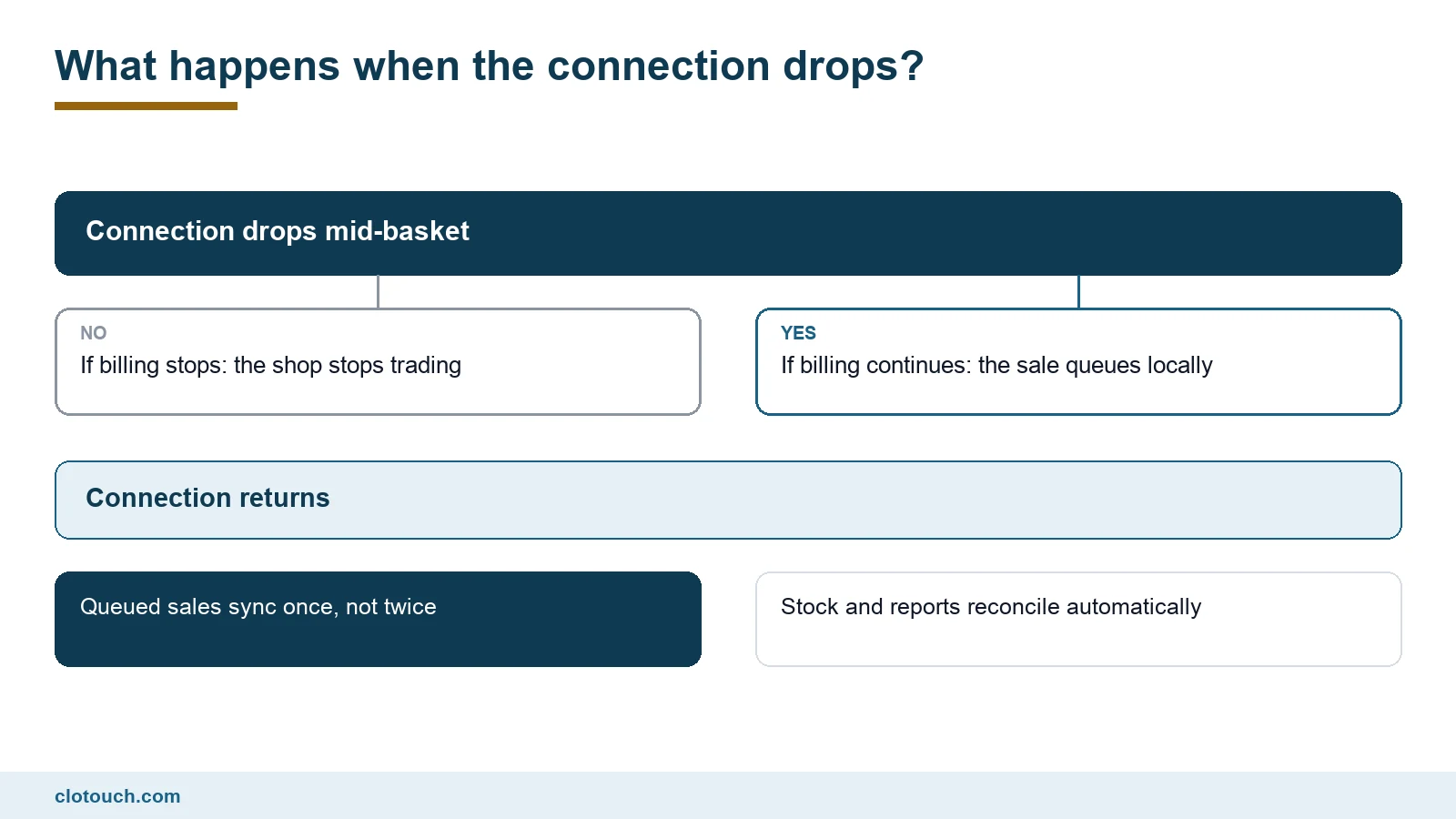
A well-built product keeps billing locally and syncs when the line returns. Ask for a demonstration rather than a description: disconnect mid-basket, finish the sale, print the bill, then reconnect.
Then check two things. That the sale appears exactly once, and that stock moved by the right amount. Duplicate sync on reconnection is a real failure and it stays hidden until the shelf and the report disagree.
Whose data is it, and can you get it out
On a local server the database sits on your hardware. In the cloud it does not, which makes export a contractual question rather than a technical one.
Ask three things before migrating anything. Can you export items, customers and full sales history? In what format? And is export included or charged for?
A system you cannot leave is not a system you chose, and the moment to discover that is before the item master is uploaded, not two years later.
Where cloud genuinely wins
Two places, and both are real.
Multi-branch reporting is the first. With a local server per shop, group numbers mean somebody consolidating exports. With one shared database, the group view is simply there. That is the main reason multi-outlet businesses move, and it is why multi-store setups are almost always cloud.
Maintenance is the second. No server to patch, no backup tape nobody checked, no machine that fails on a holiday. For a business without technical staff, that is worth real money.
Where a local server still wins
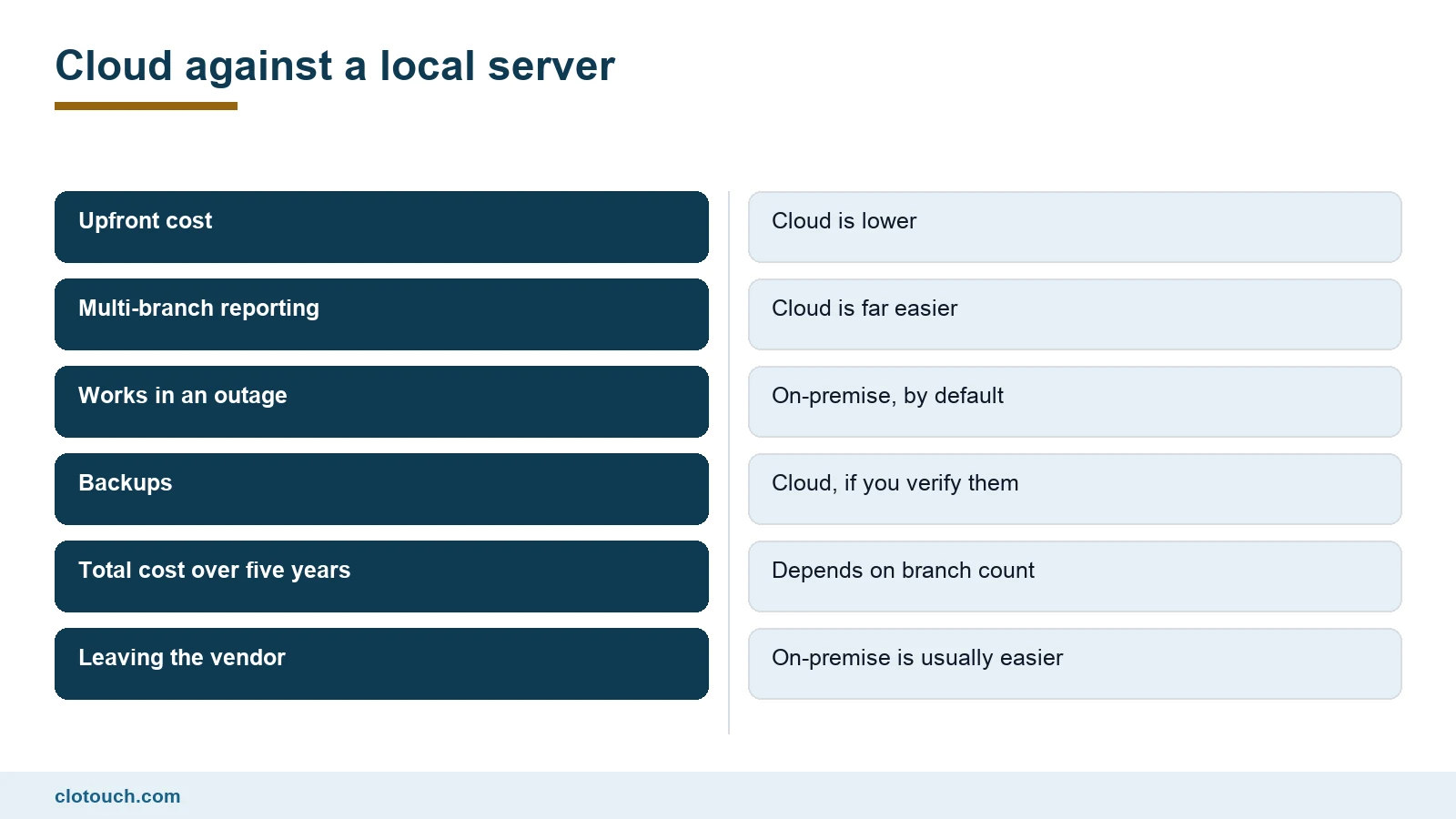
A single shop with poor connectivity and no plan to expand often does better on-premise. The billing counter simply cannot be taken offline by someone else’s outage.
Leaving is also easier. The data is already yours, on your hardware, in a database you can copy.
The honest summary is that cloud wins on multi-branch and maintenance, on-premise wins on outage independence and exit, and everything else is close enough to be decided by price.
Integrations, and the question worth asking
One of the commonest searches on this topic is whether a cloud POS can connect to other business software. The answer is usually yes, and the useful question is narrower.
Ask what happens at the accounting boundary. Does the POS push sales into your accounting package automatically, on what schedule, and what does it do when a push fails?
- Accounting: sales summaries or full invoices, and how often.
- Payments: does the POS know a UPI bill was settled, or does staff tick it manually?
- Online orders: do aggregator or website orders create the same stock movement as a counter sale?
- E-commerce: is stock shared, or are two counts maintained?
- Failure handling: where does a failed sync surface, and who sees it?
The last one separates a real integration from a demo. Any system can sync when everything works.
What a cloud based POS system actually costs
Subscription pricing looks smaller than a licence and is usually larger over five years. That is not automatically wrong, because it includes updates and support the licence did not.
| Cost | Cloud | On-premise |
|---|---|---|
| Upfront | Low or none | Server plus licence |
| Recurring | Monthly or annual per counter | Support contract, if any |
| Updates | Included | Often a paid version jump |
| Backups | Vendor’s job, verify it | Yours, and often skipped |
| Extra branch | Add a subscription | Add a server |
| Leaving | Export, if permitted | Copy the database |
Price it over five years and over the branch count you expect, not the one you have. Cloud economics improve sharply with branches and worsen slightly with a single long-lived shop.
Speed, and where it actually comes from
Owners often assume a cloud based POS system is slower than a local one because the data is far away. In practice the difference at the counter is small, provided the software caches its item list on the device.
What does cause visible lag is a design that queries the server for every item lookup. That shows up as a pause between scanning and the line appearing, and it compounds across a large basket.
Test it the same way you would test a fixed counter: a realistic basket of forty items, at the hour your shop is busiest. A system caching correctly will feel identical to a local one. One that is not will be obvious within ten scans.
Who to call when it breaks
With a local server, a problem is yours and a technician can stand in front of it. In the cloud, a problem may be the vendor’s, your internet provider’s, or the device’s, and the first job is deciding which.
Ask what the support path looks like during trading hours, in which language, and with what response commitment. A counter that is down for three hours costs more than most annual licence differences.
It is also worth asking whether the vendor publishes uptime or incident history. Most do not, and the ones that do are usually the ones worth shortlisting. If you run several outlets, the same question applies at group level through multi-store management.
Compliance does not move to the cloud with you
Wherever the database sits, the invoice still has to be right. GSTIN, per-line rates, HSN codes and an unbroken numbering series across every counter.
Cloud helps with one part of this: numbering. A shared database can allocate series per outlet so two counters cannot collide, which is harder to guarantee with independent local servers.
Above Rs 5 crore aggregate turnover, B2B invoices also need registering with an Invoice Registration Portal, as covered in our e-invoicing limit guide. Ask whether that is built in or a separate add-on.
The seven questions, in order
- Can the counter bill, print and take payment with the internet off?
- On reconnection, does the sale sync exactly once?
- Can you export items, customers and full sales history, and is it free?
- How are invoice number series allocated across counters and branches?
- What does the accounting integration do when a push fails?
- What is the five-year cost at the branch count you expect?
- Who is responsible for backups, and how would you verify one?
Question one decides whether you can trade. Question three decides whether you can leave. The rest are important; those two are the ones people regret skipping.
Frequently asked questions
Does a cloud based POS system work without internet?
The good ones keep billing locally and sync when the connection returns. Some stop entirely. Test it by disconnecting mid-basket, then confirm on reconnection that the sale appears exactly once and stock moved correctly.
Can a cloud POS integrate with other business software?
Usually yes, for accounting, payments, online orders and e-commerce. The useful question is what happens when a sync fails and where that failure surfaces, because any system syncs correctly when everything is working.
Is cloud cheaper than an on-premise POS?
Cheaper upfront, often more over five years, but the subscription includes updates and support a licence did not. The economics improve sharply with more branches and worsen slightly for a single long-lived shop.
Who owns the data in a cloud POS?
Contractually it varies, which is why export matters. Ask whether you can export items, customers and full sales history, in what format, and whether export is charged for, before migrating anything.
Is cloud better for multiple branches?
Yes, clearly. One shared database gives group reporting without anyone consolidating exports, and allows invoice number series to be allocated per outlet so two counters cannot issue the same number.
Sources, method and author
Method. The comparisons here reflect cloud and on-premise POS deployments Clonet Technologies runs for Indian businesses. GST invoicing and e-invoicing threshold points were checked against the GST portal in September 2026. Cost comparisons are structural rather than priced, because licence and subscription terms vary by vendor and branch count.
- Goods and Services Tax portal — invoice content and numbering requirements
- NIC e-Invoice portal — IRN registration above the turnover threshold
- Ministry of Electronics and Information Technology — India’s data protection and IT policy framework
- NPCI — UPI settlement, which affects payment reconciliation
Disclosure. Clonet Technologies Pvt Ltd builds and sells Clotouch POS, including the cloud WebPOS linked here. The questions in this article apply to our product as much as to any competitor.
Author. Aman Raj. Rewritten 7 September 2026 for Clonet Technologies Pvt Ltd, Bengaluru.