Liquor shop billing software: one counter, two tax worlds and a register the excise officer reads
A liquor shop looks like any other retail counter until you read its paperwork. The customer picks a bottle, pays and leaves. Behind that, two different tax systems are running at the same time, and only one of them is GST. This is why generic retail software so often fails here, and why point of sale work in this trade starts with the register, not the receipt.
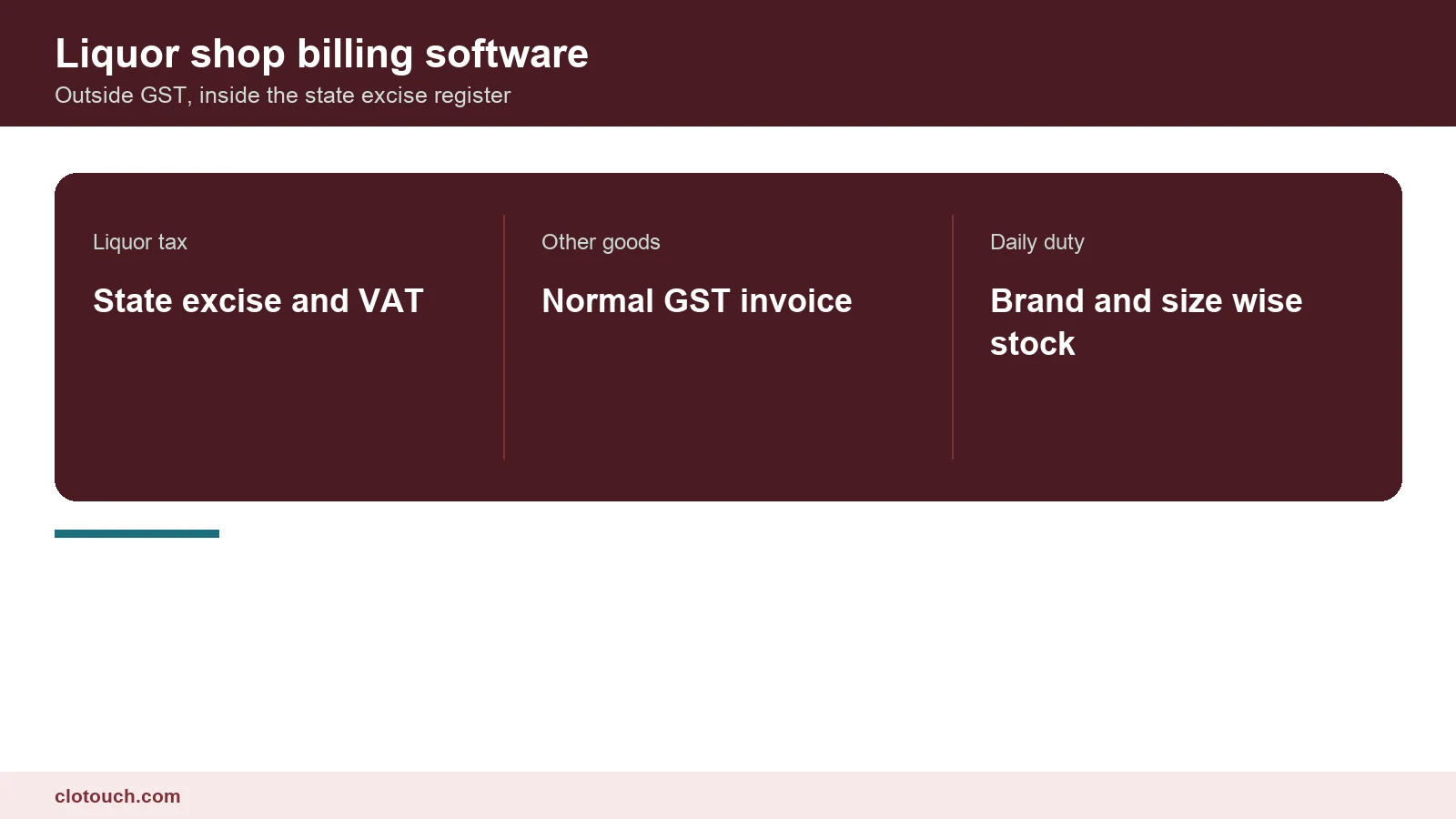
Alcoholic liquor for human consumption was deliberately left outside GST when the tax was introduced. It still sits under state excise duty and state VAT. Every state writes its own rules, its own licence conditions and its own stock register format. So liquor shop billing software is never one national product. It is a local one wearing a national name.
On this page
Why liquor sits outside GST
The Constitution defines what GST covers, and it excludes alcoholic liquor for human consumption from that definition. The result is practical, not academic. Your bottle sales carry state excise duty and VAT. They do not carry CGST or SGST, and they do not appear in your GST returns as taxable outward supply.
That matters the moment your shop sells anything else. Chilled water, soft drinks, snacks and ice are ordinary goods. They are taxed under GST in the normal way. One counter now has to issue two different kinds of document, and the software has to know which one it is printing before the customer reaches for a card.
Shops that ignore this end up doing it by hand. Staff bill the bottles in one system and the snacks in another, or worse, they bill everything as liquor and quietly under-report GST on the rest. Both habits show up later, and both are avoidable with a correctly configured billing setup.
The excise stock register is the real product
Most state excise departments require a daily stock account. It is kept brand-wise and size-wise, and it is counted in bottles. Opening stock, receipts against a transport permit, sales, breakage and closing stock all have to tally. An inspector does not ask what your turnover was. They ask how many 750ml bottles of a particular brand you held at close of business.
So the unit of the system is the bottle, not the rupee. A product record that says only the brand name is useless. The record has to carry the brand, the pack size and the strength as separate attributes. Sell a 180ml and a 750ml of the same label, and the register treats them as two different lines.
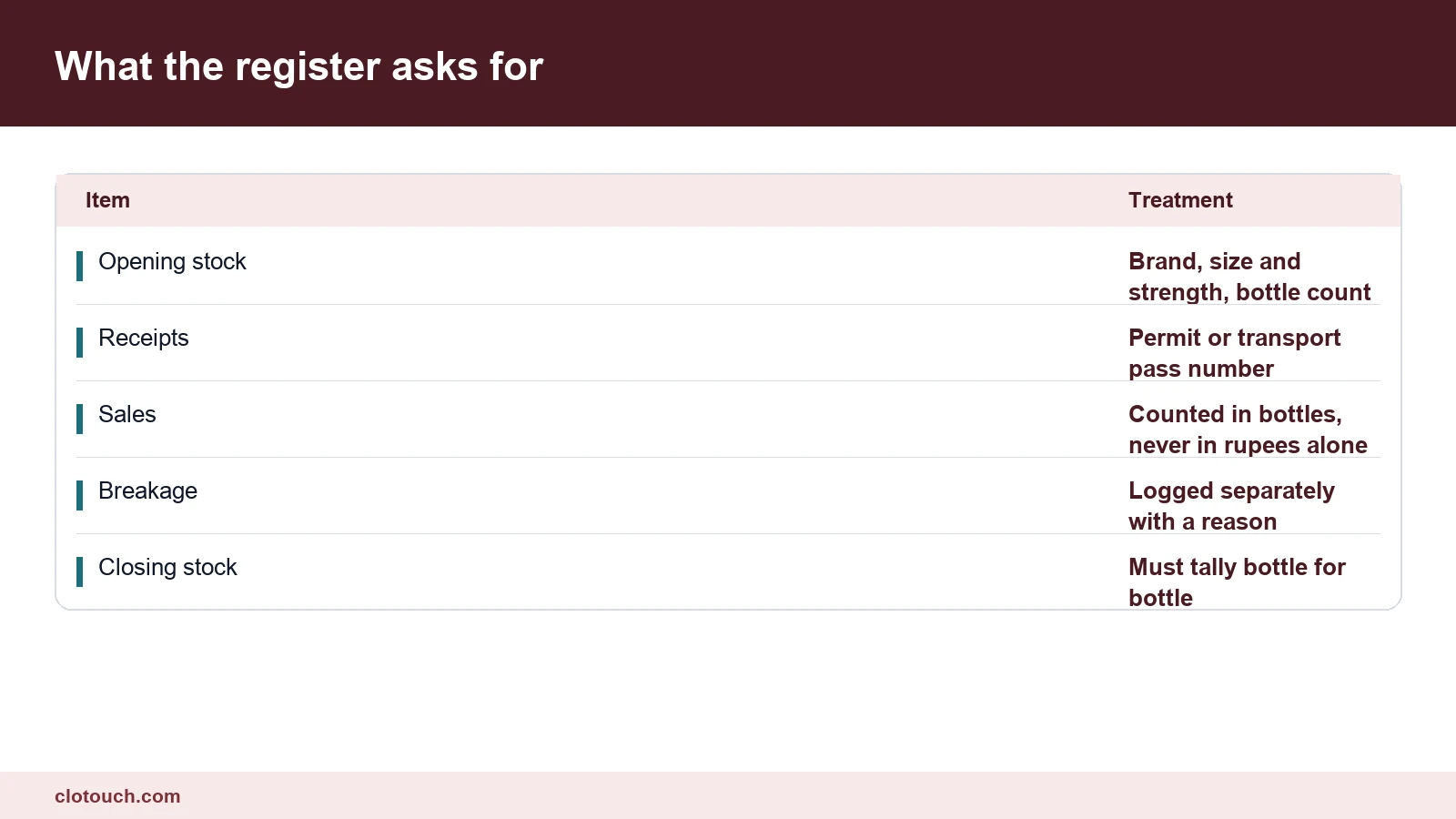
Breakage deserves its own mention. Bottles break, and the register expects that loss to be recorded as breakage with a reason, not absorbed silently into sales. If your software has no breakage entry, somebody is adjusting the count by hand. That hand adjustment is exactly what an audit looks for.
Holograms, permits and track and trace
Several states now put an excise label, hologram or scannable code on each bottle. The label ties that bottle to a batch, a distillery and a consignment. Where this exists, scanning at the counter is not a convenience. It is the proof that the bottle you sold is the bottle the state recorded as sent to you.
Incoming stock arrives against a transport permit or pass. The permit number belongs in the purchase entry, not in a notebook. When closing stock is questioned, the permit number is how you show where a case came from. Good liquor shop billing software makes that field compulsory on receipt.
- One product record per brand, per pack size, per strength
- Permit or pass number captured on every inward entry
- Hologram or barcode scanned at sale where the state issues one
- Breakage and damage recorded as their own transaction type
- Day close that freezes the register and prints the closing count
Price is usually not yours to set
In much of India the retail price of a bottle is fixed or capped by the state. Some states run the wholesale trade through a government corporation and print the price on the label. Charging above it is an offence against the licence, not a pricing decision.
The software control for this is simple and often missing. Lock the selling rate to the label price and remove the ability to edit it at the counter. Discounting, where it is allowed at all, should be a back office decision with a record. A cashier who can change a liquor rate on the billing screen is a liability.
| At the counter | Liquor line | Grocery line |
|---|---|---|
| Tax treatment | State excise and VAT | GST at the applicable rate |
| Document | Excise retail bill | Tax invoice or bill of supply |
| Unit tracked | Bottle, by brand and size | Piece, kilogram or litre |
| Price control | Fixed or capped by the state | Set by the shop |
| Where it is reported | Excise returns and stock register | GSTR-1 and GSTR-3B |
Permit limits and the customer side
Some states cap how much one person may buy or possess at a time. Some require a permit for the customer. Where that applies, the counter needs a prompt, not a memory test. A quantity warning at billing costs nothing and prevents a sale that the licence does not allow.
Age verification works the same way. The rule exists everywhere, the minimum age differs by state, and the software can at least force an acknowledgement before the bill closes. It will not stop a determined mistake. It does establish that the shop asked.
Liquor shop billing software: what to check before you buy
Treat the demo as a register test. Ask the vendor to receive a case against a permit. Then sell three sizes of one brand, break a bottle and print the day’s closing stock. If any step needs a workaround, that liquor shop billing software is a general retail till with a new label on the box.
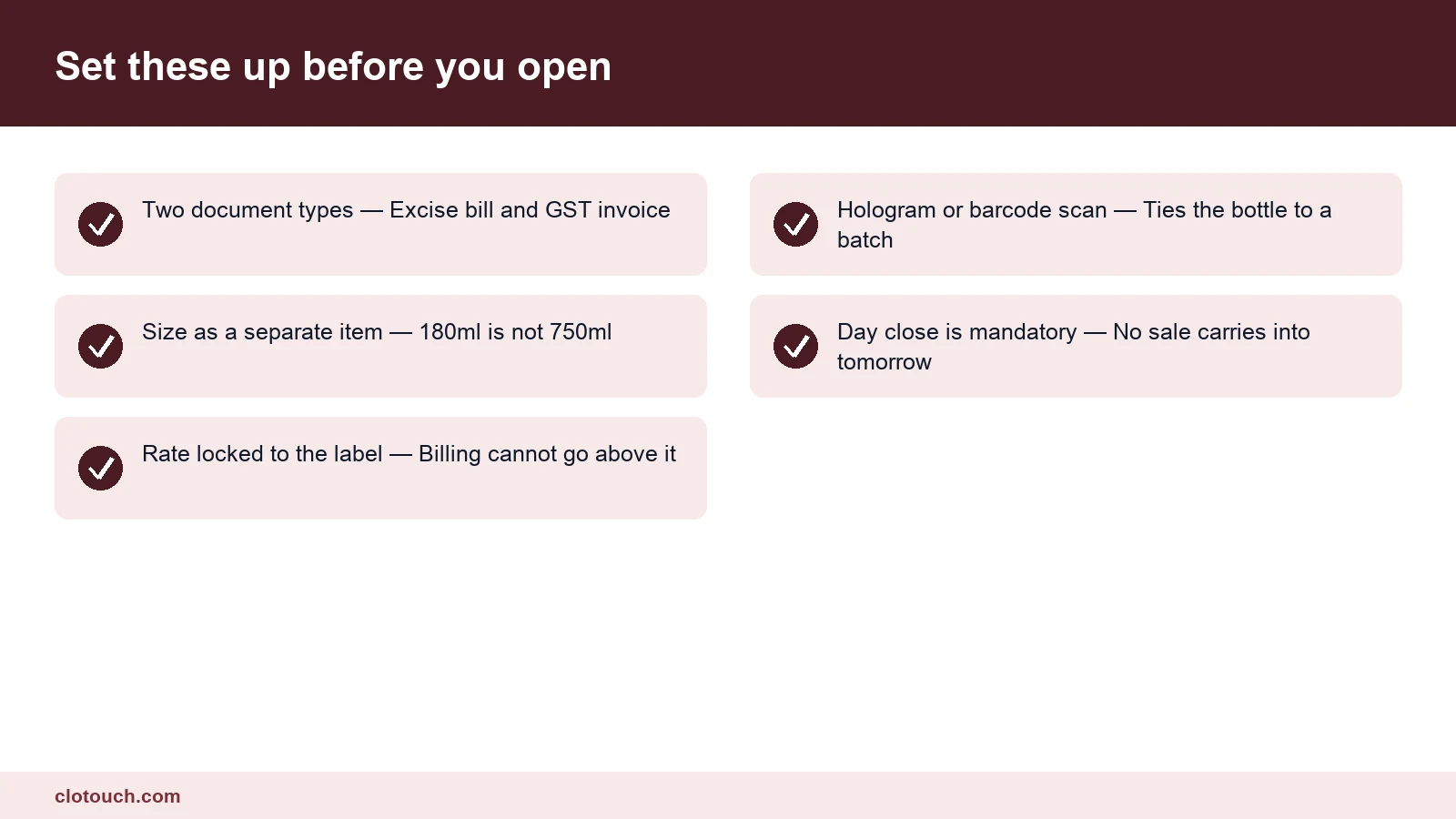
- Can it print an excise bill and a GST invoice from the same counter, in one session?
- Does the stock report come out brand-wise and size-wise, in bottles?
- Is breakage a transaction type, or a manual stock adjustment?
- Can the selling rate be locked so the cashier cannot raise it?
- Does day close freeze the register, and can yesterday still be edited?
The fifth question is the one that separates serious systems from the rest. If yesterday can be edited without a trace, your register is a draft. Shops running multiple outlets should also check that each one keeps its own register while the owner still sees a single view, which is where multi-store management earns its place.
The honest summary
The billing screen is the easy half. The half that matters is the stock register underneath it. That register is only as good as the product master and the inward entries feeding it.
If you are setting up now, build the product master properly before anything else. Brand, size and strength as separate fields, every time. Everything downstream, from the excise return to the stock view, is assembled out of that one decision.
Frequently asked questions
Is GST charged on liquor sold in a retail shop?
No. Alcoholic liquor for human consumption is outside GST and is taxed under state excise duty and state VAT instead. Other goods sold in the same shop, such as water, soft drinks or snacks, remain under GST and need a normal tax invoice.
What does the excise stock register have to show?
Most states ask for a daily account kept brand-wise and size-wise in bottles. It covers opening stock, receipts against a permit or transport pass, sales, breakage and closing stock. The closing count has to tally physically, which is why the software must track bottles rather than only value.
Can one billing system handle both the liquor counter and the snacks rack?
Yes, if it can issue two document types from the same session and keep the two tax treatments separate in reporting. The liquor lines go to the excise register and excise returns. The GST lines go to GSTR-1 and GSTR-3B in the normal way.
Why should the selling rate be locked at the counter?
In many states the retail price is fixed or capped and printed on the label. Selling above it breaches the licence conditions. Locking the rate in the software and moving any permitted change to the back office removes the risk of a cashier adjusting a price during a busy evening.
Do I need barcode or hologram scanning in a liquor shop?
Where your state issues an excise label, hologram or scannable code, scan it at sale. That scan proves the bottle sold is the bottle recorded against your shop. It also removes the typing errors that make a closing count miss by one or two bottles.
Sources, method and author
Written from the rules that govern the trade rather than from vendor feature lists. The tax position comes from the GST framework, which excludes alcoholic liquor for human consumption, and the register requirements from state excise department practice. Licence conditions, permitted quantities and price control differ by state, so treat the state portal as the authority for your own shop.
- CBIC GST portal — the central GST framework and what it covers
- GST portal — returns and invoice requirements for the non-liquor lines
- Delhi Excise Department — an example of state licence and register rules
- Karnataka State Excise Department — a second state, with different conditions, for comparison
Clotouch is a point of sale product built by Clonet Technologies Pvt Ltd. This guide explains how the trade works and what to test in any system you evaluate, including ours. Nothing here is legal or tax advice, and state excise rules change often.
Author. Aman Raj. Published 2 October 2026 for Clonet Technologies Pvt Ltd, Bengaluru.