8 Must-Have Features Every Restaurant POS System Needs for Smooth Operations
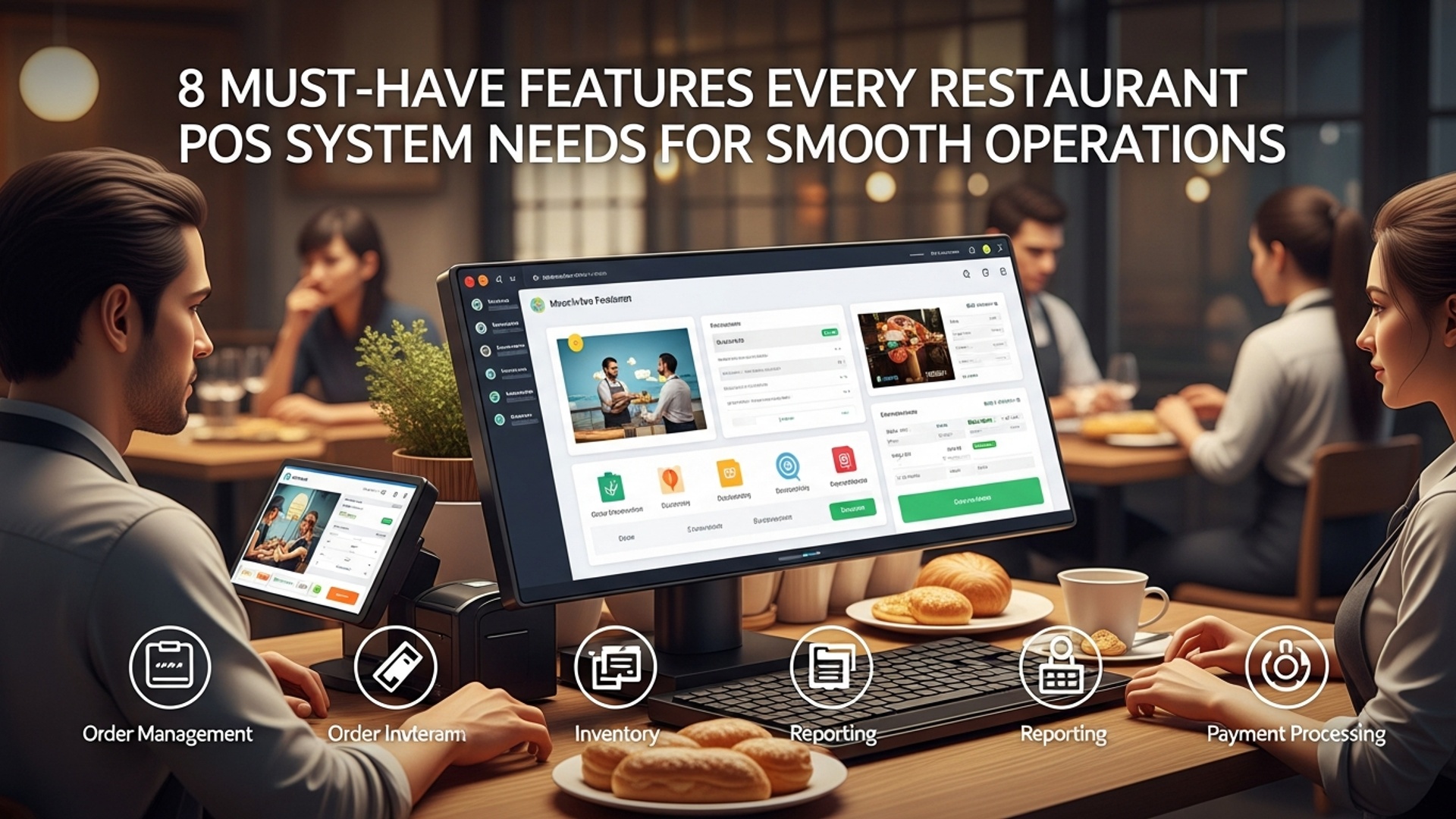
The modern dining experience demands more than just taking orders; it requires seamless integration and real-time data for peak operational efficiency. Effective Restaurant POS software has evolved into a strategic operational hub, enabling establishments to navigate the complexities of digital ordering, contactless payments. dynamic inventory management. A truly capable system transcends basic transaction processing, transforming raw operational data into actionable insights for enhanced efficiency, personalized customer experiences. optimized resource allocation in a highly competitive market.

Streamlined Order Management & Customization
The cornerstone of any efficient restaurant operation is its ability to handle orders quickly and accurately. Modern restaurant POS software elevates this process far beyond a simple cash register. It allows staff to take orders, customize items. send them directly to the kitchen display system (KDS) or printers, minimizing errors and speeding up service.
- Intuitive Interface
- Menu Customization
- Table-Side Ordering
- Split Checks & Transfers
A user-friendly interface is paramount, enabling new staff to quickly learn the system and process orders without extensive training. Think drag-and-drop menu items, clear modifiers. easy navigation.
The ability to easily add, edit, or remove menu items, specials. modifiers (e. g. , “extra cheese,” “no onions,” “rare steak”) is crucial. This ensures accurate order taking and proper billing for custom requests.
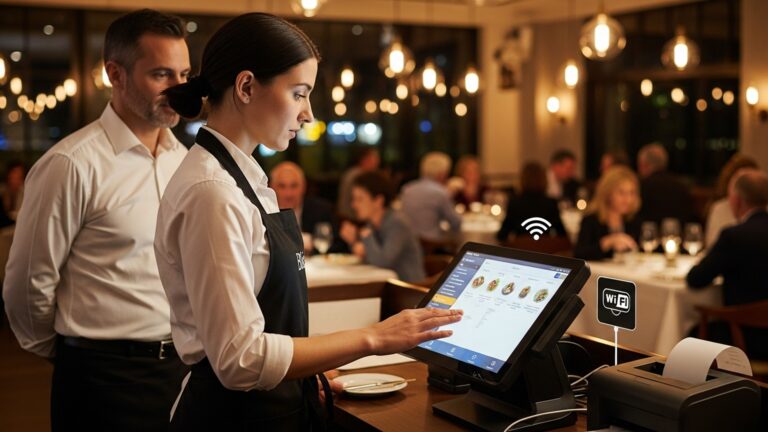
With handheld devices or tablets integrated into the POS system, servers can take orders directly at the table, sending them instantly to the kitchen. This reduces walk time, improves order accuracy. allows servers more time to interact with guests.
A robust system facilitates easy splitting of checks by item or by guest. transferring orders or tables between servers without hassle, a common requirement in busy dining environments.
Imagine a busy Friday night. A server uses a tablet to take an order for a party of six, instantly sending appetizers to the kitchen. Later, they easily split the bill six ways, applying individual discounts and processing different payment methods. This seamless flow, powered by sophisticated order management features within your Restaurant POS software, keeps the kitchen organized and customers happy, drastically reducing potential bottlenecks.
Comprehensive Inventory Management
Effective inventory control is a non-negotiable for profitability, especially in an industry with tight margins and perishable goods. A strong POS system integrates inventory management to track ingredients, finished dishes. supplies in real-time.
- Recipe Management
- Supplier Management
- Waste Reduction
- Theft Deterrence
- Cost of Goods Sold (COGS) Calculation
Link menu items to their raw ingredients. As dishes are sold, the system automatically deducts corresponding ingredients from inventory, providing an accurate, up-to-the-minute stock count.
Track supplier data, order histories. pricing, streamlining the reordering process and helping negotiate better deals.
By identifying slow-moving items or ingredients nearing expiration, restaurants can make informed decisions to reduce waste through promotions or menu adjustments.
Accurate tracking helps identify discrepancies between sales and stock, flagging potential internal theft or mismanagement.
Automatically calculate COGS based on ingredient usage and purchase prices, providing crucial data for financial analysis.
According to a study by Restaurant Business Online, effective inventory management can reduce food waste by 2-10%, directly impacting a restaurant’s bottom line. The best POS solutions offer robust reporting that highlights these areas.
Secure & Flexible Payment Processing
In today’s diverse payment landscape, a restaurant POS system must accommodate various payment methods while prioritizing security. This feature ensures smooth transactions and builds customer trust.
- Multiple Payment Types
- Integrated vs. Standalone
- PCI Compliance
- Tip Management
Support for credit/debit cards (chip, swipe, tap), mobile payments (Apple Pay, Google Pay), gift cards. even cryptocurrency for forward-thinking establishments.
| Feature | Integrated Payment Processing | Standalone Payment Processing |
|---|---|---|
| Definition | Payment terminal directly communicates with POS. | Separate terminal; manual entry into POS. |
| Error Reduction | Minimizes data entry errors (e. g. , wrong amount). | Higher risk of manual input errors. |
| Speed | Faster transaction times. | Slower, requires double entry. |
| Reconciliation | Automatic, streamlined end-of-day reconciliation. | Manual, time-consuming reconciliation. |
| Security | Often includes advanced PCI compliance features (e. g. , tokenization, end-to-end encryption). | Security depends on the standalone device; less integrated protection. |
Adherence to Payment Card Industry Data Security Standard (PCI DSS) is non-negotiable to protect customer data and avoid costly breaches.
Seamlessly handle tips, gratuities. service charges, ensuring fair distribution and accurate payroll.
When evaluating a Restaurant POS software, always inquire about its payment processing partners and their security protocols. Prioritize systems that offer integrated payment solutions with tokenization and end-to-end encryption to safeguard sensitive customer insights.
Efficient Table Management & Floor Plans
For full-service restaurants, managing tables and seating arrangements is critical for optimizing flow and enhancing the customer experience. A visual, interactive floor plan within the POS system can be a game-changer.
- Interactive Floor Plan
- Table Status & Timers
- Reservations Integration
- Server Section Management
A visual representation of your dining area, allowing hosts and servers to see table status (open, seated, ordering, eating, bill requested) at a glance.
Track how long guests have been seated at each table, aiding in turn-time management and identifying potential service delays.
Seamlessly connect with online reservation systems, updating table availability in real-time and preventing double bookings.
Assign tables to specific servers, ensuring balanced workloads and accountability.
During peak hours, a host can quickly identify available tables, seat walk-ins efficiently. manage reservations without ever needing a paper chart. If a large party needs two tables pushed together, the system updates the floor plan, informing all staff of the change instantly.
Customer Relationship Management (CRM) & Loyalty Programs
Building a loyal customer base is key to long-term success. Modern restaurant POS systems extend beyond transactions to help cultivate customer relationships through integrated CRM features.
- Customer Data Capture
- Loyalty Programs
- Personalized Marketing
- Feedback Collection
Collect customer data (name, email, phone, order history) at the point of sale. This data is invaluable for personalized marketing.
Implement points-based systems, tiered rewards, or special discounts for repeat customers directly through the POS. For example, “Every 10th coffee is free” or “Spend $100 and get a $10 voucher.”
Use collected data to send targeted promotions, birthday offers, or re-engagement campaigns. For instance, if a customer frequently orders pasta, send them a special on a new pasta dish.
Some systems allow for direct customer feedback integration, helping businesses quickly address concerns and improve service.
A regular customer, Sarah, visits her favorite cafe. When she pays, the Restaurant POS software recognizes her loyalty ID, automatically applies her earned points. wishes her a happy birthday, offering a complimentary pastry. This personalized touch fosters loyalty and encourages repeat business.
Employee Management & Time Tracking
Managing staff effectively is crucial for operational efficiency and labor cost control. A robust POS system can simplify scheduling, timekeeping. performance monitoring.
- Time Clock Integration
- Role-Based Permissions
- Performance Tracking
- Payroll Integration
- Tip Pooling & Distribution
Employees can clock in and out directly through the POS terminal, accurately tracking their work hours. This eliminates manual time cards and potential errors.
Assign different access levels to staff based on their roles (e. g. , servers can’t access payroll, managers can approve voids). This enhances security and accountability.
Monitor sales per server, average check size. other metrics to identify top performers and areas for improvement.
Export time clock data directly to payroll software, streamlining the payroll process and reducing administrative burden.
Automate the calculation and distribution of tips among staff, ensuring fairness and transparency.
// Example of a simplified time clock entry record
{ "employeeId": "EMP001", "employeeName": "Jane Doe", "shiftDate": "2023-10-27", "clockInTime": "09:00:00 AM", "clockOutTime": "05:00:00 PM", "position": "Server", "location": "Main Dining"
}
This structured data, collected by the POS, forms the basis for accurate payroll and labor analysis.
Reporting & Analytics for Informed Decision-Making: The Power of Restaurant POS Software
Beyond processing transactions, a truly invaluable POS system acts as a powerful data hub, providing crucial insights into every aspect of your business. Robust reporting and analytics are essential for making informed strategic decisions.
- Sales Reports
- Inventory Reports
- Labor Reports
- Customer Reports
- Void & Discount Reports
assess sales by hour, day, week, month, item, category, or server. Identify peak hours, best-selling dishes. underperforming menu items.
Track ingredient usage, identify waste, manage stock levels. monitor vendor performance.
Monitor labor costs as a percentage of sales, track employee hours. identify opportunities for optimizing staffing schedules.
interpret customer preferences, identify loyal patrons. measure the effectiveness of loyalty programs.
Monitor voids, returns. discounts to prevent fraud and ensure proper operational procedures are followed.
Regular review of these reports can reveal trends you might otherwise miss. For instance, if your POS analytics show that “Spicy Chicken Sandwich” sales spike every Tuesday, you might consider promoting it more on that day or ensuring extra stock is available.
Seamless Third-Party Integrations
No single software can do everything, which is why a restaurant POS system’s ability to integrate with other specialized tools is paramount. This creates a powerful ecosystem that streamlines operations across the board.
- Online Ordering Platforms
- Accounting Software
- Reservation Systems
- Marketing Automation Tools
- Payroll Services
Connect with popular third-party delivery services (e. g. , DoorDash, Uber Eats) and your own branded online ordering system to consolidate orders directly into the POS.
Export sales, inventory. labor data directly to platforms like QuickBooks or Xero, simplifying bookkeeping and financial reconciliation.
Integrate with OpenTable or Resy to manage bookings, waitlists. table assignments seamlessly.
Sync customer data with email marketing platforms to automate personalized campaigns.
Connect with payroll providers to streamline employee compensation processes.
“The future of restaurant technology isn’t about one giant system doing everything. about best-in-class solutions communicating seamlessly,” states a recent report by Toast POS. Choosing a Restaurant POS software solution with strong integration capabilities ensures your business can adapt and leverage the best tools available in the market.
Conclusion
Ultimately, a restaurant POS system is far more than just a payment terminal; it’s the central nervous system for your entire operation. The features we’ve explored are not mere luxuries but fundamental tools designed to streamline everything from inventory management to customer service, ensuring your establishment runs like a well-oiled machine. Based on my experience, truly effective systems offer not just basic functions but also integrate current trends like AI-driven sales forecasting and seamless mobile ordering capabilities, which are now critical for staying competitive. When evaluating options, my personal tip is to look beyond the flashy interface and consider how a system truly supports your staff during a bustling Friday night service, or how its real-time analytics can prevent food waste. Think about how a robust system can transform potential chaos into calm efficiency, freeing you to focus on the dining experience rather than operational headaches. Invest wisely in these indispensable features. you’ll not only achieve smoother operations but also unlock significant growth and profitability for your business. For further insights on making the right choice, consider exploring how to select essential POS system functions for restaurant success.
More Articles
How to Choose Essential POS System Functions for Restaurant Success
How to Select Essential POS Features for Your Restaurant’s Success
What Key Features Should Your Restaurant POS Software Absolutely Have
5 Ways Restaurant POS Systems Boost Your Business Profitability
Unlock Business Growth with 8 Essential Restaurant POS Software Features

FAQs
Why bother upgrading to a new POS system for my restaurant?
A modern POS system is like the brain of your restaurant! It streamlines everything from taking orders and processing payments to managing inventory and staff. This means faster service, fewer mistakes, happier customers. ultimately, a more profitable business.
What’s a key feature that makes order taking smoother and more accurate?
Definitely robust order management combined with a kitchen display system (KDS). This lets your staff quickly punch in orders, add modifiers. send them directly to the kitchen screens, eliminating handwritten errors and improving kitchen efficiency.
How can a good POS help me keep track of all my tables and reservations?
Look for strong table management capabilities. This feature allows you to visually see your restaurant layout, track table status (occupied, clean, waiting for food), manage reservations. even reassign tables with ease, optimizing your seating and reducing wait times.
Can a POS system make processing payments easier for both staff and customers?
Absolutely! A great POS offers flexible payment processing, supporting various methods like credit cards, mobile payments. gift cards. It should also handle split bills effortlessly and integrate with EMV chip readers for secure, quick transactions.
How does a POS help me manage my inventory so I don’t run out of vital stuff?
Inventory management is crucial. A good system tracks ingredients, monitors stock levels in real-time, alerts you when items are low. can even help with vendor ordering. This prevents waste, reduces costs. ensures you always have what you need.
What kind of insights can I get from a POS system about my restaurant’s performance?
Powerful reporting and analytics are a must. You can pull detailed reports on sales trends, popular menu items, peak hours, staff performance. even customer spending habits. This data is invaluable for making informed business decisions and optimizing your operations.
Is there a feature that helps me manage my employees more effectively?
Yes, employee management features are super helpful. They include time clock functionality for tracking shifts, role-based permissions to control access to the system. even performance tracking. This simplifies payroll, improves accountability. keeps your team running smoothly.