Thermal printer for billing: paper width, print speed and the faded bill a customer brings back
A billing printer is the cheapest part of a counter and the one customers interact with most. It is also where most small retail setups are quietly over-specified or badly matched to the shop. A few minutes on width, interface and cutter saves a lot of irritation. That holds whatever billing system sits behind the thermal printer for billing.
Thermal printing itself has no ink. A heated head darkens coated paper. That single fact explains the speed, the running cost and the fading complaint all at once.
On this page
Paper width decides the layout
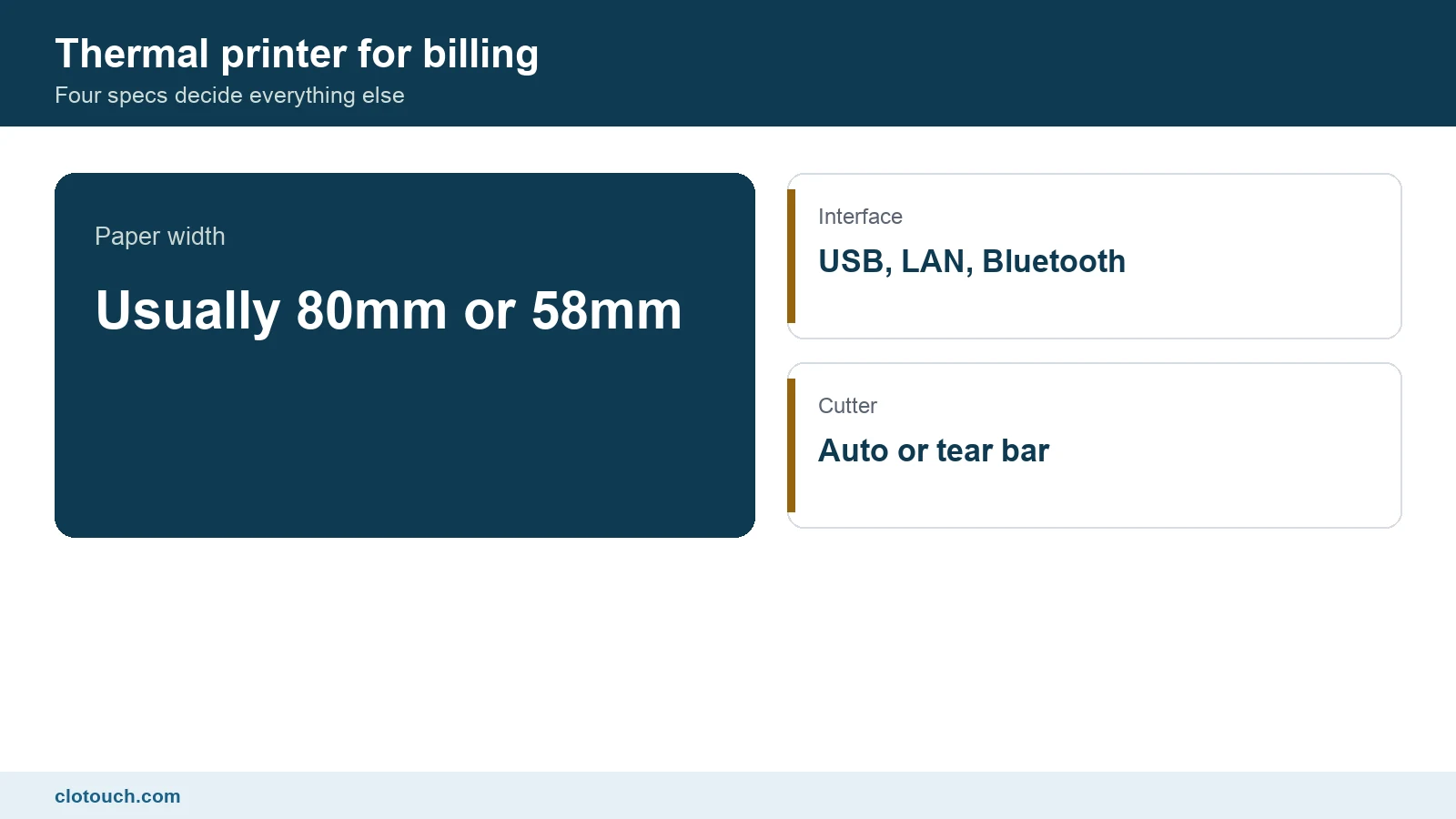
Two widths cover almost all retail. Eighty millimetre is the standard counter size and fits more characters per line. It suits bills with item descriptions, tax lines and a shop header. Fifty eight millimetre is narrower, cheaper per metre, and common on mobile and handheld units.
Choose on content, not on cost. A grocery bill with long item names and a GST summary looks cramped on narrow paper, and the cashier ends up printing two copies because the first was unreadable. Any saving disappears there.
Whatever you choose, standardise it across the shop. Two widths in one business means two paper stocks, two layouts to maintain, and a roll that does not fit the printer that ran out.
Interface: match it to how the counter is built
USB is the simplest and the most reliable, and it ties the printer to one machine. Network connection lets several billing points or a tablet share one printer, which is what a restaurant usually needs. Bluetooth suits a mobile counter, a delivery bag or a market stall.
| Interface | Best for | Watch out for |
|---|---|---|
| USB | Single fixed counter | Tied to one computer |
| Network | Several tills, kitchen printers | Needs a stable local network |
| Bluetooth | Handheld and mobile billing | Pairing drops, battery life |
| Serial | Older installations | Cables and ports are getting rare |
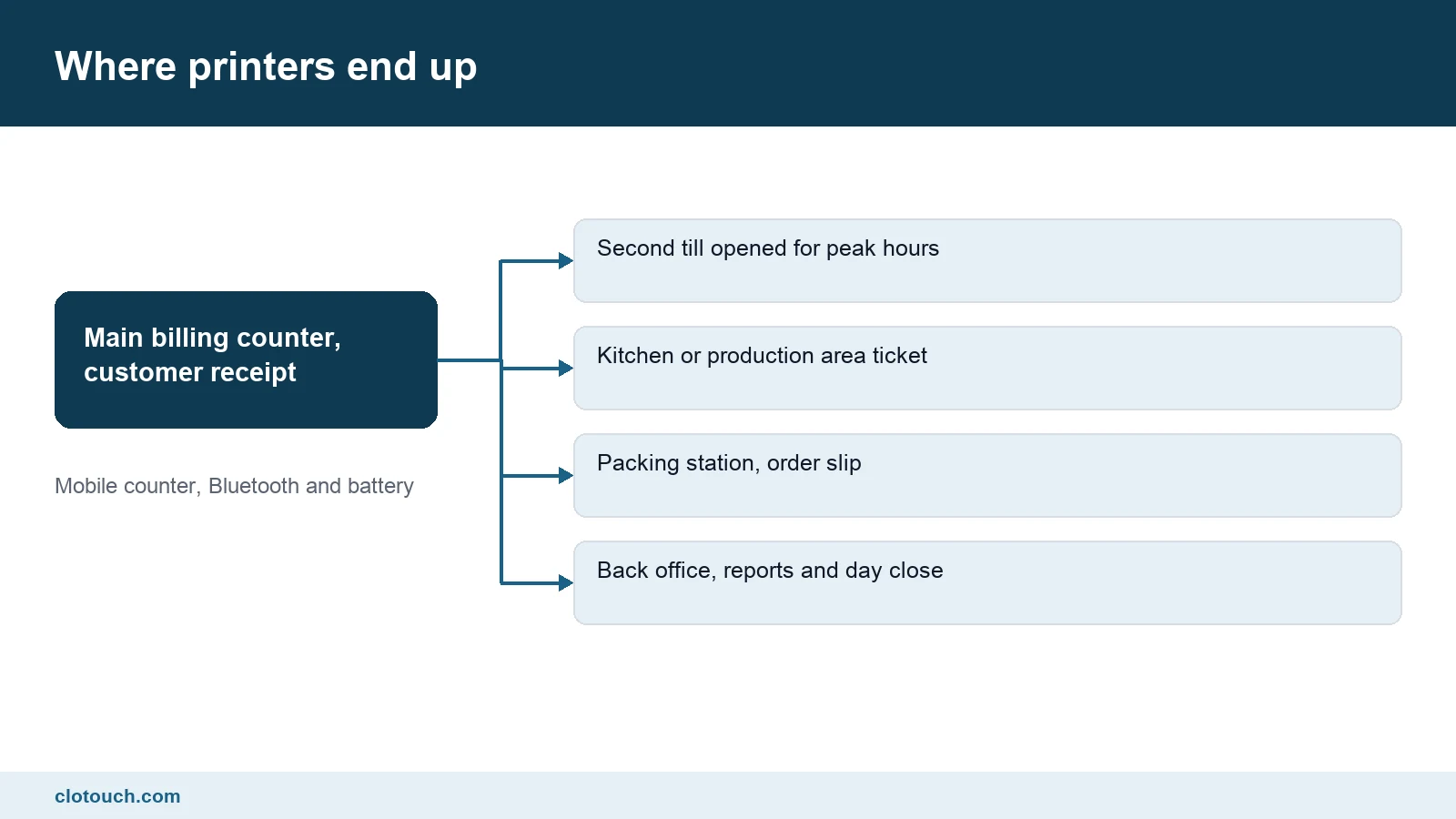
A kitchen or packing printer is almost always a network printer, because the billing device is somewhere else. That is also where reliability matters more than print beauty, and where a restaurant setup usually needs two or three printers rather than one.
Cutter, and why it is not a luxury
An automatic cutter slices the receipt at the end of each bill. A tear bar makes the cashier pull the paper against a serrated edge. On a slow counter the tear bar is fine. On a busy one it costs a second per bill and produces ragged receipts.
Cutters are rated in cuts, often in the millions, and they are the part most likely to fail first. Ask what the rating is and whether the cutter is replaceable separately from the printer. On a high volume counter that answer matters within two years.
Speed, in context
Print speed is quoted in millimetres per second and most modern units are fast enough. The honest test is not the specification. It is how long the customer waits between the cashier pressing print and the paper being cut, which is what a thermal printer for billing is really judged on.
Often the delay is not the printer at all. It is the software building the bill, or a network hop, or a logo image being re-sent on every receipt. Store the logo in the printer’s own memory and the first line appears noticeably sooner.
Why receipts fade, and what to do about it
This is the complaint that reaches the owner. A customer returns with a warranty claim and the bill is blank. Thermal paper has no ink, so there is nothing permanent about the mark.
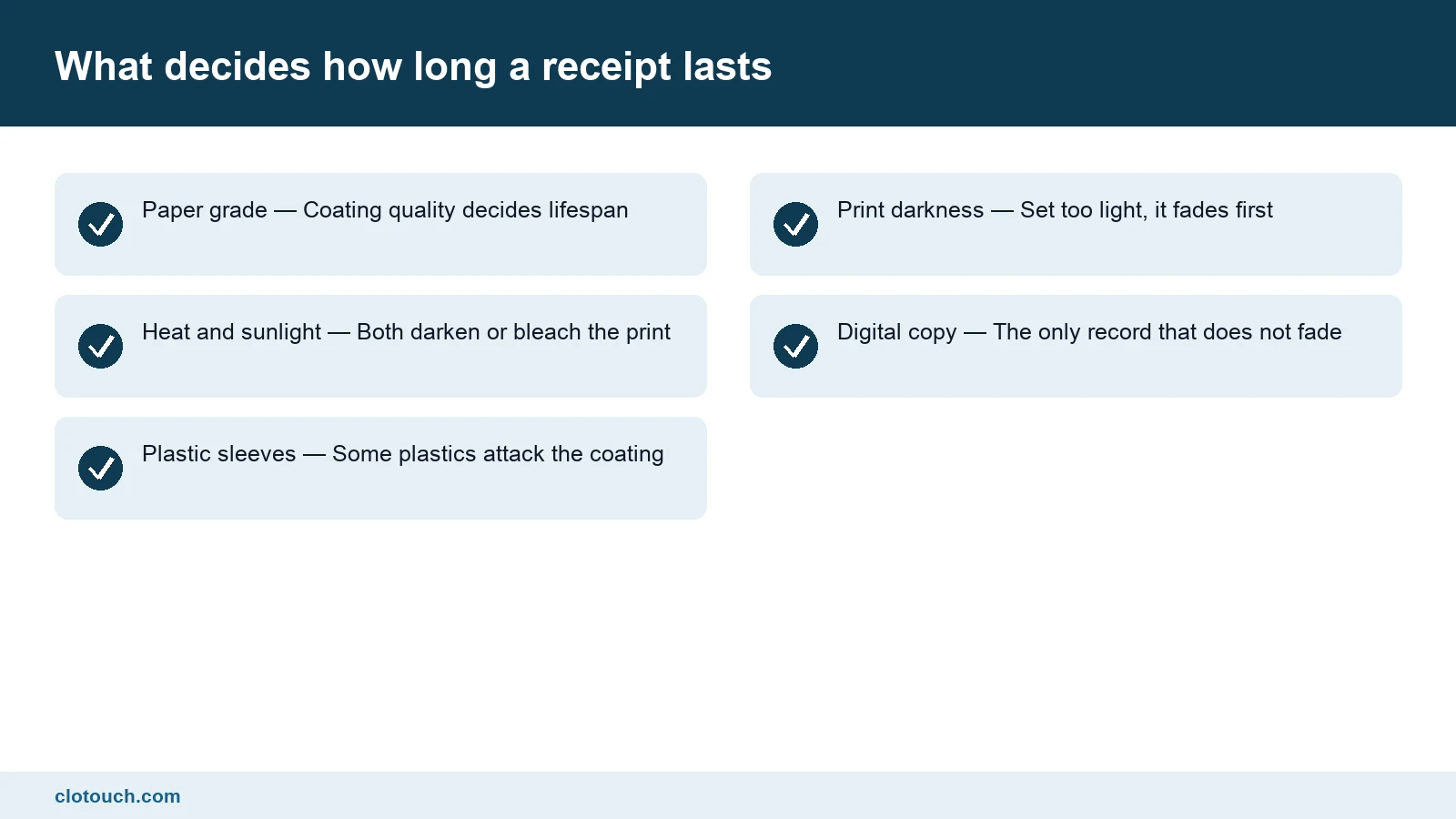
Paper grade is the main variable. Cheap rolls fade in weeks. Better coated paper holds for far longer. Heat, sunlight and contact with certain plastics all accelerate the loss, which is why a receipt left on a car dashboard turns black.
The real answer is not better paper. It is a digital record. A bill that can be found by date, phone number or amount makes the faded slip irrelevant. The back office becomes the source of truth.
Running cost and consumables
- Buy paper by grade and roll length, not by the lowest price per roll
- Standardise on one width and one roll diameter across the shop
- Keep two spare rolls at every counter, not in a stockroom
- Clean the print head periodically, as the manual specifies
- Keep one spare printer if the shop cannot bill without one
The last point is insurance, not extravagance. A counter that cannot print cannot trade, and a replacement bought in an emergency is always the wrong model at the wrong price.
Thermal printer for billing: what to check before buying
- Does the paper width suit your longest bill, not your shortest?
- Does the interface match how your tills and kitchen are laid out?
- Is there an automatic cutter, and is it separately replaceable?
- Can the logo be stored in the printer rather than sent each time?
- Does your billing software already support this model, or will it need a driver?
The fifth question prevents the most common disappointment. A thermal printer for billing that works beautifully on its own can still be awkward to drive from a particular application, so confirm compatibility before the box is opened.
The short version
Pick the width for your bill layout, the interface for your counter layout, and a cutter if you have a queue. Buy decent paper. Then stop worrying about the printer, because the record that matters is the one in the system.
Frequently asked questions
Should I buy an 80mm or a 58mm thermal printer?
Eighty millimetre suits a fixed counter with longer item names and a tax summary, because more fits on a line. Fifty eight millimetre suits handheld and mobile billing. Choose on your longest bill layout, and standardise on one width across the shop so rolls are interchangeable.
Do I need an automatic cutter?
On a busy counter, yes. A tear bar costs about a second per bill and produces ragged receipts. Cutters are rated in cuts and are often the first part to fail, so also ask whether the cutter can be replaced on its own rather than replacing the printer.
Why do thermal receipts fade?
There is no ink. A heated head darkens coated paper, so the mark is never permanent. Cheap paper fades in weeks, and heat, sunlight and some plastics accelerate it. Better paper helps, but the reliable fix is keeping a digital copy of the bill in the system.
My printer feels slow even though the specification says otherwise. Why?
Usually the delay is before the printer. The software may be building the bill slowly, there may be a network hop, or a logo image may be re-sent with every receipt. Storing the logo in the printer’s own memory is the single easiest improvement.
Which interface should a restaurant use for kitchen tickets?
A network connection, almost always. The billing device is in one place and the kitchen printer in another, so they need to share a local network rather than a cable. Reliability matters far more than print quality on a kitchen ticket.
Sources, method and author
Written around how thermal printing works and how counters are actually laid out, rather than around any one model. Thermal printers use a heated head on coated paper and no ink, which is why running costs are low and why receipts fade. Widths, interfaces and cutter ratings described here are the common options in retail hardware. Check the specification sheet of any model you are considering, since ratings vary widely between units at similar prices.
- Epson point of sale printers — specification sheets showing widths, interfaces and cutter ratings
- Department of Consumer Affairs — record keeping expectations behind warranty and return claims
- CBIC GST — what has to appear on the document the printer produces
Clotouch is a point of sale product built by Clonet Technologies Pvt Ltd and works with standard thermal printers. This guide is about choosing hardware for any billing system, including ours. No model is endorsed here.
Author. Aman Raj. Published 10 October 2026 for Clonet Technologies Pvt Ltd, Bengaluru.