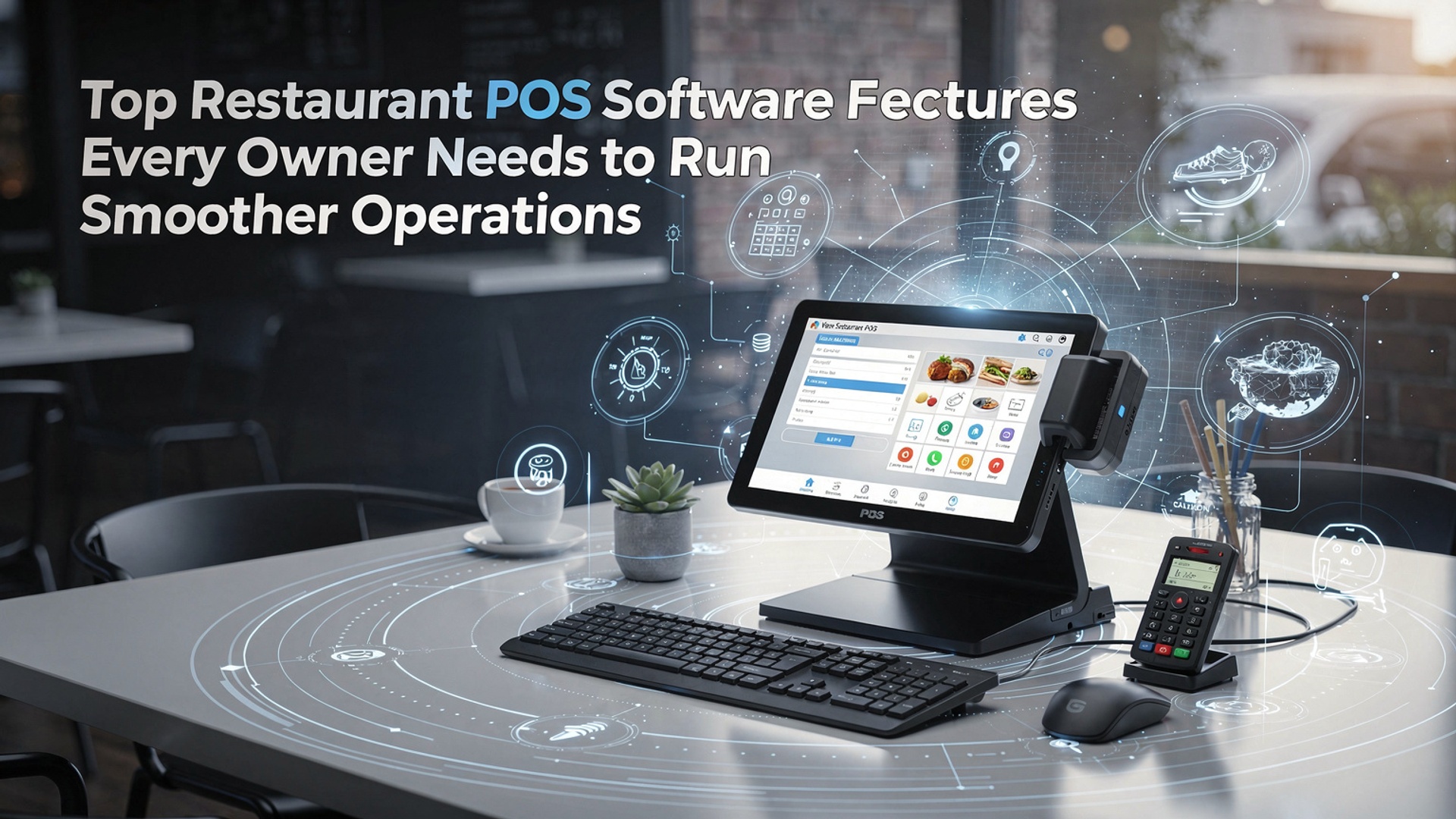
Top Restaurant POS Software Features Every Owner Needs to Run Smoother Operations
Restaurant POS software has moved far beyond basic order entry, becoming the operational core of modern food service businesses. In an environment shaped by cloud-based deployments, contactless payments. real-time data demands, the right Restaurant POS software can synchronize front-of-house speed with back-of-house control. Owners now rely on features like live inventory tracking, AI-driven sales forecasting, integrated online ordering. multi-location reporting to reduce waste and protect margins. With labor costs rising and guest expectations shaped by mobile-first experiences, POS platforms are increasingly expected to automate staff scheduling, support QR-based ordering. connect seamlessly with accounting and delivery ecosystems. Understanding which features actually drive efficiency and scalability is essential for running tighter, more resilient restaurant operations today.
Why Modern Restaurant POS Software Is the Backbone of Daily Operations
Restaurant POS software sits at the center of ordering, payment processing, inventory. reporting, making it one of the most critical technology investments for food service businesses. In practical terms, it replaces disconnected cash registers, handwritten tickets. manual spreadsheets with a single, integrated platform. According to the National Restaurant Association, restaurants using modern POS systems report faster service times and fewer order errors compared to manual or legacy systems. For owners managing tight margins and high staff turnover, a reliable POS platform becomes the operational “source of truth” that keeps front-of-house and back-of-house teams aligned.
Order Management and Tableside Efficiency
Efficient order management is often the first feature owners notice when upgrading Restaurant POS software. Digital order entry reduces miscommunication between servers and the kitchen while speeding up table turns.
- Tableside ordering on tablets or handheld devices
- Automatic routing of orders to kitchen display systems (KDS)
- Real-time order status updates for staff
- Custom modifiers for dietary restrictions and upsells
In one mid-sized casual dining restaurant I worked with, switching from paper tickets to a POS with KDS reduced ticket times by nearly 20% during peak hours, simply because cooks no longer had to decipher handwriting or re-enter orders.
Integrated Payment Processing and Flexible Checkout Options
Payment processing is more than just swiping a card. Modern POS Software platforms integrate multiple payment types into a single workflow.
- Credit and debit card payments
- Mobile wallets like Apple Pay and Google Pay
- Contactless and QR-code payments
- Split checks and partial payments
Providers such as Square and Toast emphasize that faster checkout directly improves table turnover and customer satisfaction. Integrated payments also reduce reconciliation errors because sales and payment data sync automatically, eliminating manual end-of-day balancing.
Inventory Management and Food Cost Control
Inventory management tools within Restaurant POS software help owners track ingredient usage in real time. These features connect menu items to raw ingredients, updating stock levels automatically with each sale.
- Low-stock alerts for critical ingredients
- Vendor and purchase order tracking
- Waste and spoilage reporting
- Menu-level food cost analysis
A small bistro case study published by Toast showed a 3–5% reduction in food costs after implementing automated inventory tracking, mainly by identifying over-portioning and dead stock.
Menu Management and Pricing Flexibility
Menu management tools allow owners to make quick adjustments without reprinting menus or retraining staff.
- Time-based pricing (happy hours, lunch specials)
- Seasonal or limited-time offers
- Item availability controls
- Menu performance analytics
From a technical standpoint, menu changes are stored in the POS database and pushed instantly to terminals and online ordering channels. This centralized control is especially useful for multi-location restaurants that need consistent pricing and branding.
Employee Management and Shift Tracking
Labor is one of the highest costs in the restaurant industry. POS systems increasingly include workforce management tools.
- Clock-in and clock-out tracking
- Role-based access permissions
- Sales and performance reports by employee
- Tip tracking and payroll exports
By tying sales data to individual staff members, Restaurant POS software helps owners identify training needs and reward top performers. In practice, this data is often exported directly into payroll systems, reducing administrative workload.
Reporting, Analytics. Data-Driven Decisions
Advanced reporting is where POS Software truly adds strategic value. Rather than relying on gut instinct, owners can base decisions on real data.
- Daily, weekly. monthly sales reports
- Top-selling and underperforming menu items
- Peak service hours and seasonal trends
- Labor cost and profit margin analysis
Many platforms reference industry benchmarks from sources like NCR and Lightspeed, helping owners compare performance against similar restaurants. Clear dashboards also make it easier to share insights with managers and investors.
Online Ordering, Delivery. Third-Party Integrations
Today’s Restaurant POS software often acts as a hub for online ordering and delivery services.
- Direct online ordering from the restaurant website
- Integration with third-party delivery apps
- Centralized order management across channels
- Unified reporting for dine-in and off-premise sales
Without integration, staff must re-enter online orders manually, increasing errors. POS-based integrations automatically inject orders into the kitchen workflow, saving time and preserving accuracy.
Security, Compliance. Data Protection
Handling payment and customer data requires strong security standards. POS platforms typically support:
- PCI DSS–compliant payment processing
- User access controls and audit logs
- Encrypted data storage and transmission
- Automatic software updates and patches
The Payment Card Industry Security Standards Council (PCI SSC) recommends using certified POS systems to minimize data breach risks. For owners, compliance is not just about avoiding fines but also about maintaining customer trust.
Comparing Core POS Software Features Across Restaurant Types
| Feature | Quick-Service Restaurant | Full-Service Restaurant | Multi-Location Chain |
|---|---|---|---|
| Order Management | High-speed counter ordering | Tableside and coursed meals | Centralized menu control |
| Inventory Tracking | Basic ingredient counts | Recipe-level costing | Cross-location reporting |
| Reporting | Daily sales summaries | Labor and menu analytics | Enterprise-level dashboards |
Scalability and Cloud-Based POS Architecture
Cloud-based Restaurant POS software allows owners to access data from any internet-connected device. This architecture supports automatic updates, remote troubleshooting. easier scaling as the business grows.
- Real-time data sync across devices
- Remote menu and price updates
- Lower upfront hardware costs
- Disaster recovery and data backups
Industry analysts from Gartner note that cloud POS adoption continues to rise because it reduces IT overhead while improving system reliability, particularly for growing restaurant brands.
Conclusion
Running a restaurant smoothly today depends on how well your POS works behind the scenes. From real-time inventory tracking to seamless integrations with online orders and digital payments, the right features reduce daily friction and give you clarity when it matters most. I’ve seen owners reclaim hours each week simply by switching to cloud-based systems that sync sales, staff activity. reports instantly, a trend that’s become standard in 2024 as restaurants scale faster with lean teams. My personal tip is to test features during peak hours, not demos, because speed, ease of use. reporting accuracy show their true value only under pressure. Also, choose software that grows with you, as outlined in this guide on must-have restaurant POS features. When your POS supports smarter decisions instead of slowing them down, smoother operations follow naturally. Take action now, invest wisely. set your restaurant up to thrive with confidence.
More Articles
How to Choose Essential Features of Restaurant POS for Smooth Daily Operations
Ways Restaurant POS Software Helps Reduce Errors Boost Sales and Save Time
11 Ways Restaurant POS Software Improves Order Accuracy and Faster Service
9 Signs Your Restaurant Needs POS Software to Simplify Daily Operations
How to Use Restaurant POS Features to Speed Up Orders and Payments

FAQs
What are the must-have POS features for a busy restaurant?
Key features include fast order entry, table and order management, integrated payments, real-time reporting. inventory tracking. These help reduce errors, speed up service. give owners better visibility into daily operations.
How does a POS system help with order accuracy?
A good POS sends orders directly to the kitchen or bar, reducing handwritten tickets and miscommunication. Modifiers, special requests. seat numbers are clearly displayed, so staff know exactly what to prepare.
Why is inventory management such a big deal in POS software?
Inventory tracking helps prevent over-ordering, stockouts. food waste. The POS updates ingredient levels automatically as items are sold, making it easier to plan purchases and control costs.
Can POS reporting really improve decision-making?
Yes. POS reports show sales trends, best- and worst-selling items, peak hours. staff performance. This data helps owners adjust menus, staffing. pricing based on actual performance instead of guesswork.
How essential is POS integration with payments?
Integrated payments speed up checkout, reduce manual entry errors. improve the guest experience. It also keeps sales and payment data in one place, making reconciliation and accounting simpler.
Does a restaurant POS help with staff management?
Many POS systems include employee features like time tracking, shift management. role-based access. These tools help control labor costs and ensure staff only access what they need.
What role does cloud-based POS software play in smoother operations?
Cloud-based POS systems allow owners to access sales, reports. settings from anywhere. They also make updates, data backups. multi-location management easier without relying on on-site servers.