5 Practical Tips to Master Your Restaurant POS Software Quickly
In today’s dynamic culinary landscape, a restaurant’s operational efficiency and profitability hinge significantly on its Restaurant POS software. Modern cloud-based systems transcend basic transaction processing, now integrating sophisticated inventory management, streamlining QR code ordering. powering personalized loyalty programs, directly impacting the bottom line. Yet, many establishments only scratch the surface of their system’s full capabilities, missing crucial opportunities to leverage advanced analytics for optimized peak hour staffing or real-time sales data for nimble menu adjustments. Mastering this central operational hub transforms daily routines from chaotic to controlled, ensuring seamless service delivery and an elevated customer experience.
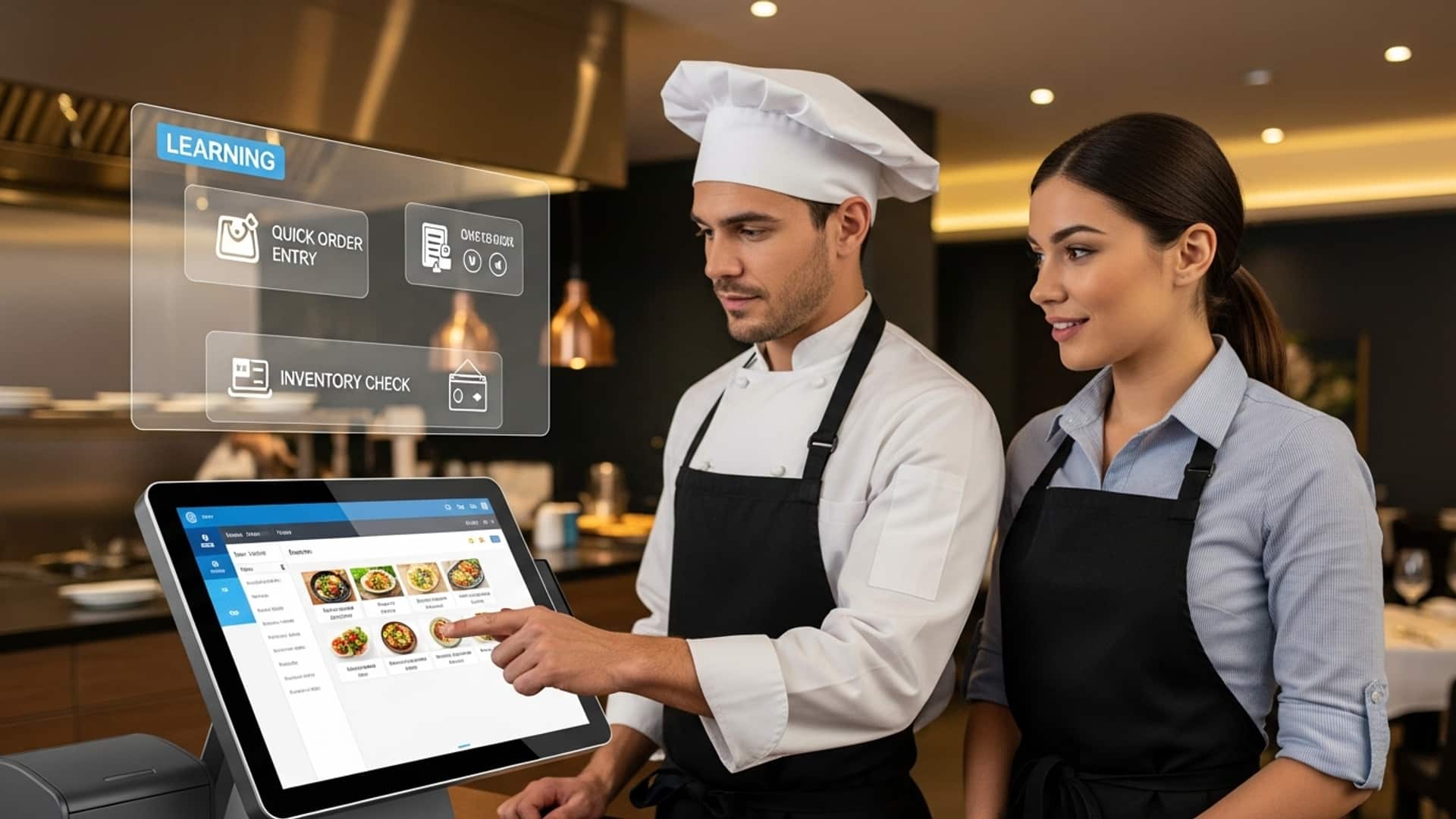
Demystifying Your Restaurant POS Software’s Core Functions
Mastering any new technology begins with a deep dive into its fundamental components. For your Restaurant POS software, this means understanding not just how to punch in an order. the underlying systems that make your daily operations tick. A Point of Sale (POS) system is far more than just a cash register; it’s the central nervous system of your restaurant, managing everything from sales transactions to inventory and customer data.
At its core, Restaurant POS software typically comprises several interconnected modules:
- Sales Processing
- Inventory Management
- Customer Relationship Management (CRM)
- Reporting and Analytics
- Employee Management
This is where orders are taken, modified. payments are processed. It includes features like menu management, table management, order customization. various payment options (cash, card, mobile, split payments).
Tracks ingredients, prepared dishes. supplies. It helps monitor stock levels, manage vendors, generate purchase orders. reduce waste.
Stores customer data, preferences. purchase history. This module is vital for loyalty programs, targeted marketing. personalizing guest experiences.
Generates critical data on sales trends, popular menu items, staff performance. peak hours, enabling data-driven decision-making.
Manages staff schedules, tracks clock-ins/outs, monitors performance. often handles payroll integration.
Understanding these core functions is paramount because they directly impact efficiency, accuracy. profitability. For instance, a quick-service restaurant relies heavily on efficient sales processing to handle high volumes, while a fine-dining establishment might prioritize robust table management and CRM for personalized service. By identifying and understanding the primary modules of your specific Restaurant POS software, you lay a solid foundation for quick mastery.
The Power of Hands-On Practice and Simulated Environments
Theoretical knowledge, while essential, can only take you so far. To truly master your Restaurant POS software, hands-on practice in a safe, consequence-free environment is indispensable. Many modern Restaurant POS software systems offer a dedicated training mode, sandbox environment, or demo version specifically designed for this purpose. This functionality allows users to explore features, make mistakes. correct them without impacting live sales data or customer orders.
Consider the scenario of a new server learning to navigate the system during a busy lunch rush. Without prior practice, they might struggle with complex orders, split checks, or applying discounts, leading to delays and potential errors. But, if they’ve spent time in a simulated environment, they can:
- Practice entering diverse orders, including modifications and special requests.
- Experiment with different payment methods and splitting bills.
- Learn how to apply discounts, voids. returns correctly.
- Familiarize themselves with the menu layout and item modifiers, enhancing speed and accuracy.
One restaurant owner shared an anecdote about how their team significantly reduced order errors by implementing a mandatory “POS simulation hour” for all new hires. “We’d set up mock scenarios – a family ordering multiple custom pizzas, a large group needing separate checks, a customer wanting to return a drink,” she recounted. “It felt like a game. it built muscle memory. When they hit the floor, they were confident.”
Utilize these training tools. If your system has a training module, explore how to activate it. It’s often as simple as a menu option or a specific login. For example:
// Example of accessing a training mode (conceptual)
Login to POS System > Settings > Training Mode > Enable
This approach allows you to build proficiency, identify common challenges. develop efficient workflows before the pressure of real customer interactions.
Harnessing Official Training Resources and Expert Support
Providers of leading Restaurant POS software comprehend that their product’s success is tied to user proficiency. Consequently, they invest heavily in creating comprehensive training ecosystems and robust support channels. Neglecting these resources is like trying to navigate a new city without a map or GPS – you might get there eventually. with unnecessary detours and frustration.
Key resources to leverage include:
- User Manuals and Knowledge Bases
- Video Tutorials and Webinars
- Vendor-Provided Training Sessions
- Community Forums
Detailed guides and searchable articles covering every feature, troubleshooting steps. best practices.
Visual, step-by-step instructions that can be incredibly helpful for visual learners. Many vendors host live webinars for new features or advanced tips.
Often included with your subscription or available for an additional fee, these can be in-person or virtual, offering personalized instruction.
A platform to connect with other users, ask questions. share insights.
Beyond self-help resources, don’t underestimate the value of expert support. Most Restaurant POS software providers offer:
- Customer Support Lines
- Dedicated Account Managers
- Email/Chat Support
For immediate issues or specific questions.
For larger operations, offering tailored advice and strategic guidance.
For less urgent queries.
A restaurant manager once shared, “When we upgraded our Restaurant POS software, I made sure everyone, from the front-of-house staff to the kitchen team, watched the vendor’s video series. It broke down complex features like inventory management into digestible modules. And for any unique questions, their chat support was always quick to respond.” This proactive approach significantly smoothed their transition and empowered staff to utilize the system’s full potential.
Here’s a comparison of common support options:
| Support Type | Best For | Typical Response Time |
|---|---|---|
| Live Phone Support | Urgent issues, complex troubleshooting | Immediate to minutes |
| Live Chat Support | Quick questions, step-by-step guidance | Minutes |
| Email Support | Non-urgent inquiries, detailed explanations | Hours to 1 business day |
| Knowledge Base/FAQ | Self-service solutions, general data | Instant |
Actively engage with these resources. Don’t hesitate to reach out to support when you encounter a challenge – their expertise can save you significant time and prevent costly errors.
Unlocking Advanced Features and Seamless Integrations
Once you’re proficient with the core functions of your Restaurant POS software, the next step in mastery is to explore its advanced features and integration capabilities. These functionalities often hold the key to significantly enhancing efficiency, improving customer experience. boosting revenue beyond basic transaction processing.
Advanced features might include:
- Loyalty Programs
- Online Ordering Integration
- Kitchen Display Systems (KDS)
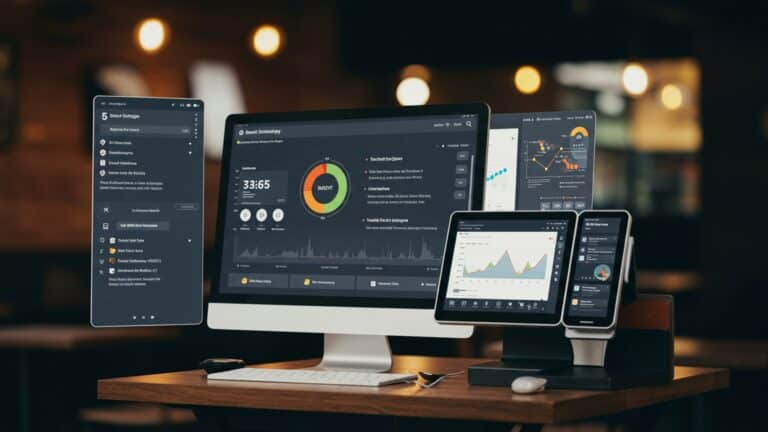
- Detailed Analytics Dashboards
Built-in systems to reward repeat customers, track points. offer targeted promotions.
Connecting your POS directly with your website or third-party delivery platforms (e. g. , DoorDash, Uber Eats) to streamline order flow.
Digital screens in the kitchen that display orders, helping to manage prep times, reduce paper waste. improve communication between front and back of house.
Going beyond basic reports to provide predictive analytics, labor cost analysis. menu engineering insights.
Integrations are crucial because they allow your Restaurant POS software to communicate seamlessly with other essential tools you use. This communication is often facilitated by Application Programming Interfaces (APIs), which are sets of rules and protocols that allow different software applications to talk to each other. For example, integrating with a reservation system allows a fine-dining restaurant to track guest preferences from booking all the way through their dining experience, creating a highly personalized visit.
Consider a casual eatery that integrated its Restaurant POS software with an online ordering platform. Before, staff manually entered online orders into the POS, leading to delays and errors. After integration, orders flowed directly into the kitchen display system, reducing order processing time by 30% and significantly cutting down on mistakes. This not only improved operational efficiency but also enhanced customer satisfaction due to faster, more accurate orders.
Here’s a look at common integrations:
| Integration Type | Benefit | Example |
|---|---|---|
| Online Ordering Platforms | Streamlined order flow, expanded reach | DoorDash, Uber Eats, custom website orders |
| Accounting Software | Automated financial reporting, tax preparation | QuickBooks, Xero |
| Inventory Management (Advanced) | Detailed cost tracking, waste reduction | Separate inventory platforms |
| Employee Scheduling | Optimized labor, reduced overtime | When I Work, Homebase |
| Reservation Systems | Enhanced guest experience, table optimization | OpenTable, Resy |
Invest time in understanding these advanced capabilities. They are not merely add-ons but powerful tools that can transform your restaurant’s operations and competitive standing.
Embracing Continuous Learning and Adaptation
The final. perhaps most critical, tip for mastering your Restaurant POS software is to cultivate a mindset of continuous learning and adaptation. Technology is not static; it evolves rapidly, with new features, updates. even entirely new systems emerging regularly. What might be an advanced feature today could become a standard expectation tomorrow.
Staying updated is not just about keeping pace; it’s about maintaining a competitive edge and maximizing your investment in the software. Software providers frequently release updates that include:
- Performance Enhancements
- Security Patches
- New Features
- Compliance Updates
Making the system faster and more reliable.
Protecting your data and preventing vulnerabilities.
Introducing functionalities that can further streamline operations or improve customer experience.
Adapting to new regulations (e. g. , payment card industry standards).
Actionable steps for continuous learning include:
- Subscribe to Vendor Newsletters
- Regularly Review Release Notes
- Attend Industry Webinars and Conferences
- Periodically Audit Your Usage
Stay informed about new releases, webinars. tips directly from the source.
interpret what’s new or changed with each software update.
Learn about emerging trends in Restaurant POS software and hospitality technology.
Review your reports and workflows to identify areas where new features could be applied for better efficiency or insights.
For example, a restaurant that regularly reviews its POS reports can identify slow-moving menu items, optimize pricing, or spot peak sales hours to adjust staffing. This proactive analysis, powered by their Restaurant POS software, allows them to adapt their business strategy based on real-time data, rather than guesswork. The landscape of Restaurant POS software is constantly evolving, with trends like AI-driven analytics, mobile POS devices. enhanced cloud-based capabilities becoming more prevalent. By committing to ongoing education, you ensure that you’re not just using your POS system. truly leveraging it as a strategic asset for your restaurant’s sustained success.
Conclusion
Mastering your restaurant POS software isn’t merely about memorizing buttons; it’s about deeply understanding its workflow to transform your operations. My personal tip? Don’t just follow steps, question why each feature exists. For instance, truly understanding how to efficiently split bills or manage inventory directly impacts customer satisfaction and reduces costly errors, especially during peak hours. This proactive approach ensures you’re not just reacting to issues but leveraging the system’s full potential, even when integrating new trends like QR code ordering or contactless payments. By applying these practical tips consistently, you’re not just learning software; you’re investing in a smoother, more profitable future for your establishment. Embrace the journey, empower your team. watch your restaurant thrive with newfound efficiency.
More Articles
Master Essential Restaurant POS Features to Boost Your Business Profitability
Implement Restaurant POS Like a Pro 5 Essential Strategies for Smooth Rollout
7 Ways Restaurant POS Software Boosts Your Business Profits
How to Choose the Best Restaurant POS System 5 Essential Features Guide

FAQs
What’s the absolute best way to start learning new POS software quickly?
Dive right in with hands-on practice! Don’t just watch or read manuals. Get a feel for the interface by trying out basic functions like taking an order, adding items. processing payments. Repetition builds muscle memory fast.
Why is active practice so essential for mastering the POS system?
Active practice helps you build confidence and speed. It solidifies your understanding of workflows and common scenarios much faster than passive learning, making you more efficient and less prone to errors during busy shifts.
Should I try to learn every single feature of the POS right away?
Not at all! Focus on mastering the core functions first: order entry, modifications, different payment types. basic error correction (like voiding an item). Once you’re comfortable with these essentials, then gradually explore more advanced features.
Are there any specific resources that can help speed up my learning process?
Absolutely! Make the most of any training videos, user manuals, or online tutorials provided by your POS vendor. Also, don’t hesitate to ask experienced colleagues for quick tips or clarification on specific functions.
When’s the ideal time to practice using the POS system without affecting service?
The best time to practice is during quieter periods, before your restaurant opens, or after closing hours. This allows you to experiment freely and make mistakes without the pressure of a live order or impacting customer service.
What if I keep making mistakes while practicing? Is that normal?
Completely normal! Mistakes are a crucial part of the learning process. Use them as opportunities to interpret how to correct errors and reinforce the proper steps. It’s much better to make them during practice than with a paying customer.
How can I make sure I retain what I’ve learned about the POS software over time?
Regular, short refreshers are key. Even a quick run-through of common scenarios once a week can keep your skills sharp. Try to incorporate any new features you learn into your actual service whenever possible to solidify your understanding.