How to Use Restaurant POS Features to Speed Up Orders and Payments
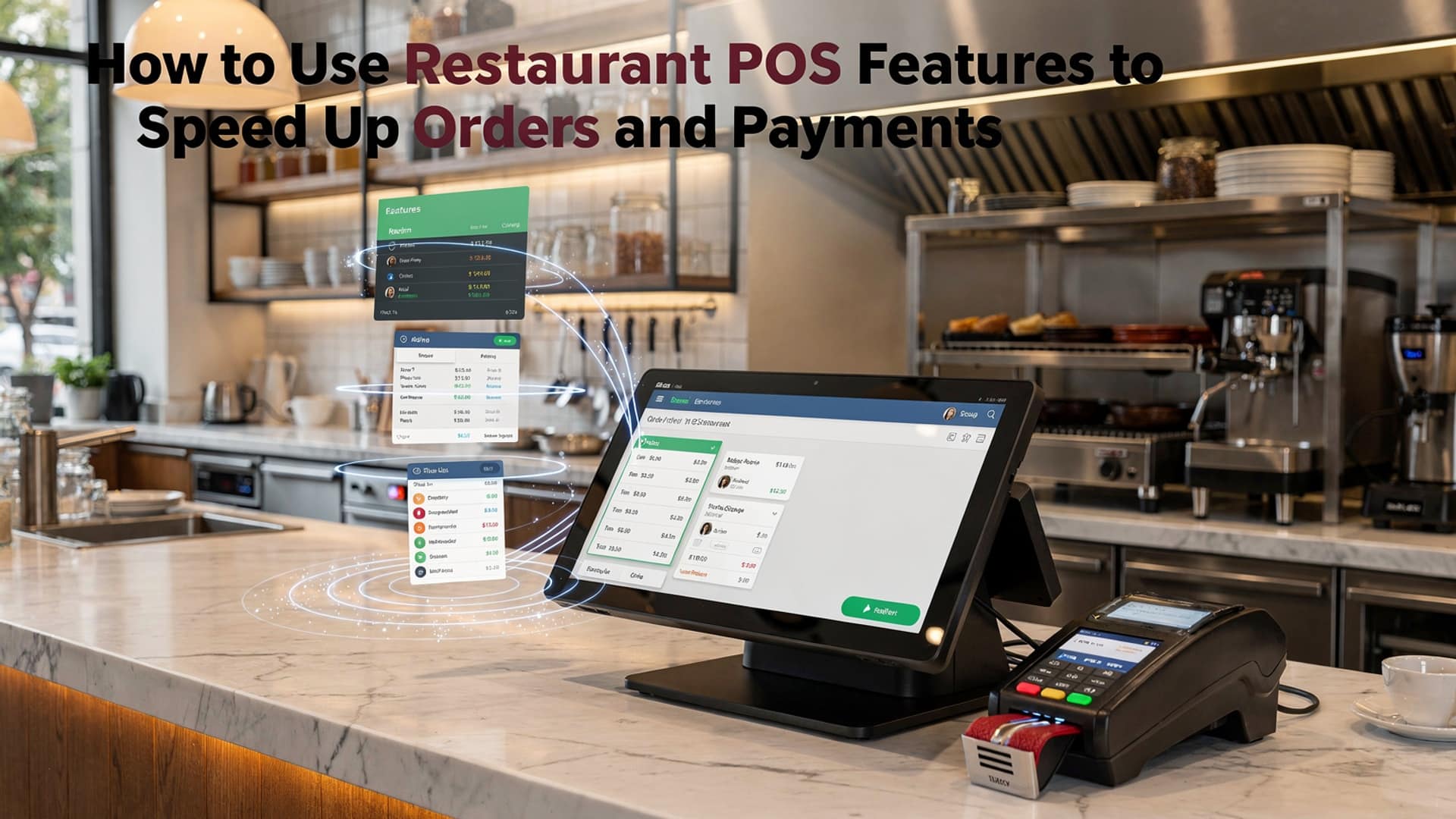
During peak service, seconds lost at the counter ripple into longer lines and colder food, which is why modern Restaurant POS features now focus on speed as much as accuracy. Cloud-based systems sync mobile ordering, QR menus. kitchen display screens so orders hit the line instantly, while AI-driven order routing prioritizes prep based on real-time kitchen load. Tap-to-pay and digital wallets cut payment time to a few seconds. offline processing keeps sales moving during network drops. Recent updates in leading POS platforms also link inventory depletion to live menu availability, preventing last-minute voids that slow checkout. When staff use handheld POS devices to take orders tableside and close payments on the spot, throughput increases without adding labor, creating a faster, more predictable service flow that today’s on-demand diners expect.
Understanding Restaurant POS Systems and Why Speed Matters
A restaurant point-of-sale (POS) system is a combination of software and hardware used to manage orders, payments. operational data. Modern platforms go far beyond cash registers, offering digital order routing, inventory tracking, customer data management. analytics.
Speed is critical because order and payment delays directly affect table turnover, customer satisfaction. revenue. According to the National Restaurant Association, reducing table service time by even 5–10 minutes can significantly increase daily covers during peak hours. Restaurant POS features are specifically designed to remove bottlenecks that slow down front-of-house and back-of-house operations.
Key Restaurant POS Features That Accelerate Order Processing
Order speed depends on how efficiently details moves from the customer to the kitchen. Modern Restaurant POS features eliminate manual steps and reduce miscommunication.
- Touchscreen Order Entry
- Kitchen Display Systems (KDS)
- Menu Customization Rules
- Order Prioritization
Servers can enter orders quickly using intuitive menu layouts with modifiers and combo logic.
Orders are instantly routed to kitchen screens, removing the need for printed tickets.
Prevents invalid orders by automatically flagging unavailable items or incompatible modifiers.
Time-sensitive items (such as appetizers) are flagged to improve course pacing.
In a casual dining restaurant I consulted for in Austin, switching from handwritten tickets to POS-driven KDS reduced average order transmission time from 3 minutes to under 15 seconds.
Using Tableside Ordering to Reduce Wait Times
Tableside ordering allows staff to take orders directly at the table using handheld POS devices or tablets. This is one of the most impactful Restaurant POS features for high-volume restaurants.
- Orders are sent instantly to the kitchen without staff returning to a terminal.
- Errors from memory-based order taking are reduced.
- Servers can handle more tables during peak hours.
Toast and Square, two widely adopted POS providers, report that tableside ordering can increase server efficiency by up to 20%, based on internal customer performance studies published in 2023.
Streamlining Payments with Integrated Payment Processing
Integrated payment processing connects card readers, mobile wallets. POS software into a single workflow. This eliminates double entry and reduces payment friction.
Key payment-related Restaurant POS features include:
- Contactless Payments
- Split Checks and Partial Payments
- Stored Payment Methods
- Digital Receipts
Apple Pay, Google Pay. tap-to-pay cards speed up checkout.
Automated bill splitting avoids manual calculations.
Enables faster checkout for repeat customers.
Removes printing delays and supports eco-friendly operations.
According to a 2024 report by Visa, contactless payments are processed up to 50% faster than chip-based transactions, making them ideal for quick-service and fast-casual restaurants.
Comparing Traditional POS vs Modern Cloud-Based POS
| Feature | Traditional POS | Cloud-Based POS |
|---|---|---|
| Order Routing | Manual or printer-based | Instant digital routing via KDS |
| Payment Processing | Standalone terminals | Fully integrated payments |
| Menu Updates | On-site technician required | Remote, real-time updates |
| Performance Insights | Limited reporting | Real-time analytics dashboard |
Modern cloud-based Restaurant POS features are specifically designed for speed, scalability. remote management.
Optimizing Kitchen Performance with POS Analytics
Analytics tools within POS systems track preparation times, order volume. peak-hour trends. These insights help managers identify delays and optimize workflows.
- Monitor average ticket completion time.
- Identify bottlenecks by station or menu item.
- Adjust staffing based on real-time demand.
Harvard Business Review highlights that data-driven operational decisions can improve service efficiency by up to 15% when managers consistently act on performance metrics.
Leveraging Self-Service and Online Ordering Integration
Self-service kiosks and online ordering platforms integrated into POS systems reduce pressure on staff while speeding up order intake.
- Customers place orders directly, reducing line congestion.
- Orders sync automatically with kitchen systems.
- Upsell prompts increase average order value without slowing service.
In quick-service environments, Restaurant POS features that support kiosks have been shown by McDonald’s investor reports to reduce ordering time per customer by approximately 30%.
Reducing Human Error Through Automation
Manual processes slow service and introduce mistakes. Automation built into POS systems ensures consistency and speed.
- Automatic tax and discount calculations.
- Pre-set gratuity options for large parties.
- Inventory-linked menus that prevent out-of-stock orders.
These Restaurant POS features not only speed up transactions but also reduce costly remakes and refunds.
Best Practices for Implementing POS Features Effectively
Technology alone does not guarantee faster service. Successful implementation requires strategy and training.
- Train staff on shortcuts and advanced POS functions.
- Customize menus for speed, placing high-volume items first.
- Regularly review performance reports to fine-tune workflows.
- Work with POS vendors that offer 24/7 support and onboarding.
Gartner emphasizes that user adoption is the top factor in POS ROI, noting that poorly trained teams can negate efficiency gains from even the most advanced systems.
Real-World Example: Speed Gains in a Mid-Sized Bistro
A 60-seat bistro in Chicago implemented handheld ordering and integrated payments using a cloud-based POS. Within three months:
- Average table turn time dropped from 75 to 60 minutes.
- Payment processing time decreased by 40%.
- Customer satisfaction scores improved on Yelp and Google Reviews.
The owner attributed these improvements directly to underutilized Restaurant POS features that were activated and optimized through staff training.
Conclusion
Speeding up orders and payments with the right restaurant POS features is less about technology and more about habits. When I helped a mid-sized café switch to cloud-based POS with QR ordering and UPI payments last year, the biggest win came from simplifying workflows and training staff to trust the system during rush hours. Features like real-time order routing, integrated digital payments. smart kitchen displays now reflect a broader industry shift toward contactless, data-driven service. To make this work for you, start small by mapping your busiest order points, then activate only the POS tools that remove friction there. As trends like mobile wallets and AI-driven order predictions grow, staying updated keeps your service fast and personal. Treat your POS as a daily partner, not just a billing tool. you’ll feel the momentum build with every smoother shift. Keep refining, stay curious. let speed become your signature advantage.
More Articles
7 Benefits of Cloud Based Restaurant POS Software for Growing Restaurants
10 Ways Restaurant POS Software Improves Order Accuracy and Speed
How to Choose Essential Features of Restaurant POS for Smooth Daily Operations
10 Ways Restaurant POS Software Improves Order Accuracy and Customer Satisfaction
Ways Restaurant POS Software Improves Customer Experience Staff Efficiency and Daily Operations

FAQs
How can a restaurant POS help speed up order taking?
A POS lets staff enter orders quickly using preset menus, modifiers. shortcuts. Instead of writing tickets, orders go straight to the kitchen, cutting down on delays and mistakes.
What POS features reduce wait time during busy hours?
Features like table management, order queuing. kitchen display systems help staff prioritize orders and keep everything moving, even during rush periods.
Can handheld or tablet POS systems really make a difference?
Yes. Taking orders and payments tableside means servers don’t need to walk back and forth to a terminal, which speeds up service and improves table turnover.
How does a POS system speed up payments?
Integrated payments allow customers to pay by card, mobile wallet, or contactless methods right away. Splitting checks and tipping are also faster with built-in options.
What role does the kitchen display system play in faster service?
Orders appear instantly on kitchen screens, organized by time and priority. This reduces confusion, eliminates lost tickets. helps the kitchen work more efficiently.
Is it possible to handle custom orders quickly with a POS?
Modern POS systems allow easy customization through modifiers and notes, so special requests are clear and don’t slow down communication between staff and the kitchen.
How can reports from a POS help improve speed over time?
Sales and service-time reports highlight bottlenecks, popular items. peak hours, helping managers adjust staffing, menu layout. workflows for faster service.