10 Smart Ways to Master Your Restaurant POS for Greater Efficiency
Navigating the complexities of modern restaurant operations demands more than just culinary skill; it requires mastering the technological backbone that drives efficiency. Your Restaurant POS software, far from being a simple transaction terminal, now serves as a dynamic hub for everything from streamlined order processing and intricate inventory management to real-time sales analytics and personalized customer experiences. Modern cloud-based systems, for instance, offer unparalleled remote oversight and integrate seamlessly with third-party delivery platforms, a critical development in today’s digital dining era. Understanding the advanced functionalities of this essential tool, from optimizing table turns to leveraging data for demand forecasting, transforms it into a powerful strategic asset. Unlock its full potential and elevate your operational flow, ensuring precision and profitability.
Understanding the Heart of Your Operations: Restaurant POS Software
In the fast-paced world of hospitality, efficiency isn’t just a buzzword; it’s the bedrock of success. At the core of a streamlined restaurant operation lies the Point of Sale (POS) system. But what exactly is Restaurant POS software? Simply put, it’s a sophisticated system that goes far beyond processing payments. It’s a centralized hub for managing sales, inventory, orders, customer data. even staff. Think of it as the digital brain of your restaurant, handling everything from the moment a customer places an order until their payment is processed and beyond. Mastering this powerful tool is crucial for any restaurant looking to boost productivity, enhance customer experience. ultimately, increase profitability.
1. Comprehensive Staff Training and Onboarding
The most advanced Restaurant POS software is only as effective as the people using it. Inadequate training leads to slow service, order errors. frustrated staff and customers. To truly master your POS, invest heavily in comprehensive training programs for every team member, from front-of-house to kitchen staff.
- Structured Training Modules
- Hands-On Practice
- Ongoing Refreshers
- “Train the Trainer” Approach
Develop clear, step-by-step guides and video tutorials covering every feature relevant to specific roles. For instance, servers need to master order entry, modifiers, table management. payment processing, while kitchen staff might focus on KDS (Kitchen Display System) order management.
Provide a dedicated training mode or a separate system where new hires can practice taking orders, applying discounts. processing payments without affecting live operations. This builds confidence and muscle memory.
Technology evolves. so should your team’s skills. Schedule regular refresher courses, especially when new features are rolled out or system updates occur. A quick 15-minute huddle before a shift can address common issues or introduce new shortcuts.
Designate a few tech-savvy team leaders to become POS super-users. They can then serve as internal experts, providing immediate support and peer-to-peer training, reducing reliance on management or external support.
Real-World Application: A casual dining chain we worked with reduced order errors by 30% and improved average table turn time by 10 minutes within six months of implementing a mandatory, tiered POS certification program for all new and existing front-of-house staff. Their investment in training paid off directly in customer satisfaction and increased revenue.
2. Optimize Your Menu Management
Your menu is the heart of your offering. your Restaurant POS software should make managing it effortless. Effective menu management within the POS ensures accuracy, speeds up order taking. provides valuable insights.
- Digital Menu Creation and Updates
- Categorization and Modifiers
- Seasonal and Special Menus
- Recipe Management Integration
Leverage the POS to create a detailed digital menu. This means not just item names and prices. also modifiers (e. g. , “add extra cheese,” “no onions”), special instructions. even allergy data. Updating prices, daily specials, or out-of-stock items can be done in minutes across all terminals, preventing manual errors and wasted printouts.
Properly categorize menu items (Appetizers, Entrees, Desserts) and use intuitive modifier groups. This streamlines the order entry process, ensuring servers don’t miss crucial details for customized orders. For example, a “Burger” item might have modifier groups for “Cook Temp,” “Cheese Options,” and “Side Choices.”
Utilize the POS’s ability to schedule menu changes. You can set up specific menus for breakfast, lunch, dinner, or happy hour, which automatically activate and deactivate at predetermined times. This eliminates the need for manual switching and reduces errors during transition periods.
Advanced Restaurant POS software often integrates with recipe management modules, allowing you to link menu items directly to ingredient lists. This not only ensures consistency but also aids in cost analysis and inventory depletion.
3. Leverage Inventory Management Features
Food and beverage costs are often the largest expense for a restaurant. Mastering the inventory capabilities of your Restaurant POS software is paramount to controlling these costs and reducing waste.
- Real-time Tracking
- Automated Reorder Points
- Waste Tracking
- Supplier Management
Configure your POS to track ingredients as they are sold. When a “Chicken Caesar Salad” is ordered, the system should automatically deduct portions of chicken, romaine, dressing. croutons from your inventory. This provides a live snapshot of stock levels.
Set minimum stock levels for key ingredients. When an item falls below this threshold, the POS can automatically generate a reorder alert or even a purchase order to your suppliers. This prevents stockouts and ensures you always have what you need.
Utilize the POS to log wasted items. Whether it’s a dropped plate, an overcooked steak, or expired produce, tracking waste provides data to identify problem areas, improve training, or adjust purchasing strategies.
Many Restaurant POS software solutions allow you to store supplier data, track delivery schedules. even integrate with invoicing, simplifying the entire procurement process.
| Feature | Manual Inventory | POS Inventory Management |
|---|---|---|
| Accuracy | Prone to human error, outdated counts | Real-time, automated deductions, high accuracy |
| Time Efficiency | Labor-intensive, weekly/monthly counts | Automated tracking, significant time savings |
| Waste Reduction | Difficult to pinpoint sources, reactive | Proactive alerts, detailed waste tracking, data-driven insights |
| Cost Control | Estimates, delayed cost analysis | Precise cost of goods sold (COGS), immediate impact analysis |
| Reordering | Manual checks, risk of stockouts/overstock | Automated reorder points, optimized purchasing |
4. Streamline Order Taking and Kitchen Communication
The journey from customer order to served dish should be seamless. Your Restaurant POS software is the conductor of this orchestra, ensuring every instrument plays in harmony.
- Intuitive Order Entry
- Kitchen Display Systems (KDS) Integration
- Customizable Routing
- Order Modifications and Voids
Servers should be able to quickly navigate the menu, add modifiers, split checks. send orders to the kitchen with minimal taps. Features like visual table layouts allow servers to see table status at a glance.
Ditch paper tickets. Integrate your POS with a KDS in the kitchen. Orders appear instantly on screens, categorized by station (e. g. , grill, fry, prep). This eliminates lost tickets, illegible handwriting. reduces noise. KDS systems often include timers to track cook times, ensuring consistency and identifying bottlenecks.
Configure your POS to automatically route specific items to the correct kitchen or bar station. For example, “drinks” go to the bar KDS, “appetizers” to the cold prep station. “steaks” to the grill. This ensures items are prepared efficiently and simultaneously.
When a customer changes their mind or an item needs to be voided, the POS should facilitate quick and clear communication to the kitchen, updating the KDS in real-time. This prevents wasted food and ensures accurate billing.
// Example of a simplified order routing logic in a POS system
function routeOrderToKitchen(orderItem) { if (orderItem. category === "Drinks") { sendToBarKDS(orderItem); } else if (orderItem. category === "Appetizers" || orderItem. category === "Salads") { sendToColdPrepKDS(orderItem); } else if (orderItem. category === "Entrees") { if (orderItem. item. includes("Steak") || orderItem. item. includes("Burger")) { sendToGrillKDS(orderItem); } else { sendToHotPrepKDS(orderItem); } } else { sendToGeneralKDS(orderItem); // Fallback }
}
5. Implement Robust Reporting and Analytics
Data is the new currency. your Restaurant POS software is a goldmine of insights. Moving beyond basic sales reports is key to making informed, strategic decisions.
- Sales Performance
- Labor Cost Analysis
- Inventory Turnover
- Void and Discount Tracking
- Customer Insights
review sales by item, category, time of day, day of week. even by server. Identify your best-selling dishes, peak hours. top-performing staff. This data can inform staffing levels, menu engineering. marketing promotions.
Integrate your POS with time clock data to track labor costs as a percentage of sales. Pinpoint overstaffing during slow periods or understaffing during rushes. This is crucial for optimizing schedules and controlling expenses.
interpret how quickly different ingredients are moving. High turnover items are popular and should be well-stocked, while slow-moving items might indicate over-purchasing or menu items that need re-evaluation.
Monitor voids, comps. discounts. While some are legitimate, unusually high numbers can flag potential theft, training issues, or customer satisfaction problems that need addressing.
If your POS captures customer data, review purchasing habits, average spend. visit frequency. This informs targeted marketing and loyalty programs.
Expert Insight: According to a report by the National Restaurant Association, “restaurants that effectively use data analytics from their POS systems can improve profit margins by 5-8% through optimized inventory, labor. menu pricing.” Leveraging this data isn’t just smart; it’s essential for survival and growth.
6. Enhance Customer Relationship Management (CRM)
Building a loyal customer base is vital for long-term success. Modern Restaurant POS software extends beyond transactions to help you cultivate stronger customer relationships.
- Integrated Loyalty Programs
- Customer Database
- Preference Tracking
- Feedback Integration
Implement points-based systems, tiered rewards, or special discounts directly through your POS. Customers can earn and redeem rewards seamlessly, encouraging repeat business. The system can track their points, purchase history. even send automated offers.
Capture essential customer data (name, email, phone, birthday) and link it to their purchase history. This allows for personalized communication and targeted marketing. Imagine sending a loyal customer a discount on their favorite dish on their birthday!
Some advanced POS systems allow you to note customer preferences or dietary restrictions. When a regular visits, their server can access this data, leading to a highly personalized and memorable dining experience. “Welcome back, Sarah! The usual latte and gluten-free muffin?”
Integrate customer feedback tools (e. g. , QR code surveys) directly with your POS. This allows you to collect real-time insights into their experience, address issues promptly. show customers their opinions matter.
Case Study: “The Daily Grind,” a local coffee shop, saw a 20% increase in repeat customers after launching a simple points-based loyalty program through their Restaurant POS software. Customers loved the ease of earning free coffee. the shop gained valuable data on their most frequent visitors and popular items.
7. Embrace Mobile and Online Ordering Integration
In today’s digital age, customers expect convenience. Seamless integration with mobile and online ordering platforms is no longer a luxury but a necessity for your Restaurant POS software.
- Direct Online Ordering Portals
- Third-Party Delivery Aggregator Integration
- Mobile POS for Table-Side Ordering
- Curbside Pickup and Takeaway Management
Many POS systems offer branded online ordering portals that integrate directly. Orders placed online flow straight into your POS and then to the kitchen KDS, just like an order taken in-house. This eliminates the need for manual data entry, reducing errors and saving staff time.
If you work with platforms like DoorDash, Uber Eats, or Grubhub, look for POS systems that offer direct integrations. This consolidates orders from multiple sources into a single platform, making management easier and reducing the need for multiple tablets.
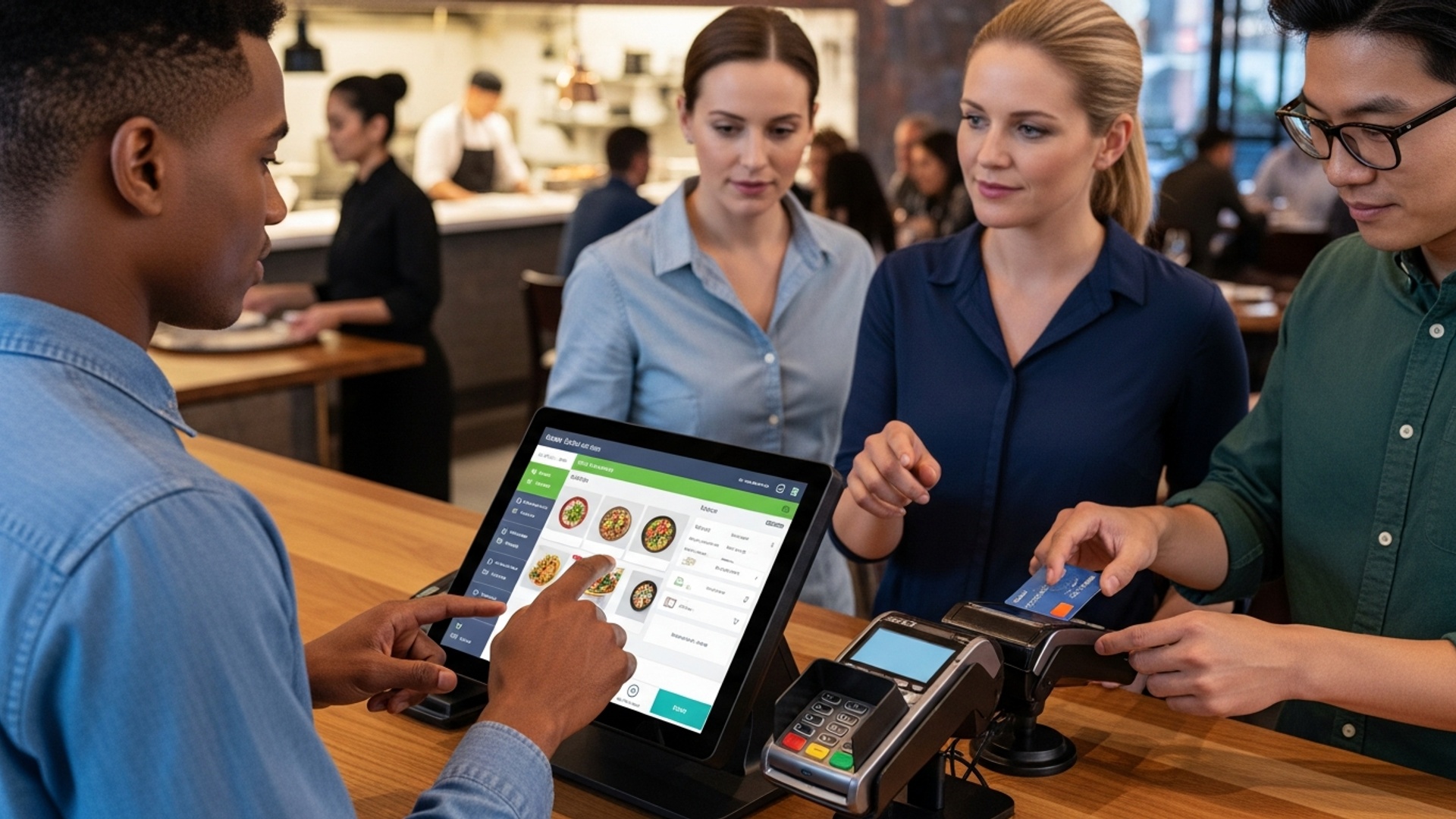
Equip your servers with handheld tablets or mobile devices running your POS software. They can take orders, send them to the kitchen. process payments right at the table. This drastically speeds up service, increases order accuracy. allows servers to spend more time engaging with guests.
Utilize the POS to manage these increasingly popular services. Provide clear instructions for pickup, communicate estimated wait times. efficiently process payments, all through your integrated system.
8. Master Table Management and Reservations
For dine-in establishments, efficient floor management is critical to maximizing covers and minimizing wait times. Your Restaurant POS software can be a powerful tool for this.
- Visual Table Layouts
- Reservation System Integration
- Table Status Tracking
- Waitlist Management
Most modern POS systems offer a graphical representation of your dining room floor plan. Servers and hosts can see which tables are occupied, available, or waiting for service at a glance. This helps in efficient table assignment and reduces confusion.
Link your POS with an online reservation system. Reservations should automatically populate your table management screen, allowing hosts to plan seating arrangements in advance and manage walk-ins more effectively. This can also send automated reminders to customers, reducing no-shows.
Track the progression of each table – seated, ordering, food served, check requested, paid, cleaning. This gives a holistic view of the dining room flow, helping to identify bottlenecks and anticipate future table availability.
For busy periods, the POS can manage a digital waitlist, estimating wait times and notifying guests via text when their table is ready. This greatly enhances the customer experience compared to physical buzzers or shouted names.
9. Secure and Efficient Payment Processing
The final step in the customer journey is payment. it needs to be fast, flexible. secure. Your Restaurant POS software should excel here.
- Multiple Payment Options
- Integrated Payment Processing
- Robust Security Features
- Split and Combine Checks
- Tip Management
Support a wide array of payment methods, including EMV chip cards, contactless payments (NFC like Apple Pay, Google Pay), mobile wallets, gift cards. traditional magnetic stripe cards. Flexibility caters to all customer preferences.
Ensure your POS is fully integrated with your payment processor. This means no manual entry of amounts into a separate terminal, which eliminates human error, speeds up transactions. simplifies end-of-day reconciliation.
Modern Restaurant POS software comes with advanced security. This includes end-to-end encryption (E2EE) for card data, tokenization. compliance with PCI DSS (Payment Card Industry Data Security Standard). Protecting sensitive customer data is non-negotiable.
Servers should be able to easily split checks by item, by seat, or by custom amounts. Conversely, they should also be able to combine checks for large parties or groups. This reduces friction at payment time and improves customer satisfaction.
The POS should accurately track tips for individual servers, facilitate tip pooling if applicable. integrate with payroll for easy disbursement.
10. Regular Software Updates and System Maintenance
Even the best Restaurant POS software needs ongoing care. Neglecting updates and maintenance can lead to security vulnerabilities, performance issues. missed opportunities for new features.
- Stay Updated
- Data Backups
- Hardware Maintenance
- Leverage Vendor Support
- Review Performance
Always install software updates as they become available. These updates often include critical security patches, bug fixes. new features that can further enhance your efficiency. Schedule updates during off-peak hours to minimize disruption.
Implement a robust data backup strategy. Whether it’s automated cloud backups or regular manual exports, ensure your sales, inventory. customer data are always secure and recoverable in case of a system failure.
Regularly clean POS terminals, printers. card readers. Dust buildup can cause overheating or malfunctions. Ensure receipt paper and printer ink are stocked.
Don’t hesitate to utilize your POS vendor’s support team. They are experts in their product and can provide valuable assistance with troubleshooting, training. optimizing your system’s configuration. Many offer 24/7 support, which is invaluable in the restaurant industry.
Periodically review your POS system’s performance. Are transactions slow? Are there recurring error messages? Identifying and addressing these issues proactively can prevent larger problems down the line.
Conclusion
Mastering your restaurant POS is no longer just about processing orders; it’s about unlocking a powerful engine for operational efficiency. By leveraging features like real-time inventory tracking, expedited order management. detailed sales analytics, you transform your system from a simple cash register into a strategic business tool. I’ve personally seen restaurants dramatically cut waste and improve service flow simply by fully utilizing their POS capabilities, such as integrating kitchen display systems to reduce miscommunication and speed up dish delivery. Remember, the real magic happens when you move beyond basic transactions. Embrace the data your POS collects to grasp peak hours, popular menu items. staff performance. This isn’t merely about efficiency; it’s about agility in a competitive market. For instance, the recent surge in QR code ordering and contactless payments demonstrates how adapting your POS can directly enhance customer experience and operational speed. My personal tip? Regularly schedule brief training refreshers for your team, even seasoned staff, to ensure everyone is extracting maximum value. For further insights into restaurant technology trends and best practices, resources like the National Restaurant Association often provide valuable details. Ultimately, your POS is an investment in a smoother operation and a more profitable future. Embrace its full potential. watch your restaurant thrive.
More Articles
Master 10 Ways Restaurant POS Software Can Boost Your Service and Sales
How to Master Restaurant Table Management Using Your POS System
Discover 8 Common Challenges with Restaurant POS and How to Solve Them
Master 8 Ways Restaurant POS Software Improves Operational Efficiency Daily
10 Smart Ways Restaurant POS Software Can Improve Your Customer Service Today

FAQs
Why should we bother mastering our restaurant POS system? What’s the real benefit?
Mastering your POS goes way beyond just taking orders. It unlocks serious efficiency gains like faster service, fewer ordering errors, better inventory control. quicker table turns. Ultimately, it means happier customers, more productive staff. a healthier bottom line for your restaurant.
How can we make sure our staff actually uses the POS efficiently and not just ‘gets by’?
Effective POS use starts with proper, ongoing training. Don’t just do a one-time session. Break down complex tasks, use real-life scenarios for practice. encourage questions. Regular refreshers, cheat sheets. designating a ‘POS champion’ on staff can help everyone stay sharp and utilize all the system’s features.
Our menu changes frequently with specials and seasonal items. How can the POS help manage this without causing chaos?
A well-managed POS is crucial for dynamic menus. Train your team on how to quickly update items, prices. availability in the system. Utilize features for modifiers, combos. daily specials. This ensures your menu is always accurate, preventing order mix-ups and keeping service smooth even with constant changes.
Can our POS system really help us get a handle on inventory better?
Absolutely! Many modern POS systems have powerful inventory management features. You can track ingredients in real-time, set up automated reorder alerts. link sales directly to stock depletion. This significantly reduces waste, prevents frustrating shortages. gives you a much clearer picture of your food costs.
We’re always looking to speed up service during peak hours. What’s one key POS trick for that?
Focus on streamlining the order entry process. Train staff to master quick keys, custom modifiers. efficient table management features. Also, consider integrating handheld ordering devices for tableside service, which cuts down on steps and server travel time, getting food to guests faster.
What kind of reports should we be regularly checking from our POS, beyond just daily sales?
Don’t stop at just sales figures! Dive into reports on peak operating hours, your most popular and least popular menu items, server performance metrics, average check size. even inventory usage trends. These insights are invaluable for making smart decisions about staffing, menu adjustments. targeted marketing.
What if our POS system completely crashes during a really busy shift? Any immediate advice?
While regular maintenance helps prevent outages, always have a backup plan. Know how to quickly switch to manual cash orders, keep physical check pads handy. be familiar with any offline mode your POS might offer. Crucially, have your technical support contact data readily accessible for quick assistance.