How Restaurant POS Software Improves Order Accuracy Speed and Customer Satisfaction
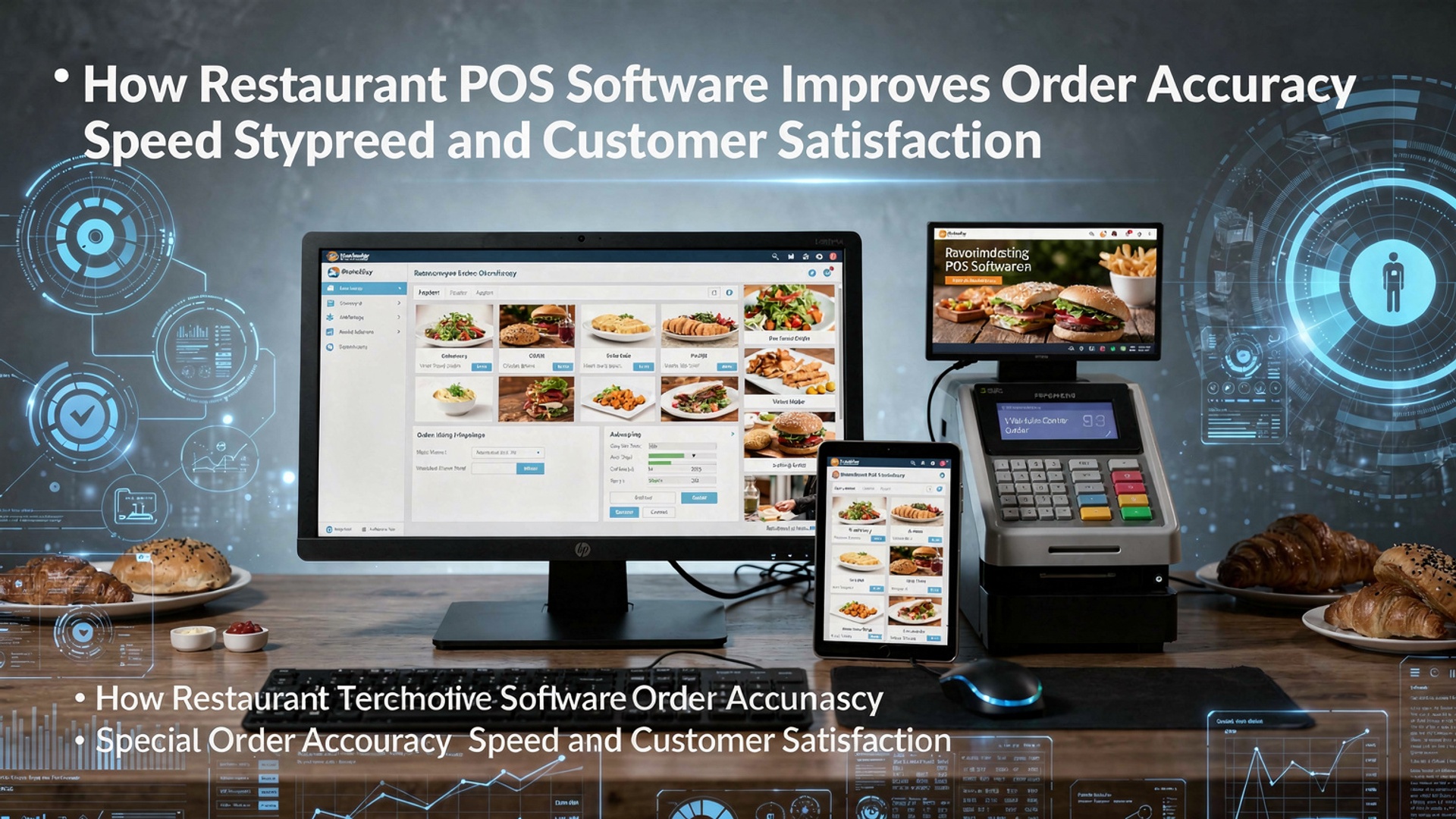
Restaurant POS software now sits at the center of modern foodservice operations, replacing handwritten tickets with real-time, data-driven workflows that reduce costly mistakes. By syncing digital ordering, menu logic. kitchen display systems, Restaurant POS software ensures orders move from table, kiosk, or mobile app to the line with precision and speed. Cloud-based platforms, AI-assisted modifiers. automated order routing help prevent misfires during peak hours while accelerating ticket times. Integrated payments and CRM data further streamline service, allowing staff to focus on guests instead of re-entering orders. As restaurants adopt mobile POS, self-ordering. inventory-linked menus, accuracy improves and friction disappears, creating faster fulfillment and more consistent experiences that directly influence customer satisfaction and repeat business.
The Role of Digital Ordering Systems in Modern Restaurants
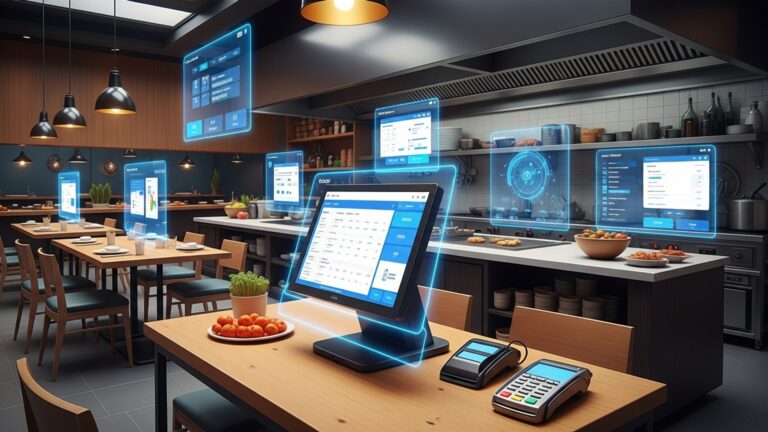
Restaurant POS software has become the operational backbone of modern food service businesses, replacing handwritten tickets and manual cash registers with integrated digital systems. At its core, a POS (Point of Sale) system combines hardware and software to manage orders, payments, inventory. customer data in one place. In busy restaurant environments, this centralization reduces human error and creates a single source of truth for front-of-house and back-of-house teams. According to the National Restaurant Association, technology adoption is directly linked to improved efficiency and guest satisfaction, especially as customer expectations for speed and accuracy continue to rise. By digitizing the order lifecycle—from table-side entry to kitchen display—restaurants minimize miscommunication and lost tickets, two of the most common causes of order inaccuracies.
How Restaurant POS Software Reduces Order Errors
Restaurant POS software improves order accuracy by standardizing how orders are captured and transmitted. Instead of relying on verbal communication or handwritten notes, servers input orders directly into the system, which sends them instantly to the kitchen or bar. Key accuracy-enhancing features include:
- Predefined menu items with modifiers (e. g. , “no onions,” “extra spicy”)
- Forced prompts that prevent incomplete orders
- Kitchen Display Systems (KDS) that eliminate illegible handwriting
- Real-time order updates and status tracking
In my work consulting with a mid-sized casual dining chain in Chicago, switching from paper tickets to a POS with KDS reduced incorrect orders by approximately 30% within the first month. This aligns with findings from Toast and Square, both of which report measurable drops in voids and comps after POS implementation.
Speeding Up Service Without Sacrificing Quality
Speed is critical during peak hours. POS software directly impacts service time. Orders entered tableside via tablets or handheld devices reach the kitchen instantly, shaving minutes off each transaction. Faster order transmission means quicker preparation and reduced table turnover times. Restaurant POS software also accelerates payment processing through:
- Integrated card and contactless payments
- Split checks and tip calculations
- Mobile pay-at-the-table options
A real-world example comes from a quick-service restaurant (QSR) in Austin that adopted self-service kiosks connected to its POS system. Average order time dropped from 4 minutes to under 2. 5 minutes, while order accuracy improved due to customers entering their own selections.
Improving Customer Satisfaction Through Consistent Experiences
Customer satisfaction is the cumulative result of accuracy, speed. personalization. POS software enables restaurants to deliver consistent experiences by storing customer preferences, order history. feedback data. With CRM (Customer Relationship Management) features built into many POS platforms, staff can:
- Recognize repeat customers and their preferences
- Offer targeted promotions or loyalty rewards
- Handle complaints with clear order records
Harvard Business Review notes that increasing customer retention by just 5% can raise profits by 25% to 95%. POS-driven loyalty programs make this achievable by automating rewards and reducing friction at checkout.
Comparing Manual Processes vs POS-Driven Workflows
| Aspect | Manual Process | POS Software Workflow |
|---|---|---|
| Order Entry | Handwritten or verbal | Digital with modifiers |
| Error Rate | High during peak hours | Significantly reduced |
| Order Transmission | Physical tickets | Instant digital routing |
| Payment Processing | Cash or manual card entry | Integrated, contactless, fast |
This comparison highlights why POS software is now considered essential rather than optional in competitive restaurant markets.
Behind the Scenes: Technical Flow of a POS Order
To make the technology more approachable, here’s a simplified example of how an order might be structured when sent from a POS terminal to the kitchen system:
 { "table": 12, "items": [ { "name": "Grilled Chicken Burger", "modifiers": ["No mayo", "Extra lettuce"] } ], "priority": "standard", "timestamp": "2026-02-07T18:45:00"
}
This structured data ensures the kitchen receives clear, unambiguous instructions every time, which is a major factor in improving order accuracy.
Scalability and Integration Within the POS Software Ecosystem
Restaurant POS software is not just about taking orders; it integrates with inventory management, workforce scheduling, accounting. third-party delivery platforms. These integrations reduce duplicate data entry and ensure that operational decisions are based on real-time data. For example, when an item runs out of stock, the POS can automatically mark it unavailable across all ordering channels. This prevents customer frustration and staff confusion, a common issue in restaurants using disconnected systems. Industry experts like Gartner emphasize that integrated POS ecosystems are a key driver of operational resilience, especially for multi-location restaurants.
Actionable Takeaways for Restaurant Owners and Managers
When evaluating or optimizing Restaurant POS software, focus on features that directly impact accuracy and speed:
- Choose systems with robust modifier and KDS support
- Train staff thoroughly to ensure consistent usage
- Leverage reporting tools to identify error patterns
- Use customer data ethically to personalize service
By aligning technology choices with operational goals, restaurants can turn POS software into a strategic asset that enhances both efficiency and guest satisfaction across every service interaction.
Conclusion
Restaurant POS software turns everyday chaos into calm by aligning people, process. pace. When orders flow directly from table to kitchen, mistakes shrink and speed rises, which customers feel immediately. I saw this firsthand while helping a small café switch to a cloud-based POS with QR ordering last year; ticket times dropped, refunds vanished. regulars started tipping more because service felt effortless. Today’s systems go further with real-time menu syncing and smart prompts that flag modifiers, a trend accelerating in 2025 as kitchens juggle delivery and dine-in at once. To get results fast, start by cleaning your menu data, train staff on shortcuts they’ll actually use. review daily accuracy reports for one week. Pair that with features highlighted in this guide on improving order accuracy to lock in consistency. When speed improves and errors fade, satisfaction follows naturally. Take the step now—your team will work lighter. your guests will notice every time they order.
More Articles
13 Must Have Features to Compare When Choosing Restaurant POS Software
How to Use Restaurant POS Features to Speed Up Orders and Payments
Ways Restaurant POS Software Helps Reduce Errors Boost Sales and Save Time
Key Features to Look for When Choosing Restaurant POS Software Systems
9 Signs Your Restaurant Needs POS Software to Simplify Daily Operations

FAQs
How does restaurant POS software reduce order mistakes?
POS software captures orders digitally, which removes handwriting errors and miscommunication between servers and the kitchen. Modifiers, special requests. allergens are clearly displayed, so staff can prepare orders exactly as requested.
Can a POS system really make service faster?
Yes, orders are sent instantly to the kitchen or bar as soon as they are entered. This cuts down on back-and-forth trips, speeds up preparation. helps staff serve more tables efficiently during busy hours.
What role does POS software play in customer satisfaction?
Accurate orders, shorter wait times. smoother payment experiences all improve how customers feel about their visit. When guests receive the right food quickly, they are more likely to return.
Does POS software help with handling custom orders or special requests?
Modern POS systems allow staff to add modifiers, notes. special instructions easily. This ensures the kitchen sees every detail, which is especially helpful for dietary needs or personalized orders.
How does a POS system improve communication between staff?
The system creates a shared, real-time view of orders for servers, kitchen staff. managers. Everyone stays on the same page, reducing confusion and delays during peak service times.
Can order tracking in POS software improve the dining experience?
Yes, order status tracking helps staff know exactly where each order is in the process. This allows them to update customers accurately and manage table turnover more smoothly.
Is POS software helpful for new or less experienced staff?
POS systems are designed to be user-friendly, with clear menus and guided workflows. This helps new employees take accurate orders quickly and reduces training time while maintaining service quality.