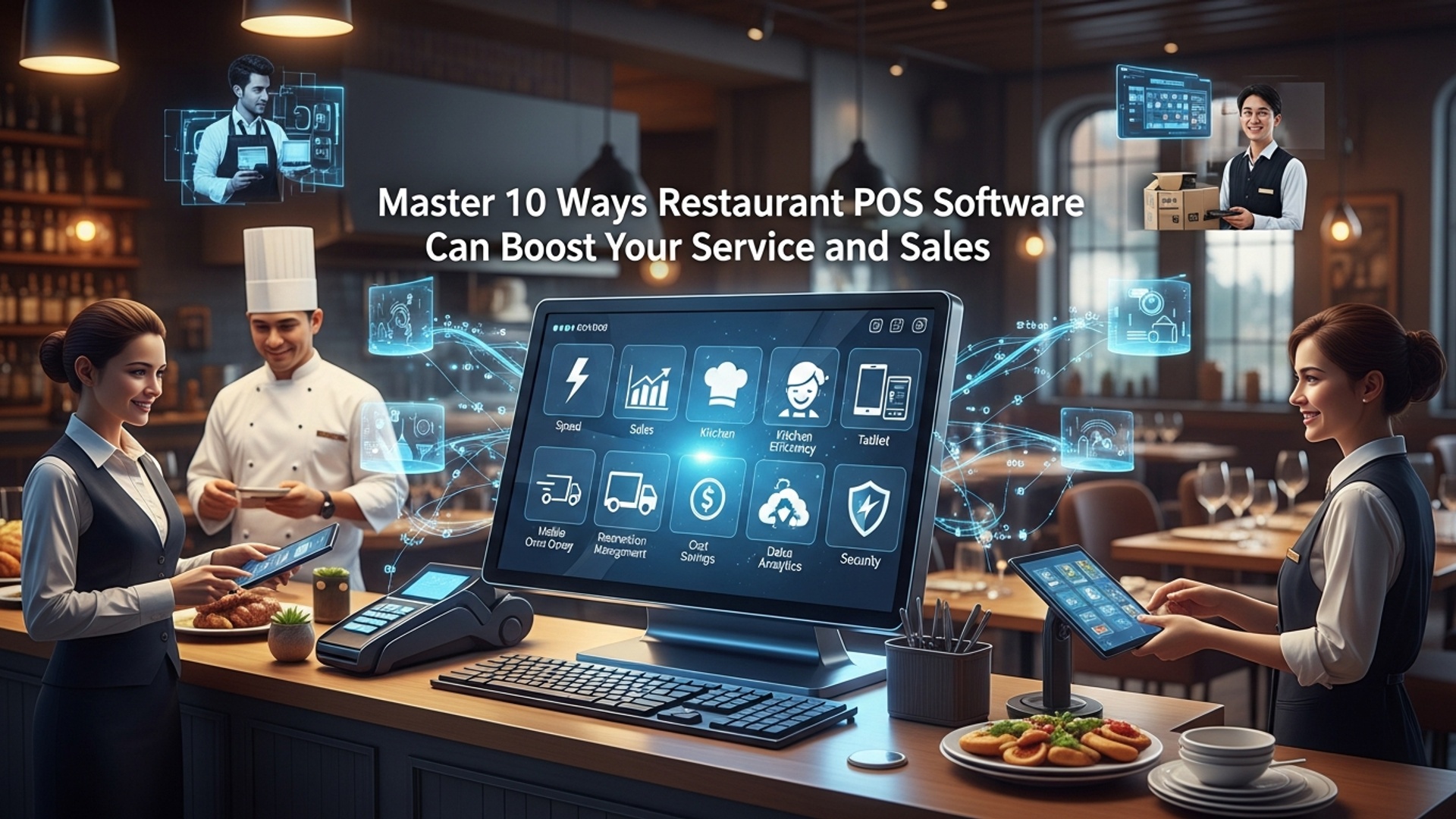
Master 10 Ways Restaurant POS Software Can Boost Your Service and Sales
The modern restaurant landscape demands more than just taking orders; it requires seamless integration and data-driven insights to thrive. Restaurant POS software has evolved beyond a simple transaction terminal, becoming the central nervous system for operations that directly impacts profitability. It empowers eateries, from bustling cafes to fine dining establishments, to streamline everything from digital menu management and real-time inventory tracking to integrated online ordering and customer relationship management. This technological pivot is crucial for optimizing staff workflows, minimizing costly errors. personalizing guest experiences, directly translating into enhanced service quality and a significant boost in revenue.
Understanding Restaurant POS Software: The Backbone of Modern Operations
Before diving into how it revolutionizes restaurant operations, let’s clarify what a Restaurant POS (Point of Sale) software truly is. At its core, a Restaurant POS system is a combination of hardware and software designed to streamline and manage all aspects of a restaurant’s daily operations. Far beyond just processing transactions, modern Restaurant POS software integrates various functions, from order management and inventory control to customer relationship management and detailed reporting.
Think of it as the central nervous system of your establishment. When a customer places an order, the POS system records it, sends it to the kitchen or bar, processes the payment, updates inventory. even tracks customer preferences. The technology has evolved significantly, moving from bulky, on-premise terminals to cloud-based, mobile-friendly solutions accessible from tablets and smartphones.
1. Expedited Order Taking and Processing
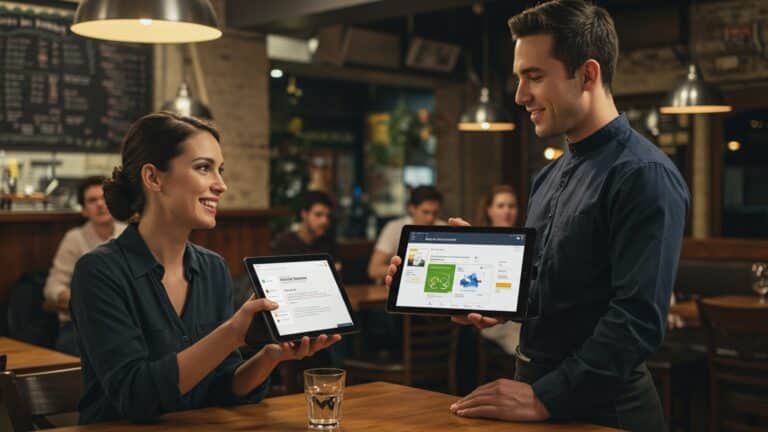
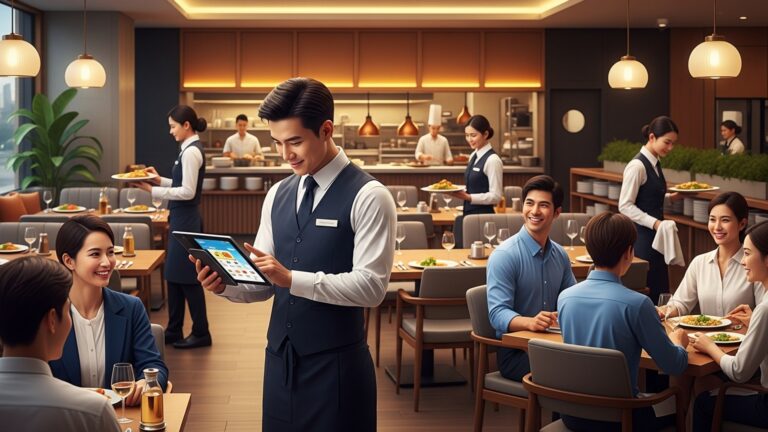
One of the most immediate impacts of advanced Restaurant POS software is the dramatic increase in efficiency for order taking. Gone are the days of handwritten tickets that can lead to errors and delays. With a modern POS system, servers can take orders directly at the table using handheld devices or tablets, instantly sending them to the kitchen display system (KDS) or printers.
- How it boosts service: Orders are accurate and reach the kitchen almost instantaneously, reducing waiting times for customers. This precision minimizes mistakes, ensuring customers receive exactly what they ordered, enhancing their dining experience. Imagine a busy Friday night; a server can take an order, upsell a dessert. process payment all from the table, allowing them to focus more on guest interaction rather often than running back and forth to a stationary terminal.
- Actionable Takeaway: Invest in mobile POS terminals for your serving staff to cut down on order entry time and increase table turnover, especially during peak hours.
2. Enhanced Order Accuracy and Kitchen Efficiency
Errors in orders are a common source of frustration for both customers and staff. Restaurant POS software significantly reduces these errors. With digital input, modifiers (e. g. , “no onions,” “extra cheese”) are clearly communicated to the kitchen, eliminating misinterpretations that can occur with handwritten notes.
- How it boosts service: A clear and concise communication channel between front-of-house and back-of-house ensures dishes are prepared correctly the first time. Kitchen Display Systems (KDS) integrated with the POS prioritize orders, track cooking times. notify staff when dishes are ready, optimizing kitchen workflow. For instance, a KDS can visually highlight modifications for allergy awareness, ensuring safety and compliance.
- Real-world application: A high-volume pizza restaurant uses their POS to manage complex custom orders. When a customer orders a half-and-half pizza with specific toppings on each side, the POS accurately relays this to the kitchen, avoiding confusion and ensuring the correct pizza is made, even during the busiest dinner rush.
3. Optimized Inventory Management and Waste Reduction
For many restaurants, ingredient waste and inefficient inventory management eat into profit margins. Modern Restaurant POS software offers sophisticated inventory tracking capabilities.
- How it boosts sales: By automatically deducting ingredients as items are sold, the POS provides real-time insights into stock levels. This helps prevent stockouts of popular items and over-ordering of slow-moving ones. Moreover, it can flag ingredients nearing their expiration date, allowing for proactive measures like special promotions to reduce waste. This precision directly impacts your bottom line by minimizing spoilage and optimizing purchasing.
- Comparison: Manual vs. POS Inventory
Feature Manual Inventory Restaurant POS Software Inventory Tracking Method Pen and paper, spreadsheets Automated, real-time digital tracking Accuracy Prone to human error, delays High accuracy, instant updates Waste Reduction Difficult to identify patterns Identifies slow-moving items, expiration dates Ordering Estimates, often leads to over/under-ordering Automated reorder points, vendor management Cost Savings Limited, high labor cost for tracking Significant due to reduced waste & optimized purchasing
4. Comprehensive Customer Relationship Management (CRM)
Understanding your customers is key to fostering loyalty and driving repeat business. Many Restaurant POS software systems include built-in CRM functionalities or integrate with dedicated CRM platforms.
- How it boosts sales: The POS can capture customer data, including order history, dietary preferences. visit frequency. This insights empowers staff to personalize service (“Welcome back, Sarah! The usual?”) , offer tailored promotions. remember special occasions. For example, if a customer frequently orders vegetarian dishes, the system can prompt staff to mention new plant-based options. Personalized service makes customers feel valued, encouraging them to return.
- Use Case: A small cafe uses its Restaurant POS software to identify its top 50 most frequent customers. On their birthdays, the system automatically sends a personalized email with a free coffee coupon, leading to increased birthday visits and positive word-of-mouth.
5. Data Analytics and Reporting for Informed Decisions
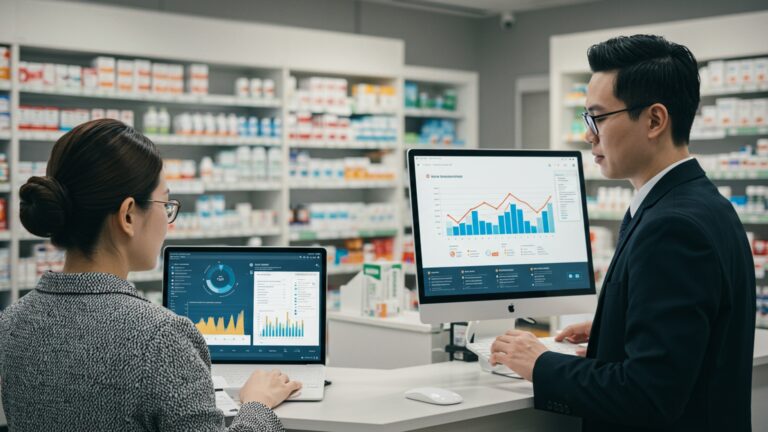
Modern Restaurant POS software is a goldmine of operational data. It collects insights on everything from peak hours and popular dishes to server performance and average check sizes. This data is then compiled into comprehensive reports.
- How it boosts service and sales: Access to detailed analytics allows owners and managers to make data-driven decisions. Identify your busiest times to optimize staffing levels, pinpoint your most profitable menu items to focus marketing efforts. grasp sales trends to adjust purchasing. For example, if reports show that a specific appetizer sells significantly better on weekends, you can ensure adequate stock and potentially run a weekday promotion to boost its sales.
- Actionable Takeaway: Regularly review your POS sales reports to identify best-selling items, slow movers. peak service times. Use this data to refine your menu, adjust staffing. create targeted promotions.
 // Example of a conceptual sales report query (simplified for illustration)
SELECT menu_item, SUM(quantity_sold) AS total_sold, SUM(total_price) AS total_revenue
FROM orders
WHERE order_date BETWEEN '2023-01-01' AND '2023-01-31'
GROUP BY menu_item
ORDER BY total_revenue DESC;
6. Streamlined Payment Processing
The checkout process is a critical touchpoint in the customer journey. Slow or complicated payment methods can detract from an otherwise excellent dining experience. Restaurant POS software simplifies and speeds up payment processing.
- How it boosts service: It supports various payment methods, including credit/debit cards, mobile payments (Apple Pay, Google Pay). even contactless options. Integrated payment processing means less manual entry, reducing errors and saving time. Servers can take payments tableside, offering convenience and privacy. quickly split bills for groups. Faster checkout means customers spend less time waiting and more time enjoying their meal, or moving on with their day.
- Expert Insight: According to a report by Square, businesses that offer contactless payment options often see an increase in transaction speed and customer satisfaction, as consumers value convenience and security.
7. Efficient Table Management and Seating Optimization
For full-service restaurants, managing tables and seating can be complex, especially during peak hours. Restaurant POS software often includes robust table management features.
- How it boosts service: It provides a visual overview of the restaurant floor plan, showing which tables are occupied, vacant, or reserved. how long guests have been seated. This allows hosts to efficiently seat new guests, manage waitlists accurately. turn tables faster. It also helps in assigning servers to specific sections optimally, balancing their workload. This real-time visibility prevents over-seating or under-utilization of tables, leading to smoother operations and happier customers.
- Real-world Example: A popular fine-dining restaurant uses its POS table management system to track table status. If a party is running late for a reservation, the system can notify the host, allowing them to adjust seating plans without impacting other guests’ experiences.
8. Enhanced Employee Management and Performance Tracking
Managing staff, from scheduling to tracking performance, can be time-consuming. Restaurant POS software often includes features that simplify these tasks.
- How it boosts service and sales: It can track employee clock-ins/outs, manage shifts. monitor individual server performance (e. g. , average check size, upsell rates, tip distribution). This data helps managers identify top performers, provide targeted training for those who need improvement. optimize scheduling to ensure adequate coverage during busy periods. Better-managed staff are more efficient, provide better service. contribute to higher sales.
- Actionable Takeaway: Utilize the employee performance reports in your Restaurant POS software to incentivize upselling and cross-selling, potentially through bonuses or recognition programs for staff who consistently exceed sales targets.
9. Seamless Online Ordering and Delivery Integration
In today’s digital age, online ordering and delivery services are non-negotiable for many restaurants. Modern Restaurant POS software integrates seamlessly with these platforms.
- How it boosts sales: By integrating with your website, mobile app. third-party delivery services (e. g. , DoorDash, Uber Eats), the POS centralizes all orders, whether dine-in, takeout, or delivery. This eliminates the need for multiple tablets and manual entry, reducing errors and improving efficiency. Orders flow directly into the kitchen, just like dine-in orders, ensuring consistency and faster fulfillment. This expands your reach, captures new revenue streams. caters to evolving customer preferences.
- Use Case: During the pandemic, many restaurants pivoted to online ordering. A local diner, using a POS with integrated online ordering, was able to quickly set up its digital storefront. Orders placed online appeared directly on their kitchen display, allowing them to maintain efficient operations and continue serving their community, significantly boosting sales during a challenging period.
10. Robust Promotions and Loyalty Program Management
Encouraging repeat business and attracting new customers often involves strategic promotions and loyalty programs. Restaurant POS software provides the tools to manage these effectively.
- How it boosts sales: The system can be configured to automatically apply discounts, manage happy hour pricing. track loyalty points. For example, set up a “buy 9 get 1 free” coffee program that the POS automatically tracks. It can also segment customers based on purchasing habits to offer personalized promotions, such as a discount on a customer’s favorite dish. These targeted efforts not only drive immediate sales but also build long-term customer loyalty.
- Actionable Takeaway: Design a tiered loyalty program using your Restaurant POS software that rewards customers based on spending. For example, after spending $100, they get 10% off their next meal; after $500, they get a free appetizer. This incentivizes higher spending and repeat visits.
Conclusion
A restaurant POS system is far more than just a tool for processing payments; it’s the digital heartbeat of your operation, directly influencing both service excellence and sales growth. My personal tip? Don’t just use your POS; master it. For instance, leveraging its integrated CRM features to remember customer preferences, like recalling a regular’s favorite coffee order upon their arrival, creates an unforgettable personalized experience that drives loyalty. This proactive approach, a current trend in hospitality, ensures every interaction feels special and boosts repeat business. Consider how real-time inventory tracking, a recent development, helps prevent those frustrating “sorry, we’re out of that” moments, ensuring smooth service and never missing a sale. I’ve seen firsthand how a well-implemented POS, enabling quick table-side ordering and seamless kitchen communication, significantly cuts down wait times, boosting customer satisfaction and turn-over. By actively exploring features beyond basic transactions – like predictive analytics for peak hours – you unlock unparalleled efficiency. Embrace this technology fully; it’s your roadmap to not just optimizing. truly elevating your restaurant’s success and future-proofing your business.
More Articles
10 Smart Ways Restaurant POS Software Can Improve Your Customer Service Today
Master 8 Ways Restaurant POS Software Improves Operational Efficiency Daily
How To Choose The Best Restaurant POS System Essential Features Guide
Master 5 Smart Strategies to Boost Restaurant Efficiency with POS Systems
10 Smart Strategies to Optimize Your Restaurant POS System Guide

FAQs
What’s the main way POS software makes my restaurant service better?
It really speeds things up! From taking orders right at the table to sending them straight to the kitchen, it cuts down on wait times and makes sure your staff can focus more on guests, leading to smoother service and happier customers.
Can this software really help me sell more food and drinks?
Absolutely! A good POS system makes it super easy for staff to upsell and cross-sell by suggesting add-ons or combos. Plus, with better order flow and faster table turnover, you can serve more customers overall, boosting your revenue.
Does a POS system cut down on wrong orders and kitchen mistakes?
Big time! Digital order taking virtually eliminates illegible handwriting errors. Orders go directly to the kitchen display system or printer, ensuring accuracy and reducing waste, which makes everyone happier – kitchen, staff. customers.
Will my staff find it difficult to learn how to use this new POS?
Most modern restaurant POS systems are designed to be super intuitive and user-friendly. They often have simple interfaces that new staff can pick up quickly, minimizing training time and getting them productive faster.
How does POS software help me manage my ingredients and stock better?
It’s a game-changer for inventory! The software tracks every item sold, giving you real-time updates on what you have in stock. This helps you avoid running out of popular dishes, reduces food waste. makes ordering supplies much smarter.
Can I get useful reports to interpret my business performance?
Definitely! A robust POS system provides tons of valuable insights. You can see your busiest times, most popular menu items, staff performance. sales trends, all of which help you make smarter decisions to grow your business.
How does a POS system improve the overall experience for my diners?
Diners get faster service, more accurate orders. quicker payment processing. Some systems even allow for personalized experiences based on past orders, making them feel valued and encouraging them to come back for more.
Does it make taking payments, even split bills, easier for my team?
Yes, it streamlines payment processing significantly. Whether it’s splitting bills multiple ways, applying discounts, or handling different payment methods (card, mobile, cash), a POS system simplifies these complex tasks, making checkout smooth for both staff and customers.