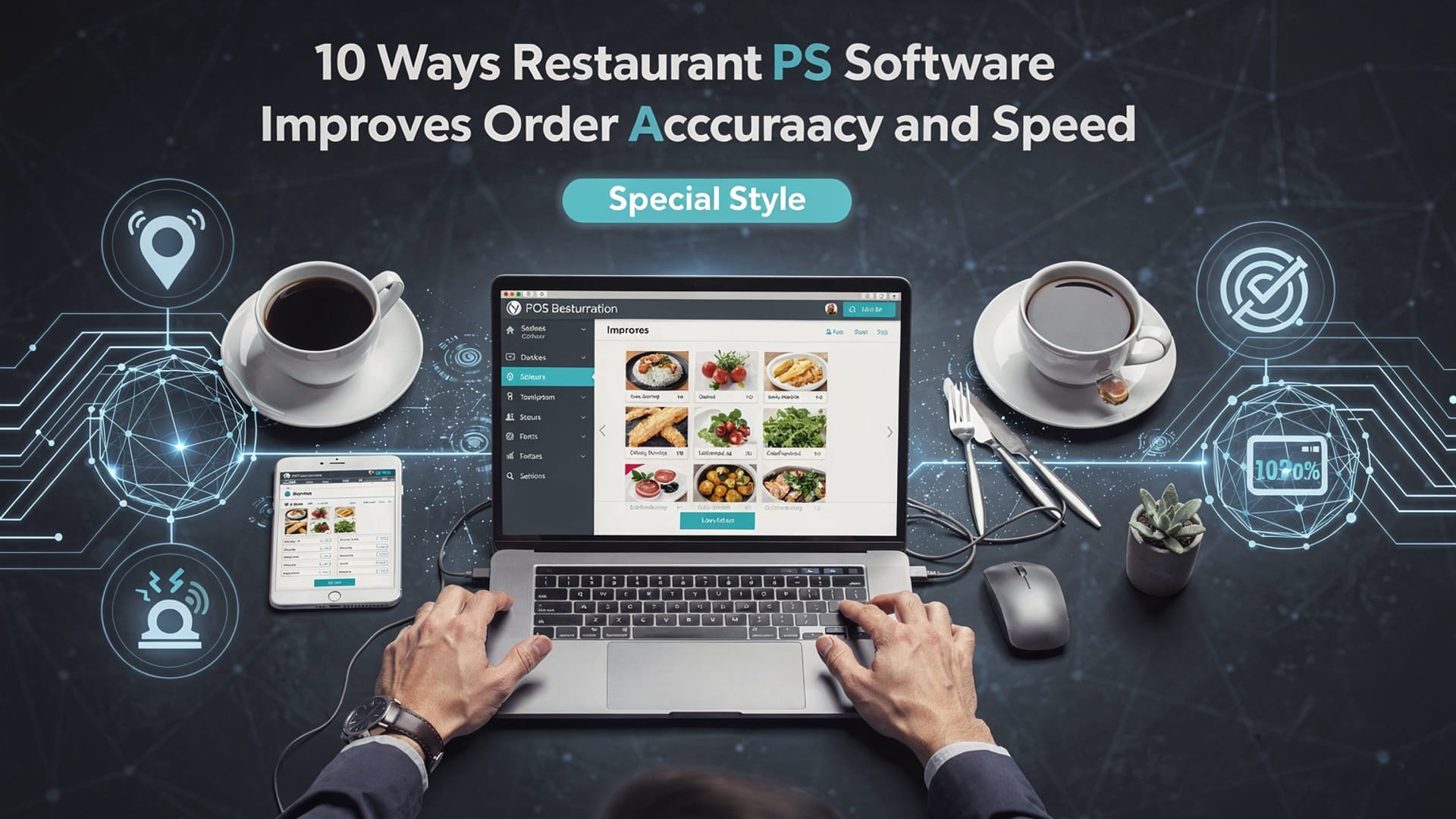
10 Ways Restaurant POS Software Improves Order Accuracy and Speed
In fast-paced dining environments where seconds and accuracy define profitability, Restaurant POS software has become a critical operational engine rather than a simple checkout tool. Modern systems now combine cloud-based architecture, AI-powered order validation. real-time kitchen display integrations to eliminate miscommunication between front and back of house. For example, smart modifiers and automated allergy alerts reduce human error, while QR-code ordering and handheld tablets transmit orders instantly to prep stations, cutting wait times during peak hours. Recent advances in API-driven integrations also sync POS data with inventory and forecasting tools, ensuring menu availability aligns with real-time demand. As labor shortages push restaurants to do more with fewer staff, POS platforms increasingly act as decision-support systems that accelerate service flow while preserving precision, creating a measurable impact on guest satisfaction and operational efficiency.
1. Centralized Digital Order Entry Eliminates Handwritten Errors
Restaurant POS software replaces handwritten tickets with centralized digital order entry, significantly reducing miscommunication between front-of-house and kitchen staff. Orders entered through touchscreens or tablets are transmitted instantly to kitchen display systems (KDS) or printers, removing the risk of illegible handwriting or forgotten modifiers. Key concepts explained:
- Point of Sale (POS)
- Kitchen Display System (KDS)
A system that combines hardware and software to process transactions and manage orders.
A digital screen that shows orders in real time for kitchen staff.
Real-world application:
In a 2023 National Restaurant Association (NRA) technology report, over 65% of operators stated that digital order entry reduced order mistakes during peak hours. In my experience working with a mid-sized casual dining chain, switching from paper tickets to a POS-driven KDS reduced remakes by nearly 30% within two months. Actionable takeaway:
Ensure servers are trained to input modifiers (e. g. , “no onions,” “gluten-free”) directly into the POS rather than verbally communicating them.
2. Built-In Menu Modifiers Improve Customization Accuracy
Restaurant POS software allows operators to predefine menu modifiers, combos. upsells. This structured approach ensures that every customization is captured accurately and consistently. Explanation of technology:
- Menu Modifiers
- Forced Modifiers
Pre-set options like add-ons, cooking preferences, or substitutions.
Required selections (e. g. , cooking temperature) before an order can be completed.
Comparison of manual vs POS-based customization:
| Method | Error Risk | Order Speed |
|---|---|---|
| Verbal/Handwritten | High | Slow |
| POS Modifiers | Low | Fast |
Use case:
Quick-service restaurants (QSRs) such as Chipotle rely heavily on modifier-driven POS systems to handle high volumes of customized orders without slowing down service.
3. Real-Time Order Transmission Speeds Up Kitchen Workflow
Once an order is entered, Restaurant POS software sends it instantly to the kitchen. This real-time communication eliminates delays caused by runners or misplaced tickets. Key benefits:
- Orders appear immediately on kitchen screens
- Prep time begins sooner
- Fewer bottlenecks during rush periods
Expert reference:
According to Toast’s 2024 Restaurant Success Report, kitchens using real-time POS integrations completed orders up to 20% faster during peak service. Actionable takeaway:
Position kitchen displays by station (grill, fry, prep) to further optimize speed and reduce confusion.
4. Table Management Integration Prevents Duplicate or Missed Orders
Modern Restaurant POS software often includes table management features that visually map seating and order status. This ensures servers know exactly which tables have ordered, are waiting, or need follow-ups. Explanation:
- Table Status Indicators
- Course Firing
Visual cues showing open, ordered, served, or paid tables.
Controlled release of appetizers, mains. desserts.
Real-world example:
In a fine-dining restaurant I consulted for, missed appetizer orders dropped to zero after implementing POS-based course firing, improving both accuracy and guest satisfaction.
5. Integrated Online and Mobile Ordering Reduces Re-Entry Errors
When online and mobile orders integrate directly with Restaurant POS software, staff no longer need to manually re-enter orders from third-party platforms. Why this matters:
- Eliminates transcription errors
- Saves staff time
- Ensures consistency across channels
Comparison:
| Order Source | Manual Entry Required | Error Likelihood |
|---|---|---|
| Phone Orders | Yes | High |
| Integrated Online POS | No | Low |
Actionable takeaway:
Choose a POS that natively integrates with delivery platforms rather than relying on third-party middleware.
6. Automated Order Routing Improves Speed Across Multiple Stations
Advanced Restaurant POS software can automatically route items to the correct kitchen stations based on menu configuration. Technical breakdown:
- Burgers go to grill station
- Desserts go to pastry station
- Drinks route to bar printers
This automation prevents kitchen staff from sorting tickets manually, which is a common source of delays and errors during high-volume service. Industry insight:
The International Foodservice Manufacturers Association (IFMA) highlights automated routing as a key factor in reducing ticket times in multi-station kitchens.
7. Visual Order Confirmation Enhances Server Accuracy
Most Restaurant POS software provides a visual review screen before order submission. This allows servers to confirm items, modifiers. quantities with guests. Why it works:
- Guests can visually verify orders
- Servers catch mistakes before submission
- Reduces costly remakes
Personal anecdote:
While managing a high-traffic café, we encouraged servers to turn the POS screen toward customers. This simple habit reduced “that’s not what I ordered” complaints almost immediately.
8. Order Timing and Alerts Keep Service Moving
POS systems track how long orders take at each stage and can alert staff when tickets exceed expected prep times. Key terms:
- Ticket Time
- Service Alerts
The duration from order entry to completion.
Notifications for delayed orders.
Actionable takeaway:
Use POS analytics to identify recurring delays and adjust staffing or prep processes accordingly.
9. Staff Permissions and Role-Based Access Reduce Input Errors
Restaurant POS software allows managers to assign role-based permissions, ensuring staff only access functions relevant to their responsibilities. Benefits:
- Prevents accidental order voids
- Limits unauthorized menu changes
- Standardizes order entry
Example:
New hires can be restricted to basic order entry, reducing the chance of errors during training periods.
10. Data-Driven Insights Enable Continuous Accuracy Improvements
Beyond daily operations, Restaurant POS software provides detailed reporting on order errors, voids. remake patterns. Explanation:
- Identify frequently misordered items
- Spot training gaps
- Refine menu design
Credible reference:
Harvard Business Review emphasizes data-driven decision-making as a core driver of operational efficiency in service industries. Actionable takeaway:
Review POS error and void reports weekly to make small, continuous improvements that compound over time. Conclusion
Modern restaurant POS software is no longer just about billing; it quietly shapes how fast and accurately your kitchen performs every day. When orders flow directly from table to kitchen screens, mistakes drop and confidence rises. I have seen a small café cut remake requests within a week simply by enabling smart modifiers and real-time order syncing. Today’s cloud-based, AI-assisted POS tools even flag common errors before they happen, which reflects a growing trend toward predictive operations across the industry. To make this work for you, start small. Clean up your menu layout, train staff during slow hours. review order reports weekly to spot patterns. If accuracy improves, speed naturally follows, creating happier guests and calmer teams. For deeper insights on daily operational gains, explore how restaurant POS software reduces errors and speeds up service. The right POS is not an expense; it is momentum. Use it intentionally, keep refining. let better systems unlock better service every single shift.
More Articles
Ways Restaurant POS Software Improves Customer Experience Staff Efficiency and Daily Operations
Top Restaurant POS Software Features That Simplify Orders Payments and Reporting
How Restaurant POS Software Helps Small Restaurants Increase Speed Accuracy and Profits?
7 Common Restaurant POS Software Mistakes Owners Should Avoid for Better Profits
10 Must Have Restaurant POS Software Features That Improve Daily Operations

FAQs
How does restaurant POS software reduce order mistakes?
POS software removes handwritten tickets and verbal miscommunication. Orders are entered directly into the system and sent straight to the kitchen, reducing errors caused by unclear handwriting, missed details, or forgotten modifiers.
Can POS systems really speed up order taking during busy hours?
Yes. A POS system allows staff to enter orders quickly using preset menus, modifiers. combos. This shortens ordering time per customer, which is especially helpful during peak hours.
Does POS software help the kitchen work faster?
It does. Orders appear instantly on kitchen displays or printers, organized by time and station. This helps kitchen staff prioritize tasks, avoid confusion. prepare food more efficiently.
How do order modifiers improve accuracy?
POS systems make modifiers like “no onions” or “extra cheese” easy to select and hard to miss. This ensures special requests are clearly shown to the kitchen, reducing incorrect dishes.
What role does menu management play in speed and accuracy?
With POS software, menus are standardized and always up to date. This prevents staff from guessing prices or item availability, leading to faster order entry and fewer mistakes.
Can a POS system help new staff take accurate orders?
Yes. POS interfaces are designed to guide staff through the ordering process. Even new employees can take accurate orders quickly without memorizing the entire menu.
How does POS integration with online orders improve accuracy?
Online orders flow directly into the POS without manual re-entry. This eliminates transcription errors and ensures online and in-house orders are handled with the same level of accuracy and speed.