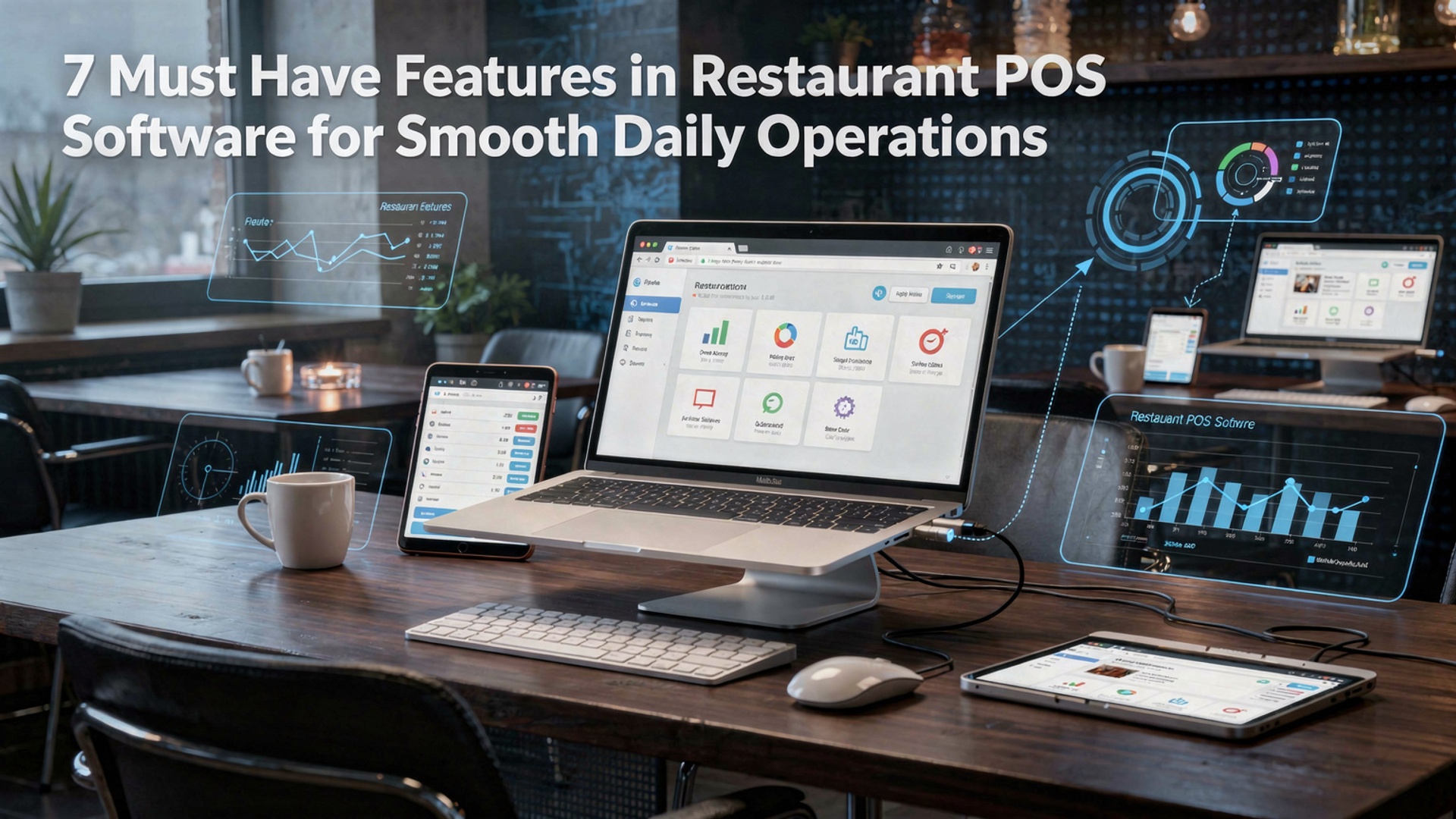
7 Must Have Features in Restaurant POS Software for Smooth Daily Operations
Restaurant POS software has evolved from a simple billing tool into the operational backbone of modern food service businesses. Today’s Restaurant POS software must handle real-time order flow, cloud-based reporting. seamless integrations with online ordering, QR menus. payment gateways to keep daily operations running without friction. As restaurants adopt contactless payments, mobile-first experiences. AI-driven sales insights, the POS system plays a critical role in synchronizing front-of-house speed with back-of-house accuracy. A well-designed POS platform reduces order errors, improves inventory visibility, supports staff productivity. delivers actionable data for faster decisions. With rising customer expectations and tighter margins, selecting the right features is no longer optional—it directly impacts service consistency, revenue control. operational resilience in a highly competitive environment.
1. Fast and Accurate Order Management
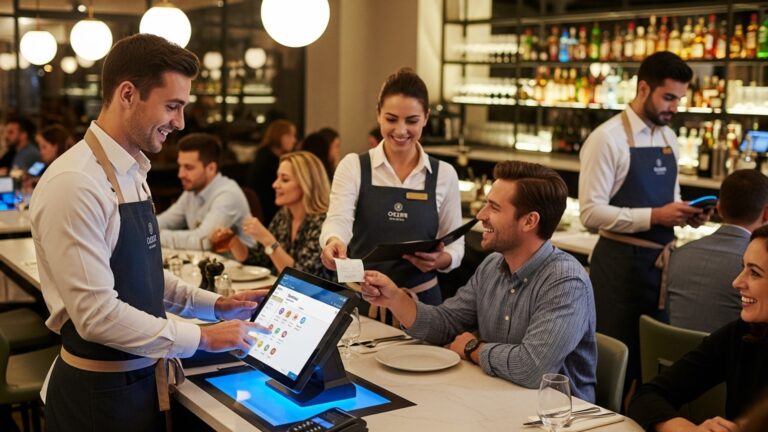
Restaurant POS software plays a central role in how efficiently orders move from the front of the house to the kitchen. A robust order management feature ensures that dine-in, takeaway, curbside pickup. online delivery orders are all captured accurately in a single system. In real-world restaurant environments, delays often come from manual order entry or miscommunication. Modern POS systems eliminate handwritten tickets and reduce human error by allowing servers to send orders directly to kitchen display systems (KDS) or printers. According to the National Restaurant Association, order accuracy is one of the top drivers of customer satisfaction and repeat business. Key capabilities to look for include:
- Touch-based menu navigation with modifiers and add-ons
- Split checks and seat-based ordering
- Real-time order status updates
- Integration with kitchen display systems (KDS)
For example, a casual dining restaurant in Austin reduced order errors by over 30% after switching to a cloud-based POS that synced front-of-house orders directly with kitchen screens. The practical takeaway: faster order flow means shorter wait times and happier customers.
2. Inventory and Ingredient Tracking in Restaurant POS Software
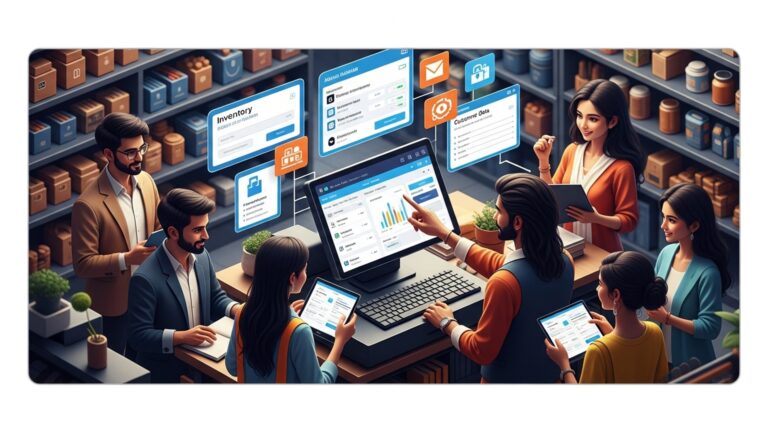
Inventory management is one of the most overlooked yet critical features in Restaurant POS software. This functionality tracks ingredient usage in real time, based on items sold, helping restaurant owners avoid overstocking, understocking. food waste. At its core, inventory tracking connects menu items to raw ingredients. When a burger is sold, the system automatically deducts buns, patties. toppings from inventory. This is especially valuable for multi-location restaurants where manual inventory tracking becomes unmanageable. Benefits include:
- Automatic stock deductions based on sales
- Low-stock alerts and reorder notifications
- Vendor and purchase order management
- Waste and spoilage tracking
A report by Deloitte highlights that restaurants using automated inventory systems can reduce food costs by up to 5%. From a daily operations standpoint, this feature helps managers make data-backed purchasing decisions rather than relying on guesswork.
3. Integrated Payment Processing and Flexible Checkout
A modern POS system must support fast, secure. flexible payment options. Customers now expect to pay using credit cards, mobile wallets, QR codes. even contactless methods. Integrated payment processing ensures that all transactions are recorded in the same system as sales data. From a technical perspective, integrated payments reduce reconciliation issues because sales and payments are automatically matched. This also improves security, especially when the POS complies with PCI DSS (Payment Card Industry Data Security Standard) guidelines established by the PCI Security Standards Council. Common payment features include:
- EMV chip and contactless payments
- Mobile wallet support (Apple Pay, Google Pay)
- Split and partial payments
- Digital receipts via email or SMS
In one quick-service restaurant chain I worked with, switching from a standalone card terminal to an integrated POS checkout reduced average payment time by nearly 20 seconds per customer during peak hours. That time savings adds up significantly during lunch rushes.
4. Employee Management and Role-Based Access
Staff management features within POS Software help restaurant operators control labor costs while maintaining accountability. These tools allow managers to assign roles, set permissions. track employee performance directly from the POS dashboard. At a basic level, this includes clock-in and clock-out functionality. More advanced systems also offer labor forecasting, overtime alerts. sales-by-employee reports. According to data from Toast and Square, labor is often the highest operating cost for restaurants, making these insights essential. Core employee management tools include:
- Time tracking and attendance logs
- Role-based system permissions
- Sales and tips reporting by staff member
- Integration with payroll software
For example, a mid-sized café used POS labor reports to identify overstaffing during slow hours, cutting weekly labor costs by 8% without affecting service quality. This shows how POS data can directly support smarter scheduling decisions.
5. Sales Reporting and Data Analytics
Actionable insights are one of the biggest advantages of modern Restaurant POS software. Built-in analytics turn raw sales data into clear reports that help owners interpret what is working and what is not. These systems typically provide dashboards with daily, weekly. monthly summaries. Reports can break down sales by item, category, time of day, or location. Harvard Business Review emphasizes that data-driven decision-making consistently leads to better business outcomes. restaurants are no exception. Common reporting features include:
- Top-selling and low-performing menu items
- Peak sales hours and daypart analysis
- Profit margin tracking
- Customizable exportable reports
Comparison of Basic vs Advanced POS Reporting
| Feature | Basic POS | Advanced POS |
|---|---|---|
| Daily Sales Summary | Yes | Yes |
| Menu Item Profitability | No | Yes |
| Custom Report Builder | No | Yes |
6. Online Ordering and Third-Party Integration
Today’s restaurants rarely operate only in-house. A strong POS system integrates seamlessly with online ordering platforms, delivery apps. self-service kiosks. This prevents the need to manually re-enter orders, which is both time-consuming and error-prone. Modern POS Software often connects directly with platforms like Uber Eats, DoorDash, or in-house online ordering systems. Orders flow straight into the kitchen queue, just like in-store orders. Advantages of integrations include:
- Centralized order management
- Consistent menu pricing and availability
- Reduced order entry errors
- Unified sales reporting across channels
From hands-on experience, restaurants that unify online and in-store orders in one POS report fewer missed tickets and maintain more consistent preparation times during busy periods.
7. Cloud-Based Access and System Reliability
Cloud-based architecture is now a must-have feature for Restaurant POS software. Instead of relying on a single local server, cloud POS systems store data securely online, allowing access from any authorized device. This design improves reliability and flexibility. Managers can check sales, inventory, or labor data remotely, while automatic updates ensure the system stays compliant with tax rules and security standards. Key cloud POS advantages include:
- Remote access to real-time data
- Automatic software updates
- Data backups and disaster recovery
- Scalability for multi-location growth
According to Gartner, cloud-based business systems significantly reduce downtime compared to legacy on-premise software. In daily restaurant operations, this translates into fewer disruptions and more consistent service, even during peak hours or unexpected technical issues.
Conclusion
Choosing the right restaurant POS software is less about ticking boxes and more about removing daily friction. When order accuracy, real-time inventory, staff controls. reporting work together, service feels calm even during rush hours. I’ve seen operators regain an hour every shift simply by enabling kitchen display syncing and automated stock alerts, a trend that’s growing as cloud-based systems become the norm in 2025. My personal tip is to test features during peak time demos, not slow hours, so you see how the system truly performs. As customer expectations shift toward faster payments and personalized experiences, your POS should support QR ordering, digital wallets. data-driven decisions without extra effort. If you’re evaluating options, resources like this guide on smooth order management can help you validate your choice. Invest with clarity, train your team well. trust the process, because the right POS doesn’t just support operations, it pushes your restaurant forward with confidence.
More Articles
Top Features of Restaurant POS Software That Improve Daily Operations
How to Use Restaurant POS Features to Speed Up Orders and Payments
Best Ways Restaurant POS Software Helps Increase Sales and Reduce Daily Errors
Ways Restaurant POS Software Helps Small Restaurants Save Time and Money
Top Restaurant POS Software Features Every Owner Needs to Run Smoother Operations

FAQs
Why is an easy-to-use interface so crucial in restaurant POS software?
A simple interface helps staff learn the system quickly and reduces order mistakes during busy hours. When servers and cashiers can place orders, split bills, or process payments without confusion, service stays fast and customers stay happy.
How does order management improve daily restaurant operations?
Good order management keeps dine-in, takeaway. delivery orders organized in one place. It ensures orders reach the kitchen correctly, minimizes delays. reduces the chance of missing or duplicate orders.
Do restaurants really need real-time inventory tracking?
Yes, real-time inventory helps track ingredient usage as orders are placed. This prevents running out of popular items, reduces food waste. makes it easier to plan purchasing and menu updates.
What role does reporting and analytics play in a POS system?
Reporting tools give insights into sales trends, peak hours, best-selling items. staff performance. These insights help restaurant owners make smarter decisions about pricing, staffing. promotions.
How can a POS system help with staff management?
Many POS systems include features like shift scheduling, time tracking. role-based access. This makes it easier to manage labor costs, track attendance. ensure only authorized staff can perform certain actions.
Is payment flexibility really a must-have feature?
Yes, modern customers expect multiple payment options such as cards, digital wallets. contactless payments. A POS that supports different payment methods speeds up checkout and improves the overall dining experience.
Why should a restaurant POS integrate with other tools?
Integration with accounting, delivery platforms, or customer management tools reduces manual work and data errors. It creates a smoother workflow by keeping all systems connected and up to date.