Learn 10 Essential Features Every Restaurant POS System Must Have
In today’s hyper-competitive culinary landscape, where consumer expectations have rapidly evolved from seamless contactless ordering to intricate loyalty programs, the foundational technology powering a restaurant’s operations is paramount. A robust restaurant POS software transcends simple transaction processing; it acts as the central nervous system, orchestrating real-time inventory adjustments, optimizing table management. ensuring seamless integration with third-party delivery platforms. Modern establishments recognize that overlooking essential features means sacrificing critical operational efficiency and revenue potential in a market demanding peak performance and adaptable technology.
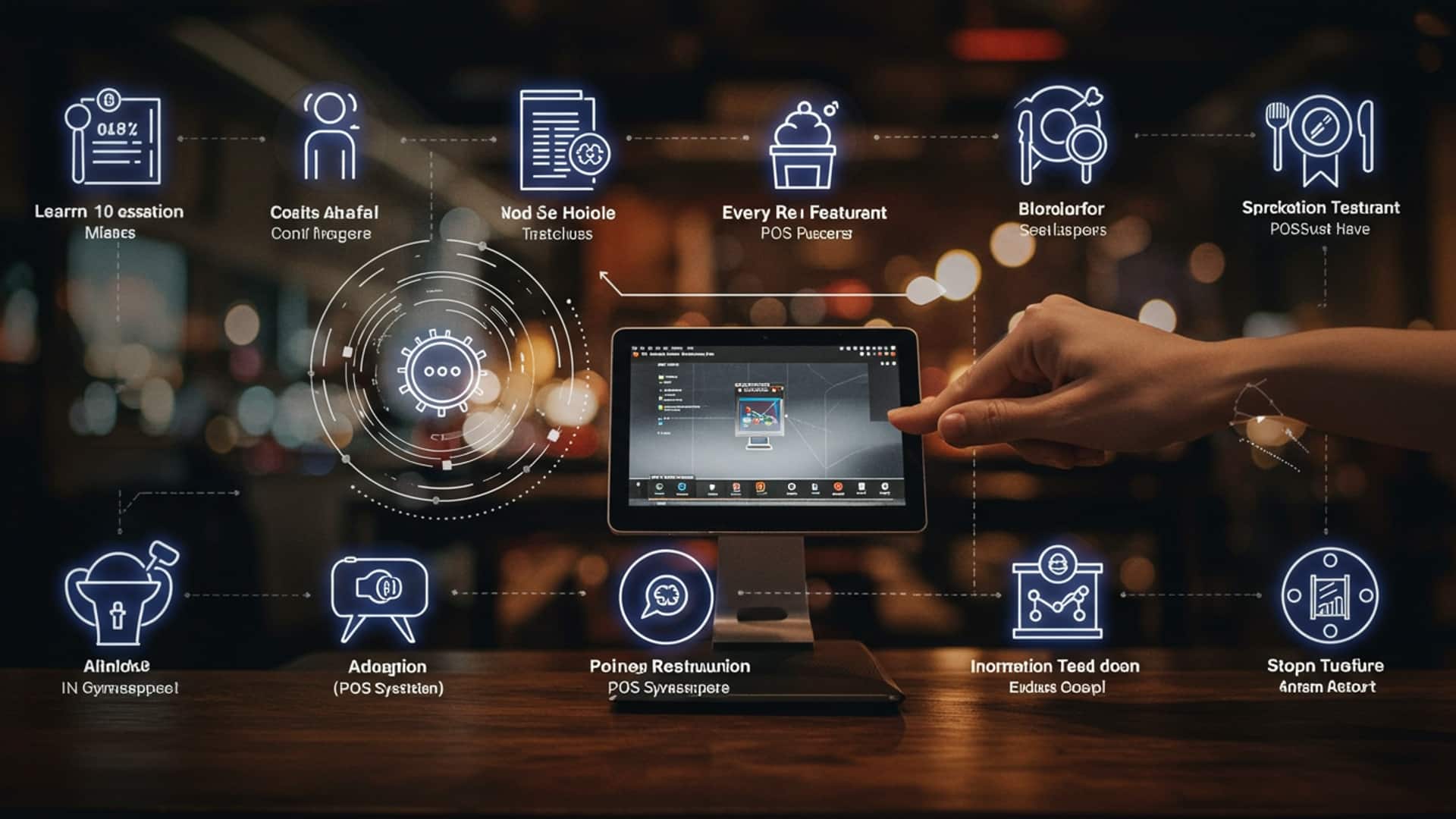
Understanding Restaurant POS Software: The Backbone of Modern Operations
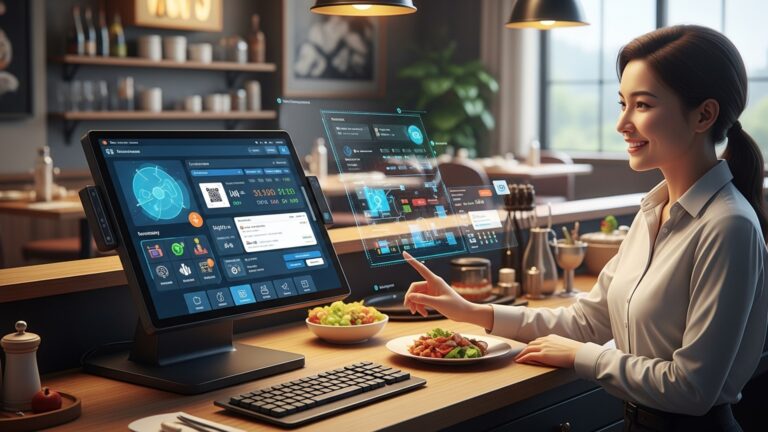
In today’s fast-paced culinary world, efficiency and precision are paramount. At the heart of a successful dining establishment lies its Point of Sale (POS) system. More than just a cash register, modern Restaurant POS software is a comprehensive ecosystem designed to streamline every aspect of a restaurant’s operations, from order taking to inventory control and customer management. It’s the central nervous system, connecting front-of-house (FOH) and back-of-house (BOH) functions, processing transactions. providing invaluable data that empowers owners and managers to make informed decisions. Essentially, a robust Restaurant POS system is an investment in operational excellence, customer satisfaction. ultimately, profitability.
1. Intuitive Order & Table Management
At the core of any restaurant’s FOH operations is the ability to efficiently take and manage orders, as well as seating arrangements. An excellent Restaurant POS software offers an intuitive interface that simplifies this process, reducing errors and speeding up service.
- What it is
- Why it’s essential
- Real-world application
- Actionable takeaway
This feature allows staff to easily input customer orders, send them to the kitchen or bar, split bills, transfer tables. manage the dining room layout. It often includes visual floor plans where servers can see table status (seated, ordering, eating, paid, dirty) at a glance.
Faster order entry means quicker service, happier customers. higher table turnover. Accurate order transmission minimizes kitchen errors and food waste. Flexible table management allows for efficient seating and reduces wait times.
Imagine a busy Friday night. A server can quickly tap through menu items, add modifiers like “no onions” or “extra cheese,” and send the order to the kitchen. When a party requests to split the bill three ways, the system handles it with a few taps, rather than a manual, time-consuming calculation.
Look for a system with a highly customizable and easy-to-navigate touch-screen interface. Test its functionality during peak hours to ensure it can handle high transaction volumes without lag.
2. Robust Inventory Management
Controlling costs and minimizing waste are critical for a restaurant’s bottom line. Effective inventory management is where a Restaurant POS software truly shines in the BOH.
- What it is
- Why it’s essential
- Real-world application
- Actionable takeaway
This feature tracks every ingredient, from raw materials to prepared dishes. It automatically deducts ingredients as dishes are sold, alerts staff when stock is low. can even generate purchase orders. It can also manage multiple suppliers and track ingredient costs.
Prevents stockouts of popular items, reduces food spoilage, helps identify popular and unpopular dishes. provides accurate food cost analysis. This directly impacts profitability by minimizing waste and optimizing purchasing.
A system might automatically track that a “Classic Burger” uses 6oz of ground beef, 1 bun, 1 slice of cheese. specific quantities of lettuce, tomato. onion. When 10 burgers are sold, the system deducts the corresponding ingredients. If ground beef stock falls below a set threshold, the manager receives an alert to reorder.
Prioritize systems that offer real-time inventory tracking, vendor management. recipe costing. This level of detail allows for precise portion control and accurate profitability assessment for each menu item.
3. Integrated Payment Processing
Seamless and secure payment processing is non-negotiable in today’s digital economy. A comprehensive Restaurant POS software integrates various payment options directly into the system.
- What it is
- Why it’s essential
- Real-world application
- Actionable takeaway
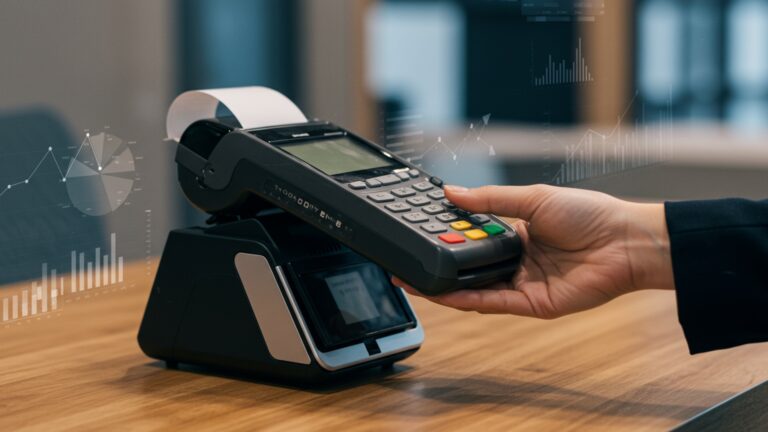
This feature allows restaurants to accept a wide range of payment methods, including credit/debit cards (EMV chip, swipe, contactless), mobile payments (Apple Pay, Google Pay). gift cards, all directly through the POS terminal. It often includes end-to-end encryption for security.
Speeds up checkout, enhances customer convenience, ensures security for sensitive financial data. simplifies reconciliation processes. Integration means fewer errors and a single point of truth for all transactions.
A customer finishes their meal. the server brings a mobile POS device to the table. The customer can tap their card or phone for payment, receive an emailed receipt. even add a tip, all without the card ever leaving their sight. This not only improves customer trust but also allows servers to handle more tables efficiently.
Seek out systems that offer competitive processing rates, robust security features (PCI compliance, tokenization). support for various payment terminals, including mobile options for tableside payments.
4. Comprehensive Menu Management
The menu is the heart of your restaurant’s offering. the ability to update and manage it effortlessly is a key feature of modern Restaurant POS software.
- What it is
- Why it’s essential
- Real-world application
- Actionable takeaway
This feature allows restaurant owners or managers to easily create, edit. categorize menu items, add descriptions, photos, pricing, modifiers (e. g. , “add bacon,” “no pickles”). designate items as available or unavailable. It also handles daily specials and happy hour pricing.
Enables quick updates for daily specials, seasonal changes, or price adjustments without needing to reprint physical menus. Ensures consistency across all ordering channels (in-house, online). Simplifies staff training on new menu items.
A chef introduces a new seasonal special. Within minutes, the manager can add the item to the POS system, assign it to a category, set its price. specify available modifiers. This change is immediately reflected on all POS terminals and potentially on integrated online ordering platforms.
Look for a drag-and-drop interface, support for dish modifiers. the ability to schedule menu changes in advance. This flexibility is crucial for adapting to market trends and operational needs.
5. Detailed Reporting & Analytics
Data is power. a strong Restaurant POS software provides the insights needed to make informed business decisions.
- What it is
- Why it’s essential
- Real-world application
- Actionable takeaway
This feature generates comprehensive reports on sales, labor costs, inventory usage, peak hours, popular menu items, voids, discounts. more. It often includes customizable dashboards and data visualization tools to highlight key trends.
Helps identify best-selling items, control labor costs by optimizing staffing schedules, interpret sales trends, track profitability. uncover areas for improvement. Data-driven decisions lead to increased revenue and reduced expenses.
A restaurant owner reviews a daily sales report and notices that a particular cocktail consistently sells well during happy hour. They decide to promote it further. They also see that food waste is high for a specific ingredient and investigate portion control or supplier quality.
Prioritize systems that offer real-time reporting, customizable report generation. easy export options. The ability to access these reports remotely via a cloud-based system is also a significant advantage.
6. Efficient Employee Management & Time Tracking
Managing staff effectively is vital for both operational efficiency and employee satisfaction. A good Restaurant POS software includes features to streamline this process.
- What it is
- Why it’s essential
- Real-world application
- Actionable takeaway
This encompasses features like employee clock-in/out, shift scheduling, payroll preparation, performance tracking. role-based access controls to the POS system. It can also manage tips and commissions.
Ensures accurate payroll, prevents “buddy punching,” helps optimize staffing levels to match demand. provides insights into employee performance. Role-based access enhances security and prevents unauthorized actions.
Servers clock in and out directly through the POS terminal, accurately recording their hours. Managers can view real-time labor costs and adjust staffing if a shift is unexpectedly slow or busy. The system can automatically calculate tips for distribution.
Look for features like biometric login options, integrated scheduling tools. detailed labor cost reports. These tools help manage one of the biggest expenses for any restaurant.
7. Customer Relationship Management (CRM)
Building a loyal customer base is key to long-term success. Modern Restaurant POS software helps foster these relationships.
- What it is
- Why it’s essential
- Real-world application
- Actionable takeaway
This feature allows restaurants to capture customer data (e. g. , name, contact info, order history, preferences), manage loyalty programs, send targeted promotions. track customer visits.
Enhances customer experience through personalized service, drives repeat business through loyalty programs. enables targeted marketing efforts, ultimately increasing customer lifetime value.
A customer who is part of the loyalty program earns points with each purchase. The POS system tracks their preferences, so on their next visit, the server might suggest their favorite wine. The system can also automatically send a birthday offer via email.
Choose a system that integrates loyalty programs, allows for detailed customer profiles. supports targeted email or SMS marketing. Personalized engagement can significantly boost customer retention.
8. Seamless Online Ordering & Delivery Integration
In the digital age, customers expect the convenience of online ordering and delivery. A modern Restaurant POS software must cater to this demand.
- What it is
- Why it’s essential
- Real-world application
- Actionable takeaway
This feature connects the restaurant’s in-house POS with its online ordering platform (website, app) and, often, third-party delivery services (e. g. , DoorDash, Uber Eats). Orders placed online flow directly into the POS and then to the kitchen.
Expands reach to a broader customer base, increases revenue streams beyond dine-in. offers convenience that today’s consumers demand. Centralizing online orders prevents errors and streamlines kitchen operations.
A customer places an order via the restaurant’s website. The order immediately appears on the POS screen, is sent to the Kitchen Display System (KDS). is ready for preparation. If integrated with a delivery platform, the system can even dispatch a driver automatically.
Prioritize systems that offer direct integration with a customizable online ordering platform and seamless connectivity with popular third-party delivery aggregators to avoid manual order entry.
9. Kitchen Display System (KDS) Integration
Efficiency in the kitchen is just as essential as in the front of house. A KDS, integrated with the Restaurant POS software, is key to this.
- What it is
- Why it’s essential
- Real-world application
- Actionable takeaway
A Kitchen Display System (KDS) replaces traditional paper tickets with digital screens in the kitchen. Orders from the POS appear instantly on these screens, organized by course or preparation station. Chefs can mark items as prepared, bump orders. view preparation times.
Improves kitchen communication, reduces errors from illegible handwriting, speeds up order preparation. provides real-time insights into kitchen performance. It helps manage order flow, especially during peak hours.
When a server sends an order from the POS, it immediately pops up on the KDS. The salad station chef sees their items, marks them complete. they then appear at the expediter station. This ensures orders are prepared in the correct sequence and timing.
Ensure the POS system offers robust KDS integration with customizable routing, timing features. clear visual cues for chefs. This can dramatically improve kitchen workflow and order accuracy.
10. Multi-Location & Scalability Features
For restaurants with aspirations of growth, a POS system that can scale with them is invaluable.
- What it is
- Why it’s essential
- Real-world application
- Actionable takeaway
This feature allows a single Restaurant POS software system to manage multiple restaurant locations from a centralized dashboard. It includes consolidated reporting, synchronized menu updates, centralized inventory management. consistent employee management across all branches.
Provides a unified view of all business operations, simplifies management of multiple sites, ensures brand consistency. streamlines data analysis for the entire enterprise. It’s crucial for franchising or expanding operations.
A restaurant owner with three locations can log into one system and view consolidated sales reports for all sites, push a new menu item update to all locations simultaneously. manage employee schedules across the board.
If you foresee opening additional locations, select a cloud-based POS system designed for multi-unit operations. This foresight will save significant headaches and costs down the line.
Conclusion
Ultimately, mastering these 10 essential POS features isn’t just about ticking boxes; it’s about empowering your restaurant for future success. As you evaluate systems, don’t just ask if a feature exists. visualize how it will transform your daily operations, from faster table turns with integrated kitchen displays to more accurate inventory management that prevents costly waste. My personal tip? Always prioritize seamless integration, especially with current trends like online ordering platforms and loyalty programs. I’ve witnessed firsthand how a well-integrated cloud POS, offering real-time data and even AI-driven insights into peak hours, can significantly optimize staff scheduling and boost customer retention. Therefore, take the time for comprehensive demos, ask challenging questions about scalability. ensure the system truly aligns with your unique workflow, perhaps even offering dynamic menu updates based on recent developments like seasonal ingredient availability. This isn’t merely a software purchase; it’s a strategic investment that will enhance efficiency, delight customers. drive your restaurant’s profitability forward.
More Articles
Learn 7 Essential Restaurant POS Features to Improve Your Operations
Master 8 Key Features Your Restaurant POS System Must Have
5 Essential Tips to Choose the Best Restaurant POS Software System
How to Choose and Implement Android POS for Restaurants in India Effectively
How to Select the Ideal POS System for Indian Restaurants Guide

FAQs
Why is having a solid POS system so crucial for a restaurant these days?
A robust POS system is the backbone of modern restaurant operations. It streamlines everything from taking orders and managing tables to processing payments and tracking inventory, ultimately leading to faster service, fewer errors. improved profitability.
What does ‘order management’ really mean. why is it considered essential?
Order management is the core function – it’s how you take, customize. send orders to the kitchen or bar. An essential system ensures accuracy, allows for modifications, handles split checks. speeds up the entire service process, making sure customers get exactly what they asked for.
Can a POS system actually help me keep track of my ingredients and supplies?
Yes, absolutely! Many essential POS systems include robust inventory management features. They track ingredients as they’re used, help you monitor stock levels, flag low inventory items. even assist with reordering, significantly reducing waste and food costs.
How do these systems handle payments effectively?
Modern POS systems integrate seamlessly with various payment processors. This allows for quick and secure transactions, supporting credit/debit cards, mobile payments. often contactless options. They also simplify tip management and end-of-day reconciliation.
Does a good POS system offer features for managing my staff too?
Indeed! Many essential POS systems come with employee management tools. You can track clock-ins and outs, manage shifts, monitor individual sales performance. even set up different access levels, which helps with payroll and ensuring accountability.
What kind of useful reports can I expect to get from a restaurant POS?
You can get a treasure trove of insights! Essential POS systems generate reports on sales trends, popular menu items, peak hours, inventory consumption. employee performance. These reports are invaluable for making informed business decisions and identifying areas for improvement.
Is integrating online ordering really a ‘must-have’ feature now?
Definitely! In today’s digital landscape, online ordering integration is crucial. It allows orders placed through your website or third-party apps to flow directly into your POS, streamlining your takeout and delivery operations, reducing manual entry errors. expanding your reach to customers.