How to Maximize Kitchen Efficiency Using POS Software and a KDS
Restaurant kitchens frequently grapple with the chaos of paper tickets, missed orders. slow service, directly impacting customer satisfaction and operational profitability. Modern establishments are overcoming these challenges by implementing robust POS software with kitchen display system (KDS) integrations, which serve as the digital nerve center for culinary operations, ensuring flawless communication and real-time order management. This technological leap, a critical component of digital transformation, empowers teams to reduce ticket times, enhance order accuracy. optimize food preparation workflows, moving beyond antiquated systems. Leveraging current cloud-based KDS capabilities means dynamic menu updates and precise ingredient tracking become standard, not aspirational, fundamentally reshaping kitchen dynamics for peak efficiency.
The Synergy of POS and KDS: A Game Changer for Kitchen Efficiency
In the fast-paced world of hospitality, every second counts. From bustling diners to fine-dining establishments, the kitchen is the heart of operations. its efficiency directly impacts customer satisfaction and profitability. Traditional paper-ticket systems often lead to miscommunication, delays. errors, creating chaos during peak hours. This is where the powerful combination of a modern POS software with kitchen display system steps in, revolutionizing how kitchens operate and bringing unparalleled order and speed to the back-of-house.
For restaurant owners and managers seeking to streamline their workflow, reduce operational costs. elevate the dining experience, understanding the symbiotic relationship between Point of Sale (POS) software and Kitchen Display Systems (KDS) is crucial. This integrated approach isn’t just about going paperless; it’s about creating a seamless, intelligent flow of data from the moment an order is taken until the dish is served, ensuring maximum kitchen efficiency.
Understanding the Core Components
To fully grasp the benefits, let’s first define the key technologies at play:
What is POS Software?
A Point of Sale (POS) system is the central nervous system of any retail or restaurant business. Beyond simply processing transactions, modern POS software handles a vast array of functions that impact the entire operation. In a restaurant context, this includes:
- Order entry and management
- Payment processing (cash, card, mobile)
- Inventory management
- Customer relationship management (CRM)
- Employee management (time clocks, shift scheduling)
- Sales reporting and analytics
- Menu management and pricing
For kitchen efficiency, the POS software’s role in accurate order entry and its ability to communicate with other systems is paramount.
What is a Kitchen Display System (KDS)?
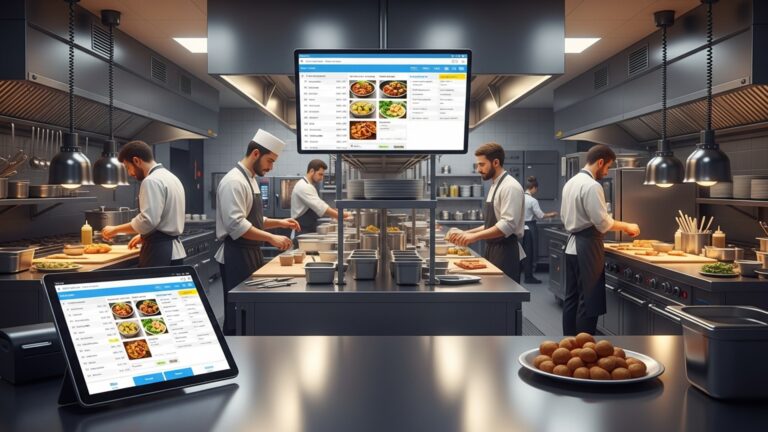
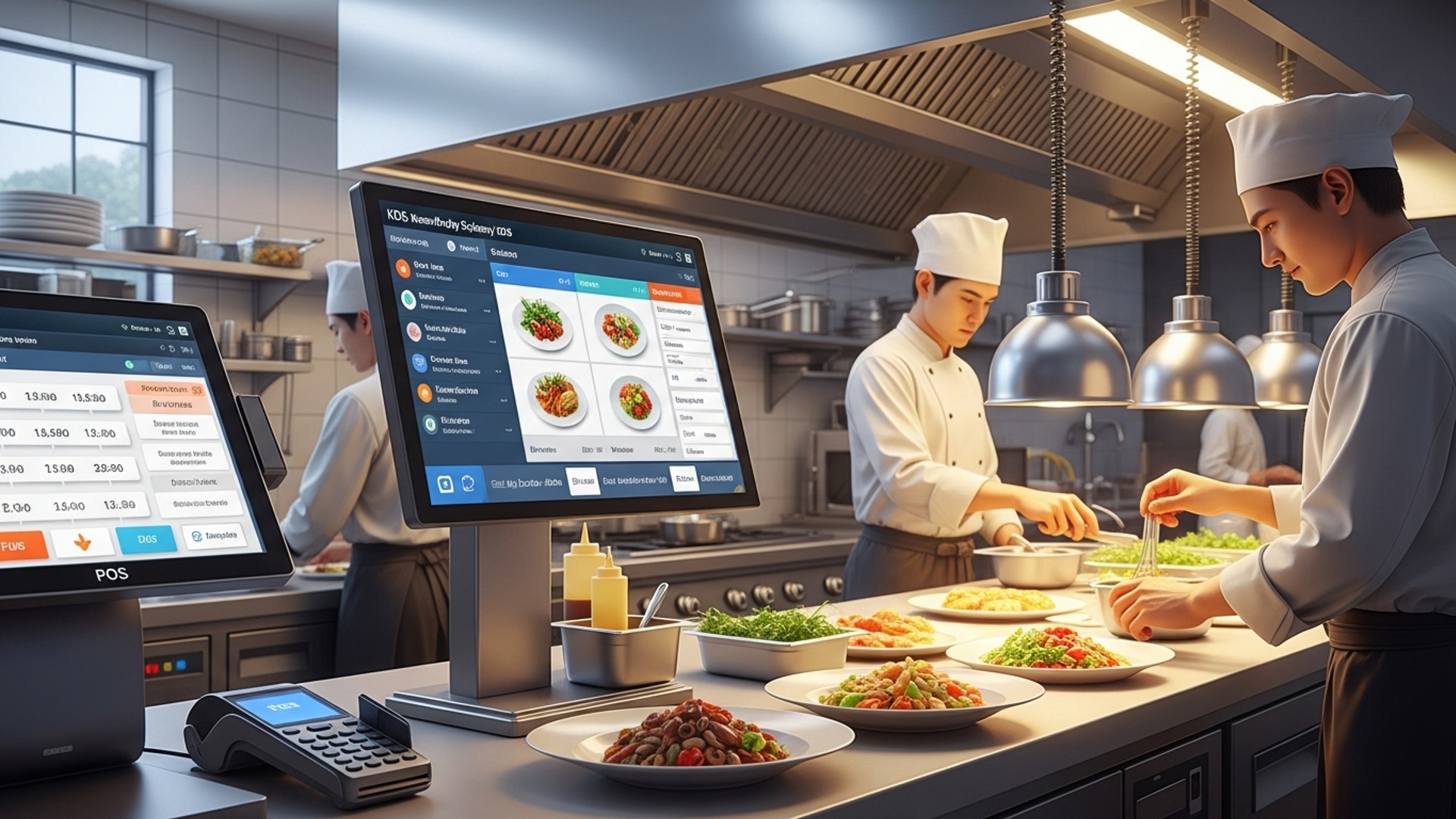
A Kitchen Display System (KDS) is a digital screen-based system used in restaurant kitchens to display incoming orders, manage food preparation. track cooking times. It replaces traditional paper tickets, offering a dynamic and interactive interface for kitchen staff. Key features typically include:
- Real-time order display
- Color-coding for order status (new, preparing, ready)
- Timers for individual items and entire orders
- Bumping orders to “complete” status
- Route orders to specific stations (grill, fryer, pantry)
- Historical data for performance analysis
When you combine robust POS software with kitchen display system functionality, you create an integrated ecosystem that eliminates manual bottlenecks and introduces precision.
Streamlining Order Flow and Communication with POS Software with Kitchen Display System
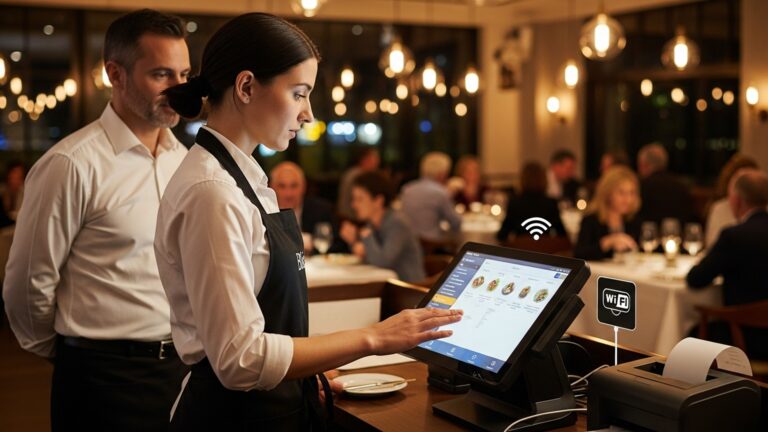
One of the most immediate and impactful benefits of integrating your POS and KDS is the dramatic improvement in order flow and communication. Here’s how it works:
- Real-time Order Transmission
- Reduced Errors and Improved Accuracy
- Enhanced Communication Between FOH and BOH
As soon as a server enters an order into the POS system, it instantly appears on the relevant KDS screens in the kitchen. There’s no delay, no running back and forth. no chance of a paper ticket getting lost or misread. This real-time transmission is the bedrock of a truly efficient kitchen.
Manual transcription of orders is a common source of mistakes. A KDS eliminates illegible handwriting and misinterpretations. Special requests (e. g. , “no onions,” “extra sauce”) are clearly displayed, ensuring kitchen staff prepare dishes exactly as the customer ordered. This directly reduces food waste and customer complaints.
The KDS acts as a central communication hub. If a server needs to make an urgent change or alert the kitchen about a VIP guest, they can often do so directly through the POS, with the update instantly reflected on the KDS. This fosters a more collaborative and less stressful environment.
Consider a busy Saturday night: without a KDS, servers might shout orders or deliver stacks of paper tickets, leading to confusion. With a KDS powered by your POS, every order flows seamlessly, organized by time, priority. station, allowing the kitchen team to focus solely on cooking.
Boosting Production Efficiency and Speed
Beyond communication, an integrated POS and KDS system fundamentally transforms how food is prepared, leading to significant gains in speed and overall production efficiency.
- Visual Order Management and Prioritization
- Station-Specific Routing
- Reduced Ticket Times
KDS screens provide a clear, visual representation of all active orders. Kitchen staff can see which dishes need to be prepared first (e. g. , appetizers before entrées) and track cooking times with built-in timers. This visual cue helps prioritize tasks, ensuring timely delivery.
Advanced KDS setups, often integrated with POS software with kitchen display system capabilities, can automatically route specific items to their designated prep stations. For example, a burger order might appear on the grill station’s screen, while a salad order goes to the pantry station. This prevents staff from being overwhelmed by irrelevant data and improves focus.
By eliminating manual processes, streamlining communication. providing clear visual queues, KDS significantly reduces the time it takes from order placement to dish completion. Faster ticket times mean higher table turnover and more satisfied customers.
Let’s compare the traditional paper ticket system with a modern KDS:
| Feature | Paper Ticket System | KDS (Integrated with POS) |
|---|---|---|
| Order Transmission | Manual, prone to delay | Instant, real-time |
| Legibility | Variable, prone to errors | Clear, digital text |
| Order Organization | Physical stack, easily misplaced | Digital, dynamic, color-coded |
| Timers | Manual observation or guesswork | Automated, visible countdowns |
| Station Routing | Manual sorting by staff | Automatic to specific screens |
| Error Reduction | Low | High |
| Environmental Impact | High paper waste | Minimal (digital) |
Inventory Management and Waste Reduction
The efficiency gains extend beyond order processing. A well-integrated POS software with kitchen display system can have a profound impact on your inventory and help significantly reduce waste.
- Real-time Depletion
- Automated Reorder Alerts
- Tracking Waste and Identifying Bottlenecks
As orders are processed through the POS and completed on the KDS, the system can automatically deduct ingredients from your inventory. This provides a far more accurate, real-time view of your stock levels compared to manual counts or delayed entry.
With accurate inventory tracking, your POS can be configured to trigger automated alerts when ingredient levels fall below a predefined threshold. This ensures you never run out of critical items, preventing menu outages and last-minute rushes to suppliers.
By closely monitoring ingredient usage against sales, the integrated system can help identify areas of waste. For instance, if a dish frequently has high ingredient depletion but low sales, it might indicate over-portioning or spoilage issues. Analyzing KDS data on prep times can also highlight bottlenecks in the kitchen workflow that lead to inefficiencies and potential waste.
Imagine a scenario where a popular daily special suddenly runs out. Without integrated inventory, the kitchen might continue to receive orders for it via paper tickets, leading to frustrated customers and wasted effort. With POS and KDS, the POS can be set to automatically remove the item from the menu once inventory hits zero, preventing such situations.
Data-Driven Decision Making and Operational Insights
One of the most powerful, yet often underutilized, aspects of modern POS and KDS solutions is their ability to generate invaluable data. This data, when analyzed correctly, empowers restaurant management to make informed, strategic decisions.
- Sales Data Analysis from POS
- KDS Performance Metrics
- Average prep time per dish/station
- Average fulfillment time per order
- Peak kitchen activity times
- Bottlenecks in the preparation process
- Identifying Peak Hours and Popular Dishes
Your POS software collects comprehensive sales data, detailing which dishes are most popular, during which times. with what profit margins. This data is crucial for menu engineering, pricing strategies. marketing efforts.
The KDS tracks various operational metrics, such as:
Analyzing these metrics allows you to identify areas where training might be needed, reallocate staff, or even redesign your kitchen layout for better flow. For example, if the “fryer” station consistently shows longer prep times than expected, you might investigate equipment issues or staffing levels at that station.
By correlating POS sales data with KDS performance data, you can gain a granular understanding of your busiest periods and the dishes that drive them. This enables better forecasting, optimal staffing levels. efficient ingredient ordering. For instance, knowing that “Chicken Alfredo” is a high-volume, high-prep-time dish during Friday dinner rushes means you can proactively prep ingredients and staff the pasta station accordingly.
Leveraging these insights transforms kitchen management from reactive problem-solving to proactive optimization, ensuring your operations are always running at peak performance.
Implementing Your POS Software with Kitchen Display System: Best Practices
Successfully integrating and maximizing the benefits of a POS and KDS system requires careful planning and execution. Here are some actionable best practices:
- Choosing the Right System
- Thorough Staff Training
- Customization for Kitchen Layout and Workflow
- Phased Implementation (if necessary)
- Regular Maintenance and Updates
- Continuous Monitoring and Feedback
Not all POS and KDS solutions are created equal. Look for systems that offer robust integration capabilities, are scalable to your restaurant’s needs. provide intuitive user interfaces for both front-of-house and back-of-house staff. Consider cloud-based solutions for flexibility and remote access to data. Research providers known for their reliability and customer support.
Technology is only as good as the people using it. Invest in comprehensive training for all your staff, from servers and bartenders to chefs and line cooks. Ensure everyone understands how to use the POS for order entry and how to interact with the KDS screens effectively. Role-playing scenarios during training can be highly effective.
A key advantage of a KDS is its adaptability. Work with your provider to customize the screen layout, color-coding. routing rules to match your specific kitchen stations and workflow. Some kitchens benefit from multiple KDS screens, each dedicated to a particular prep area, while others might prefer a consolidated view.
For larger or more complex operations, a phased rollout might be beneficial. Start with a single station or during off-peak hours to iron out any kinks before a full launch.
Like any technology, your POS and KDS will require periodic maintenance and software updates. Ensure your team is aware of these and that they are scheduled during non-operational hours to minimize disruption.
After implementation, continuously monitor the system’s performance. Gather feedback from your kitchen staff—they are on the front lines and will provide invaluable insights into what’s working well and what could be improved. Use the data generated by the system to identify new opportunities for efficiency gains.
By following these best practices, you can ensure a smooth transition and unlock the full potential of your integrated POS software with kitchen display system, transforming your kitchen into a highly efficient, high-performing hub.
Conclusion
Embracing POS software and a Kitchen Display System isn’t merely adopting new technology; it represents a strategic evolution for your culinary operations. This digital transformation, a clear trend in modern hospitality, empowers your team to operate with unprecedented precision. My personal tip for seamless integration? Begin by mapping out your current kitchen workflow to identify bottlenecks, then tailor your KDS settings to directly address those pain points, perhaps prioritizing high-volume dishes or optimizing prep station displays. I’ve observed firsthand how this synergy dramatically reduces order errors and slashes ticket times, leading to a calmer, more productive kitchen environment. Imagine staff instantly seeing new orders, prioritized and color-coded, eliminating the chaos of paper tickets. This level of communication enhances not only speed but also staff morale, which is invaluable. By investing in these intelligent systems, you’re not just modernizing; you’re cultivating a foundation for sustainable growth and an exceptional dining experience, ensuring every dish leaves the pass perfectly. For further insights into the benefits of such systems, consider exploring how restaurant POS software boosts overall business efficiency.
More Articles
Streamline Your Restaurant Operations with POS Software and Kitchen Display System
How to Choose the Best Restaurant POS System with Essential Functionalities
Unlocking Efficiency 7 Smart Ways Restaurant POS Software Boosts Your Business
10 Surprising Ways Restaurant POS Software Boosts Your Business Profits
Boost Efficiency with Restaurant POS Features Everyone Needs

FAQs
What’s the main benefit of using POS and KDS together in the kitchen?
It’s all about smooth operations. Your POS takes the order at the front. the KDS instantly displays it in the kitchen. This cuts down on paper tickets, miscommunications. ensures everyone knows exactly what to make, in what order, leading to faster service and happier customers.
How does a Kitchen Display System (KDS) specifically help my cooks?
A KDS provides a clear, digital view of all incoming orders. Cooks can see prioritized dishes, mark items as complete with a tap. even see prep times. It eliminates messy paper tickets, reduces errors from hard-to-read handwriting. keeps everyone on the same page, making their job less stressful and more efficient.
Can a KDS really speed up how quickly we get food out?
Absolutely! By instantly sending orders to the right station and allowing cooks to manage their queue digitally, food prep starts faster. It helps avoid bottlenecks, ensures dishes for the same table are finished together. ultimately gets food to customers quicker and hotter.
We have different stations (grill, salad, fryers). How does this setup manage that?
A good KDS can route specific items to specific stations automatically. For example, all ‘burger’ orders go to the grill KDS, while ‘Caesar salad’ goes to the cold prep station. This keeps each station focused on their tasks without getting overwhelmed by irrelevant orders, streamlining the workflow.
Does using this tech help reduce food waste?
Indirectly, yes. By improving order accuracy and timing, you reduce mistakes that lead to re-dos or forgotten items expiring. A more organized kitchen with clear communication typically leads to less over-prepping and fewer errors that result in wasted ingredients.
Is it complicated to train my kitchen staff to use a KDS?
Not at all! Most modern KDS systems are designed to be very user-friendly with intuitive touchscreens. If your staff can use a smartphone, they can quickly learn a KDS. It often makes their job easier and less stressful, which helps with quick adoption and minimal training time.
How does it help prevent order mistakes and make sure customers get what they asked for?
It significantly reduces human error. No more mishearing orders, misreading tickets, or losing paper slips. Every order is digitally recorded, clearly displayed. can be tracked from start to finish. This ensures accuracy and consistency, leading to fewer complaints and happier customers.