How to Choose the Right Restaurant POS Features for Your Business
- restaurant POS features
- restaurant POS features
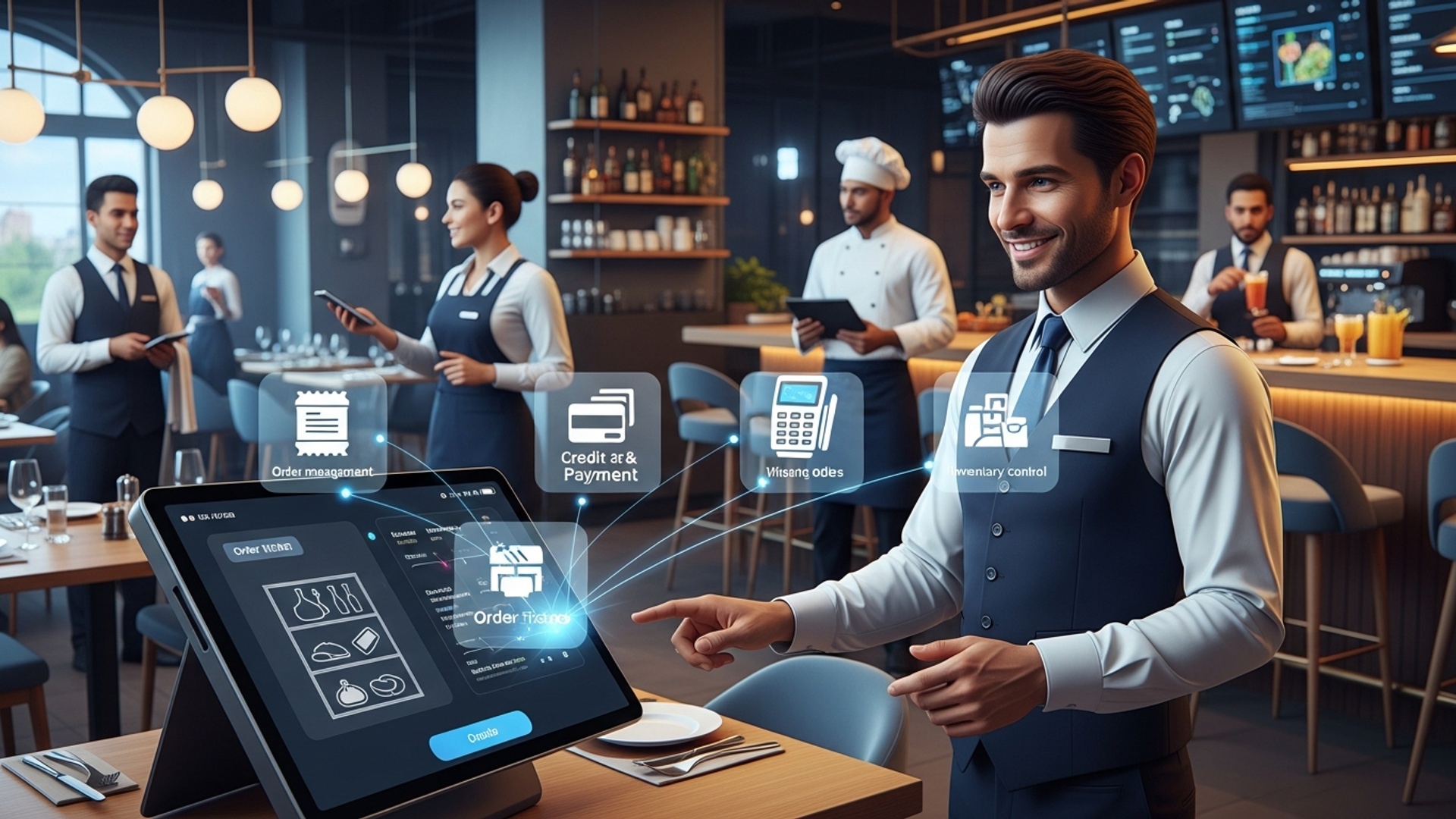
Understanding Your Restaurant’s Unique Needs
Before diving into the myriad of available Restaurant POS features, the first and most crucial step is to conduct a thorough self-assessment of your business. Every restaurant, whether it’s a bustling quick-service establishment, an elegant fine-dining venue, a cozy cafe, or a mobile food truck, has distinct operational workflows and customer service priorities. Understanding these unique needs will guide your selection process, ensuring you invest in a system that truly enhances efficiency and profitability.
Consider the following aspects:
- Restaurant Type
- Size and Scale
- Menu Complexity
- Customer Base
- Budget
A Quick Service Restaurant (QSR) might prioritize speed, intuitive order entry. integrated delivery services. A full-service restaurant, on the other hand, needs robust table management, split bill options. comprehensive reservation integration.
A small, single-location eatery might not require the complex multi-location management and enterprise-level reporting features that a growing chain would.
Do you have a dynamic menu that changes daily, or a static one? Do you offer extensive customizations, ingredient substitutions, or daily specials? Your POS needs to handle these effortlessly.
Are your customers primarily dine-in, takeout, delivery, or a mix? Features like online ordering, loyalty programs. CRM capabilities become more critical depending on your customer engagement model.
POS systems come in various pricing models – subscription-based, one-time purchase, or hybrid. Define your budget for both initial setup and ongoing operational costs.
Core Restaurant POS Features: The Essentials
While the “perfect” POS system is subjective, certain Restaurant POS features are foundational for almost any food service operation. These are the workhorses that manage daily transactions and keep your business running smoothly. Ignoring these essentials could lead to operational bottlenecks and a poor customer experience.
- Order Management
- Payment Processing
- Inventory Management
- Reporting and Analytics
- Customer Relationship Management (CRM) & Loyalty Programs
- Employee Management
This is the heart of any restaurant POS. It includes intuitive order entry, modifiers (e. g. , “extra cheese,” “no onions”), split checks, transfer orders between tables. the ability to hold/fire orders to the kitchen. For a real-world application, consider a busy Friday night: a server needs to quickly enter a complex order with multiple modifications, split the bill for a large party. send specific courses to the kitchen at different times. A good POS makes this seamless, reducing errors and improving kitchen flow.
Secure and versatile payment options are non-negotiable. Look for EMV chip card readers, contactless payments (NFC like Apple Pay, Google Pay), gift card processing. the ability to accept various payment types (cash, credit, debit, mobile payments). Ensure PCI compliance to protect sensitive customer data.
Tracking ingredients, monitoring stock levels. managing waste are critical for cost control. This feature helps prevent stockouts, reduces spoilage. provides insights into food costs. For example, if your POS can track every ounce of coffee beans used, you can accurately calculate your cost per cup and optimize pricing.
This provides invaluable insights into sales performance, peak hours, popular menu items, staff performance. more. Robust reporting helps you make data-driven decisions, optimize staffing. identify trends.
Building customer loyalty is vital. Features like customer databases, loyalty point tracking, email marketing integrations. personalized promotions can turn one-time visitors into regulars. Imagine a customer celebrating their birthday receiving a personalized discount via email, driven by data collected through your POS.
This includes time tracking, shift scheduling, payroll integration. permissions management. Efficient staff management helps minimize labor costs and ensures smooth operations.
Advanced Restaurant POS Features: Elevating Your Operation
Beyond the essentials, a host of advanced Restaurant POS features can significantly enhance your operational efficiency, expand your reach. improve the customer experience. These are often the differentiating factors between a basic system and a truly transformative technology solution.
- Online Ordering & Delivery Integrations
- Table Management & Reservations
- Kitchen Display Systems (KDS)
- Multi-Location Management
- Hardware Compatibility & Scalability
- Open API & Custom Integrations
In today’s digital age, online ordering is a must. A POS that integrates seamlessly with your website, mobile apps. third-party delivery platforms (like DoorDash, Uber Eats) centralizes all orders, preventing missed requests and streamlining kitchen workflows. This capability was a lifeline for many restaurants during the recent global challenges, proving its value in expanding revenue streams.
For full-service restaurants, visual table layouts, real-time table status updates. integrated reservation systems (like OpenTable or Resy) are crucial. They help hosts optimize seating, manage waitlists. track guest preferences.
Replacing traditional paper tickets, a KDS displays orders on screens in the kitchen, improving communication, reducing errors. accelerating food preparation times. Different stations (e. g. , grill, prep, expediter) can see their specific orders, ensuring efficiency.
If you operate multiple outlets, a POS that offers centralized management for menus, pricing, inventory. reporting across all locations is invaluable. This provides a holistic view of your entire enterprise.
Ensure the POS software is compatible with a range of hardware options (tablets, terminals, printers) and can scale with your business as it grows. You don’t want to outgrow your system in a year.
For businesses with specific needs, an open API allows you to connect your POS with other critical software, such as accounting systems (QuickBooks, Xero), marketing platforms, or custom loyalty programs. This flexibility creates a truly tailored ecosystem.
Comparing Key POS Features: What to Prioritize
When evaluating different POS software providers, it’s helpful to compare their offerings based on your identified needs. Not all features are created equal. some might be more critical for your specific business model than others.
| Feature Category | Quick Service Restaurant (QSR) Priority | Full-Service Restaurant Priority | Cafe/Bakery Priority |
|---|---|---|---|
| Order Entry & Speed | High (fast transactions, modifiers) | Medium (detailed orders, course management) | High (quick coffee/pastry orders) |
| Payment Processing | High (contactless, mobile) | High (split bills, table-side payments) | High (contactless, loyalty integration) |
| Inventory & Recipe Management | Medium (basic stock tracking) | High (detailed ingredient tracking, waste) | High (batch ingredients, spoilage) |
| Online Ordering & Delivery | Very High (integrations essential) | High (reservation systems, takeout options) | High (pre-orders, delivery partnerships) |
| Table Management & Reservations | Low (not typically needed) | Very High (visual layout, booking system) | Medium (limited seating management) |
| Reporting & Analytics | High (sales trends, peak hours) | High (profitability, server performance) | High (best sellers, COGS) |
| Customer Loyalty/CRM | High (rewards, repeat business) | Medium (personalization, feedback) | High (frequent buyer programs) |
| Kitchen Display System (KDS) | High (streamlined prep) | High (course timing, efficiency) | Medium (for custom orders) |
| Staff Management | Medium (time clock, basic scheduling) | High (permissions, tip distribution) | Medium (shift scheduling) |
Security, Support. Scalability: Beyond the Feature List
Choosing the right Restaurant POS features isn’t just about what the system can do. also about the ecosystem surrounding it. Think long-term about the reliability, security. support you’ll receive.
- Data Security
- Reliability and Uptime
- Customer Support
- Scalability
- Ease of Use and Training
Ensure the POS provider employs robust encryption for all transactions and data storage. Compliance with industry standards like PCI DSS is non-negotiable to protect both your business and your customers from data breaches.
A POS system that frequently crashes or experiences downtime can bring your operations to a standstill, leading to lost sales and frustrated customers. Research vendor reputation for stability and uptime. Cloud-based POS systems often offer greater reliability and automatic updates. require a stable internet connection.
What happens when something goes wrong at 2 AM on a Saturday? Look for providers offering 24/7 technical support through multiple channels (phone, chat, email). Good support can be the difference between a minor hiccup and a major crisis.
Your business will hopefully grow. Can the POS system grow with you? This includes adding more terminals, expanding to new locations, or integrating new functionalities as your needs evolve.
An intuitive interface means less training time for new staff and fewer errors. A complex system, no matter how feature-rich, can be a burden rather than a benefit. Look for systems with clear, user-friendly designs and readily available training resources.
In essence, selecting the right POS system involves a careful balance between robust features, ease of use, strong support. future-proofing your investment. By prioritizing your unique business needs and thoroughly evaluating these critical aspects, you can choose a POS solution that truly empowers your restaurant to thrive.
Conclusion
Choosing the ideal restaurant POS features isn’t about collecting every available function; it’s about strategically empowering your specific operation. Consider, for instance, how a bustling quick-service cafe might prioritize rapid order entry and integrated loyalty programs, while a fine dining establishment would benefit more from advanced table management, detailed customer profiles. robust inventory tracking. My personal tip: don’t just assess features in isolation. Instead, visualize how each one integrates into your existing workflow, from a server taking an order to a chef managing the kitchen queue. Recent developments, such as AI-driven sales forecasting and seamless third-party delivery integrations, underscore the importance of scalability and future-proofing your investment. A system that adapts to evolving market demands, like managing peak online orders efficiently, is crucial for sustained growth. By carefully aligning your POS features with your unique business model, you’re not merely buying software; you’re investing in operational efficiency and an enhanced customer journey. Make that informed decision today. watch your restaurant truly thrive. For further insights into industry trends, you might find valuable details at Restaurant Tech Insights.
More Articles
7 Essential Restaurant POS Features That Boost Your Business Profitability
How to Leverage POS Software Features to Boost Restaurant Efficiency
How to Choose the Best Restaurant POS Software for Your Kitchen
10 Smart Ways Restaurant POS Software Can Streamline Your Daily Operations
Which Restaurant POS Software Benefits Truly Improve Customer Experience

FAQs
What are the absolute must-have features for any restaurant POS system?
Focus on core functions like fast order entry, table management, basic inventory tracking for key items, secure payment processing. fundamental reporting. These are your foundational tools for smooth daily operations, no matter your restaurant type.
How do I figure out which POS features are best for my specific type of restaurant?
Think about your unique workflow and customer experience. A quick-service cafe needs speedy checkout and robust online ordering, while a fine dining spot might prioritize reservation management, detailed table layouts. custom modifiers. A food truck needs mobile capabilities and offline mode. Match features to your operational needs.
What POS features are key if I do a lot of online orders or delivery?
You’ll definitely want seamless integration with online ordering platforms, third-party delivery services. accurate order routing to the kitchen. Look for features that help manage delivery drivers, track order status. easily sync menus across all your digital channels.
Can a POS system really help me manage my team better?
Absolutely! Look for features like employee management (tracking hours, roles, permissions), time clock functionality. possibly even tip management. Some systems offer staff scheduling tools or integrate with payroll software, which can be a huge time-saver for your HR tasks.
How crucial are reporting and analytics features in a restaurant POS?
Super vital! Good reporting gives you deep insights into sales trends, popular menu items, peak hours. even server performance. This data helps you make smarter business decisions, optimize your menu, manage inventory better. ultimately boost your profitability. Don’t underestimate its power.
Should I think about my restaurant growing in the future when picking POS features?
Yes, definitely! Choosing a scalable POS means it can grow with you. Look for systems that can easily add more terminals, support multiple locations, or integrate new features as your business expands. You don’t want to outgrow your system in just a year or two.
What payment processing features should I prioritize for my customers?
Flexibility is key! Ensure it supports various modern payment types like EMV chip cards, contactless payments (NFC), mobile wallets (Apple Pay, Google Pay). easily allows for split payments. Gift card functionality and integrated loyalty programs are also great for customer convenience and retention.