How to Choose the Right POS Features for Your Restaurant
In today’s fast-paced restaurant industry, the right POS system is more than just a tool for processing payments—it’s the backbone of efficient operations and seamless customer experiences. With features like tableside ordering, real-time inventory tracking. advanced analytics becoming standard, selecting the best restaurant POS features can directly impact profitability and efficiency. For example, the rise of contactless dining and mobile payments demands intuitive systems that integrate with QR code menus and digital wallets. Also, customizable reporting tools help managers make data-driven decisions, while integrations with delivery platforms streamline online orders. As technology evolves, keeping up with developments like AI-driven customer insights or loyalty program automation ensures your restaurant stays ahead of the competition. Understanding which features align with your restaurant’s unique needs—whether it’s a high-volume quick-service chain or a fine dining establishment—can transform daily operations and set the stage for long-term success.
Understanding POS Systems and Their Importance in Restaurants
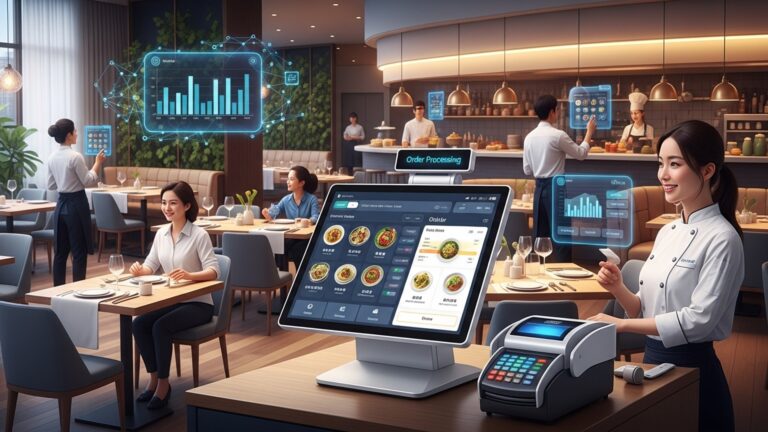
Restaurant Point of Sale (POS) systems are at the core of modern food service businesses, enabling streamlined operations and improved customer experiences. A POS system is a combination of hardware and software that facilitates sales transactions, tracks inventory, manages employee schedules. integrates a variety of functions into one cohesive platform. With the right Restaurant POS features, you can transform your business processes for better efficiency and customer satisfaction.
Key Considerations When Choosing Restaurant POS Features
Choosing the right features for your restaurant POS system is critical. Here are some essential factors to evaluate:
- Restaurant Type
- Scalability
- Ease of Use
- Integration Capabilities
- Cloud-Based vs. On-Premise
The needs of a quick-service restaurant (QSR) differ significantly from those of a fine-dining establishment. Understanding your specific restaurant type ensures the POS system fits your operational flow.
As your business grows, your POS system should be able to handle additional locations, users. transactions.
A user-friendly interface ensures that employees can quickly learn to use the system, reducing training time and errors during busy hours.
Your POS system should work seamlessly with other tools such as accounting software, delivery platforms. loyalty programs.
Decide whether you want a cloud-based system that provides remote access and easier updates or an on-premise system for more control over data.
Core Restaurant POS Features to Look For
When evaluating POS systems, ensure the following features are available to meet your restaurant’s operational goals:
- Order Management
- Inventory Tracking
- Employee Management
- Table Management
- Customer Relationship Management (CRM)
- Reporting and Analytics
Manage dine-in, takeout. online orders efficiently. Look for features like customizable menus, modifiers for special requests. split billing for group payments.
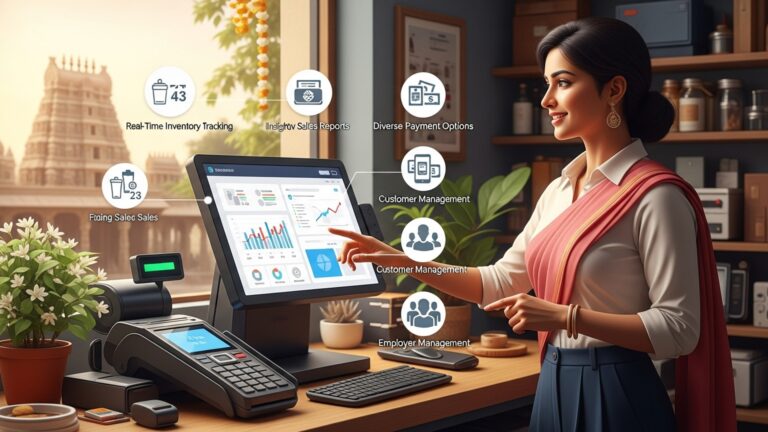
Monitor stock levels in real-time. This feature helps reduce food waste, prevents stockouts. ensures you reorder supplies at the right time.
Schedule shifts, track work hours. monitor individual performance. Some systems even include clock-in/out functionalities and role-based access control.
For dine-in restaurants, table management tools help staff assign tables, track reservations. monitor open and occupied tables for better service flow.
Collect customer data to create personalized experiences, run loyalty programs. manage feedback effectively.
Access detailed reports on sales, inventory, employee performance. more. This data-driven insight helps optimize operations and improve profitability.
Advanced Features for Modern Restaurants
Modern restaurants often require advanced POS functionalities to remain competitive. Here are some features that cater to cutting-edge restaurant operations:
- Mobile POS
- Online Ordering Integration
- Contactless Payments
- Kitchen Display Systems (KDS)
- Dynamic Menu Management
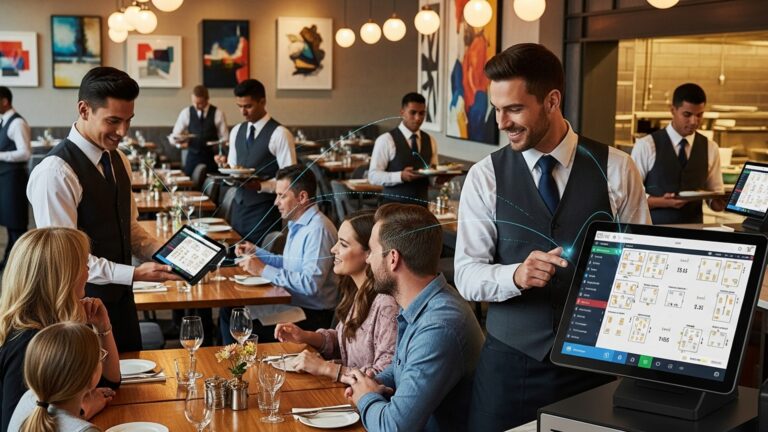
Enables servers to take orders and process payments directly at the table using a tablet or smartphone, reducing wait times and improving customer satisfaction.
Connect with third-party delivery platforms or your restaurant’s website to streamline online orders directly into the POS system.
Accept multiple payment methods, including mobile wallets like Apple Pay or Google Pay, as well as QR code-based transactions.
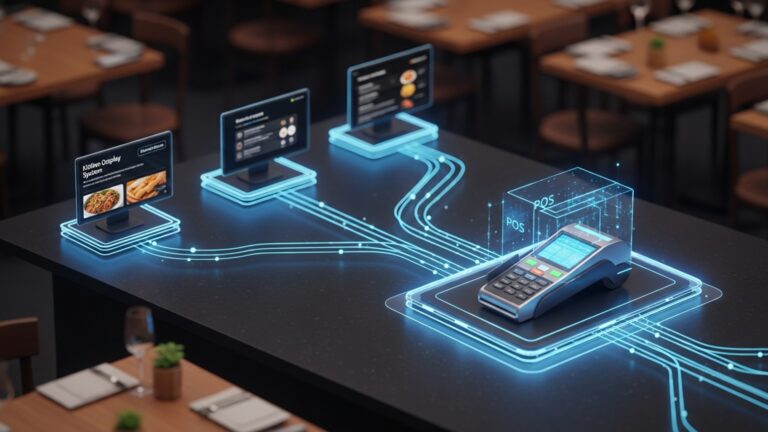
Replace traditional kitchen printers with digital screens that display orders in real-time, reducing errors and improving communication between front-of-house and back-of-house teams.
Update menus quickly based on availability, pricing, or seasonal specials without requiring extensive manual changes.
Comparing Cloud-Based vs. On-Premise POS Systems
| Feature | Cloud-Based POS | On-Premise POS |
|---|---|---|
| Data Accessibility | Accessible from anywhere with an internet connection | Restricted to on-site access |
| Cost | Typically subscription-based; lower upfront cost | Higher upfront cost; no recurring subscription fees |
| Updates | Automatic updates provided by the service provider | Manual updates required, which may involve additional costs |
| Data Storage | Stored in the cloud and often includes backups | Stored locally, requiring manual backup processes |
Real-World Applications of Restaurant POS Features
To interpret how the right Restaurant POS features can transform operations, consider these examples:
- Case Study: Streamlining Quick-Service Restaurants
- Fine Dining Experience Enhancement
- Inventory Optimization
A busy fast-food chain implemented a cloud-based POS with integrated online ordering. This allowed the restaurant to reduce wait times, fulfill delivery orders more efficiently. increase customer retention through tailored loyalty programs.
A high-end restaurant used table management and CRM features to enhance the dining experience. Servers accessed customer preferences, such as favorite dishes and seating arrangements, to deliver a personalized service that increased repeat visits.
A café chain integrated its POS system with inventory management tools to track ingredient usage and prevent overstocking. This significantly reduced waste and improved profitability.
Actionable Steps for Choosing the Right Restaurant POS Features
When evaluating a POS system, follow these steps to make an informed decision:
- Assess Your Needs
- Request Demos
- Check Compatibility
- Test Durability
- Read Reviews and Seek References
Create a list of must-have features based on your restaurant’s operations, such as order management, inventory tracking, or online ordering integration.
Schedule demos with POS vendors to see the system in action. Ask questions about features, usability. customer support.
Ensure the system integrates with existing tools such as accounting software and marketing platforms.
If hardware is included, evaluate its durability and ease of use in a restaurant setting.
Explore customer reviews and request references from other restaurants to grasp the system’s reliability and performance.
Conclusion
Selecting the right POS features for your restaurant is not just about keeping up with technology; it’s about crafting a seamless experience for both your team and your customers. By focusing on your restaurant’s specific needs—be it inventory control, table management, or online ordering integrations—you ensure that your POS system becomes an invaluable asset rather than a mere tool. Trends like cloud-based systems and AI-driven analytics are reshaping the industry, making it essential to choose a system that can adapt and scale with your business. From personal experience, investing time in staff training alongside your POS implementation can make a world of difference in its effectiveness. When we introduced mobile ordering at a local bistro I worked with, the immediate boost in efficiency was remarkable. its long-term success came from empowering the staff to make the most of it. Always remember that a POS is an investment in growth, so prioritize features that align with your long-term vision. As you finalize your choice, stay motivated by thinking of the enhanced customer satisfaction and operational ease your restaurant will enjoy. The right POS can be the backbone of your business, enabling you to focus on what truly matters—offering exceptional food and memorable dining experiences. For more insights on how to elevate your restaurant’s operations, explore the articles below.
More Articles
5 Common Mistakes to Avoid When Choosing a Restaurant POS System
How to Master Table Management with the Right Restaurant POS System
7 Features to Look for in POS Software Chennai Businesses Trust
5 Ways Restaurant POS Software Can Boost Profit and Cut Costs
How to Identify the 8 Essential Features of a Restaurant POS System

FAQs
What’s the first thing to consider when choosing POS features?
Start by identifying your restaurant’s specific needs. Think about the type of service you offer, like dine-in, takeout, or delivery. which features would make operations smoother.
Do small restaurants need all the fancy POS features?
Not necessarily. Small restaurants usually benefit from basic features like order and payment management. Advanced features might not be worth the investment unless your business scales up.
Are inventory features essential for a restaurant?
Yes, inventory tracking is essential to prevent waste and manage food costs efficiently. A good POS system can help you monitor stock levels and alert you when supplies run low.
Can POS systems help with staff scheduling?
Some POS systems have features that assist with employee management, such as scheduling shifts and tracking hours. If staffing efficiency is a challenge, this feature can be a big help.
What about integration with online ordering platforms?
If your restaurant offers delivery or takeout, make sure the POS system integrates well with popular online ordering platforms to streamline operations and reduce errors.
Is reporting and analytics a must-have feature?
Definitely. Having access to sales data, customer trends. other analytics helps you make informed decisions, optimize your menu. grow your business.
Should the POS system be easy to use?
Absolutely. A system that’s intuitive and simple to navigate saves time for you and your staff, especially during busy hours.
How essential is customer support for a POS system?
Very vital. Reliable customer support ensures any issues get resolved quickly, minimizing downtime and keeping your operations running smoothly.