10 Essential POS Features Your Restaurant Needs to Master Operations
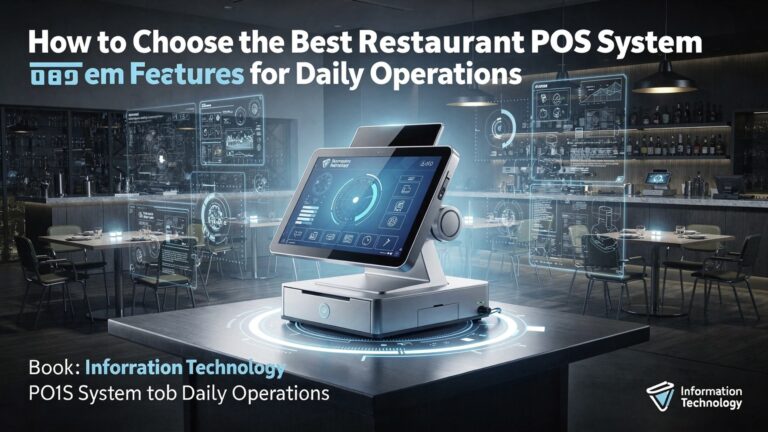
In today’s highly competitive culinary landscape, a robust Restaurant POS software transcends basic transaction processing to become the central nervous system of an entire operation. Forward-thinking establishments, for instance, now leverage advanced systems to seamlessly integrate QR code table ordering directly with real-time inventory management, preventing stockouts and improving order accuracy. Beyond simply handling payments, the most effective POS solutions offer critical features like integrated CRM for personalized guest experiences and predictive analytics for demand forecasting, which are invaluable for optimizing labor scheduling and significantly reducing food waste. Mastering these sophisticated capabilities is no longer optional but essential for any restaurant aiming to achieve peak operational efficiency and elevate guest satisfaction amidst evolving market demands.
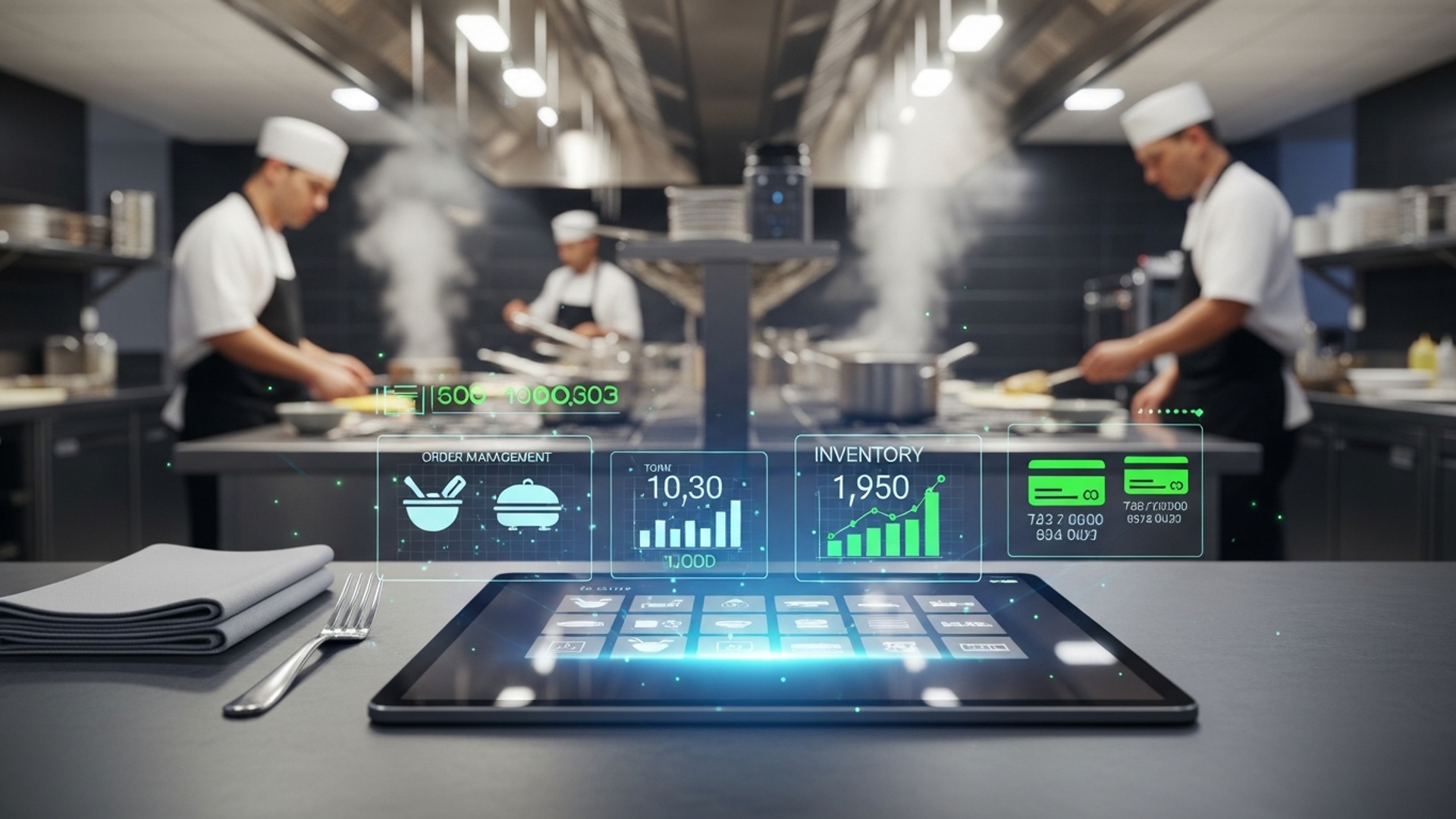
1. Advanced Order Management: The Heartbeat of Service
At its core, a restaurant’s success hinges on its ability to efficiently take, process. deliver orders. Advanced order management features within your Restaurant POS software are not just about ringing up sales; they’re about creating a seamless flow from the customer’s request to their table. This functionality encompasses everything from handling dine-in and takeout orders to managing complex delivery logistics.
This feature set allows servers to quickly input orders, customize items with modifiers (e. g. , “no onions,” “extra cheese”), split bills effortlessly. send orders directly to the kitchen or bar. For takeout and delivery, it manages order queues, customer details. even integrates with third-party delivery services.
Imagine a busy Friday night. A server uses a handheld tablet connected to the Restaurant POS software to take an order at a table of six. They easily add specific dietary requests, split the bill three ways. send the order to the kitchen. Simultaneously, an online order for takeout comes in and is automatically routed to the kitchen display system (KDS). This level of coordination minimizes errors, reduces wait times. significantly boosts customer satisfaction.
Prioritize a Restaurant POS software that offers intuitive order modification, easy table management (including visual table layouts). flexible bill-splitting capabilities. Test its speed and ease of use during peak hours to ensure it can keep up with your restaurant’s pace.
2. Comprehensive Inventory Management: Mastering Your Margins
One of the largest drains on a restaurant’s profitability is poor inventory control. A robust inventory management system, integrated directly into your Restaurant POS software, is essential for keeping costs in check and ensuring you never run out of customer favorites.
This feature tracks every ingredient, from fresh produce and proteins to beverages and condiments. It monitors stock levels in real-time, alerts you when items are running low. can even deduct ingredients automatically as dishes are sold. Some advanced systems can also manage vendor details, purchase orders. even examine ingredient costs.
Consider a popular burger joint. Every time a “Classic Cheeseburger” is sold through the Restaurant POS software, the inventory system automatically deducts one patty, one bun, a slice of cheese. a specific amount of lettuce and tomato. When the patty count drops below a pre-set reorder point, the system generates an alert, prompting the manager to place an order with the supplier. This prevents food waste, reduces the risk of running out of key ingredients. provides accurate food cost data.
Leverage your Restaurant POS software to set par levels for all critical ingredients. Conduct regular inventory audits and compare them against the POS data to identify discrepancies and potential areas of loss. This feature is paramount for effective cost control and maintaining healthy profit margins.
3. Robust Reporting and Analytics: Data-Driven Decisions
In today’s competitive culinary landscape, guesswork is a recipe for disaster. Powerful reporting and analytics tools embedded within your Restaurant POS software transform raw transaction data into actionable insights, enabling you to make informed business decisions.
This functionality generates detailed reports on virtually every aspect of your operation: sales by item, server performance, peak dining hours, inventory turnover, labor costs. more. It often includes customizable dashboards and data visualization tools that make complex details easy to comprehend.
A restaurant owner notices through their POS analytics that a specific dessert, despite being highly priced, has very low sales. Conversely, a particular appetizer is flying off the shelves. Using this data, they decide to remove the unpopular dessert and introduce a new, complementary appetizer, leading to increased revenue and customer satisfaction. Similarly, by analyzing labor cost reports, a manager can optimize staff scheduling to reduce unnecessary overtime during slower periods.
Make it a habit to review your Restaurant POS software reports daily, weekly. monthly. Focus on key performance indicators (KPIs) such as average check size, most popular items. prime cost percentages. This data is your compass for navigating operational improvements and strategic growth.
4. Integrated Customer Relationship Management (CRM) & Loyalty Programs: Building a Fan Base
Retaining existing customers is often more cost-effective than acquiring new ones. A Restaurant POS software with integrated CRM and loyalty program features helps you build strong relationships with your patrons, encouraging repeat business and fostering brand loyalty.
This feature allows you to capture customer insights (e. g. , name, email, visit history, preferences) and use it to power loyalty programs. Customers can earn points, receive special discounts, or get personalized offers based on their purchase history. It can also manage gift card programs and facilitate targeted marketing campaigns.
A customer dines at your restaurant and signs up for your loyalty program through the POS. With every visit, they earn points. On their birthday, the Restaurant POS software automatically sends them an email with a special discount for their next meal. After several visits, the system might identify them as a frequent patron and offer them an exclusive preview of a new menu item. This personalized engagement makes customers feel valued and encourages them to choose your restaurant over competitors.
Design a loyalty program that is easy to comprehend and rewarding for your customers. Utilize the CRM capabilities of your Restaurant POS software to segment your audience and send targeted promotions that resonate with their preferences, thereby maximizing engagement and return on investment.
5. Employee Management & Time Tracking: Optimizing Your Workforce
Your staff is your greatest asset. managing them effectively is crucial for smooth operations. Modern Restaurant POS software includes robust employee management features that streamline scheduling, payroll. performance monitoring.
This module handles employee clock-ins and outs, tracks hours worked, manages different pay rates. can even integrate with payroll systems. It also allows for role-based permissions, ensuring that each employee only has access to the POS functions relevant to their job. Some systems offer performance tracking and tip management.
A server clocks in and out directly through the Restaurant POS software. The system automatically calculates their hours for the day, week. pay period. Managers can view real-time labor costs to ensure they are within budget and adjust staffing if necessary. During a shift, the POS tracks each server’s sales performance, which can be used for coaching or incentive programs. This transparency and automation reduce administrative burden and potential payroll errors.
Leverage the scheduling features of your Restaurant POS software to optimize staff allocation, avoiding both understaffing during busy periods and overstaffing during slow times. Regularly review labor cost reports against sales to maintain healthy profit margins.
6. Secure Payment Processing: Fast, Flexible. Safe Transactions
In an era of diverse payment options, your Restaurant POS software must be equipped to handle transactions quickly, securely. in a way that caters to customer preferences. Secure payment processing is non-negotiable for customer trust and compliance.
This feature enables your POS system to accept various payment methods, including credit/debit cards (EMV chip and PIN), contactless payments (NFC like Apple Pay, Google Pay), gift cards. even emerging digital wallets. Crucially, it ensures all transactions are PCI DSS compliant, protecting sensitive customer data.
A customer at a fast-casual restaurant wants to pay with their smartphone. The server simply taps their order into the Restaurant POS software. the customer taps their phone on the integrated payment terminal. The transaction is processed instantly and securely. For a sit-down restaurant, servers can use mobile POS terminals to process payments tableside, offering convenience and enhancing the customer experience by reducing wait times for the bill.
Choose a Restaurant POS software that integrates seamlessly with reputable payment processors and supports all modern payment types. Prioritize systems with strong encryption and tokenization features to safeguard customer data and maintain PCI compliance, thereby building trust and avoiding costly security breaches.
| Payment Method | Description | Key Benefit |
|---|---|---|
| Credit/Debit Cards (EMV) | Chip-enabled cards requiring PIN or signature. | Enhanced security against fraud. |
| Contactless (NFC) | Tap-to-pay with cards or mobile devices (Apple Pay, Google Pay). | Speed and convenience; hygienic. |
| Gift Cards | Pre-loaded cards for purchases. | Drives sales and introduces new customers. |
| Digital Wallets | Payments via apps like PayPal, Venmo. | Catches a growing segment of tech-savvy customers. |
7. Dynamic Menu Management: Agility in the Kitchen and Beyond
A restaurant’s menu is its evolving identity. The ability to quickly and easily update menu items, prices. descriptions across all platforms is a critical feature of any modern Restaurant POS software.
This functionality allows managers to instantly add new dishes, remove seasonal items, adjust pricing, create daily specials. mark items as “sold out” in real-time. Changes made in the POS are automatically reflected on connected online ordering platforms, KDS. even customer-facing display menus.
A chef creates a new daily special based on fresh market ingredients. Within minutes, the manager updates the Restaurant POS software with the new item, its price. a brief description. This update immediately appears on the servers’ ordering tablets and the restaurant’s online ordering portal. Later in the evening, if the special runs out, it can be quickly marked as unavailable, preventing customer disappointment and ensuring efficient communication across the entire operation.
Utilize your Restaurant POS software‘s menu management features to stay agile. Regularly review your menu’s profitability using sales data and make swift adjustments. Ensure your POS allows for detailed item customization and modifier management to cater to diverse customer preferences.
8. Kitchen Display System (KDS) Integration: Streamlining Back-of-House
The kitchen is the engine of your restaurant. efficient communication between the front-of-house (FOH) and back-of-house (BOH) is paramount. A Kitchen Display System (KDS) integrated with your Restaurant POS software replaces paper tickets with digital efficiency.
A KDS is a network of digital screens in the kitchen that display incoming orders from the POS. Chefs can view, prioritize. mark items or entire orders as “prepared” or “completed.” This system reduces errors, speeds up preparation times. improves overall kitchen workflow and communication.
When a server sends an order from their POS terminal, it instantly appears on the appropriate KDS screen in the kitchen (e. g. , appetizers to the cold station, main courses to the grill). Chefs can see preparation times, item modifiers. special requests clearly. As dishes are cooked, they are marked complete on the KDS, signaling to servers that an order is ready for pickup. This eliminates lost paper tickets, illegible handwriting. miscommunications that often plague busy kitchens.
Integrate a KDS with your Restaurant POS software to significantly boost kitchen efficiency and reduce order errors. Look for features like color-coding for order priority, countdown timers for preparation. bump screens for marking completed items. This synergy optimizes the entire food preparation and delivery cycle.
| Feature | KDS (Integrated with POS) | Traditional Paper Tickets |
|---|---|---|
| Order Clarity | Digital, clear, customizable fonts. | Handwritten, often illegible. |
| Speed & Efficiency | Instantaneous order transmission, real-time updates. | Manual printing, carrying tickets to kitchen. |
| Error Reduction | Minimizes misinterpretation, highlights modifiers. | Prone to human error, lost tickets. |
| Tracking & Reporting | Tracks prep times, order flow; data for analytics. | No automated tracking or data collection. |
| Cost & Environment | Higher initial cost, no ongoing paper/printer ink costs. | Low initial cost, ongoing supply costs, environmental impact. |
9. Online Ordering & Delivery Platform Integration: Expanding Your Reach
The modern diner expects convenience. online ordering is no longer a luxury but a necessity. Seamless integration with online ordering and delivery platforms is a vital feature for any contemporary Restaurant POS software.
This feature connects your in-house POS system directly with your restaurant’s online ordering website, mobile app, and/or third-party delivery platforms (like Uber Eats, DoorDash, Grubhub). Orders placed through these channels flow directly into your POS, eliminating the need for manual re-entry and reducing errors.
A customer places an order for pickup through your restaurant’s website. The order is immediately received by your Restaurant POS software, sent to the KDS. added to the order queue. Your staff doesn’t need to manually input the order, saving time and preventing mistakes. Similarly, orders from third-party delivery apps can be streamlined, appearing directly in your POS and allowing you to manage all orders from a single interface, providing a unified view of your entire operation.
Choose a Restaurant POS software that offers robust API integrations or direct partnerships with popular online ordering and delivery platforms. This allows you to diversify your revenue streams, reach a wider audience. streamline the operational complexity of managing multiple ordering channels.
10. Cloud-Based Accessibility & Scalability: Future-Proofing Your Business
In a dynamic industry, flexibility and the ability to grow are paramount. Cloud-based accessibility and scalability are fundamental features that empower your Restaurant POS software to adapt with your business needs.
A cloud-based POS system stores all data and runs its software on remote servers, accessible via the internet. This means you can manage your restaurant operations from anywhere, at any time, using any internet-connected device. Scalability refers to the system’s ability to easily expand or contract its resources to accommodate growth, such as adding new locations, terminals, or features, without significant infrastructure overhaul.
A restaurant owner is on vacation but needs to check daily sales figures or update a menu item. With a cloud-based Restaurant POS software, they can simply log in from their laptop or smartphone and make the necessary changes or view reports in real-time. When they decide to open a second location, the cloud POS allows them to quickly set up new terminals and integrate them into the existing system without complex IT installations, sharing inventory and customer data across all venues seamlessly.
Opt for a cloud-based Restaurant POS software to benefit from remote access, automatic software updates, enhanced data security (often managed by the provider). reduced upfront hardware costs. This model ensures your system can grow with your business, providing unparalleled flexibility and operational resilience.
| Feature | Cloud-Based POS | On-Premise (Traditional) POS |
|---|---|---|
| Data Storage | Remote servers, accessible via internet. | Local servers within the restaurant. |
| Accessibility | Anywhere, anytime, on any device with internet. | Limited to the physical restaurant location. |
| Cost Structure | Subscription-based (OpEx), lower upfront. | Higher upfront cost (CapEx) for hardware/software. |
| Updates/Maintenance | Automatic, managed by provider. | Manual, often requiring IT staff or vendor visits. |
| Scalability | Easy to add locations, terminals; highly flexible. | More complex and costly to expand. |
| Data Security | Managed by specialized data centers, often robust. | Relies on in-house security measures. |
Conclusion
Mastering your restaurant’s operations truly hinges on leveraging its Point of Sale system, not just as a transaction hub. as a strategic command center. Don’t simply install; actively explore and utilize those essential features, from real-time inventory management preventing mid-shift 86’s to integrated online ordering that caters to today’s delivery-first mindset. From my experience observing countless restaurants, the biggest operational leap often comes from digging deep into your POS’s reporting suite, uncovering invaluable insights into peak hours or underperforming menu items – it’s a data goldmine waiting to be tapped. With modern trends like contactless payments and QR code menus becoming standard, a robust, feature-rich POS isn’t just convenient; it’s critical for staying competitive. Take action now: empower your team with training, experiment with new functionalities. truly make your POS work for you. Your commitment to mastering these features won’t just streamline operations; it will unlock new levels of efficiency and profitability, paving the way for your restaurant to thrive in an ever-evolving market.
More Articles
Learn 7 Smart Restaurant POS Features to Boost Your Business Profits
How to Choose Key Restaurant POS System Features for Seamless Operations
Discover 7 Essential Benefits of Modern Restaurant POS Software Solutions
Master 5 Smart Strategies to Boost Restaurant Efficiency Using Your POS
7 Must-Have Features Your Restaurant POS Software Needs to Thrive

FAQs
Why bother with a fancy POS system for my restaurant?
A modern POS isn’t just for taking orders; it’s the brain of your restaurant. Mastering its key features helps you streamline everything from managing tables and staff to tracking sales and inventory, ultimately boosting efficiency and profit.
How can a POS help me stop wasting food and ingredients?
Look for robust inventory management features. A good POS tracks ingredients as they’re used, alerts you when stock is low. even helps identify popular items versus those that just sit on the shelf, significantly reducing food waste and optimizing purchasing.
My staff spends too much time on manual tasks. Can a POS fix that?
Absolutely! Features like quick order entry, table management, integrated payment processing. even employee time clocks automate many manual tasks. This frees up your staff to focus on providing excellent customer service, improving overall operational flow.
What should I look for to make payments easier for my customers and staff?
Prioritize flexible payment processing. Your POS should handle various payment types, including contactless, split bills effortlessly. even integrate with mobile payment options. This speeds up checkout and enhances the customer experience significantly.
I want to interpret my restaurant’s performance better. What POS features are key for that?
Dive into the reporting and analytics features. A powerful POS can provide insights into sales trends, popular menu items, labor costs. peak hours. This data is invaluable for making informed decisions to improve profitability and operational strategy.
How easy is it to update my menu or daily specials with a good POS?
It should be incredibly easy! A top-notch POS offers intuitive menu management features, allowing you to quickly add new items, adjust prices, mark items as out of stock, or set up daily specials across all terminals with just a few clicks. No more manual updates or printing new menus daily.
We struggle with seating guests efficiently, especially during busy times. Can a POS help?
Yes, absolutely! Look for strong table management capabilities. A good POS lets you visualize your floor plan, track table status (seated, open, paid), manage waitlists. even assign servers to specific sections, ensuring smoother seating and faster table turns.