Streamline Restaurant Operations How to Master Table Management with Your POS
In today’s competitive dining landscape, optimizing every square foot and every second is paramount for profitability. A truly powerful restaurant POS with table management system transforms chaotic front-of-house operations into perfectly orchestrated dining experiences, moving beyond simple order processing to become the strategic core of your establishment. Modern POS software leverages real-time data, dynamic floor maps. integrated reservation systems, empowering operators to maximize turn times, optimize server sections for peak efficiency. elevate guest satisfaction through seamless service delivery, directly impacting the bottom line.

The Foundation: Understanding Restaurant POS with Table Management
In the dynamic world of hospitality, efficient operations are the backbone of a successful restaurant. At the heart of this efficiency lies the Point of Sale (POS) system. for modern eateries, a robust restaurant POS with table management is no longer a luxury but a fundamental necessity. This integrated software solution goes beyond simple transaction processing, providing tools that empower establishments to optimize their front-of-house operations, from the moment a guest walks in until they leave. Essentially, it centralizes control over your dining room floor, allowing managers and staff to visualize, organize. manage tables, guests. orders with unprecedented precision. Understanding this core functionality is the first step towards transforming your restaurant’s service delivery and overall profitability.
Key Features of an Advanced Restaurant POS with Table Management
Modern POS software designed for restaurants offers a suite of powerful features tailored specifically for table management. These functionalities are engineered to streamline every aspect of guest flow and service delivery:
- Interactive Floor Plans
- Real-time Table Status Updates
- Guest Tracking and Waitlist Management
- Server Section Management
- Order Routing and Kitchen Display System (KDS) Integration
- Reservation Management
- Reporting and Analytics
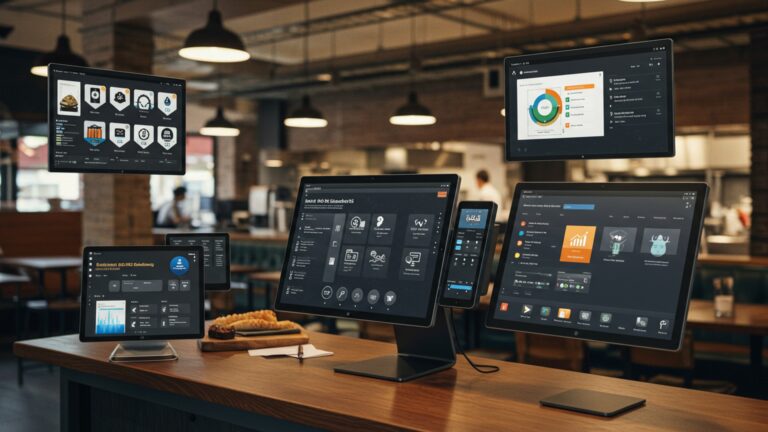
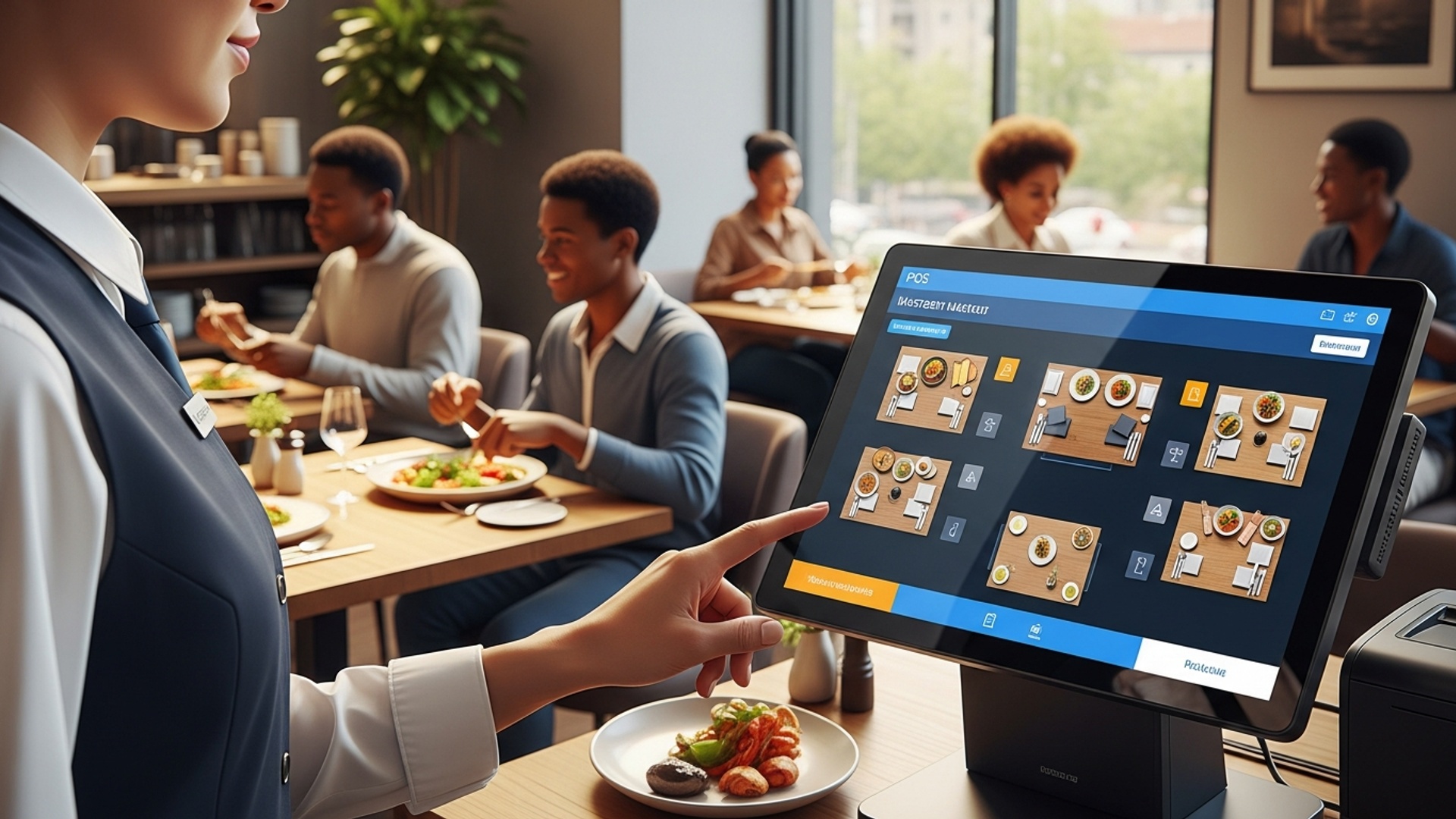
A digital, customizable representation of your restaurant’s layout. This visual interface allows staff to see table statuses (occupied, vacant, reserved, needing cleanup) at a glance, assign servers. drag-and-drop parties to available tables.
As orders are placed, food is delivered. bills are paid, the POS automatically updates the status of each table. This eliminates guesswork and ensures accurate details for hosts and servers alike.
For busy periods, the system can manage a digital waitlist, estimate wait times. even send SMS notifications to guests when their table is ready. It can also store guest preferences and past orders, enhancing personalized service.
Managers can easily assign tables to specific servers or sections, balancing workloads and ensuring equitable distribution. The system tracks server performance, including sales per table and average turn times.
Orders taken at the table are immediately routed to the appropriate kitchen stations (e. g. , grill, pantry, bar) via a KDS. This reduces order errors, speeds up preparation. improves communication between front and back of house.
Seamless integration with online reservation platforms allows the POS to automatically update table availability, block out reserved tables. manage upcoming bookings, preventing double-bookings and optimizing seating capacity.
Comprehensive data on table turnover rates, peak hours, server efficiency, average meal times. guest preferences are collected. This invaluable data helps in making informed decisions about staffing, menu adjustments. operational improvements.
How a Restaurant POS with Table Management Enhances Operational Efficiency
The strategic implementation of a restaurant POS with table management can dramatically elevate a restaurant’s operational efficiency across several key areas, leading to both cost savings and increased revenue.
Reduced Wait Times and Optimized Seating
Consider “The Bistro,” a popular downtown spot. Before implementing their new POS, hosts relied on memory and paper notes, often leading to long wait times even when tables were secretly ready. With their advanced restaurant POS with table management, hosts now see an interactive floor plan displaying real-time table statuses. When a party finishes, the server marks the table “ready for cleanup,” and as soon as it’s reset, the host sees it as “available.” This immediate visibility allows them to seat the next waiting party instantly, reducing average wait times by 20% during peak hours and significantly improving guest satisfaction.
Improved Server Workflow and Guest Experience
Servers benefit immensely from organized table assignments and streamlined order processing. Rather than manually writing down orders and walking them to the kitchen, a server can use a handheld device integrated with the POS. This not only reduces order errors but also frees up time for more attentive guest interactions. For example, if a guest asks for a specific wine, the server can quickly check inventory and details directly from their device. This level of responsiveness contributes to a superior dining experience, often leading to higher tips and repeat business.
Data-Driven Decision Making
One of the most powerful aspects of modern POS software is its ability to collect and examine data. The analytics module provides insights into table turnover rates, identifying which tables or sections are most profitable. at what times. Managers can use this insights to:
- Adjust staffing levels to match peak demand.
- Optimize table layouts to maximize seating capacity.
- Identify bottlenecks in service or kitchen operations.
- comprehend popular menu items based on table orders.
This shift from guesswork to data-backed decisions is crucial for sustained growth in a competitive industry.
Implementing and Maximizing Your Restaurant POS with Table Management
To truly leverage the power of a POS system for table management, careful planning and execution are essential. It’s not just about installing software; it’s about integrating it into your restaurant’s operational DNA.
Choosing the Right System
The market offers a variety of POS solutions, from cloud-based systems that offer flexibility and remote access to on-premise systems providing robust local control. When selecting a restaurant POS with table management, consider:
- Scalability
- Integration Capabilities
- User-Friendliness
- Support and Training
- Cost
Can the system grow with your business?
Does it integrate with your existing reservation systems, accounting software, or online ordering platforms?
Is the interface intuitive for your staff?
What level of customer support and training does the vendor provide?
Evaluate initial setup costs, monthly subscriptions. hardware expenses.
// Example of a basic feature comparison for POS systems
// This is illustrative and would be represented in a table in HTML. POS_System_A = { "Name": "CloudDine POS", "Type": "Cloud-based", "Table_Management": "Advanced (interactive floor plan, waitlist, reservations)", "KDS_Integration": "Yes", "Offline_Mode": "Limited", "Pricing_Model": "Subscription", "Best_For": "Multi-location restaurants, high-volume"
} POS_System_B = { "Name": "LocalPlate POS", "Type": "On-premise", "Table_Management": "Basic (manual table status, no waitlist)", "KDS_Integration": "Add-on", "Offline_Mode": "Full", "Pricing_Model": "One-time license", "Best_For": "Small, single-location restaurants"
}
Training Your Staff
The success of any new technology hinges on user adoption. Comprehensive training for all staff—hosts, servers. managers—is paramount. Conduct hands-on training sessions, create detailed user guides. provide ongoing support. Emphasize how the new system simplifies their tasks and improves their efficiency, rather than just being another tool to learn. A well-trained team will be more confident and effective in utilizing the system to its full potential.
Customizing Your Floor Plan
The digital floor plan in your POS should accurately mirror your physical dining room. Take the time to customize it to reflect table numbers, sizes. their relative positions. This visual accuracy is critical for quick recognition and efficient seating. Many systems allow for dragging and dropping tables, adding specific sections. even marking special areas like bar seating or outdoor patios.
Common Challenges and Solutions in Table Management with POS Software
While the benefits are clear, implementing a new restaurant POS with table management can present challenges. Anticipating these and preparing solutions is key to a smooth transition.
| Challenge | Description | Solution |
|---|---|---|
| Staff Resistance to New Technology | Employees may be uncomfortable with change, fearing complexity or job displacement. | Provide thorough, empathetic training focusing on how the POS simplifies tasks. Involve staff in the selection process if possible. Highlight efficiency gains and reduced stress. |
| Inaccurate Table Status Updates | If servers forget to update table status (e. g. , “cleaned” or “paid”), the system becomes unreliable. | Establish clear protocols for status updates. Implement regular checks by managers. Use built-in reminders or alerts if the system supports them. Reinforce the importance of real-time accuracy. |
| Integration Issues with Other Systems | Difficulty connecting the POS with online reservation platforms, loyalty programs, or inventory systems. | Prioritize a POS with robust API capabilities and existing integrations. Test all integrations thoroughly during setup. Choose a vendor known for seamless connectivity and good technical support. |
| Over-reliance on the System | Staff may become too dependent on the POS, losing their situational awareness or problem-solving skills. | Train staff to use the POS as a tool to enhance, not replace, human interaction and critical thinking. Encourage proactive communication and observation in addition to system data. |
Conclusion
Mastering table management with your POS isn’t just about assigning seats; it’s about orchestrating a seamless dining experience. By actively leveraging features like real-time table status updates and integrated waitlists, you transform potential bottlenecks into opportunities for efficiency. I recall visiting a bustling cafe in Chennai that, after adopting a robust POS, saw their average table turnover improve by nearly 15%, simply because staff could instantly identify clean tables and seat waiting guests without constant manual checks. This demonstrates the profound impact of smart technology. Your next step should be to regularly review your POS data, identifying peak times and table usage patterns. Use this insight to refine your floor plans and staff assignments. Embrace features like dynamic table mapping—a growing trend—to truly optimize every square foot of your dining area. This proactive approach will not only boost your restaurant’s profitability but also significantly elevate both staff and customer satisfaction. For more on maximizing your system, consider how to leverage POS software features to boost restaurant efficiency. The future of smooth operations is at your fingertips; seize it to create an unforgettable experience every time.
More Articles
How Can Restaurant POS Software Improve Staff and Customer Experience
Unlock Efficiency 10 Ways Your Restaurant POS Software Boosts Profits
How to Streamline Restaurant Operations Using POS and Kitchen Display Systems
10 Smart Ways Restaurant POS Software Can Streamline Your Daily Operations
How to Choose the Right Restaurant POS Features for Your Business

FAQs
What exactly is ‘table management’ in a restaurant POS?
It’s using your point-of-sale system to keep track of all your tables. This includes seeing which ones are open, occupied, reserved, or even dirty, helping you manage your dining room layout and guest flow in real-time.
Why should my restaurant care about mastering table management?
Mastering it means faster seating, quicker table turns. less wait time for guests. It directly impacts customer satisfaction and your bottom line by maximizing your dining room’s efficiency and potential revenue.
How does a POS help me seat guests more efficiently?
A good POS gives you a visual map of your restaurant’s tables. You can quickly see available tables, assign them based on party size. even note special requests, streamlining the entire seating process and reducing manual errors.
Can my POS handle reservations alongside walk-ins?
Absolutely! Many modern POS systems integrate reservation management directly with your table layout. This allows you to view upcoming bookings, assign tables in advance. seamlessly fit walk-ins into available slots without overbooking or confusion.
What if customers need to move tables or split checks? Is that easy with a POS?
Yes, it’s usually very straightforward. Most POS systems allow servers to easily transfer orders between tables, combine or split checks. even reassign items between guests with just a few taps, making customer requests simple to fulfill.
Does it help with server assignments and balancing workload?
Definitely. Your POS can show you which tables are assigned to which server, how many guests they’re serving. even their current order status. This helps managers distribute tables fairly, prevent overloading staff. ensure better service quality.
How does better table management improve overall restaurant communication?
It creates a central hub of data accessible to hosts, servers. kitchen staff. Everyone knows the status of tables, orders. guest needs, leading to smoother handoffs, fewer misunderstandings. a more coordinated service effort.