7 Ways Restaurant POS Software Improves Order Accuracy and Customer Satisfaction
In fast-paced dining rooms where speed and precision define loyalty, Restaurant POS software has become a critical accuracy engine rather than a simple checkout tool. Modern cloud-based systems now translate orders instantly from tableside tablets or QR menus to kitchen display systems, reducing handwritten errors that once led to remakes and refunds. AI-driven modifiers flag inconsistencies like missing sides, while real-time inventory syncing prevents servers from selling items that just ran out. With mobile POS devices gaining adoption in 2024 and tighter integrations with loyalty and CRM platforms, restaurants can personalize orders without slowing service. These advancements quietly reshape how teams communicate, how kitchens execute. how guests experience reliability, turning operational data into consistently correct orders and measurable satisfaction gains. 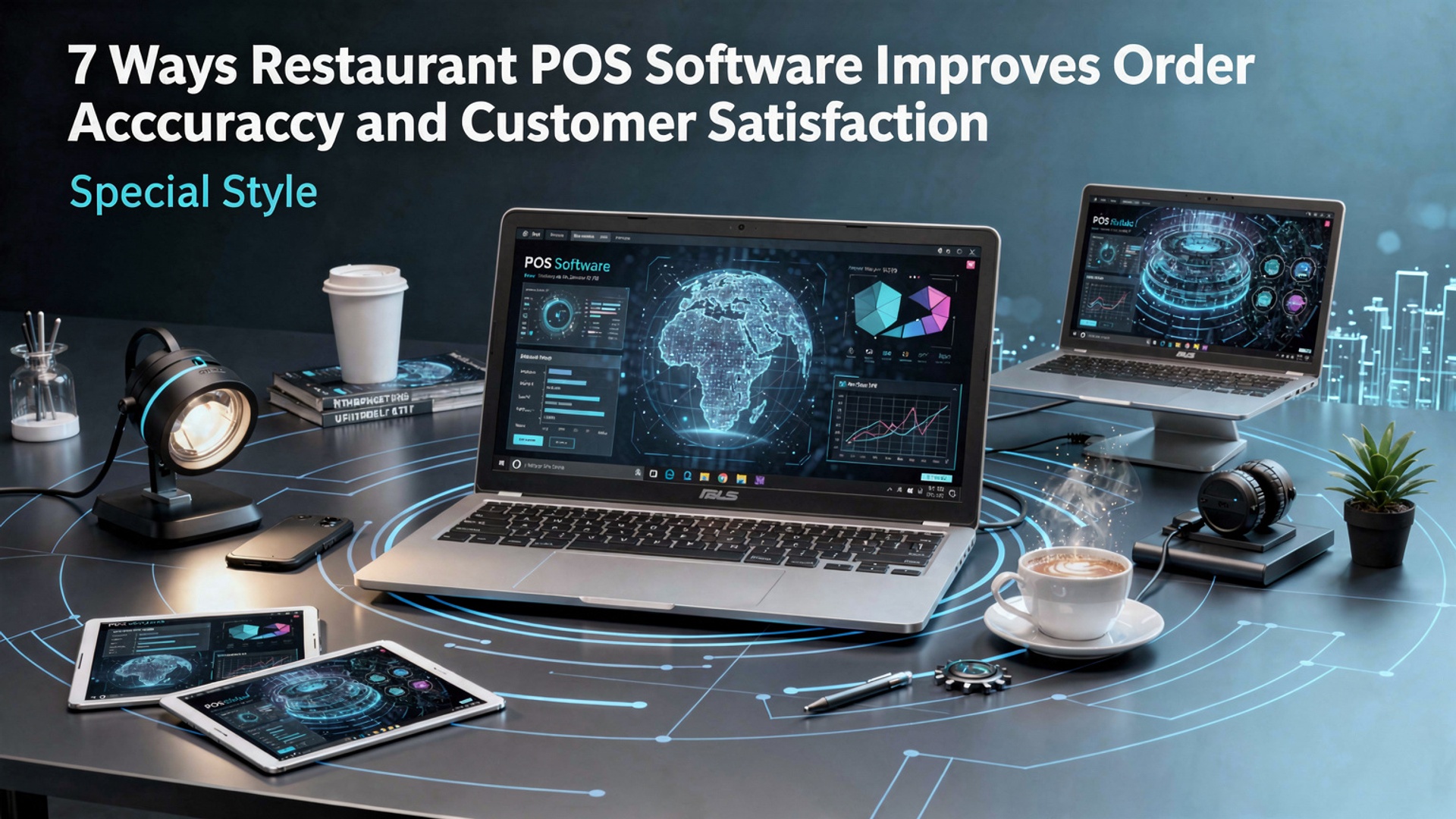
1. Digital Order Entry Eliminates Handwritten Errors
Restaurant POS software replaces handwritten tickets and verbal orders with digital order entry, significantly reducing miscommunication between front-of-house and kitchen staff. Orders are entered directly into the system via touchscreens, tablets, or handheld devices, ensuring that every item, modifier. special request is clearly recorded. In a real-world example from a mid-sized casual dining restaurant in Chicago, management reported a noticeable drop in incorrect orders after transitioning from paper tickets to a cloud-based POS system. Servers no longer had to interpret rushed handwriting or remember complex modifications during peak hours. Key benefits include:
- Clear, standardized order formatting sent instantly to the kitchen
- Automatic prompts for required modifiers (e. g. , cooking temperature or side choices)
- Reduced dependency on memory during busy service periods
According to the National Restaurant Association, order errors are among the top contributors to food waste and customer complaints. Digital order entry directly addresses this issue by creating a single source of truth for every order.
2. Real-Time Communication Between Front and Back of House
One of the most impactful features of Restaurant POS software is real-time synchronization between service staff and kitchen displays. When an order is placed or modified, the kitchen receives immediate updates without delays or confusion. Modern POS systems use Kitchen Display Systems (KDS) instead of printed tickets. These screens prioritize orders, highlight special instructions. track preparation times. This improves both accuracy and speed. Real-world use case:
- A quick-service restaurant chain implemented a KDS-integrated POS and reduced order remake rates by over 20% within three months.
- Kitchen staff could instantly see allergy notes, reducing the risk of serious customer health issues.
The U. S. Food and Drug Administration (FDA) emphasizes accurate communication of allergen insights as a critical food safety practice. real-time POS communication supports this standard effectively.
3. Built-In Menu Standardization and Modifier Controls
Restaurant POS software allows operators to standardize menus across locations and shifts, ensuring consistency in how items are ordered and prepared. Each menu item can include predefined modifiers, portion sizes. preparation notes. This is especially valuable for multi-location restaurants or franchises where consistency is essential for customer satisfaction. Comparison of ordering methods:
| Manual Ordering | POS-Based Ordering |
|---|---|
| Relies on staff memory | Uses predefined menu logic |
| Higher risk of missing modifiers | Mandatory modifier selection |
| Inconsistent descriptions | Standardized item naming |
By guiding staff through the correct order flow, Restaurant POS software minimizes omissions and ensures customers receive exactly what they expect, every time.
4. Customer-Facing Order Confirmation Improves Trust
Many modern POS systems include customer-facing displays or digital receipts that allow guests to review their order before it is finalized. This transparency empowers customers to confirm accuracy in real time. In a fast-casual café setting, customer-facing screens reduced order disputes significantly, as customers could immediately point out mistakes before food preparation began. Practical advantages:
- Immediate correction of errors before food is prepared
- Increased customer confidence in the ordering process
- Reduced refunds and remakes
Harvard Business Review has highlighted transparency as a key driver of customer trust. POS-enabled order confirmation aligns directly with this principle.
5. Integration with Online Ordering and Delivery Platforms
Restaurant POS software often integrates seamlessly with online ordering systems, mobile apps. third-party delivery platforms. This eliminates the need for manual re-entry of online orders, which is a common source of errors. Without POS integration, staff may need to retype orders from delivery tablets into the main system, increasing the likelihood of mistakes. Integrated POS workflows:
- Online orders flow directly into the kitchen queue
- Menu items and pricing remain consistent across channels
- Special instructions are preserved without manual intervention
A case study published by Toast, a recognized POS provider, showed that restaurants using integrated online ordering experienced fewer incorrect delivery orders and higher customer ratings on delivery platforms.
6. Order History and Customer Profiles Enable Personalization
Advanced Restaurant POS software stores order histories and customer preferences, allowing staff to personalize service and reduce repeat errors. Recognizing a returning customer’s usual order or dietary restrictions enhances both accuracy and satisfaction. For example, a neighborhood restaurant used POS customer profiles to flag gluten-free preferences. This reduced repeated explanations and prevented accidental cross-contamination orders. Key personalization features:
- Saved favorite items and modifications
- Allergy and dietary preference notes
- Order frequency tracking
According to Salesforce research, 66% of customers expect businesses to comprehend their needs and preferences. POS-driven personalization helps restaurants meet this expectation in a practical, scalable way.
7. Data-Driven Insights Help Identify and Fix Error Patterns
Restaurant POS software provides detailed reporting on order voids, refunds. modifications. These insights help managers identify recurring accuracy issues and address them through training or process changes. Example of actionable POS data:
- High frequency of order corrections during specific shifts
- Specific menu items with frequent modifications or returns
- Staff-level trends in order accuracy
By reviewing POS reports weekly, one restaurant group identified that most errors occurred during menu rushes after promotions. Adjusting menu layouts and retraining staff reduced errors within weeks. Industry experts from Cornell University’s School of Hotel Administration emphasize that data-driven decision-making is essential for improving operational performance. POS analytics provide the foundation for those improvements.
Conclusion
Restaurant POS software turns accuracy into a habit, not a hope. When orders flow from table to kitchen through clear screens, real-time modifiers. synced inventory, mistakes quietly disappear and guests feel the difference. I’ve seen busy kitchens cut remakes simply by enabling kitchen display systems and smart prompts, a trend that’s accelerated in 2024 with cloud updates and AI-assisted order checks. As digital menus and QR ordering become standard, accuracy now starts before a server even reaches the table. To make this stick, my tip is to review POS reports weekly and coach staff using real data, not assumptions. Small tweaks, like preset combos or allergy alerts, build trust fast. If you’re exploring deeper improvements, this guide on how POS improves order accuracy and customer satisfaction is a practical next step. Choose tools that grow with you, train consistently. listen to what the data whispers. Get this right. every accurate order becomes a reason customers come back smiling.
More Articles
7 Reasons to Switch to Restaurant POS Software for Better Daily Operations
9 Ways Restaurant POS Software Helps Speed Up Orders and Reduce Errors
7 Benefits of Cloud Based Restaurant POS Software for Growing Businesses
How to Use Restaurant POS Features to Speed Up Orders and Payments
What Features Should You Look for in Reliable Restaurant POS Software

FAQs
How does a POS system reduce order mistakes at the counter?
By capturing orders digitally, the POS removes handwriting issues and misheard items. Staff select items and modifiers from a screen, which makes orders clearer and more consistent.
Can POS software help with custom orders and special requests?
Yes. Built-in modifiers and notes make it easy to add special requests like allergies or substitutions, so the kitchen sees exactly what the guest wants.
Does sending orders directly to the kitchen really make a difference?
It does. Orders go straight to the kitchen display or printer, cutting out delays and reducing errors that happen when tickets are rewritten or shouted.
How does a POS improve speed during busy hours?
Fast order entry, quick item lookups. automatic routing to the kitchen help staff move faster, which shortens wait times and keeps customers happier.
What role does real-time order tracking play in customer satisfaction?
Real-time updates let staff know the status of each order, so they can give accurate wait times and handle issues before customers get frustrated.
Can a POS system help prevent missing or out-of-stock items?
Many systems track inventory as items are sold. This helps staff avoid selling items that aren’t available, which reduces disappointment and complaints.
How do reports and order history help improve accuracy over time?
Reports highlight common errors, popular modifiers. peak times. Managers can use this data to adjust menus, train staff better. fine-tune workflows for smoother service.