Unlock Efficiency 10 Practical Ways Restaurant POS Software Improves Service
The modern restaurant landscape demands more than just efficient transactions; it requires a technological backbone that elevates every aspect of service delivery. Restaurant POS software has evolved far beyond simple cash registers, now serving as a central nervous system for operations. Recent advancements integrate crucial features like QR code ordering for contactless convenience and AI-powered sales analytics, allowing establishments to optimize menu offerings based on real-time consumer preferences. This sophisticated integration transforms the dining experience, from accurate order routing to seamless inventory management preventing frustrating stockouts. Embracing a robust Restaurant POS system proactively addresses common pain points, ensuring faster table turnover, precise billing. an overall elevated guest journey, directly impacting customer satisfaction and bottom-line profitability in a competitive market.
Understanding Restaurant POS Software: A Foundation for Efficiency
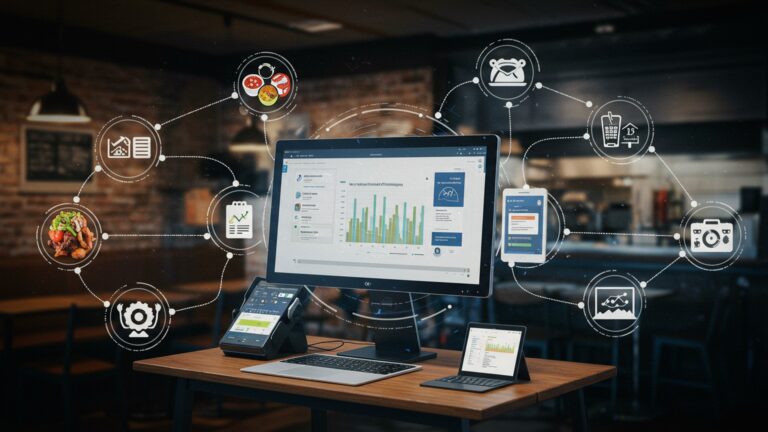
In the fast-paced world of hospitality, efficiency isn’t just a buzzword; it’s the heartbeat of a successful operation. At the core of achieving this efficiency, particularly in enhancing customer service, lies robust Restaurant POS software. But what exactly is it? A Point of Sale (POS) system in a restaurant context is far more than just a cash register. It’s an integrated system that handles everything from order entry and payment processing to inventory management, table assignments. even customer relationship management. Think of it as the central nervous system of your restaurant, connecting various operational aspects to create a seamless flow.
Modern Restaurant POS software has evolved significantly from its predecessors. Early systems were often bulky, on-premise solutions that required substantial upfront investment and dedicated IT support. Today, cloud-based POS systems have become the industry standard, offering flexibility, scalability. accessibility from virtually anywhere. These cloud solutions typically operate on a subscription model, reducing initial costs and providing automatic updates, ensuring businesses always have the latest features and security.
To fully grasp its impact, it’s helpful to compare traditional methods with the capabilities of contemporary Restaurant POS software:
| Feature Area | Traditional Method | Modern Restaurant POS Software |
|---|---|---|
| Order Taking | Pen and paper, manual entry into separate systems. | Digital menus, handheld devices, direct order transmission to kitchen. |
| Payment Processing | Manual card swipers, separate cash register, reconciliation at end of shift. | Integrated payment terminals, mobile payments, split checks, digital receipts. |
| Inventory Management | Manual stock counts, spreadsheet tracking, separate ordering. | Real-time inventory updates, automated reorder points, vendor integration. |
| Table Management | Hostess memory, physical reservation book, walk-in tracking. | Interactive floor plans, reservation system, waitlist management, server assignments. |
| Data Analytics | Limited, labor-intensive sales reports, often delayed. | Real-time sales data, labor cost analysis, menu item performance, customer insights. |
The transition to advanced Restaurant POS software is not just about digitizing processes; it’s about fundamentally transforming how a restaurant operates, primarily by empowering staff and enhancing the customer journey. Let’s delve into 10 practical ways this powerful tool elevates service quality.
1. Expedited Order Taking and Processing
One of the most immediate and noticeable improvements Restaurant POS software brings to service is the speed and efficiency of order taking. Instead of jotting down orders on paper and manually keying them into a separate system, servers can use handheld tablets or mobile POS devices. This allows them to take orders tableside and send them directly to the kitchen display system (KDS) or printer in real-time. For instance, a busy urban bistro reported reducing average order transmission time by 30% after implementing a mobile POS system, allowing servers to cover more tables and turn them over faster. This not only cuts down on wait times for guests but also ensures that orders begin preparation almost immediately, significantly improving the overall dining experience.
2. Enhanced Order Accuracy and Reduced Errors
Mistakes happen. in a restaurant, a wrong order can lead to wasted food, frustrated customers. lost revenue. Restaurant POS software drastically minimizes these errors. By allowing servers to input orders directly into a digital system, the risk of misinterpretations due to handwriting or verbal communication between front-of-house and back-of-house staff is virtually eliminated. Modifiers (e. g. , “no onions,” “extra cheese”) are clearly communicated. A well-known casual dining chain noted a 15% decrease in food waste directly attributable to improved order accuracy after deploying a comprehensive POS solution across its locations. This precision ensures guests receive exactly what they ordered, leading to higher satisfaction and fewer complaints.
3. Streamlined Kitchen and Bar Communication
Effective communication between the front of house (FOH) and back of house (BOH) is paramount for smooth service. Restaurant POS software, especially when integrated with a Kitchen Display System (KDS), revolutionizes this. Orders are displayed digitally in the kitchen, often color-coded by urgency or table number. can be bumped off as items are prepared. This eliminates lost tickets, reduces noise. provides cooks with a clear, organized queue of dishes. Similarly, drink orders can be sent directly to the bar. For example, a popular sports bar dramatically improved its drink service speed during peak hours by implementing a POS-integrated bar KDS, allowing bartenders to manage multiple orders efficiently and without confusion. This seamless flow ensures food and drinks arrive at the table promptly and at the correct temperature.
4. Optimized Inventory Management and Stock Control
Running out of a popular menu item mid-service is a service nightmare. Advanced Restaurant POS software includes robust inventory management features that track ingredients in real-time. Every sale automatically deducts ingredients from stock levels. This allows managers to set reorder points and receive automated alerts when supplies are low, preventing stockouts. It also helps identify popular items versus slow movers, informing purchasing decisions and reducing waste. A small, independent cafe chain reduced its weekly food waste by nearly 20% within six months of implementing POS-driven inventory tracking, ensuring they always had ingredients for customer favorites like their artisanal sourdough and specialty coffee beans.
5. Efficient Table Management and Reservations
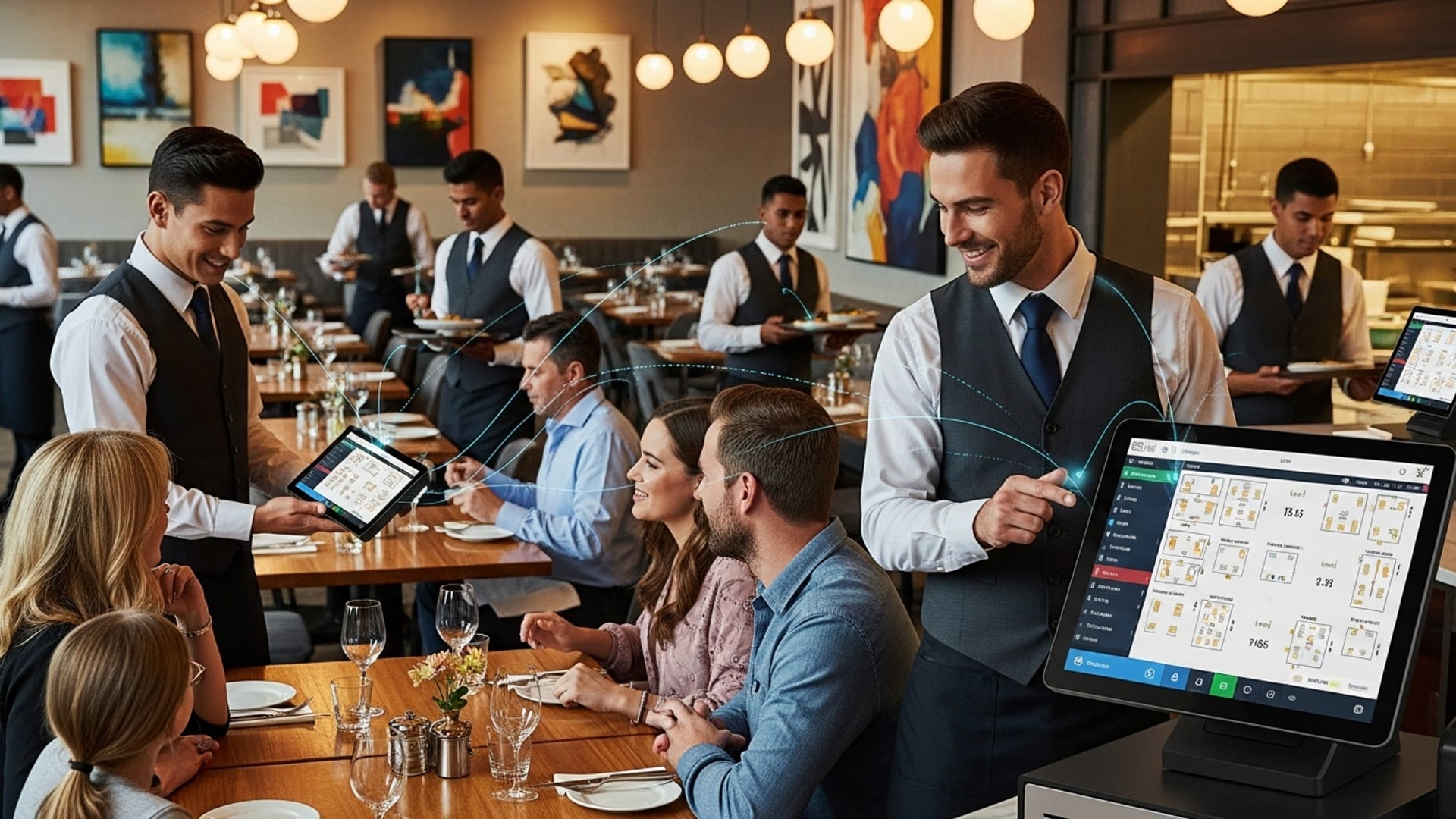
Managing tables and seating guests efficiently can make or break a busy night. Restaurant POS software often comes with integrated table management tools that provide a real-time visual representation of the dining room floor plan. Hosts can see which tables are occupied, clean, or ready for seating. assign servers accordingly. Many systems also include integrated reservation and waitlist management, allowing guests to book online and receive SMS updates. A fine-dining restaurant successfully managed to reduce guest wait times by an average of 10 minutes and increase table turnover by 8% during weekend rushes, thanks to their POS system’s sophisticated table management, leading to happier patrons and more covers.
6. Personalized Customer Experience and CRM
Knowing your customers can turn a good meal into a memorable experience. Modern Restaurant POS software often integrates customer relationship management (CRM) functionalities. This allows staff to record customer preferences, allergies, past orders. even special occasions. When a returning guest dines, the system can prompt the server with this insights, enabling personalized service – perhaps recommending their usual drink or acknowledging their birthday. “We’ve seen our repeat customer rate increase by 12% since we started using our POS to track preferences,” shared the owner of a boutique eatery, highlighting how remembering a guest’s favorite wine or dietary restriction makes them feel valued and understood.
7. Flexible and Diverse Payment Options
In today’s cashless society, offering varied payment options is crucial for customer convenience. Restaurant POS software supports a wide array of payment methods, including credit/debit cards (chip, swipe, tap), mobile payments (Apple Pay, Google Pay). even QR code payments. Servers can process payments tableside with mobile devices, eliminating the need for guests to walk to a counter or wait for a terminal. The ability to easily split checks by item or by an even amount also greatly enhances guest satisfaction, especially for large groups. This flexibility and convenience contribute significantly to a smoother, faster checkout experience, which is often the final impression a customer has of their visit.
8. Data Analytics for Continuous Service Improvement
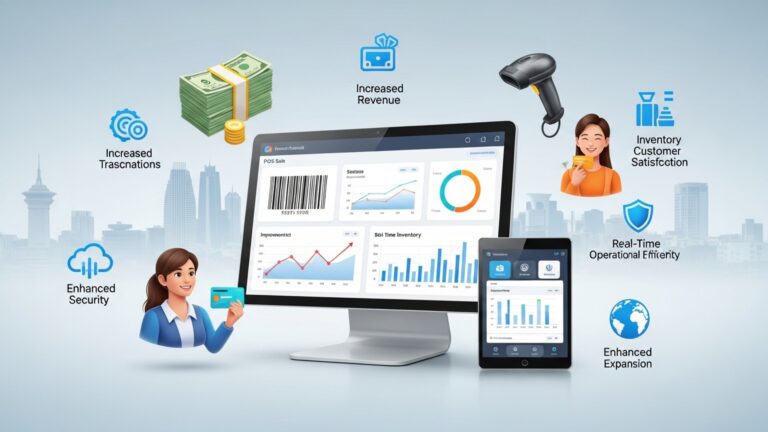
The true power of Restaurant POS software extends beyond daily operations; it’s a goldmine of data. The system collects vast amounts of data on sales trends, popular menu items, peak hours, server performance. more. This data can be analyzed to identify areas for improvement. For instance, if data shows long wait times during specific periods, managers can adjust staffing. If certain dishes consistently underperform, they can be re-evaluated. A regional chain leveraged their POS data to identify that their breakfast service was understaffed on weekends, leading to adjustments that boosted customer satisfaction scores by an average of 0. 5 points on a 5-point scale, demonstrating the actionable insights derived from robust data.
9. Streamlined Employee Management and Performance Tracking
Effective employee management directly impacts service quality. Restaurant POS software often includes features for timekeeping, shift scheduling. performance tracking. Employees can clock in and out directly through the system, simplifying payroll. Managers can assign roles, track individual sales performance. identify top performers or those needing additional training. By understanding who sells what. how efficiently, restaurants can optimize their team, ensuring guests are served by knowledgeable and motivated staff. For example, a cafe manager used their POS data to identify that a specific server consistently upsold premium coffee drinks, allowing them to share best practices with the rest of the team and improve overall sales and service quality.
10. Seamless Online Ordering and Delivery Integration
The rise of online ordering and third-party delivery services has transformed the restaurant landscape. Modern Restaurant POS software integrates seamlessly with these platforms, centralizing orders from various sources into a single system. This eliminates the need for staff to manage multiple tablets or manual entry, reducing errors and speeding up processing for takeout and delivery. Orders placed online flow directly to the kitchen, just like dine-in orders. A local pizzeria saw a 25% increase in online order efficiency and a significant reduction in order errors after integrating their online platform directly with their POS, ensuring that every customer, whether dining in or ordering out, receives prompt and accurate service.
Conclusion
Embracing restaurant POS software isn’t merely an upgrade; it’s a strategic imperative for elevating your service standards. We’ve seen how it transforms operations, from enabling efficient QR code ordering at tables to providing real-time inventory insights that prevent menu disappointments. My personal tip? Don’t just install it; truly integrate it. I’ve witnessed local eateries dramatically reduce wait times and order errors by empowering their front-of-house staff with mobile POS devices, directly impacting guest satisfaction. The key is to leverage these capabilities proactively. Consider implementing a feature like integrated table management, which was a game-changer for a small bistro I know, allowing them to optimize seating during peak hours and enhance the dining experience. By focusing on staff training and continuous adaptation to recent developments in POS technology, you’re not just improving service; you’re cultivating loyalty and future-proofing your business in a competitive market. Seize this opportunity to truly unlock efficiency and inspire unforgettable guest experiences.
More Articles
A Guide to Choosing the Best Restaurant POS Software for Your Business
How to Select Essential Restaurant POS Features to Boost Your Eatery’s Efficiency
Implement Restaurant POS Like a Pro 5 Essential Strategies for Smooth Rollout
Learn 6 Key Strategies to Streamline Service With Restaurant POS
Master Restaurant Operations 8 Smart Strategies Using POS Software Daily

FAQs
So, what’s the biggest perk of using a POS system in my restaurant?
It’s all about making things smoother and faster! A POS system helps streamline everything from taking orders to processing payments, which means happier customers and more efficient staff.
How does a POS system actually make order taking better?
It virtually eliminates handwriting errors! Orders are entered directly into the system, often sent straight to the kitchen display, ensuring the kitchen staff sees exactly what the customer wants, every time.
Will this software really speed up how fast we serve customers?
Absolutely! With features like mobile ordering, quick table management. faster payment processing, customers get their food and their check much quicker, leading to better table turnover.
What about those annoying billing mistakes? Can a POS help with that?
Definitely. By automating calculations and tracking every item, the POS system drastically reduces human errors on bills, meaning fewer disputes and a better experience for your guests.
Does it make things easier for my busy staff?
You bet! It cuts down on manual tasks, helps manage tables. simplifies communication between front and back-of-house. This frees up your team to focus more on customer service rather than getting bogged down in paperwork.
How does a POS system actually improve my customers’ dining experience?
Customers benefit from faster service, accurate orders. quicker, more convenient payment options, including split bills. It just makes their whole visit more pleasant and hassle-free.
Can this software also help me keep track of my ingredients?
Many modern POS systems come with built-in inventory management. This means you can track ingredient usage in real-time, get alerts for low stock. even help reduce food waste, making your operations more cost-effective.