How to Set Up a POS Software with Kitchen Display System for Better Efficiency
Optimizing restaurant operations has never been more critical. integrating POS software with a kitchen display system is a game-changer for efficiency. Modern POS systems equipped with kitchen displays streamline communication between the front and back of house, reducing errors and speeding up food preparation times. For instance, restaurants leveraging touchscreen displays connected to cloud-based POS platforms can instantly send customer orders to kitchen stations, eliminating the need for physical tickets. Recent advancements, like real-time inventory tracking and predictive analytics, further empower staff to make faster, data-driven decisions. With trends like contactless dining and mobile ordering reshaping the industry, implementing a POS software with a kitchen display system is essential for staying competitive. By embracing these technologies, businesses can enhance workflow management, improve order accuracy. ultimately deliver better customer experiences while boosting profitability. 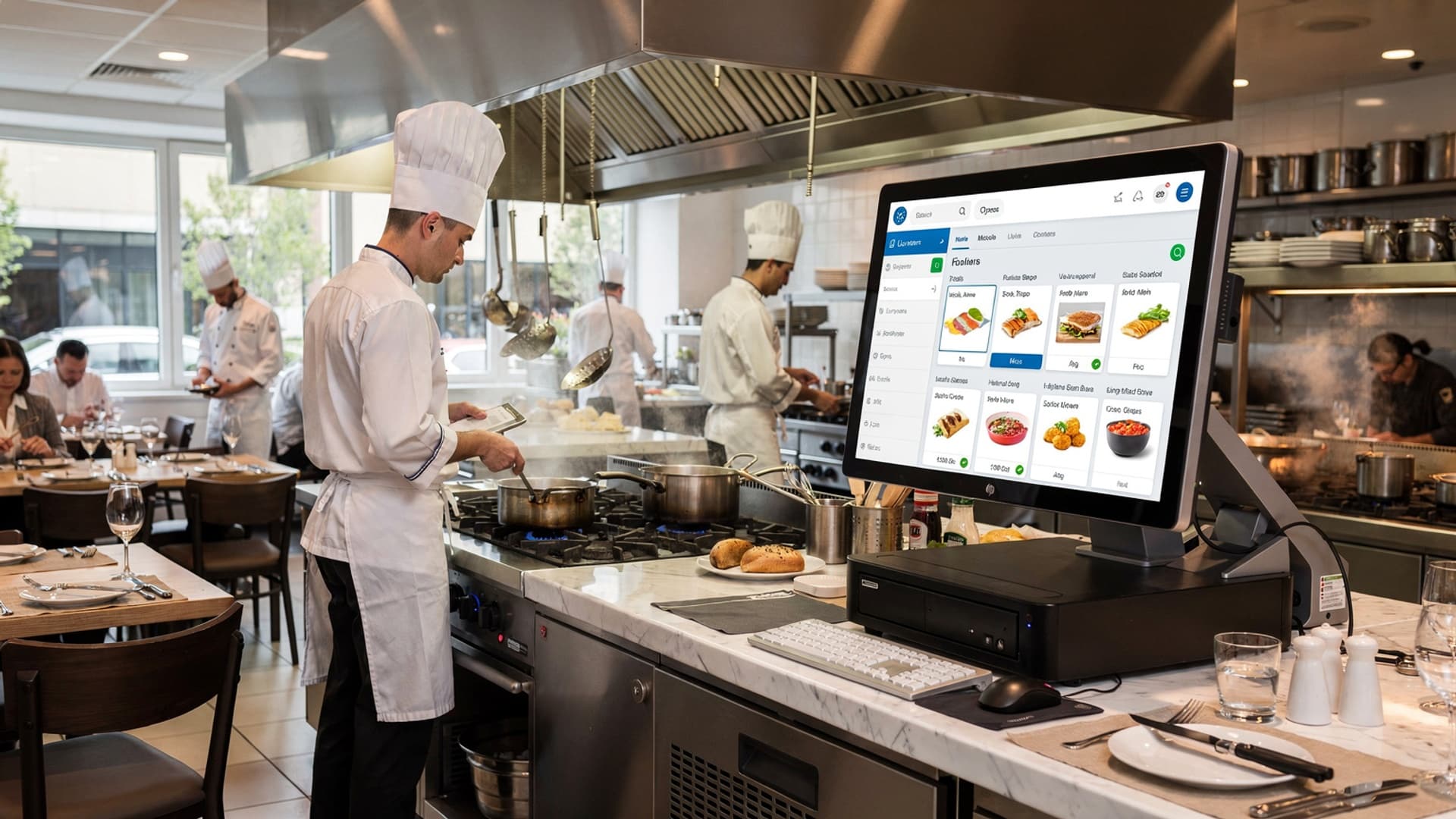
Understanding POS Software with Kitchen Display System
- Point of Sale (POS) Software
- Kitchen Display System (KDS)
- Integration
POS software is a system used by businesses to process sales transactions. It includes features like inventory management, sales reporting. payment processing.
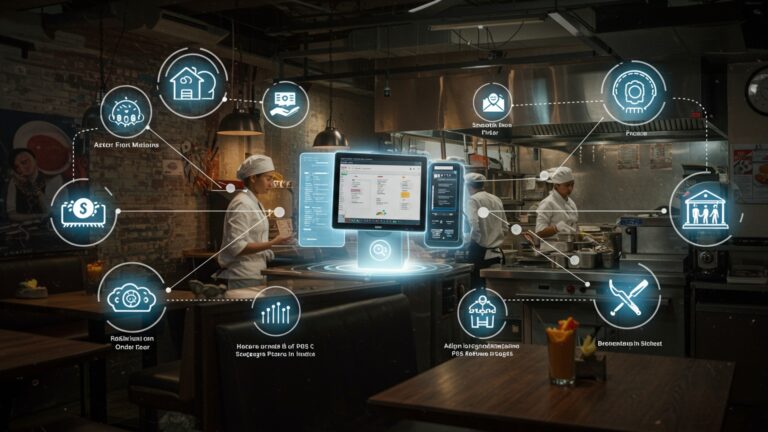
A KDS is a digital screen used in the kitchen to streamline order management. It displays customer orders directly from the POS system, eliminating the need for physical tickets or verbal communication.
When POS software integrates seamlessly with a kitchen display system, it enables faster and more accurate communication between the front-of-house and kitchen staff.
Benefits of Using POS Software with Kitchen Display System
- Reduced Errors
- Efficiency Boost
- Enhanced Customer Service
- Eco-Friendly Operations
- Detailed Insights
Orders are transmitted directly to KDS screens, minimizing human errors caused by miscommunication or illegible handwriting.
Kitchen staff can see and prioritize orders in real-time, speeding up food preparation and eliminating bottlenecks.
Faster order processing ensures customers receive their food promptly, improving satisfaction and loyalty.
Digital screens reduce the need for paper tickets, contributing to more sustainable business practices.
Integrated POS software provides valuable reporting tools that help assess kitchen performance, order times. staff efficiency.
Steps to Set Up a POS Software with Kitchen Display System
- Choose the Right POS Software
- Select Compatible Hardware
- Setup and Configuration
- Install the chosen POS software on your system and connect it to the KDS hardware.
- Configure the kitchen display settings to align with your menu structure and workflow.
- Map items from the POS menu to corresponding categories in the KDS (e. g. , appetizers, mains, desserts).
- Train Staff
- Test the System
Look for POS solutions that support KDS integration. Ensure the software fits your business size and type (e. g. , QSRs, cafes, or fine-dining).
Purchase kitchen display screens that are durable, easy to clean. responsive. Touchscreen displays are often preferred for their ease of use.
Educate both front-of-house and kitchen staff on how to use the system effectively. Provide hands-on training sessions to reduce the learning curve.
Run test orders through the POS software and verify that they appear correctly on the KDS. Address issues like delays or incorrect mapping before going live.
Key Features to Look for in POS Software with Kitchen Display System
- Real-Time Order Updates
- Customizable Display Views
- Integrated Reporting Tools
- Offline Functionality
- Multi-Device Compatibility
Ensure the system updates orders instantly to avoid confusion in the kitchen.
Look for options to tailor the layout, such as color-coded tickets for different order types.
The software should provide insights into kitchen operations, like average prep times and peak hours.
Choose a system that can manage orders even during internet outages.
The POS software and KDS should work across different devices and operating systems for flexibility.
Real-World Applications of POS Software with Kitchen Display Systems
- Quick-Service Restaurants (QSRs)
- Fine Dining Establishments
- Cafes and Bakeries
- Food Trucks
- Chain Restaurants
With high order volumes, QSRs benefit greatly from the streamlined communication and faster prep times enabled by these systems.
POS software with KDS ensures accurate order customization, catering to individual preferences and dietary restrictions.
The system helps prioritize dine-in and takeout orders effectively, ensuring efficiency during busy hours.
Mobile vendors use KDS to manage real-time orders, improving service speed and customer satisfaction in dynamic environments.
These systems help maintain consistency across multiple locations, ensuring standardized service quality and kitchen operations.
Comparison of POS Software with Kitchen Display Systems
| Feature | Basic POS with KDS | Advanced POS with KDS |
|---|---|---|
| Order Management | Basic tracking of orders | Real-time updates, prioritization tools |
| Reporting | Limited insights | Comprehensive analytics dashboards |
| Customization | Static layouts | Flexible, color-coded views |
| Hardware Compatibility | Restricted to specific devices | Supports multiple platforms |
| Pricing | Lower cost | Premium pricing for advanced features |
Common Challenges and Solutions When Setting Up POS Software with Kitchen Display System
- Challenge
- Solution
- Challenge
- Solution
- Challenge
- Solution
- Challenge
- Solution
Staff Resistance to Technology
Provide clear training and emphasize the benefits of the system in simplifying their tasks.
Compatibility Issues
Research and select software and hardware that are compatible and scalable for your business needs.
High Initial Costs
Consider cloud-based POS solutions that have lower upfront costs compared to on-premise systems.
System Downtime
Choose a POS software with offline functionality and reliable technical support.
Conclusion
Setting up a POS software integrated with a kitchen display system is more than just a technical upgrade; it’s a transformative step toward operational excellence. By seamlessly connecting front-of-house operations with kitchen workflows, you reduce errors and boost efficiency, ensuring that customers receive timely and accurate orders. For instance, leveraging the automation capabilities of modern POS systems eliminates tedious manual tasks, allowing your team to focus on delivering exceptional customer experiences. Moreover, with the rise of cloud-based solutions, real-time monitoring and data-driven insights are now accessible, making it easier to track performance metrics and fine-tune processes. During the setup phase, remember the importance of training your staff thoroughly on using the system. In my experience, dedicating time to hands-on training not only accelerates adaptation but also uncovers features that can simplify daily operations. For example, features like instant order updates on the kitchen display reduce miscommunication—a common issue in bustling restaurants. Staying updated on trends like predictive analytics can also give your business a competitive edge, providing actionable insights to optimize inventory and prep times. Ultimately, the effort invested in integrating a POS system with a kitchen display is a cornerstone for sustainable growth. Embrace the learning curve, stay open to innovation. let technology drive your restaurant toward higher efficiency, smoother operations. greater customer satisfaction. With the right tools, your restaurant can thrive in today’s fast-paced market.
More Articles
5 Common Restaurant POS Software Mistakes and How to Avoid Them
10 Ways Restaurant Software Can Transform Daily Operations for Chennai Restaurants
5 Ways Restaurant POS Software Can Boost Profit and Cut Costs
How to Choose the Right Restaurant POS with Table Management Features

FAQs
What is a POS software with a kitchen display system?
A POS software with a kitchen display system connects your point of sale with a digital screen in the kitchen, helping staff see orders in real-time and manage them efficiently.
Why should I use a kitchen display system with my POS software?
It reduces confusion, minimizes order errors, improves communication between the front and back of the house. speeds up order preparation.
How do I connect the kitchen display system to my POS?
Most POS systems have built-in functionalities or software integrations for kitchen displays. You’ll need to set up a compatible screen and configure the connection through the POS settings.
What type of screen or hardware do I need for the kitchen display?
You can use a touchscreen monitor, tablet, or even a regular computer screen as long as it’s compatible with the POS software you’re using.
Is it difficult to set up the system for a small restaurant?
Not at all! Most modern POS systems are designed to be user-friendly and come with step-by-step instructions for adding a kitchen display feature.
Can I customize the way orders appear on the kitchen display?
Yes, most POS systems let you configure how orders are displayed, such as prioritizing certain items or organizing tickets by time or type.
Does using a POS with a kitchen display save time during peak hours?
Absolutely! It speeds up communication between the serving staff and kitchen, helping you handle busy times more smoothly.
What if my internet goes down? Will the system still work?
Some POS systems have offline modes to keep the kitchen display functional even if the internet connection is interrupted.