10 Smart Strategies to Master Your Restaurant POS for Better Service
The modern dining landscape demands more than just efficient order taking; it requires a strategic command of your operational technology. Mastering your Restaurant POS software transcends basic transaction processing, evolving into a critical tool for elevating guest experiences and optimizing back-of-house efficiency. Recent innovations, from integrated QR code ordering and contactless payment solutions to AI-driven inventory management, empower restaurants to personalize service, minimize errors. accelerate table turns. Unlocking the full potential of this central system transforms it from a simple cash register into the nerve center for delivering unparalleled hospitality, directly impacting customer satisfaction and bottom-line growth.
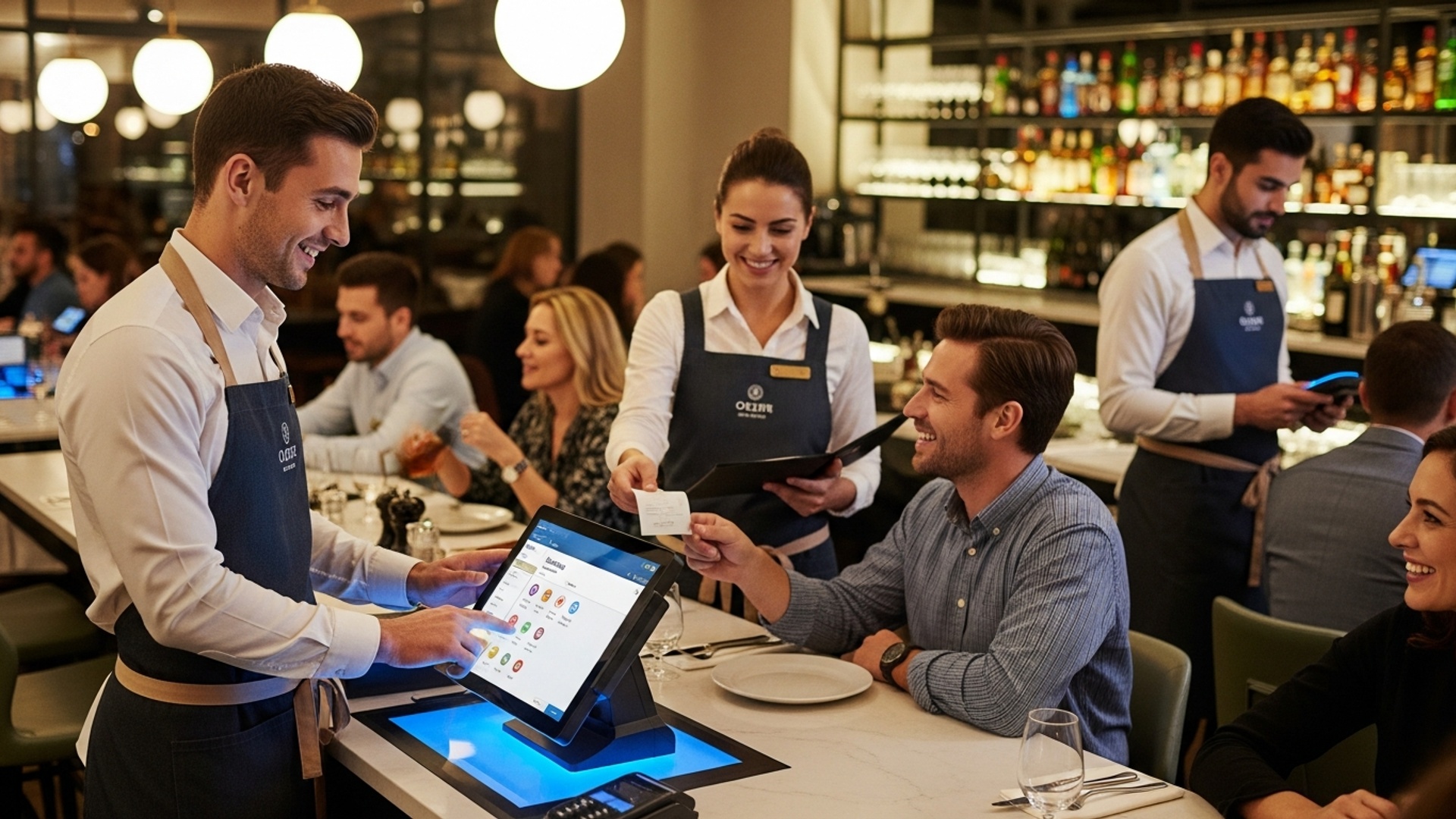
Understanding Restaurant POS Software: The Backbone of Modern Service
In today’s fast-paced culinary world, a restaurant’s success hinges not just on delicious food and inviting ambiance. also on operational efficiency. At the heart of this efficiency lies the Restaurant POS software – a Point-of-Sale system specifically designed for the unique demands of food service. Far beyond a simple cash register, modern Restaurant POS software is a comprehensive digital ecosystem that manages everything from order taking and payment processing to inventory control, staff management. detailed sales analytics.
Think of it as the central nervous system of your establishment. When a customer places an order, it’s entered into the POS, which then communicates that order to the kitchen, processes the payment, tracks the sale. updates inventory in real-time. This interconnectedness is crucial for smooth operations, reducing errors. ultimately, enhancing the customer experience. Understanding its full capabilities is the first step to mastering it.
1. Comprehensive Staff Training: Building a Foundation of Expertise
The most sophisticated Restaurant POS software is only as effective as the people using it. Inadequate training leads to slow service, order errors. frustrated staff and customers. Comprehensive training is not a one-time event; it’s an ongoing process.
Initial Onboarding and Role-Specific Training
- Front-of-House (FOH) Staff: Servers, hosts. bartenders need to be proficient in order entry, menu modifications, table management, splitting checks. processing various payment types. They should know how to navigate the system quickly and efficiently, especially during peak hours.
- Back-of-House (BOH) Staff: While less direct interaction, kitchen staff often utilize Kitchen Display Systems (KDS) integrated with the POS. They need to interpret how orders appear, how to mark items as prepared. how to communicate with the FOH via the system.
- Management: Managers require advanced training in all aspects, including inventory management, reporting, staff scheduling, user permissions. troubleshooting common issues.
Continuous Learning and Refreshers
Technology evolves. so does your menu and operations. Regular refresher courses, perhaps quarterly, can help reinforce best practices, introduce new features. address common user errors. For example, a restaurant manager, Sarah, at “The Bistro,” noticed a recurring issue with servers incorrectly applying discounts. She implemented a mandatory 15-minute weekly huddle dedicated to reviewing a specific POS function, leading to a 20% reduction in discount-related errors within a month.
// Example of a simplified POS training checklist module
function runPOSModuleTraining(moduleName) { console. log(`Starting training for POS module: ${moduleName}`); switch(moduleName) { case 'OrderEntry': console. log('Focus: Speed, accuracy, modifiers, special requests.') ; break; case 'PaymentProcessing': console. log('Focus: Cash, card, mobile payments, splitting checks, refunds.') ; break; case 'InventoryManagement': console. log('Focus: Stock levels, transfers, waste tracking, ordering.') ; break; default: console. log('Module not recognized or general operations training.') ; } console. log('Ensure hands-on practice and Q&A session.') ;
} runPOSModuleTraining('OrderEntry');
2. Optimize Menu Management for Speed and Accuracy
Your menu is the core of your business. how it’s represented and managed within your Restaurant POS software directly impacts service speed and order accuracy. An optimized digital menu ensures that staff can quickly find items, customize orders. minimize errors.
Structured Menu Categories and Modifiers
- Intuitive Categories: Organize your menu logically (e. g. , Appetizers, Entrees, Desserts, Beverages). This reduces search time for servers.
- Clear Modifiers: For items like burgers or pizzas, ensure all customization options (e. g. , “add cheese,” “no onion,” “medium-rare”) are easily accessible as modifiers. This prevents servers from having to manually type instructions, which can lead to errors and slow down the kitchen.
- Pricing Accuracy: Ensure all prices, including those for modifiers, are correctly set and updated immediately when changes occur.
Seasonal Updates and Specials
Modern Restaurant POS software allows for rapid menu updates. When you introduce a seasonal special or a new daily soup, it should be a seamless process to add it to the system and make it available across all terminals. This capability also extends to temporary “86’d” items (out of stock), ensuring servers don’t promise something unavailable, avoiding customer disappointment.
For instance, during the summer, “Beachside Cafe” uses their Restaurant POS software to quickly swap out their winter menu items for lighter, seasonal fare, including new cocktail specials. This flexibility ensures their offerings always remain fresh and relevant without significant operational downtime.
3. Leverage Inventory Management for Cost Control and Efficiency
Integrated inventory management is one of the most powerful features of advanced Restaurant POS software. It allows you to track ingredients from procurement to plate, significantly reducing waste, preventing stockouts. controlling food costs.
Real-time Tracking and Automated Reordering
- Ingredient-Level Tracking: When a dish is sold, the POS should automatically deduct the component ingredients from your inventory. For example, selling a “Classic Burger” might deduct 0. 5 lbs of ground beef, 1 bun, 1 slice of cheese, etc.
- Par Levels and Alerts: Set minimum (par) levels for all key ingredients. When stock drops below this level, the system can automatically trigger an alert or even generate a purchase order for your suppliers.
Waste Reduction and Portion Control
By accurately tracking inventory, you can identify which ingredients are used most, which are expiring. where waste might be occurring. This data from your Restaurant POS software can inform purchasing decisions and help refine portion sizes to optimize costs. One fine-dining restaurant, “Gastronomy Hub,” found through their POS reports that they were consistently over-ordering a specific type of exotic mushroom, leading to significant spoilage. Adjusting their ordering patterns based on this data saved them thousands annually.
4. Streamline Order Taking and Processing with Advanced Tools
Efficient order flow is paramount for superior service. Modern Restaurant POS software offers tools that revolutionize how orders are taken and processed, minimizing human error and maximizing speed.
Handheld POS Devices and Table-Side Ordering
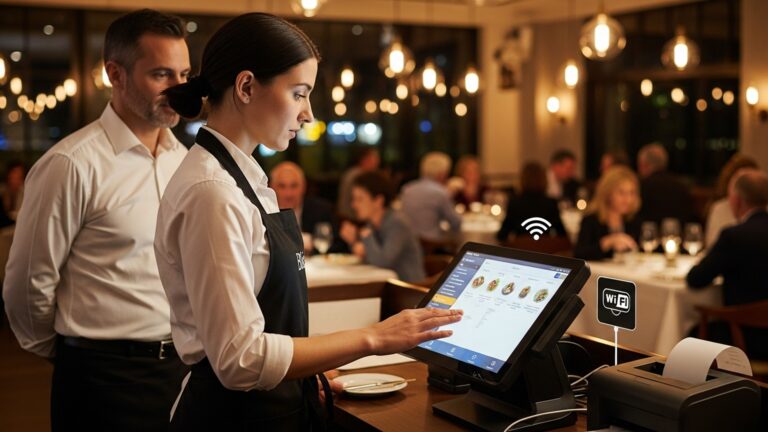
Servers equipped with handheld tablets or mobile POS devices can take orders directly at the table, sending them instantly to the kitchen or bar. This eliminates the need for manual order writing and re-entry at a stationary terminal, cutting down on steps, reducing transcription errors. allowing servers to spend more time interacting with guests. A study by Toast found that restaurants using tableside ordering saw a 20-30% increase in server efficiency.
Kitchen Display Systems (KDS)
Integrated with the Restaurant POS software, a KDS replaces traditional paper tickets in the kitchen. Orders appear digitally, often color-coded by urgency or type (e. g. , appetizers vs. entrees). Chefs can mark items as prepared, send messages to servers. manage cook times more effectively. This digital communication streamlines workflow, reduces miscommunication. ensures dishes are prepared and delivered in the correct sequence and at the optimal temperature.
5. Personalize Customer Experience with Data-Driven Insights
In an increasingly competitive market, personalization is key to customer loyalty. Your Restaurant POS software is a goldmine of customer data that, when utilized correctly, can transform the dining experience.
Loyalty Programs and Customer Profiles
- Integrated Loyalty: Many Restaurant POS software solutions come with built-in loyalty program capabilities. Customers can earn points, receive exclusive discounts, or get special offers directly linked to their purchases.
- Detailed Profiles: The POS can store customer preferences, dietary restrictions, past order history. even special occasions (e. g. , birthdays). When a regular customer, Maria, dines at “The Corner Bistro,” her server can see that she prefers a specific wine and is allergic to nuts, allowing for proactive, thoughtful service.
Targeted Marketing and Promotions
By analyzing purchase patterns and visit frequency, the POS data allows you to create highly targeted marketing campaigns. For example, if a segment of your customers hasn’t visited in a while, you can send them a personalized email offer. Or, if a particular dish isn’t selling well, you can promote it to customers who have previously ordered similar items. This data-driven approach significantly increases the effectiveness of your marketing efforts compared to generic promotions.
6. Utilize Reporting and Analytics for Strategic Decision-Making
Beyond transactional processing, the analytical capabilities of advanced Restaurant POS software are invaluable for making informed business decisions. These systems generate a wealth of reports that provide deep insights into every facet of your operation.
Key Performance Indicators (KPIs) and Report Types
- Sales Reports: comprehend daily, weekly. monthly sales trends, peak hours, best-selling items. server performance. Identify opportunities for upselling or menu adjustments.
- Labor Reports: Track employee hours, overtime. labor costs. This helps optimize staffing levels to match demand and control expenses.
- Inventory Reports: As discussed, these reports highlight ingredient usage, waste. popular items, informing purchasing and menu engineering.
- Customer Reports: Insights into customer loyalty, average spend. visit frequency.
Interpreting Data for Actionable Insights
Don’t just collect data; examine it. For example, if your POS reports show that your dessert sales plummet on weeknights but spike on weekends, you might consider promoting a “dessert special” during the week. Or, if a particular server consistently has higher average check sizes, you can review their techniques and share best practices with the team. “Urban Eats” restaurant used their Restaurant POS software’s sales data to identify that their brunch service was significantly more profitable than dinner on Sundays. They reallocated staff and marketing efforts, boosting overall Sunday revenue by 15%.
7. Integrate Third-Party Applications for Enhanced Functionality
No single Restaurant POS software can do everything perfectly. The power of modern systems often lies in their ability to integrate seamlessly with specialized third-party applications, creating a holistic operational ecosystem.
Popular Integrations
- Online Ordering Platforms: Services like DoorDash, Uber Eats, or your own branded online ordering system can feed orders directly into your POS, streamlining fulfillment.
- Reservation Systems: Platforms like OpenTable or Resy can sync with your POS to provide a complete view of upcoming covers and guest preferences.
- Accounting Software: Integration with QuickBooks or Xero simplifies bookkeeping, automatically transferring sales data and reducing manual entry errors.
- Employee Scheduling Software: Tools like When I Work or Homebase can integrate with POS labor data for accurate time tracking and payroll.
When considering integrations, always check if your chosen Restaurant POS software offers an API (Application Programming Interface) or direct connectors to the tools you use. This ensures a smooth flow of data and avoids operational bottlenecks. For instance, “Pizza Palace” integrated its online ordering platform with its Restaurant POS software, reducing order entry errors by 90% and speeding up delivery times.
8. Implement Robust Security Measures for Data Protection
Your Restaurant POS software handles sensitive details: customer credit card details, sales data. employee records. Protecting this data is not just a legal requirement (PCI compliance for card data) but also crucial for maintaining customer trust and preventing financial losses.
Key Security Protocols
- PCI DSS Compliance: Ensure your POS system and payment processor are fully compliant with Payment Card Industry Data Security Standard (PCI DSS). This involves secure network configurations, data encryption. regular security testing.
- Data Encryption: All sensitive data, especially payment insights, should be encrypted both in transit and at rest.
- User Access Controls: Implement role-based access. Not every employee needs access to all POS functions. Managers might have access to reporting and inventory, while servers only have access to order entry and payment processing. Regularly review and update these permissions.
- Strong Passwords and Multi-Factor Authentication (MFA): Enforce strong, unique passwords for all POS users and enable MFA wherever possible to add an extra layer of security.
A data breach can be devastating for a restaurant’s reputation and finances. Proactive security measures, often built into reputable Restaurant POS software, are non-negotiable.
9. Regular Maintenance and Software Updates: Staying Ahead
Just like any complex system, your Restaurant POS software requires regular maintenance and updates to perform optimally. Neglecting these can lead to sluggish performance, security vulnerabilities. missed opportunities for new features.
The Importance of Updates
- Security Patches: Software vendors regularly release updates to fix newly discovered security vulnerabilities. Applying these promptly protects your system from potential cyber threats.
- Feature Enhancements: Updates often include new features and improvements that can streamline operations, enhance user experience, or provide new analytical capabilities.
- Performance Improvements: Updates can optimize the software’s performance, making it faster and more reliable, especially during busy periods.
- Bug Fixes: Addressing software bugs ensures smooth operation and prevents crashes or unexpected behavior.
Scheduled Downtime and Backup Procedures
Work with your POS vendor to schedule updates during off-peak hours to minimize disruption. Always ensure you have a robust data backup strategy in place before any major update. This could involve cloud backups or local backups of your critical data. Many cloud-based Restaurant POS software solutions handle updates and backups automatically, simplifying this process significantly for the restaurant owner.
10. Embrace Mobile and Cloud-Based POS Solutions for Flexibility
The landscape of Restaurant POS software has shifted dramatically from bulky, on-premise terminals to flexible, cloud-based systems accessible from anywhere. Embracing this shift can offer significant advantages.
Cloud-Based vs. On-Premise POS
| Feature | Cloud-Based POS | On-Premise POS |
|---|---|---|
| Data Access | Anywhere, any device with internet | Only on-site via local network |
| Setup Cost | Lower initial hardware cost, subscription fees | Higher upfront cost for hardware and software licenses |
| Maintenance | Managed by vendor, automatic updates | Requires in-house IT or third-party support |
| Scalability | Easily scales up/down with business needs | Can be complex and costly to scale |
| Security | Managed by vendor, often robust data centers | Depends on in-house security measures |
| Offline Mode | Some offer limited offline functionality | Fully functional even without internet (local network) |
Advantages of Mobile and Cloud Solutions
- Increased Mobility: Use tablets or smartphones as POS terminals, enabling tableside ordering and payment.
- Remote Management: Managers can access reports, update menus. manage staff from anywhere, anytime.
- Lower Upfront Costs: Often subscription-based, reducing the initial investment in hardware and software.
- Enhanced Data Security & Backups: Cloud providers typically offer robust security protocols and automatic data backups.
- Seamless Updates: Software updates are often deployed automatically by the vendor, ensuring you always have the latest features and security patches.
“The Food Truck Collective” successfully transitioned to a mobile, cloud-based Restaurant POS software, allowing them to operate efficiently across multiple locations and events without the hassle of traditional hardware. This flexibility significantly contributed to their rapid expansion.
Conclusion
Mastering your restaurant POS is not merely a technical task; it’s a strategic investment in exceptional service and operational excellence. By actively implementing the strategies discussed, you empower your team and delight your guests. My personal tip? Don’t just use your POS for transactions; dive deep into its analytics. For instance, understanding peak order times or popular menu combinations via your POS data can inform staffing, inventory. even future menu decisions, directly improving guest wait times and satisfaction – a critical differentiator in today’s competitive market, especially with the rise of integrated online ordering and delivery services. Embrace your POS as the central nervous system of your establishment, constantly seeking new ways to leverage its features, perhaps by integrating loyalty programs or streamlined kitchen display systems. The restaurants that thrive are those that continuously innovate. your POS is the perfect tool for that journey. Start small, iterate. watch as your service standards elevate, creating a more efficient, profitable. ultimately, more beloved dining experience for everyone.
More Articles
Learn 10 Powerful Restaurant POS Features to Boost Your Daily Operations
Master 5 Key Strategies to Optimize Restaurant Operations with POS Software
How to Choose the Best Restaurant POS Software for Your Business
The Ultimate Guide 8 Key Benefits of Modern Restaurant POS Software
Master 5 Common Restaurant Challenges With Smart POS Solutions

FAQs
Why should I bother mastering my restaurant’s POS system?
Learning your POS inside out is a game-changer! It speeds up order taking, cuts down on mistakes, gives you awesome insights into sales and inventory. ultimately makes your service much smoother and your customers happier.
What’s the best way to get my staff up to speed on using the POS?
Consistent and thorough training is key. Don’t just show them once; offer hands-on practice, quick refreshers. maybe even create a small cheat sheet for common tasks. The more comfortable they are, the faster and more accurately they’ll work.
Can my POS system actually help me manage inventory better?
Absolutely! Many modern POS systems have robust inventory management features. You can track ingredients, monitor stock levels, get alerts when items are low. even identify waste. This helps you control costs and ensures you never run out of popular dishes.
How can I use the POS to make taking orders faster and more accurate?
Optimize your menu layout on the POS screen for easy navigation. Use modifiers effectively for special requests. train staff to confirm orders verbally with customers before sending them to the kitchen. Integrating with a Kitchen Display System (KDS) also helps eliminate handwritten errors.
Are the reporting features in my POS really useful, or just extra noise?
They are super useful! Your POS reports can tell you what your best-selling items are, your busiest hours, staff performance. even customer spending patterns. This data is invaluable for making smart decisions about your menu, staffing. marketing.
What if my POS is old-fashioned? Can I still make service better with it?
Even with an older system, you can improve. Focus on staff training, streamlining order entry processes. using its basic reporting functions to identify bottlenecks. Sometimes, just mastering the core functions can make a big difference. consider an upgrade if limitations are severe.
Any quick tips for speeding up the payment process at the end of a meal?
Definitely! Ensure your payment processing is fully integrated with your POS to avoid manual entry errors. Train staff on quick split-bill functions. if possible, use mobile POS devices for tableside payments to cut down on wait times at the counter.