How to Identify the 7 Essential Features of a Restaurant POS System
In today’s fast-paced restaurant industry, a robust POS (point-of-sale) system is no longer a luxury—it’s a necessity for staying competitive and delivering exceptional customer experiences. From streamlining order management to integrating with online delivery platforms, the essential features of restaurant POS systems have evolved significantly in recent years. For instance, real-time inventory tracking and mobile payment capabilities have become critical as restaurants adapt to changing consumer habits and supply chain challenges. Also, features like customer data analytics and employee performance tracking now play a pivotal role in optimizing operations and driving repeat business. With so many options on the market, identifying the seven most essential features can mean the difference between operational efficiency and daily headaches. By focusing on functionality tailored to modern restaurant demands, you can invest in a system that enhances service speed, improves accuracy. provides actionable insights to fuel your growth in a competitive landscape.
Ease of Use and Intuitive Interface
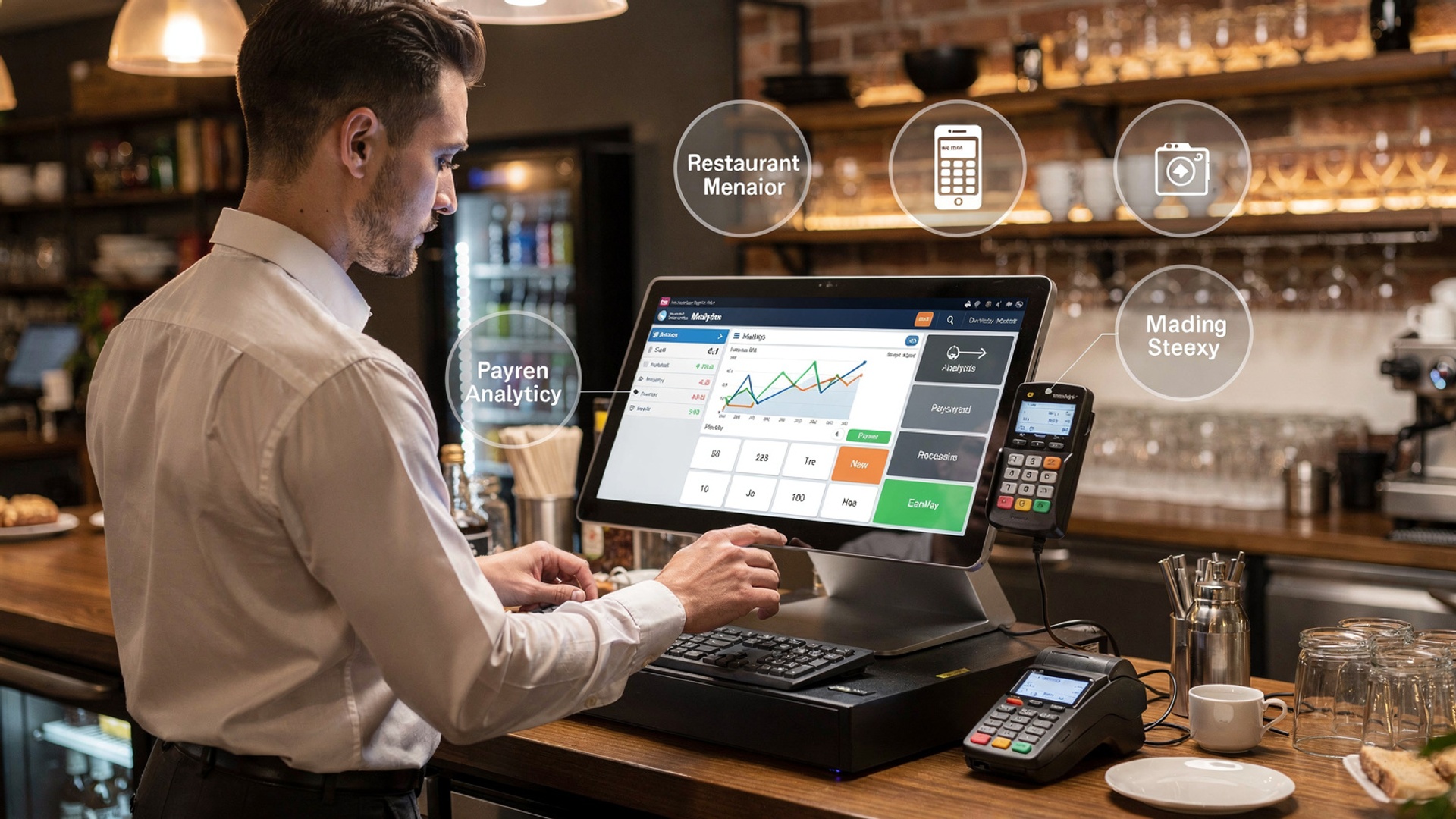
- A restaurant POS system should have a user-friendly interface that simplifies operations for restaurant staff. Employees often have varying levels of technology proficiency. an intuitive design ensures training is minimal.
- Look for touchscreen functionality, clear navigation menus. customizable layouts that align with your restaurant’s workflow.
- For example, a POS system that allows quick table assignment, order modifications. easy split payments makes daily operations smoother.
- Real-world case: Pizza chains often utilize POS systems with a drag-and-drop table layout to reduce order confusion during busy hours.
Order Management and Customization Capabilities
- An essential feature of restaurant POS systems is robust order management. This includes the ability to handle dine-in, takeout. online orders seamlessly.
- The system should allow staff to customize orders, such as accommodating dietary restrictions or modifying ingredients without errors.
- Integration with kitchen display systems (KDS) ensures that orders are transmitted directly to the kitchen, reducing delays and errors.
- Comparison: Basic POS systems might only offer manual order entry, whereas advanced systems integrate with KDS and delivery platforms for streamlined operations.
Inventory Management and Reporting
- Effective inventory management is crucial for restaurants to control costs and reduce food waste. A POS system should track stock levels in real time and generate alerts when items run low.
- Features like recipe costing, vendor management. automatic replenishment provide a comprehensive inventory solution.
- Real-world application: Many fine-dining restaurants use inventory tracking within their POS systems to manage high-value ingredients like truffles or caviar accurately.
- Advanced reporting tools should provide insights into sales trends, popular menu items. inventory usage to support data-driven decisions.
Payment Processing Versatility
- Payment processing flexibility is a critical feature of restaurant POS systems. Look for options that support credit/debit cards, mobile payments. digital wallets like Apple Pay or Google Pay.
- Having EMV compliance and PCI security ensures secure transactions while reducing chargeback risks.
- The POS should also enable quick bill splitting and tipping options for customer convenience.
- Real-world example: A coffee shop chain uses mobile payment integration to speed up checkout, attracting tech-savvy customers who prefer contactless payments.
Employee Management and Scheduling Tools
- Efficient labor management tools are an essential feature of restaurant POS systems. These include employee scheduling, time tracking. performance monitoring.
- The system should track hours worked, calculate wages. provide detailed labor cost reports.
- Comparison: Standalone scheduling software vs. integrated POS scheduling tools—integrated systems streamline payroll processing and reduce redundant data entry.
- Real-world application: A fast-food chain uses scheduling features within their POS to forecast labor needs during peak hours based on historical sales data.
Customer Relationship Management (CRM) Integration
- CRM integration helps restaurants build stronger relationships with their customers. Essential features of restaurant POS systems include loyalty program management, customer profiles. targeted marketing campaigns.
- A POS system should record customer preferences, purchase history. feedback to personalize their experience.
- For example, an upscale café utilizes CRM-integrated POS to send birthday discount coupons to regular customers.
- Advanced systems can also segment customers based on demographics and spending habits for more effective promotions.
Cloud-Based Features and Remote Access
- Modern restaurant POS systems often offer cloud-based capabilities, enabling owners to access sales data, inventory reports. employee metrics remotely from any device.
- Cloud storage ensures data security and eliminates the need for costly on-site servers.
- Comparison: Traditional on-premise POS systems vs. cloud-based POS systems—cloud systems offer scalability and easier software updates.
- Real-world example: A food truck operator uses a cloud-based POS to track sales across multiple locations and adjust menu prices remotely as needed.
Conclusion
Investing in the right restaurant POS system is not just about technology; it’s about empowering your business to thrive in a competitive landscape. By identifying the seven essential features—such as seamless payment processing, inventory management, table-side ordering. customer engagement tools—you’ve laid the groundwork for operational success and enhanced guest satisfaction. Current trends in the restaurant industry, like the growing demand for contactless payment options and real-time data reporting, underscore the importance of choosing a system that aligns with both customer expectations and evolving business needs. One personal tip is to always test the POS system in real-world scenarios before committing to it. For example, simulate a busy Friday night to evaluate its performance under pressure. This not only ensures reliability but also highlights how intuitive the system is for staff who may not be tech-savvy. Also, keep scalability in mind, as your restaurant’s needs will grow over time. Look for providers who offer feature updates and robust support, as this can save you from costly upgrades in the future. Remember, the right POS system isn’t just a tool—it’s your partner in achieving streamlined operations and improved profitability. Stay motivated by envisioning how integrating these features will elevate your brand reputation and customer loyalty. With careful consideration, your POS system can become the backbone of a thriving and modern restaurant operation.
More Articles
How to Choose the 10 Essential Features in a Restaurant POS System
5 Common Mistakes to Avoid When Choosing Restaurant POS Software
5 Best Practices for Using Restaurant POS Software to Maximize Profits
5 Ways Restaurant POS Software Can Improve Customer Experience

FAQs
Why is a good restaurant POS system essential?
A reliable POS system helps streamline operations, manage orders. improve customer experience. It’s the backbone of efficient restaurant management.
What should I look for in payment processing features?
Make sure the POS system supports multiple payment methods, is secure. processes payments quickly to avoid delays during busy times.
How can a POS system help organize menus?
A good POS system lets you customize menus, manage inventory tied to individual items. update offerings easily, saving time and reducing errors.
Do I need reporting tools in a POS system?
Yes, reporting tools provide insights into sales, inventory. staff performance, helping you make better business decisions and identify trends.
Can a POS system assist with staff management?
Definitely! Many systems include features like employee scheduling, tracking hours. monitoring staff performance to simplify workforce management.
Should my POS system work on mobile devices?
Yes, mobile compatibility allows staff to take orders or process payments on the go, improving flexibility and efficiency in service.
Do integrations matter for a POS system?
Integrations are essential as they let the system connect with accounting software, online ordering platforms. more, ensuring smooth operations.