7 Essential Features Your Restaurant POS Software Must Have for Success
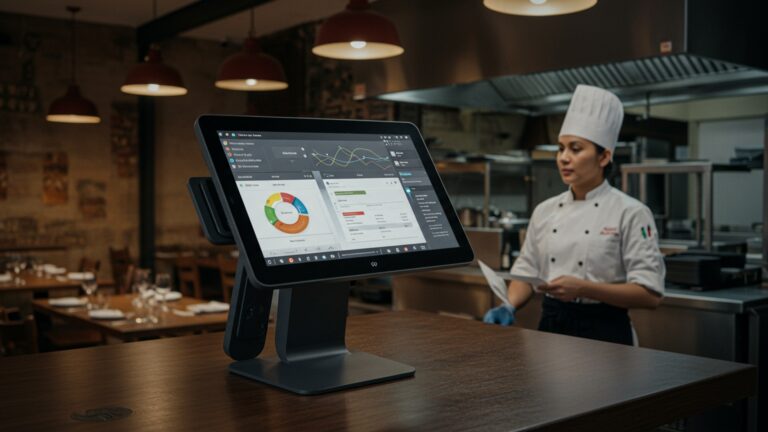
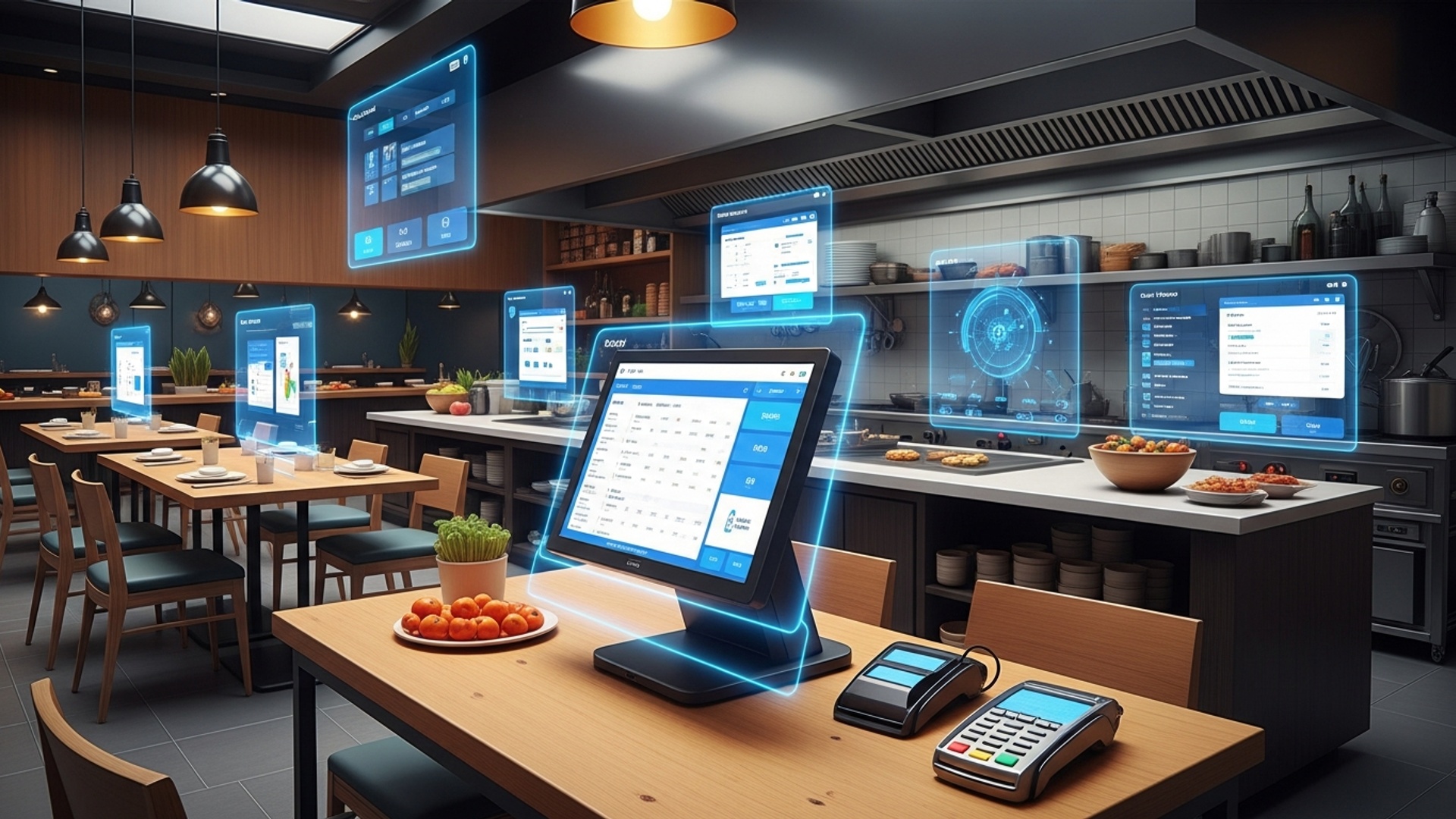
In today’s fiercely competitive and rapidly evolving culinary landscape, the right restaurant POS software stands as the indispensable cornerstone for operational excellence and sustained growth. Modern restaurants navigate complex demands from digital ordering to personalized customer experiences, making a basic transaction system woefully inadequate. Recent advancements in POS technology, particularly cloud-based solutions, offer sophisticated automation for inventory management, seamless integration with third-party delivery platforms. real-time sales analytics. These features move beyond simple payment processing, empowering restaurateurs to optimize workflows, reduce errors. deliver exceptional service, ultimately driving profitability and scalability in a dynamic market.

Streamlined Order Management and Kitchen Display System (KDS) Integration
For any bustling eatery, efficient order processing is the heartbeat of operations. A truly successful restaurant POS software doesn’t just take orders; it orchestrates them. This feature is paramount because it directly impacts speed of service, accuracy. ultimately, customer satisfaction. Modern POS systems go beyond simple order entry, offering intuitive interfaces that allow staff to quickly customize orders, apply discounts. manage multiple tables or tabs with ease.
Streamlined order management refers to the ability of the POS system to handle the entire order lifecycle from entry to fulfillment seamlessly. KDS integration is a critical component of this, connecting the front-of-house (FOH) order taking directly to the back-of-house (BOH) kitchen staff via digital screens.
- Reduced Errors
- Faster Service
- Improved Communication
- Enhanced Customer Experience
Digital transmission eliminates handwritten mistakes and miscommunications between servers and kitchen staff.
Orders appear instantly in the kitchen, cutting down preparation times and improving table turnover.
KDS can display order priority, specific notes (e. g. , “allergy alert,” “no onions”). even track preparation times for each dish.
Guests receive their correct orders faster, leading to higher satisfaction and repeat business.
Imagine a busy Friday night. A server takes a complex order, including a dairy-free modification. With an integrated system, the server inputs this directly into the POS. it immediately appears on the KDS screen in the kitchen, flagging the dairy-free request clearly. The kitchen staff can then manage their workflow efficiently, ensuring the dish is prepared correctly and sent out promptly. This not only avoids errors but also prevents food waste and reduces stress for both FOH and BOH teams.
// Simplified representation of order flow with KDS integration
function processOrder(orderData) { console. log("Order received: ", orderData. items); // Send order to KDS for kitchen prep sendToKDS(orderData); // Update FOH display updateTableStatus(orderData. tableNumber, "Preparing");
} function sendToKDS(order) { // API call or direct database update for KDS console. log(`Sending order #${order. id} to Kitchen Display System...`) ; // KDS would then visually display this order for chefs
} // Example usage
let customerOrder = { id: "ORD001", tableNumber: 5, items: [ { name: "Grilled Salmon", modifications: ["no butter", "extra lemon"] }, { name: "Caesar Salad", modifications: ["dressing on side"] } ]
}; processOrder(customerOrder);
Robust Inventory Management
Beyond taking orders, knowing what you have in stock and what you need is crucial for profitability. Effective inventory management within your restaurant POS software can be the difference between thriving and merely surviving. This feature tracks ingredients, prepared items. even non-food supplies, providing a clear picture of your assets and preventing costly waste or stockouts.
Inventory management automates the tracking of all items used in your restaurant, from raw ingredients (like flour, sugar, specific cuts of meat) to finished products (like a signature cocktail or a specific dessert). It deducts ingredients as dishes are sold and can alert you when stock levels are low.
- Cost Control
- Optimized Ordering
- Menu Engineering
- Theft Prevention
Prevents over-ordering, reduces waste from spoilage. helps identify high-cost items.
Generates accurate purchase orders based on sales data and par levels, ensuring you always have what you need without excess.
Provides data on ingredient usage for specific dishes, allowing for better menu pricing and profitability analysis.
Helps identify discrepancies between sales and stock, deterring internal theft.
A small bistro struggled with inconsistent dish quality and frequent ingredient shortages for popular items. By implementing a POS with robust inventory management, they were able to track every ingredient used in their signature dishes. The system automatically deducted quantities as orders were placed and notified the chef when critical ingredients reached reorder points. This led to a 15% reduction in food waste and ensured they never ran out of their best-selling items, significantly improving customer satisfaction and profit margins.
Integrated Payment Processing
In today’s diverse payment landscape, your restaurant POS software must handle a multitude of transaction types seamlessly and securely. Integrated payment processing is not just a convenience; it’s a necessity for speed, accuracy. customer trust.
Integrated payment processing means your POS system communicates directly with your payment processor. When a customer pays, the transaction details (amount, items) are sent from the POS to the payment terminal. the approval or decline is sent back, all without manual entry. This supports various payment methods including credit/debit cards, mobile payments (Apple Pay, Google Pay), gift cards. even contactless options.
- Faster Transactions
- Reduced Errors
- Enhanced Security
- Simplified Reconciliation
- Improved Customer Experience
Eliminates manual data entry into separate terminals, speeding up checkout times.
Removes the risk of human error when keying in amounts, preventing chargebacks and reconciliation issues.
Many integrated systems come with advanced security features like point-to-point encryption (P2PE) and tokenization, protecting sensitive cardholder data and aiding PCI compliance.
All sales data and payment records are automatically synced within the POS, making end-of-day closing and accounting significantly easier.
Offers customers more payment flexibility and a quicker, more secure checkout process.
Comparison: Integrated vs. Standalone Payment Terminals
| Feature | Integrated Payment Processing | Standalone Payment Terminal |
|---|---|---|
| Data Entry | Automated from POS | Manual entry required |
| Error Rate | Very low | Higher due to manual input |
| Transaction Speed | Faster | Slower |
| Security | Often enhanced (P2PE, tokenization) | Basic terminal security |
| Reconciliation | Automatic with POS reports | Manual matching of POS and terminal reports |
| Customer Experience | Seamless, modern | Can feel disjointed |
Comprehensive Reporting and Analytics
Data is the new currency. a powerful restaurant POS software leverages it to provide actionable insights. Comprehensive reporting and analytics capabilities move your business beyond guesswork, offering a clear, data-driven path to optimization and growth.
This feature provides detailed reports and analytical tools that transform raw sales and operational data into understandable insights. These can include sales by item, server performance, peak hours, voided transactions, inventory turnover, customer spending habits. much more.
- Informed Decision-Making
- Identify Trends
- Performance Monitoring
- Loss Prevention
- Strategic Growth
grasp what’s selling, when. by whom, allowing you to optimize menus, staffing levels. marketing efforts.
Spot seasonal trends, popular items, or slow periods to adjust operations proactively.
Track individual server performance, kitchen efficiency. overall business health.
Pinpoint suspicious activities like excessive voids, discounts, or refunds.
Use data to identify opportunities for expansion, new menu items, or targeted promotions.
Regularly review your “Sales by Item” report. If a particular dish consistently underperforms despite good ingredients, it might be time to remove it from the menu or revise its recipe/pricing. Conversely, if a dish is a consistent bestseller, consider promoting it more heavily or exploring variations.
Employee Management and Time Tracking
Managing your most valuable asset—your staff—is made significantly easier with integrated employee management features in your restaurant POS software. This goes beyond simple clock-in/clock-out, offering tools to streamline scheduling, payroll. performance tracking.
Employee management within a POS system allows you to manage staff profiles, assign roles and permissions, track clock-in/clock-out times, calculate hours worked. sometimes even integrate with payroll systems. It also provides tools for performance monitoring, such as sales generated per server.
- Accurate Payroll
- Optimized Staffing
- Security and Accountability
- Performance Insights
Automates time tracking, reducing manual errors and saving hours on payroll processing.
Data on peak hours and server performance helps you schedule appropriately, avoiding overstaffing during slow periods and understaffing during rushes.
Role-based permissions ensure that staff only have access to functions relevant to their job, minimizing potential for fraud or misuse.
Track individual server sales, tips. average check sizes to identify top performers and areas for training.
A restaurant owner uses the POS to set up different access levels for managers, servers. kitchen staff. Managers can access reporting and inventory, servers can only process orders and payments. kitchen staff can only view the KDS. This granular control not only enhances security but also streamlines workflows as employees only see relevant functions. At the end of the week, the owner can pull a report of hours worked, which integrates directly with their payroll software, saving significant administrative time.
Customer Relationship Management (CRM) Features
In a competitive market, fostering customer loyalty is paramount. A modern restaurant POS software should extend its capabilities to help you interpret and engage with your patrons more effectively through integrated CRM features.
CRM functionalities within a POS system allow restaurants to collect customer data (e. g. , contact insights, order history, dietary preferences, visit frequency) and use it to build relationships. This can include loyalty programs, targeted marketing campaigns. personalized service.
- Enhanced Personalization
- Effective Loyalty Programs
- Targeted Marketing
- Feedback Collection
Greet repeat customers by name, remember their favorite dishes, or acknowledge special occasions.
Track points, rewards. gift card balances directly through the POS, encouraging repeat visits.
Use customer data to send personalized promotions, birthday offers, or updates on new menu items to specific segments of your customer base.
Integrate mechanisms for collecting customer feedback, allowing you to address issues and improve service proactively.
A customer signs up for your loyalty program through the POS. Over several visits, the system records their preference for vegetarian dishes and their birthday. On their birthday month, the POS (or an integrated marketing tool) automatically sends them a personalized email with a discount for a vegetarian entree. This targeted approach significantly increases the likelihood of a return visit compared to generic promotions.
Cloud-Based Accessibility and Scalability
The days of static, on-premise systems are rapidly fading. For true success and future-proofing, your restaurant POS software needs to be cloud-based, offering unparalleled accessibility, scalability. resilience.
Cloud-based POS software operates via the internet, storing data on remote servers rather than local hardware. This means the system can be accessed from any internet-enabled device, anywhere, anytime. Scalability refers to the system’s ability to easily grow or shrink with your business needs, whether adding new terminals, locations, or features.
- Remote Access
- Automatic Updates
- Data Security & Backup
- Cost-Effectiveness
- Scalability
- Offline Mode
Manage your business from anywhere – check sales reports from home, update menus from a different location, or troubleshoot issues on the go.
Software updates and security patches are handled automatically by the provider, ensuring you always have the latest features and protections without downtime.
Cloud providers offer robust security measures and automatic data backups, protecting your critical business data from hardware failure, theft, or disaster.
Typically involves a subscription model, eliminating large upfront hardware costs and reducing IT maintenance expenses.
Easily add or remove terminals, integrate new features, or expand to multiple locations without significant infrastructure changes.
Many modern cloud POS systems include an offline mode, allowing operations to continue even if the internet connection is temporarily lost, syncing data once connectivity is restored.
- Cloud Computing
- On-Premise POS
The delivery of on-demand computing services—including servers, storage, databases, networking, software, analytics. intelligence—over the Internet (“the cloud”).
Software and hardware are installed and run locally on the restaurant’s property, managed by the owner.
+-------------------+ +--------------------+ +---------------------+
| Restaurant Devices| | Internet/VPN | | Cloud POS Servers |
| (Tablets, KDS, |<----->| (Secure Connection)|<----->| (Database, Logic, |
| Payment Terminals)| | | | APIs, Backups) |
+-------------------+ +--------------------+ +---------------------+ ^ ^ ^ | | | v v v
+-------------------+ +-------------------+
| Manager's Laptop | | POS Provider |
| (Remote Access) | | (Updates, Support)|
+-------------------+ +-------------------+
This architecture highlights how various components of the restaurant’s operations, along with remote management, connect securely to the central cloud servers, which handle data storage, processing. system maintenance.
Conclusion
Choosing the right POS software is not merely an operational upgrade; it’s a strategic investment in your restaurant’s future. The seven features we’ve explored—from intuitive order management to comprehensive inventory control and seamless CRM—are not optional luxuries but fundamental pillars for modern dining success. I recall a time when a lack of real-time sales data left us guessing about peak hours, leading to inefficient staffing and wasted produce. Today, with advanced cloud-based systems offering AI-powered insights, you can anticipate trends and optimize every aspect, transforming customer experience and boosting your bottom line. Take a deliberate approach: evaluate systems that genuinely align with your unique operational flow and growth ambitions. For deeper insights into maximizing efficiency, consider how key POS features can revolutionize your operations. Don’t settle for ‘good enough’ when ‘exceptional’ is within reach. Embrace this technology. watch your restaurant thrive, making every service smoother and every guest happier.
More Articles
Are You Using All 6 Hidden Benefits of Your Restaurant POS System
How to Maximize Your Restaurant’s Efficiency With Key POS Features
Choosing Restaurant POS Software 5 Critical Features You Must Consider
Discover Seven Essential Features Your Restaurant POS Software Must Offer Today
How Restaurant POS Software Can Boost Profits And Streamline Daily Operations

FAQs
Why is picking the right POS software so essential for a restaurant these days?
It’s not just about ringing up orders anymore! A solid POS system is the backbone of your operation. It streamlines everything from how you take orders and communicate with the kitchen to managing inventory and tracking sales, directly impacting your efficiency, customer happiness, and, most importantly, your profits.
What’s the big deal about advanced order and table management features?
Advanced order management, which includes intuitive table layouts, easy bill splitting. quick menu modifiers, means faster service and fewer mistakes. Your staff can handle complex requests effortlessly, leading to happier diners and quicker table turnover, boosting your revenue.
How does POS software actually help me manage my ingredients and stop waste?
With integrated inventory management, your POS tracks every ingredient from the moment it enters your kitchen to when it leaves as part of a dish. This real-time visibility helps you prevent over-ordering, identifies popular versus slow-moving items, slashes food waste. ultimately saves you a significant amount on food costs.
Can a POS system really help me grasp my business better?
Absolutely! Robust reporting and analytics are like having a crystal ball for your business. You get deep insights into sales trends, peak hours, your most profitable menu items. even staff performance. This data is invaluable for making smart, informed decisions about your menu, staffing. marketing strategies.
What should I look for in terms of payment processing capabilities?
Flexibility and security are key! You need a system with integrated payment processing that supports a variety of modern methods like EMV chip cards, contactless payments (Apple Pay, Google Pay). mobile wallets. This speeds up checkout, reduces errors. caters to all your customers’ preferred ways to pay.
How can POS software help me keep my customers coming back?
Features like customer databases, loyalty programs. gift card management are fantastic for building relationships. You can personalize experiences, reward your frequent diners, track their preferences. encourage repeat visits, turning one-time guests into loyal regulars.
Does a good POS make managing my staff any easier?
You bet it does! Look for features such as time clock functionality, shift scheduling. performance tracking. This simplifies payroll, helps ensure you have the right number of staff during busy times. gives you insights into individual staff performance, making your managerial life much smoother.