5 Common Mistakes to Avoid When Using Restaurant POS Software
Restaurant POS software has become the backbone of modern food service operations, driving everything from seamless order management to real-time analytics. Yet, despite its transformative potential, common mistakes like neglecting regular updates, overlooking user training, or failing to integrate payment systems can compromise efficiency and customer experience. For example, many restaurants miss out on advanced features by sticking to outdated versions, while the rise of cloud-based solutions and mobile compatibility remains underutilized. Recent trends also show an increasing reliance on POS systems for loyalty programs and personalized marketing. inconsistent data management often hampers these efforts. Avoiding these pitfalls is essential to fully leveraging the capabilities of POS software, especially as customer expectations continue to evolve. As technology reshapes the restaurant industry, understanding how to sidestep these errors can safeguard profitability and streamline operations, ensuring your POS system works as a powerful tool rather than a costly inefficiency.
Failing to Train Staff Properly on Restaurant POS Software
- One of the most common mistakes restaurants make is not providing adequate training for staff using Restaurant POS software. Employees may struggle to navigate the system if they lack proper guidance, leading to inefficiencies and errors during service.
- Training sessions should include hands-on practice tailored to each staff member’s role—servers may focus on order entry, while managers learn inventory tracking and reporting features.
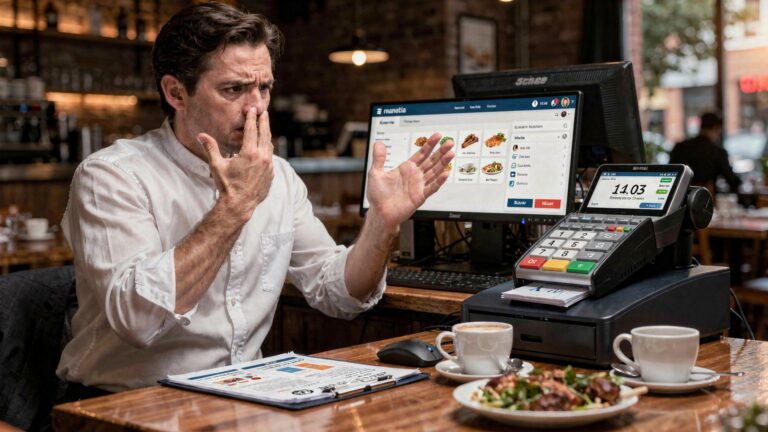
- Real-world example: A restaurant that implemented a new POS system without training experienced significant delays during peak hours as staff members fumbled with unfamiliar features, resulting in frustrated customers and lost sales.
Overlooking Software Customization Options
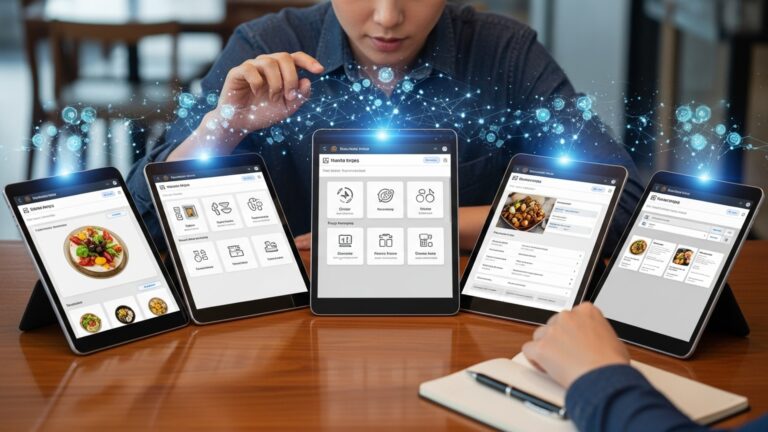
- Restaurant POS software often comes with robust customization features that allow it to adapt to your restaurant’s unique needs. many businesses fail to utilize these options.
- Examples of customization include setting up tailored menu layouts, creating specific discounts. configuring tax settings to comply with local laws.
- Neglecting these features can lead to a generic system setup that slows down operations and confuses employees.
- Comparison: A restaurant that customizes its POS system to match its menu layout will see faster order entry compared to one that leaves it in the default configuration, which may include irrelevant or misplaced items.
Choosing the Wrong POS Hardware for Your Restaurant
- Many restaurants make the mistake of selecting hardware that doesn’t align with their operational needs. For instance, using outdated or incompatible devices can limit the capabilities of Restaurant POS software.
- Key hardware considerations include touchscreen terminals, handheld devices for tableside ordering, receipt printers. kitchen display systems (KDS).
- A mismatch between hardware and software can lead to slow processing speeds, system crashes, or connectivity issues.
- Use case: Fast-casual restaurants often benefit from handheld devices for quick tableside ordering, while high-volume establishments may require a robust KDS to streamline kitchen operations.
Ignoring Security Measures and Regular Updates
- Restaurant POS software handles sensitive data, including customer payment data and employee credentials. Neglecting security protocols can expose your business to cyberattacks and data breaches.
- Common security features include encryption, multi-factor authentication. periodic password changes. Many restaurants overlook these essential practices, leaving their systems vulnerable.
- Also, skipping software updates can lead to performance issues and vulnerabilities, as updates often include bug fixes and security enhancements.
- Example: A chain restaurant that failed to update its POS software faced a cyberattack that compromised customer credit card insights, leading to reputational damage and financial penalties.
Failing to review and Utilize Data Insights
- Restaurant POS software collects valuable data, such as customer preferences, sales trends. employee performance. Many businesses fail to leverage this data to inform decision-making and improve operations.
- For example, the software may provide reports on top-selling items, which can guide menu changes or promotional strategies. Ignoring these insights means missed opportunities to enhance profitability.
- Comparison: A restaurant that uses data analytics from its POS system to identify slow-selling menu items can optimize its offerings, whereas one that disregards these insights may continue to waste resources on unpopular dishes.
- Real-world application: A café analyzed its POS data to discover peak hours and adjusted staff scheduling accordingly, improving efficiency and customer service during busy periods.
Conclusion
Mastering your restaurant’s POS software is more than just avoiding mistakes—it’s about creating a seamless and efficient operation that enhances both customer satisfaction and team productivity. By understanding the pitfalls, such as neglecting staff training or failing to keep your system updated, you can ensure that your investment works for you, not against you. For instance, a restaurateur I recently worked with avoided major downtime by scheduling regular software updates after a previous oversight caused a system crash during peak hours. This highlights how small yet consistent steps can prevent significant disruptions. In today’s fast-evolving dining landscape, where technology trends like contactless payments and AI-powered data insights are reshaping customer expectations, it’s essential to leverage these tools wisely. Dive into the analytics your POS system offers to comprehend diners’ preferences or identify patterns in peak times. Treat your software as a dynamic partner in your business rather than just a tool. Remember, the goal isn’t perfection but progress—taking proactive steps to learn and adapt will always keep you ahead of the curve. So, as you work towards optimizing your POS system, let each challenge be a learning opportunity. Stay curious, stay adaptable. watch your restaurant thrive. For more inspiration on optimization and tech trends, explore the resources below.
More Articles
[How to Train Your Staff on New Restaurant Technology](#) [5 Benefits of POS Data Analytics for Restaurants](#) [The Future of Contactless Payments in Dining](#) [Top Features to Look for in a Restaurant POS System](#) [How to Reduce Downtime in Your Restaurant Operations](#)

FAQs
What happens if I choose the wrong POS software for my restaurant?
Picking the wrong POS system can lead to inefficiencies, wasted time. higher costs. It’s vital to research features that fit your restaurant’s needs.
Why is training staff on the POS system so essential?
Without proper training, staff may struggle to use the system effectively, causing delays and errors during service hours.
Can skipping software updates cause problems?
Yes, ignoring updates can leave your system vulnerable to bugs or security risks and prevent you from accessing new features.
How can overcomplicating the POS setup hurt my restaurant?
A complicated setup can slow down operations and frustrate employees. Keep the system simple and focused on what matters most.
What’s the risk of not backing up POS data regularly?
If data isn’t backed up, you could lose vital data like sales records and customer details in case of system crashes or failures.
Is ignoring customer feedback on the POS system a mistake?
Absolutely. Customers may notice issues with payment or ordering processes that you might overlook. Feedback helps improve the experience.
Are hidden fees in POS systems something to watch for?
Definitely. Some providers have hidden costs for transactions, add-ons, or customer support. Always read the fine print before choosing a system.