How to Choose the 10 Essential Features in a Restaurant POS System
Choosing the right restaurant POS system can feel overwhelming. identifying the essential features is critical to streamlining operations and enhancing customer satisfaction. In today’s fast-paced dining industry, features like mobile ordering, integrated payment processing. real-time inventory tracking are no longer luxuries—they’re necessities. For instance, with contactless payment trends surging and cloud-based systems offering remote access, modern POS solutions enable restaurants to stay competitive and efficient. A robust POS should also support loyalty programs, detailed sales analytics. staff management to optimize both front and back-of-house operations. As restaurants increasingly adopt technology to meet customer expectations, selecting a system with customizable interfaces ensures adaptability to your unique needs. Whether you’re running a bustling fine-dining establishment or a casual café, understanding these essential features of restaurant POS systems can make the difference between smooth service and operational chaos, ultimately driving profitability and customer loyalty.
comprehend the Basics of a Restaurant POS System
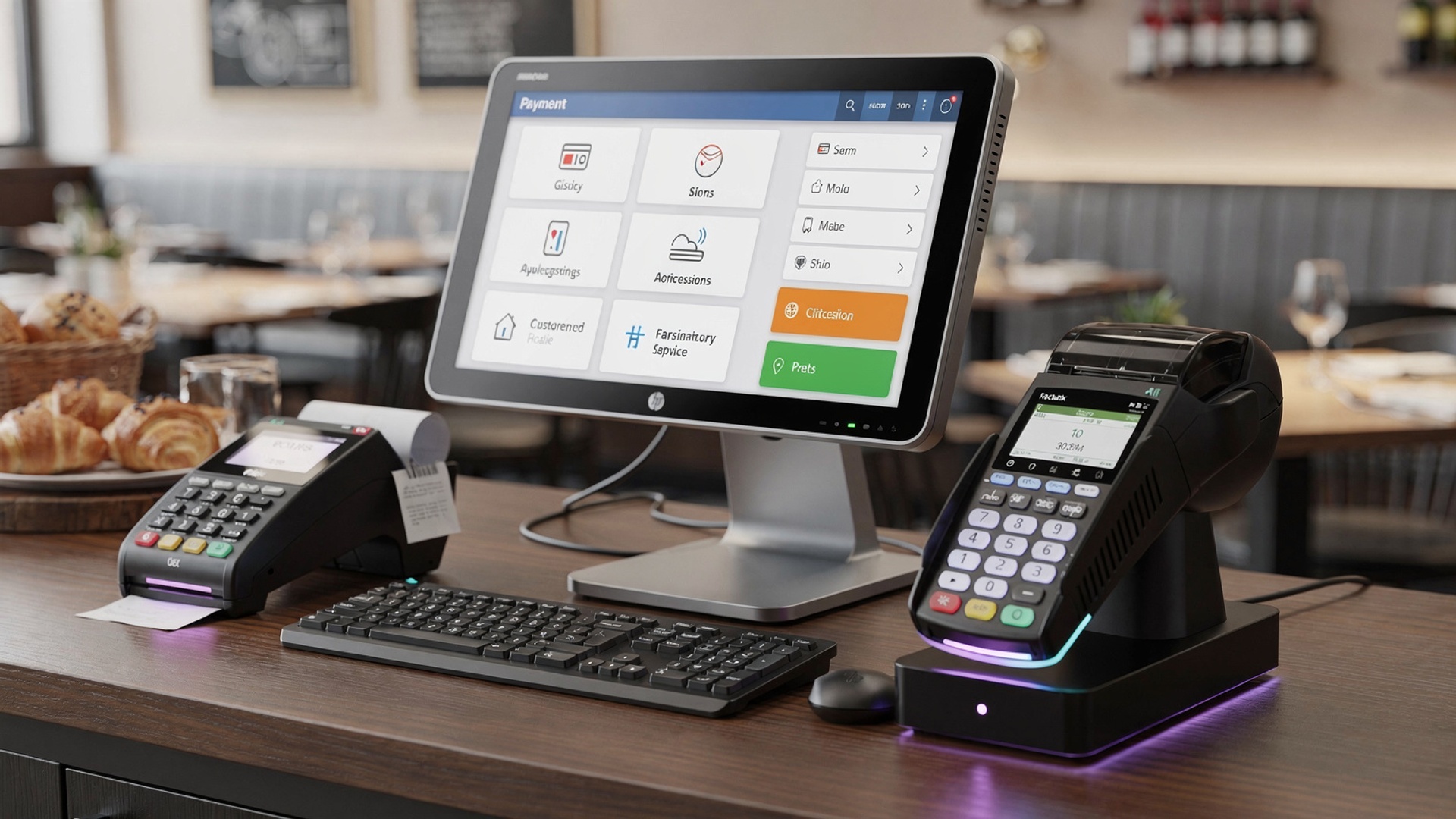
- A restaurant POS (Point of Sale) system is a digital network used for managing transactions, inventory, tables. customer data within a restaurant.
- It combines software and hardware components like touchscreens, card readers, receipt printers. cash drawers, making it a complete solution for efficient restaurant operations.
- Modern restaurant POS systems often integrate with cloud technology, allowing access from multiple devices and locations.
- Understanding the essential features of restaurant POS is critical to ensuring smooth operations while meeting the restaurant’s specific needs.
Feature #1: User-Friendly Interface
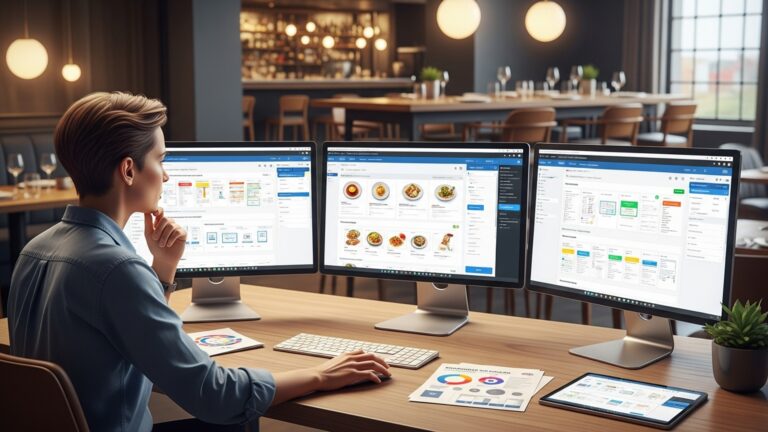
- A restaurant POS system must have an intuitive and easy-to-navigate interface, reducing learning curves for staff.
- Look for systems with customizable menus and shortcuts to improve order processing speed.
- Real-world example: Chains like Subway use simplified POS systems with visual menu layouts to ensure efficient staff training and quick order entry.
Feature #2: Cloud-Based Accessibility
- Cloud-based POS systems allow you to monitor sales, inventory. employee performance from anywhere.
- They ensure data security through automatic backups and encryption protocols.
- Comparison: Traditional POS systems store data locally, which can be lost during hardware failures, whereas cloud-based systems offer safer storage and remote access.
Feature #3: Inventory Management
- Effective inventory tracking helps minimize food waste and ensures menu items are always available.
- Key functionalities include real-time stock updates, automatic alerts for low inventory. detailed inventory reports.
- Example: Fast-paced restaurants like Taco Bell rely on inventory management features to prevent stockouts during peak hours.
Feature #4: Table Management
- A good POS system should support table management, allowing staff to visualize seating arrangements and current table statuses.
- It should include features for reserving tables, splitting bills. tracking orders per table.
- Use case: Fine-dining restaurants often use POS systems to seamlessly coordinate reservations and enhance customer experience.
Feature #5: Payment Processing Options
- Ensure the POS system supports multiple payment methods, such as credit/debit cards, mobile wallets. cash.
- Look for systems with contactless payment capabilities to cater to modern customer preferences.
- Comparison: Older POS systems may lack compatibility with mobile wallets like Apple Pay, making them less adaptable to changing consumer habits.
Feature #6: Integration Capabilities
- The POS system should integrate seamlessly with other software solutions like accounting tools, payroll systems. customer relationship management (CRM) platforms.
- Popular integrations include QuickBooks for accounting and loyalty programs for improving customer retention.
- Example: Starbucks uses integrated loyalty programs in its POS system, enhancing the customer experience while increasing repeat business.
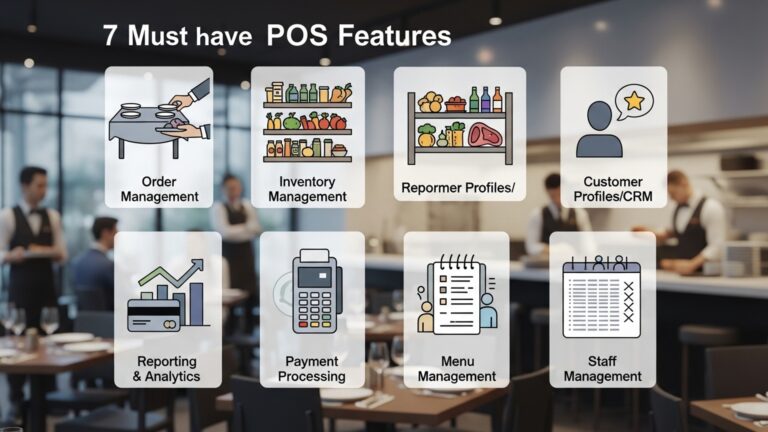
Feature #7: Reporting and Analytics
- Advanced reporting features provide insight into sales trends, employee performance. customer preferences.
- Detailed analytics can help you make data-driven decisions to optimize restaurant operations and profitability.
- Use case: Restaurants like McDonald’s leverage POS analytics to forecast demand, plan promotions. adjust staffing levels.
Feature #8: Mobile POS Capabilities
- Mobile POS systems allow staff to take orders and process payments directly at the table, enhancing customer service.
- These systems are especially beneficial for outdoor dining areas or food trucks.
- Example: Food trucks often use mobile POS systems like Square to manage transactions efficiently in remote locations.
Feature #9: Employee Management
- The POS system should include features for tracking employee hours, managing shifts. monitoring individual performance.
- It should also allow role-based access to ensure sensitive data is accessible only to authorized personnel.
- Comparison: Restaurants using manual schedules face inefficiencies, whereas POS-integrated scheduling automates and streamlines workforce management.
Feature #10: Customer Relationship Management (CRM)
- CRM functionality in a POS system helps you build and maintain a strong relationship with your customers.
- Features include tracking customer order history, implementing loyalty programs. sending personalized promotions.
- Example: Domino’s uses CRM features to offer customized deals based on customers’ past orders, improving retention and satisfaction.
Conclusion
Choosing the right restaurant POS system boils down to understanding your business needs and prioritizing the features that drive efficiency, enhance customer experience. improve profitability. Whether you’re a startup or an established restaurant, consider POS systems that integrate modern tools like payment flexibility, real-time analytics. cloud-based solutions. For instance, if your focus is on streamlining operations, look for systems with kitchen display functionality and inventory tracking, which have emerged as key trends in 2023. These features not only reduce errors but also create a seamless connection between different departments, ensuring smooth workflows. From my experience working with restaurant software, I’ve found that taking the time to demo multiple systems before making a decision can save you from common pitfalls like overspending on unused features. Also, solutions with mobile compatibility and table management features are vital for restaurants adapting to changing customer demands, such as faster service and personalized experiences. Investing in a POS system is a decision that can transform your business when done thoughtfully. By focusing on essential features aligned with your goals, you can simplify daily operations, reduce manual effort. focus more on what truly matters—the satisfaction of your guests. Start today by identifying your restaurant’s unique priorities and explore systems that are built to meet them.
More Articles
5 Common Mistakes to Avoid When Choosing Restaurant POS Software How to Choose the Best Restaurant POS Features for Seamless Operations How to Choose the Best Restaurant POS Features for Your Business 10 Ways Restaurant Software in Chennai Can Transform Your Business 5 Ways Restaurant POS Software Can Improve Customer Experience

FAQs
Why does a restaurant need a POS system?
A POS system helps streamline operations, manage orders, process payments. improve overall efficiency in running a restaurant.
What should I look for in payment processing?
Make sure the POS system accepts multiple payment methods, like credit cards, mobile wallets. gift cards. offers secure transactions.
How essential is inventory management in a POS system?
Very essential! A good POS system should track inventory in real-time, alert you about low stock. help reduce waste.
Do I need a POS that works offline?
Having offline functionality is helpful as it ensures your business can keep running smoothly even if the internet goes down.
What about customer management features?
Look for tools that help you track customer preferences, create loyalty programs. send promotions—it’s great for repeat business.
Can a POS system help with staff management?
Yes, many systems offer features for scheduling, tracking employee hours. monitoring performance, which can save you time.
How easy should the POS system be to use?
Ease of use is crucial. Choose a system with an intuitive interface to reduce training time and avoid errors during busy hours.
Should I consider reporting and analytics features?
Absolutely. Detailed reports and analytics can help you interpret sales trends, track revenue. make informed business decisions.