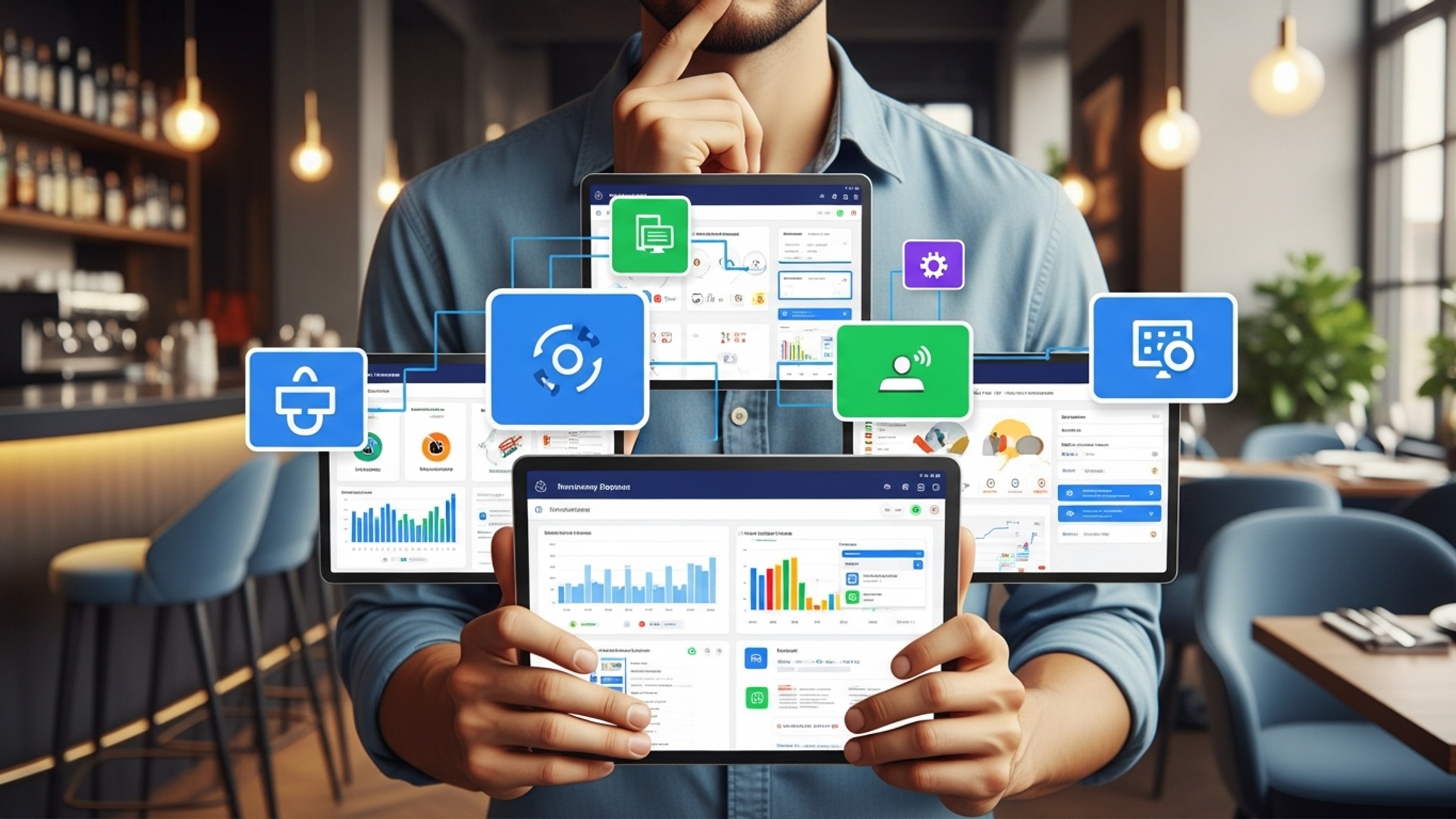
Choosing The Best Restaurant POS System Five Key Factors To Consider
Selecting the right Restaurant POS software is no longer a mere transaction processing decision; it’s a strategic imperative for modern hospitality businesses. Today’s advanced Restaurant POS software transcends basic order taking, acting as the central nervous system for operations, from inventory management and staff scheduling to robust data analytics and integrated online ordering. Recent developments in cloud-based solutions and open APIs emphasize seamless integrations with third-party platforms like delivery services and loyalty programs, transforming how restaurants achieve operational efficiency and enhance the diner experience. Businesses must carefully evaluate systems that offer real-time insights and scale effortlessly, ensuring future-proof functionality in a rapidly evolving market.

Factor 1: Core Functionality and Features
When selecting the best Restaurant POS software, the foundational step is to meticulously evaluate its core functionalities. A robust point-of-sale (POS) system isn’t just a cash register; it’s the central nervous system of your restaurant operation, handling everything from order placement to payment processing. For a restaurant, this means features directly impacting daily service, efficiency. customer satisfaction.
Essential Features to Look For:
- Order Management
- Payment Processing
- Inventory Management
- Reporting and Analytics
- Table Management
This is paramount. Can staff easily take orders, modify them, split checks. send orders to the kitchen or bar instantly? Look for intuitive interfaces, customizable menus. modifiers (e. g. , “no onions,” “extra cheese”). A good system will integrate with a Kitchen Display System (KDS) for seamless communication, reducing errors and ticket times.
Flexibility is key. The system should support various payment methods, including credit/debit cards, mobile payments (Apple Pay, Google Pay), gift cards. even split payments. Ensure it complies with Payment Card Industry Data Security Standard (PCI DSS) for secure transactions.
Tracking ingredients, monitoring stock levels. receiving alerts for low stock can prevent waste and ensure you never run out of popular items. Some advanced systems even integrate with suppliers for automated reordering.
This is where you gain insights into your business. A strong POS will offer detailed reports on sales, popular items, peak hours, staff performance. more. These insights are invaluable for making informed business decisions, optimizing menus. managing labor costs.
For dine-in restaurants, the ability to visually manage tables, track their status (seated, ordered, eating, paid). assign servers is crucial for efficient flow and customer experience.
Consider a real-world scenario: During a busy Friday night, a server needs to quickly add an appetizer, split a check between four diners. apply a loyalty discount. A clunky system can lead to delays, frustration for both staff and customers. ultimately, a negative dining experience. A streamlined Restaurant POS software, But, makes these operations swift and effortless, keeping the dining room running smoothly.
Factor 2: Scalability and Integration Capabilities
Your restaurant business isn’t static; it will evolve. Therefore, the Restaurant POS software you choose must be capable of growing with you. This involves both scalability – the ability to handle increased volume or additional locations – and integration – its capacity to work harmoniously with other essential business tools.
What Does Scalability Mean for a POS System?
- Multi-Location Support
- User Accounts and Permissions
- Feature Upgrades
If you plan to open more branches, can the POS system manage centralized menus, inventory. reporting across all locations? Cloud-based systems are often ideal for this, allowing remote access and management.
As your team grows, you’ll need to add more users with varying levels of access. A scalable system allows for easy addition of new staff and customization of their permissions, ensuring data security and operational control.
Can the system be easily updated with new features or modules as your needs change? For example, adding online ordering, a loyalty program, or a delivery management system should be straightforward, not a complete system overhaul.
The Power of Integration:
A truly effective POS system doesn’t operate in a silo. It should integrate with other critical software solutions to create a unified ecosystem. Key integrations include:
- Online Ordering Platforms
- Accounting Software
- CRM (Customer Relationship Management) Systems
- Third-Party Delivery Services
- Employee Scheduling and Payroll
Seamlessly push online orders directly to your kitchen, streamlining operations and expanding your reach.
Automatically sync sales data with platforms like QuickBooks or Xero, simplifying bookkeeping and reducing manual data entry errors.
Track customer preferences, purchase history. loyalty points to personalize service and drive repeat business.
Manage orders from DoorDash, Uber Eats, Grubhub, etc. , directly through your POS, avoiding the need for multiple tablets.
Integrate sales data with labor management tools to optimize staffing and calculate payroll accurately.
For example, a restaurant manager I know initially bought a basic POS. When they expanded to a second location, their existing system couldn’t handle multi-location inventory or centralized reporting, forcing them into a costly and time-consuming migration to a new platform. Had they considered scalability and integration from the outset, they could have saved significant resources and avoided operational headaches.
Factor 3: Deployment Options and Hardware Compatibility
The physical and technical infrastructure of your POS system is as vital as its software features. You’ll need to decide between different deployment models and ensure compatibility with your chosen hardware.
Deployment Options: Cloud-Based vs. On-Premise
This is a fundamental decision with significant implications for cost, accessibility. maintenance.
| Feature | Cloud-Based (SaaS) POS | On-Premise POS |
|---|---|---|
| Definition | Software hosted on remote servers, accessed via internet browser or app. Data stored in the cloud. | Software installed and run on local servers/computers within your restaurant. Data stored locally. |
| Initial Cost | Lower (monthly/annual subscription fee). No large upfront hardware/software purchase. | Higher (significant upfront cost for software license, servers. installation). |
| Maintenance | Managed by the vendor (updates, security, backups handled remotely). | Managed by the restaurant (requires dedicated IT staff or external support). |
| Accessibility | Accessible from anywhere with an internet connection (mobile devices, remote management). | Primarily accessible on-site; remote access can be complex to set up. |
| Data Security | Vendor responsible for security; often robust data encryption and backup protocols. | Restaurant responsible; security depends on local IT infrastructure and practices. |
| Offline Mode | Many offer an offline mode to continue operations if internet is lost, syncing data once reconnected. | Generally operates fine without internet. external integrations may be affected. |
| Scalability | Highly scalable; easy to add terminals or locations. | Scalability depends on local hardware capacity and licensing. |
Hardware Compatibility:
Once you’ve chosen your deployment model, consider the hardware. Some POS systems are proprietary, meaning they only work with specific hardware from the vendor. Others are hardware-agnostic, allowing you to use off-the-shelf tablets, printers. card readers.
- Proprietary Systems
- Hardware-Agnostic Systems
Often offer a seamless, integrated experience. can be more expensive and limit your choice. Example: a vendor might provide custom terminals that perfectly fit their software.
Provide flexibility and can be more cost-effective as you can leverage existing hardware or shop for the best deals. Tablets (iPads, Android tablets) are popular choices due to their affordability and portability.
When considering hardware, think about durability (restaurants are tough environments), ease of use for staff. the cost of replacement or repair. Ensure your chosen hardware (terminals, receipt printers, kitchen printers, cash drawers, barcode scanners) is fully compatible with your Restaurant POS software.
Factor 4: User Experience and Staff Training
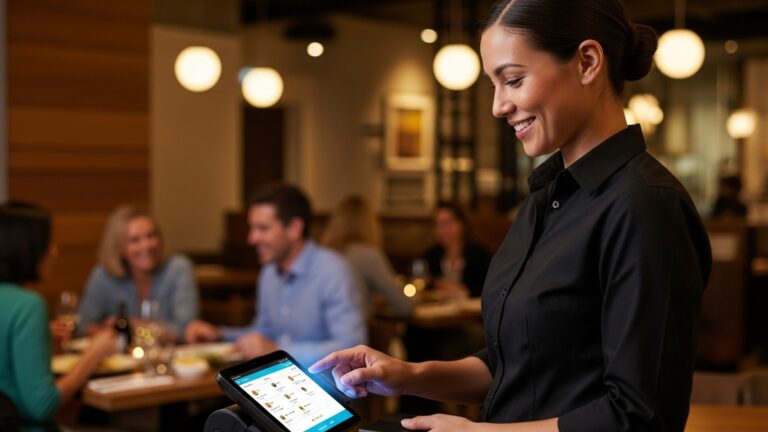
A POS system, no matter how feature-rich, is only as good as its usability. An intuitive user interface (UI) and a smooth user experience (UX) are critical for staff efficiency, reducing errors. minimizing training time. This is especially essential in the fast-paced restaurant environment where quick, accurate order entry is paramount.
Key Aspects of User Experience:
- Intuitive Interface
- Customization
- Speed and Responsiveness
- Error Prevention
The layout should be logical, with clearly labeled buttons and an easy-to-navigate menu. Staff should be able to quickly find items, apply modifiers. process payments without extensive searching or complex steps. Think about the “tap-tap-go” philosophy.
Can you customize the interface to match your menu, frequently used items. specific workflows? For instance, placing popular dishes on the main screen can significantly speed up order taking.
Lagging software during peak hours can bring operations to a halt. The system must be fast and responsive, allowing staff to move through transactions without delay.
Features like visual confirmations for orders, clear prompts for required modifiers, or warnings for potential mistakes can greatly reduce errors and wasted food.
Streamlining Staff Training:
The easier a system is to learn, the less time and money you’ll spend on training new hires. This impacts your bottom line directly.
- Short Learning Curve
- Training Resources
- Practice Mode/Sandbox
A well-designed POS system should be understandable even for new employees with minimal prior experience.
Does the vendor offer comprehensive training materials, video tutorials, or dedicated support for onboarding?
Some systems offer a “training mode” where staff can practice taking orders and processing payments without affecting live sales data. This is invaluable for hands-on learning.
An anecdote from a café owner highlights this: they switched to a new POS system that, while powerful, had a complex, unintuitive interface. Training new baristas became a nightmare, taking twice as long as before and leading to frequent errors during busy periods. This directly impacted customer wait times and staff morale. Choosing a system with a simple, clean design and excellent training support can make all the difference in operational efficiency and staff retention.
// Example of a simplified order entry flow in a well-designed POS system
// This isn't actual code. illustrates the conceptual steps
FUNCTION ProcessOrder() { DISPLAY_MENU_CATEGORIES(); // Shows "Appetizers", "Entrees", "Drinks" SELECT_ITEM("Burger"); // User taps "Burger" PROMPT_MODIFIERS(); // System asks "How would you like it cooked?" SELECT_MODIFIER("Medium"); // User taps "Medium" ADD_TO_CART("Burger - Medium"); ADD_QUANTITY(2); // User changes quantity to 2 DISPLAY_ORDER_SUMMARY(); // Shows 2x Burger - Medium SEND_TO_KITCHEN(); // Order sent to KDS PROCESS_PAYMENT_SCREEN(); // Ready for payment
}
This simplified flow shows how clear, sequential steps contribute to a positive user experience, reducing cognitive load on staff.
Factor 5: Customer Support and Pricing Structure
Beyond the features and technology, the human element of customer support and the transparency of pricing are crucial considerations. A POS system is a long-term investment. you’ll need reliable assistance and a clear understanding of all costs involved.
Customer Support: Your Lifeline
Even the most robust system can encounter issues. When a printer jams, a payment fails, or you have a critical question during a busy shift, timely and effective support is invaluable.
- Availability
- Support Channels
- Response Time
- Quality of Support
- On-Site vs. Remote
Is support available 24/7, or only during business hours? For restaurants, evening and weekend support is often essential.
Do they offer phone, email, live chat, or an online knowledge base? Multiple options provide flexibility.
What are the guaranteed response times for critical issues? Look for vendors with a strong track record of quick resolution.
Are support staff knowledgeable and able to resolve issues efficiently, or do they simply read from a script? Read reviews or ask for references to gauge this.
grasp if critical issues can be resolved remotely or if on-site visits are possible (and at what cost).
A restaurant owner once shared how their system crashed moments before the dinner rush. Their POS provider offered 24/7 phone support, guiding them through a quick fix over the phone, saving their service. Without that immediate help, they would have faced significant financial loss and customer dissatisfaction.
Transparent Pricing Structure:
POS pricing can be complex, often involving various fees beyond the basic software subscription. It’s critical to interpret the total cost of ownership.
- Subscription Fees
- Hardware Costs
- Payment Processing Fees
- Installation and Setup Fees
- Training Fees
- Add-on Modules
Most modern, cloud-based Restaurant POS software operates on a monthly or annual subscription model. interpret what’s included (number of terminals, features, support tiers).
As discussed in Factor 3, account for the cost of terminals, printers, cash drawers, card readers. any network equipment.
These are often separate and can vary significantly. interpret the rates (percentage per transaction, flat fee per transaction, monthly minimums) and if you’re tied to the POS vendor’s processor or can choose your own.
Some vendors charge for initial setup, data migration, or on-site installation.
While some basic training may be included, extensive or on-site training might incur additional costs.
Features like advanced inventory, loyalty programs, or online ordering might be separate paid modules.
Always request a detailed quote that breaks down all potential costs. Be wary of hidden fees or vague pricing models. A reputable vendor will be transparent about their pricing structure and willing to discuss all aspects of the investment.
Conclusion
Choosing the ideal restaurant POS isn’t merely selecting software; it’s investing in your operation’s future. After considering crucial factors like seamless integration with your online ordering platforms and robust reporting for data-driven decisions, remember that the true measure of a system lies in its daily utility. A trend I’ve observed is the increasing demand for AI-driven inventory management within POS systems, helping reduce waste significantly – something many overlooked just a few years ago. My personal tip? Always schedule a live demo with your core staff. Seeing how a system like Restaurant POS Software improves staff and customer experience firsthand, or testing its intuitive table management, will reveal more than any feature list. Don’t settle for “good enough”; seek a partner that understands your unique challenges, offering scalable solutions and responsive support. Embrace this decision as an opportunity to truly elevate your restaurant, streamline operations. enhance every customer interaction. Your diligence now will pave the way for sustained success and efficiency.
More Articles
Streamline Operations 6 Key Benefits of Restaurant POS Software for Owners
7 Essential Features Your Restaurant POS Software Must Have for Success
How to Optimize Restaurant Table Management with a Modern POS System
Discover Seven Ways Restaurant POS Software Boosts Your Business Profits
Optimize Your Operations Five Essential Tips for Using Restaurant POS Software Effectively

FAQs
Why is it so vital for a POS system to be easy for my staff to use?
A user-friendly POS means less training time and fewer errors, especially during busy shifts. If your staff can quickly take orders and process payments without struggling, operations run smoother. customers get better service. It really boils down to efficiency and reducing stress for everyone.
What are some must-have features I should look for in a restaurant POS?
Beyond basic order taking and payment processing, definitely consider features like inventory management to track ingredients, table management for efficient seating, robust reporting for sales insights. potentially online ordering or loyalty programs if those are crucial for your business model. The best system will align with your specific operational needs.
How do I figure out the real cost of a new POS system? It seems like there are so many hidden fees!
You’re right, it’s not just the sticker price! Think about the total cost of ownership. This includes hardware (terminals, printers, card readers), software subscription fees (monthly or annually), payment processing rates, installation costs. ongoing support fees. Make sure to get a clear breakdown of all potential expenses to avoid surprises later on.
My restaurant might expand in the future. Can a POS system really grow with me?
Absolutely! Scalability is a huge factor. You want a system that can easily add more terminals, integrate new locations, or handle increased transaction volumes as your business grows. Look for cloud-based systems with flexible plans that allow you to upgrade features or capacity without needing to completely overhaul your setup.
What kind of customer support should I expect from a POS provider? What if something breaks during a dinner rush?
Excellent support is non-negotiable for a restaurant POS. Look for providers offering 24/7 support, ideally with multiple contact options like phone, chat, or email. Fast response times are crucial, especially during peak hours, because downtime directly impacts your sales and customer experience. Check their reputation for reliability and rapid problem-solving.
Can a POS system connect with other tools I already use, like accounting software or delivery apps?
Yes, integration capabilities are increasingly essential. A good POS system should be able to seamlessly connect with third-party tools such as accounting software (e. g. , QuickBooks), online reservation platforms, delivery services (DoorDash, Uber Eats). even employee scheduling apps. This streamlines your operations and prevents manual data entry errors across different systems.
Why are reporting and analytics so vital for a restaurant POS?
Robust reporting features provide invaluable insights into your business performance. You can track sales trends, identify your most popular menu items, monitor labor costs, comprehend peak hours. even manage inventory more effectively. This data helps you make smarter decisions about staffing, menu adjustments. marketing strategies to boost profitability.