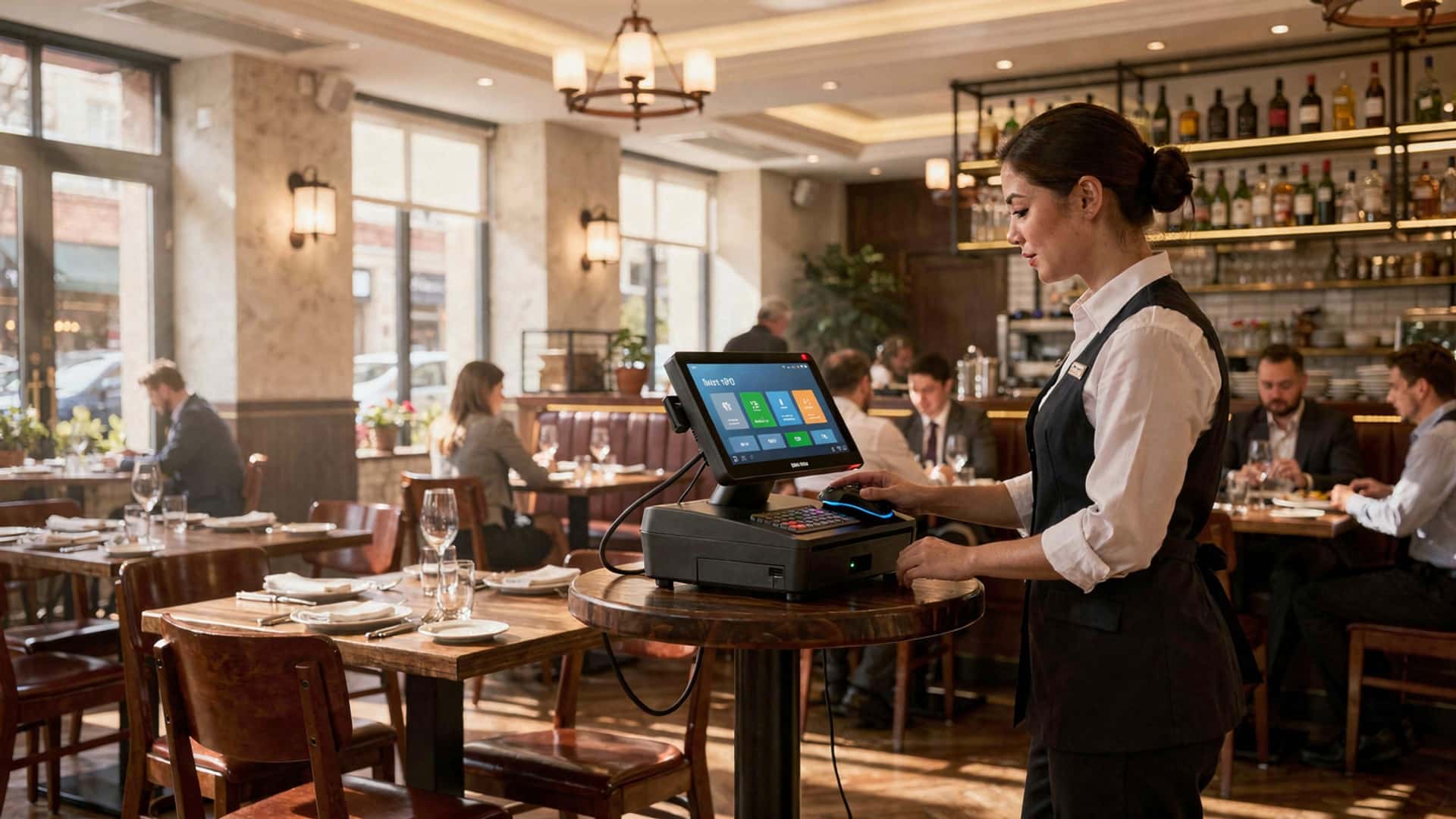
How to Master Restaurant POS with Table Management for Smoother Operations
In the fast-paced world of modern dining, mastering a restaurant POS with table management has become a game-changer for enhancing operational efficiency and customer satisfaction. Today’s advanced systems go beyond just processing orders; they streamline table assignments, reduce wait times. optimize staff coordination, allowing restaurants to handle peak hours seamlessly. For instance, integrating POS technology with real-time table tracking and reservation systems empowers managers to make data-driven decisions, improving turnover rates and boosting revenue. As consumer preferences evolve, diners now expect faster service and personalized experiences, making the right POS system with robust table management features essential for staying competitive. With innovations like mobile ordering integration and AI-powered analytics gaining traction, restaurants equipped with these tools can anticipate customer needs and elevate the dining experience. Mastering these systems isn’t just about technology—it’s about transforming your operations to meet the demands of a dynamic industry and delivering impeccable service every time.

Understanding Restaurant POS with Table Management
- Point of Sale (POS) System
- Table Management
- Integration of POS with Table Management
A POS system is the software and hardware combination that allows restaurants to manage sales transactions, track inventory. monitor business performance.
This refers to the functionality within a POS system that helps restaurant staff organize seating arrangements, track table statuses. optimize guest flow.
Combining POS and table management creates a unified system that streamlines order taking, payment processing. table allocation.
Features of Restaurant POS with Table Management
- Real-Time Table Status Updates
- Guest Reservations and Waitlists
- Split Billing and Payment Processing
- Order Routing
- Analytics and Reporting
Allows staff to view which tables are occupied, available, or in need of cleaning, in real time.
Facilitates reservation management and waitlist tracking directly within the system.
Enables customers to split bills by item or seat, while integrating multiple payment methods seamlessly.
Sends orders directly to the kitchen or bar, avoiding manual errors and ensuring faster service.
Provides insights into table turnover rates, peak hours. customer preferences to optimize operations.
The Advantages of Using Restaurant POS with Table Management
- Enhanced Operational Efficiency
- Improved Customer Experience
- Data-Driven Decisions
- Error Reduction
- Cost Savings
Staff can streamline table assignments and reservations, reducing wait times and improving customer flow.
Ensures guests are seated quickly, served promptly. offered flexible payment options.
Provides actionable insights for inventory planning, staff scheduling. menu optimization.
Minimizes mistakes related to order taking and billing using automated processes.
By eliminating manual processes, businesses can save on labor costs and avoid unnecessary expenses.
Key Components to Look for in Restaurant POS with Table Management Systems
| Component | Description |
|---|---|
| User-Friendly Interface | A simple, intuitive design that’s easy for staff to navigate during busy shifts. |
| Mobile Compatibility | Support for tablets and smartphones to allow staff to manage tables and orders on the go. |
| Cloud-Based Functionality | Provides remote access to table management and POS features, along with automatic updates. |
| Integration Options | Works seamlessly with payment gateways, inventory tools. third-party apps. |
| Customer Management Tools | Maintains guest profiles for personalized service and loyalty programs. |
Real-World Applications of Restaurant POS with Table Management
- High-Traffic Restaurants
- Fine Dining Experiences
- Casual Dining and Cafés
- Event-Based Restaurants
In busy establishments, table management systems ensure smooth transitions between seatings and minimize customer wait times.
Provides detailed insights into customer preferences, enabling personalized service and enhancing overall satisfaction.
Allows staff to quickly update table statuses and streamline orders in fast-paced settings.
Helps manage large group reservations and complex seating arrangements during events or peak times.
Steps to Master Restaurant POS with Table Management
- Choose the Right POS System
- Train Your Staff
- Customize Table Layouts
- Leverage Analytics
- Integrate Reservation Platforms
Evaluate features, scalability. pricing to find the best fit for your business.
Provide comprehensive training on system usage, shortcuts. troubleshooting to ensure seamless implementation.
Use the POS system’s layout tools to match your restaurant’s floor plan for easier navigation.
Regularly review reports to identify bottlenecks, optimize table turnover. improve service strategies.
Sync table management with online reservation tools to keep bookings updated and reduce manual errors.
Comparing Traditional Systems vs. POS with Table Management
| Aspect | Traditional Systems | POS with Table Management |
|---|---|---|
| Table Status Tracking | Manual tracking using spreadsheets or paper logs. | Automated real-time updates accessible to staff. |
| Order Management | Orders are manually taken and passed to the kitchen. | Orders sent directly to kitchen/bar through the system. |
| Analytics and Reporting | Limited or no data insights. | Detailed reports on turnover rates, peak times. sales performance. |
| Customer Experience | Longer wait times and inconsistent service. | Optimized seating and faster order processing. |
Best Practices for Using Restaurant POS with Table Management
- Regular System Updates
- Adopt Mobile Solutions
- Monitor Peak Times
- Encourage Customer Feedback
- Test System Performance
Keep your software updated to access new features and security improvements.
Equip staff with mobile devices to manage tables and orders without being tied to a fixed terminal.
Use analytics to identify busy hours and allocate staff accordingly.
Use the system to collect reviews and insights to improve your operations.
Regularly test the POS and table management tools during off-peak hours to ensure smooth functioning.
Conclusion
Mastering restaurant POS with table management is no longer just a convenience but a necessity for ensuring smoother operations in today’s tech-savvy dining landscape. By integrating a POS system tailored to your restaurant’s needs, you can streamline table organization, enhance staff efficiency. improve customer satisfaction. For instance, leveraging real-time table updates and mobile POS devices can significantly reduce wait times and minimize communication gaps between the kitchen and front-of-house staff. Incorporating analytics and automation into your daily workflow isn’t just about staying current with industry trends—it’s about using data to make better decisions, such as optimizing table turnover rates during peak hours. A restaurant manager I recently spoke with shared how upgrading to a cloud-based POS system not only simplified their table reservations but also helped them track popular menu items, ultimately boosting sales by 15%. This demonstrates the potential of using technology to stay ahead in a competitive market. As you move forward, always remember that the most effective POS systems grow with your business. Regularly evaluate your software’s performance, stay updated on emerging trends. listen to feedback from both your team and customers. Embrace these tools not just as operational aids but as transformative assets that can elevate your business to new heights. The journey to mastering your POS system may require effort. the rewards in efficiency, customer loyalty. profitability are well worth it.
More Articles
How to Choose the Best Restaurant POS Features for Your Business
5 Common Problems Solved by Modern Restaurant POS Systems
5 Ways Restaurant POS Software Can Boost Customer Satisfaction
5 Common Challenges Solved by Modern Restaurant POS Software
5 Common Mistakes to Avoid When Choosing a Restaurant POS System

FAQs
What’s the first step to mastering a restaurant POS system?
Start by understanding its basic features. Get familiar with order taking, payment processing. menu setup before diving into advanced options.
How can table management improve restaurant operations?
Table management helps you track available tables, manage reservations. optimize seating arrangements, leading to smoother service and reduced wait times.
Is it hard to integrate table management into a POS system?
No, most modern POS systems come with built-in table management tools. It’s usually a matter of customizing the layout of your dining area and setting preferences.
What’s the benefit of linking orders to specific tables?
Linking orders to tables reduces confusion, ensures accurate billing. speeds up service since staff know exactly where food needs to go.
Can a POS system help with reservation tracking?
Absolutely! Many POS systems allow you to manage reservations directly, so you can plan seating and avoid overbooking during busy periods.
How do POS systems handle split bills at tables?
Most systems offer a simple split-bill feature, letting servers divide checks by items or amounts based on customer requests.
Do staff need training to use a POS with table management?
Yes, proper training is essential. It ensures everyone knows how to use features like table assignments, order tracking. payment processing efficiently.
Can POS table management help reduce mistakes?
Definitely! By assigning orders to specific tables and automating processes, it minimizes human errors and ensures smoother operations overall.