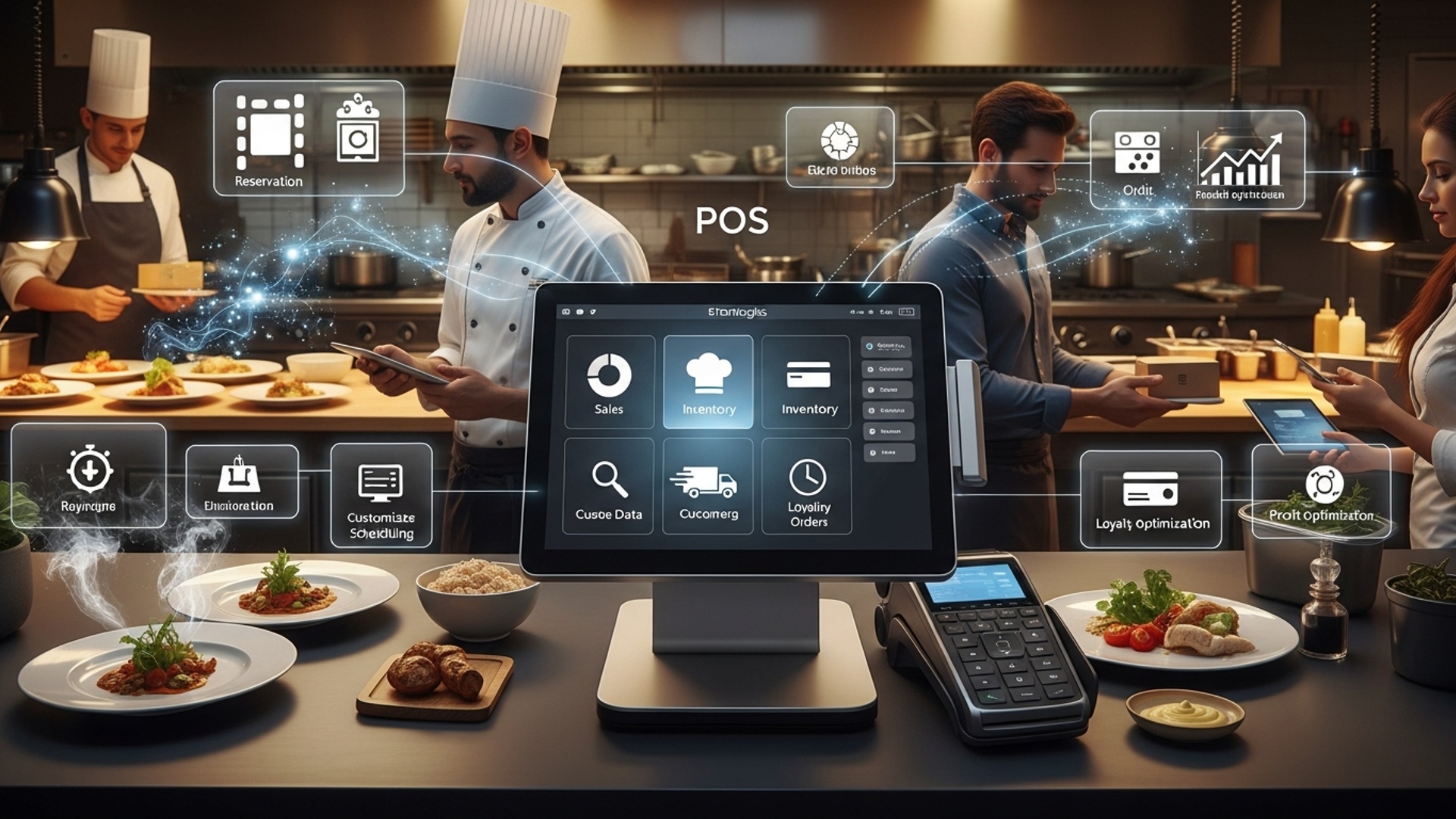
Master 10 Powerful Strategies to Maximize Restaurant POS Software Benefits
Modern Restaurant POS software transcends basic transaction processing, evolving into a sophisticated operational hub, yet many establishments only tap a fraction of its transformative power. Amidst rising operational costs and the demand for seamless digital experiences, leveraging every facet of your system becomes critical for sustained growth. Recent advancements, including AI-driven predictive analytics for inventory management and deep integrations with delivery platforms and loyalty programs, empower businesses to move beyond simple order entry. Imagine optimizing labor schedules based on real-time sales trends or personalizing customer engagement through integrated CRM, converting raw operational data into tangible profitability improvements. Mastering these advanced functionalities shifts the POS from a utility to a strategic differentiator, essential for thriving in the dynamic culinary industry.

1. Understanding Your Restaurant POS Software’s Core Capabilities
At its heart, a modern Restaurant POS (Point of Sale) software is far more than just a cash register. It’s the central nervous system of your entire restaurant operation, handling everything from order placement and payment processing to inventory tracking and customer management. To truly maximize its benefits, the first step is to thoroughly grasp every feature your specific Restaurant POS software offers, not just the ones you use daily.
- Front-of-House (FOH) Interface
- Back-of-House (BOH) Management
- Hardware Integration
This is what your servers and cashiers interact with – intuitive menus for taking orders, splitting checks, applying discounts. processing payments.
This often includes tools for inventory, employee scheduling, reporting. menu updates.
Your POS software connects to various hardware, such as touchscreens, receipt printers, cash drawers, kitchen display systems (KDS). credit card readers.
Many restaurant owners only scratch the surface of their Restaurant POS software’s potential. For instance, a recent study by Toast (a leading POS provider) highlighted that restaurants leveraging advanced POS features like online ordering and loyalty programs saw significantly higher revenue growth. Don’t assume you know it all; dedicate time to exploring every module and setting.
Schedule a dedicated session with your team to review all features of your Restaurant POS software. If possible, arrange a refresher training with your POS provider or consult their online knowledge base to uncover underutilized functionalities.
2. Optimizing Menu Management for Efficiency
Your menu is the core of your business. your Restaurant POS software should make managing it seamless and strategic. Effective menu management within your POS system goes beyond simply listing items; it involves strategic pricing, modifier management. dynamic updates that can significantly impact both customer satisfaction and your bottom line.
- Dynamic Pricing
- Modifier Groups
- Item Availability
- Photos and Descriptions
Use your Restaurant POS software to easily adjust prices for specials, happy hour, or even for different service times (e. g. , lunch vs. dinner).
Set up clear and intuitive modifier options (e. g. , “how would you like your steak cooked?” , “add extra cheese”) to reduce order errors and speed up service. Grouping modifiers properly ensures servers don’t miss steps.
Mark items as “86’d” (unavailable) instantly across all terminals and online ordering platforms when you run out, preventing customer disappointment.
If your Restaurant POS software supports it, adding appealing photos and detailed descriptions can enhance online menus and server knowledge.
Consider a scenario: a busy Friday night. you run out of your popular salmon dish. Without an optimized POS, servers might continue taking orders, leading to frustrated customers and wasted kitchen time. With an integrated Restaurant POS software, a quick update by a manager immediately removes the item from all ordering screens, both in-house and online.
Regularly audit your menu within the Restaurant POS software. Ensure all items, prices, modifiers. categories are accurate and logically organized. Train staff on how to quickly update item availability.
3. Streamlining Order Taking and Kitchen Communication
Efficient order taking and crystal-clear communication between the front-of-house and kitchen are paramount to a smooth restaurant operation. Your Restaurant POS software is designed to be the bridge, minimizing errors and speeding up service.
- Mobile POS Devices
- Kitchen Display Systems (KDS)
- Customizable Routing
Equip your servers with handheld tablets or mobile POS devices. This allows them to take orders tableside, send them directly to the kitchen. even process payments on the spot, significantly reducing walking time and increasing table turnover.
Integrate a KDS with your Restaurant POS software. Instead of paper tickets, orders appear digitally on screens in the kitchen, organized by course, prep station, or time. This improves legibility, allows for real-time order tracking. helps kitchen staff prioritize tasks.
Configure your POS to automatically route specific items to the correct kitchen station (e. g. , drinks to the bar, appetizers to the cold line, entrees to the grill).
A personal anecdote: A restaurant owner I consulted with struggled with long wait times and frequent order mistakes. They were still using handwritten tickets. By implementing a mobile POS system integrated with a KDS, they saw a 20% reduction in order errors and shaved an average of 5 minutes off their table turnover time during peak hours. The clarity provided by the KDS meant fewer questions from the kitchen and faster prep.
Invest in mobile POS devices and a KDS if your Restaurant POS software supports them. Conduct thorough training to ensure all staff grasp the new workflow, emphasizing the benefits of efficiency and accuracy.
4. Leveraging Inventory Management for Cost Control
Food costs are one of the most significant expenses for any restaurant. Your Restaurant POS software’s inventory management module is a powerful tool to keep these costs in check, reduce waste. ensure you never run out of critical ingredients.
- Ingredient Tracking
- Supplier Management
- Waste Management
- Recipe Management
- Reporting & Forecasting
Link menu items to their raw ingredients. Every time an item is sold through your Restaurant POS software, the corresponding ingredients are automatically deducted from your inventory.
Store supplier insights, order histories. pricing directly in the system. This simplifies reordering and helps you compare costs.
Track spoilage, spills. returns. Understanding where waste occurs is the first step to reducing it.
Define precise recipes with ingredient quantities. This ensures consistency and accurate ingredient deduction.
Generate reports on ingredient usage, cost of goods sold (COGS). identify popular items to forecast future needs more accurately.
Imagine a scenario where your prime rib is a top seller. Without proper inventory tracking via your Restaurant POS software, you might frequently run out, losing sales, or over-order, leading to spoilage. By tracking usage patterns, your POS can alert you when stock is low and even suggest reorder quantities based on sales trends and lead times.
Fully integrate your recipes and suppliers into your Restaurant POS software’s inventory module. Conduct weekly physical inventory counts to reconcile with your POS data and identify discrepancies, then adjust your ordering strategies accordingly.
5. Mastering Employee Management and Scheduling
Your team is your greatest asset. managing them effectively is crucial for smooth operations. Many Restaurant POS software systems come equipped with robust employee management features that can streamline scheduling, track performance. simplify payroll preparation.
- Time Clock Functionality
- Shift Management
- Performance Tracking
- Role-Based Permissions
Employees clock in and out directly through the Restaurant POS software, providing accurate timekeeping data, which is essential for payroll and compliance.
Create and publish schedules, manage shift swaps. track employee availability. Some advanced systems even allow employees to access their schedules and request changes via a mobile app.
Monitor sales per server, average check size. tip reporting. This data can be invaluable for identifying top performers, providing targeted training. fostering friendly competition.
Assign different access levels within the Restaurant POS software based on employee roles (e. g. , servers can’t access financial reports, managers can). This enhances security and control.
One restaurant chain, “Flavor Fusion,” used their Restaurant POS software’s performance tracking to identify that servers who consistently up-sold appetizers had higher average check sizes. They then used this insight to develop a targeted training program for all staff, leading to a 15% increase in appetizer sales across the board. This is a clear example of how data from your Restaurant POS software can drive operational improvements.
Utilize your Restaurant POS software for all employee timekeeping and scheduling. Review performance reports regularly to identify areas for staff training and recognize high-achievers. Ensure all staff interpret and use the time clock feature correctly.
6. Harnessing Data Analytics for Informed Decision-Making
One of the most powerful benefits of modern Restaurant POS software is its ability to collect and assess vast amounts of operational data. This data, when properly interpreted, can provide invaluable insights that drive strategic business decisions, optimize operations. boost profitability.
- Sales Reports
- Product Mix (PMIX) Reports
- Void and Discount Reports
- Labor Cost Reports
- Customer Reports
examine sales by hour, day, week, month, or even specific events. Identify peak hours, slow periods. overall revenue trends.
interpret which menu items are selling best, which are lagging. their associated profitability. This helps in menu engineering – optimizing your menu for maximum profit.
Track all voids and discounts. High numbers here can indicate training issues, potential theft, or pricing problems.
Compare labor costs against sales to ensure optimal staffing levels and prevent overspending.
If your Restaurant POS software has CRM features, track customer spending habits, favorite items. visit frequency.
Consider a fine-dining establishment that noticed a dip in weekday lunch sales. By analyzing their Restaurant POS software data, they discovered that while overall lunch sales were down, their “grab-and-go” sandwich sales were actually increasing. This insight led them to launch a dedicated express lunch menu targeting office workers, which revitalized their weekday lunch revenue.
Dedicate time weekly to review the analytical reports generated by your Restaurant POS software. Look for patterns, anomalies. opportunities. Use these insights to make data-driven decisions about staffing, menu adjustments. marketing promotions.
7. Implementing Customer Relationship Management (CRM) Features
Building strong relationships with your customers is key to repeat business and long-term success. Many advanced Restaurant POS software systems now include integrated CRM functionalities that allow you to comprehend, engage. reward your most loyal patrons.
- Customer Profiles
- Loyalty Programs
- Personalized Marketing
- Feedback Collection
Create detailed profiles for returning customers, including their contact insights, order history, dietary preferences. special occasions (birthdays, anniversaries).
Implement points-based systems, tiered rewards, or punch cards directly through your Restaurant POS software. This encourages repeat visits and provides incentives.
Use customer data to send targeted promotions, birthday discounts, or exclusive offers via email or SMS. For example, if a customer frequently orders vegetarian dishes, you can send them data about a new plant-based menu item.
Some POS systems allow for integrated feedback collection at the point of sale or via email after a visit, helping you continuously improve the customer experience.
“The Daily Grind” coffee shop uses its Restaurant POS software’s loyalty program to great effect. Customers earn points for every purchase, which they can redeem for free drinks or pastries. They also collect birthday details. Each month, their POS automatically sends out a personalized email with a free birthday drink coupon. This simple strategy fostered a strong sense of community and loyalty, leading to a 25% increase in repeat customer visits within six months of implementation.
Configure and actively promote your Restaurant POS software’s CRM and loyalty program features. Train staff to encourage sign-ups and explain the benefits. Use the collected data to personalize customer interactions and marketing efforts.
8. Integrating Online Ordering and Delivery Platforms
In today’s digital age, online ordering and third-party delivery services are no longer optional – they are essential. Seamless integration between these platforms and your Restaurant POS software is critical for efficiency, accuracy. expanding your reach.
- Unified Order Stream
- Real-time Menu Sync
- Streamlined Kitchen Workflow
- Centralized Reporting
Instead of managing multiple tablets for different delivery services, orders from your website, app. third-party platforms (like DoorDash, Uber Eats) flow directly into your Restaurant POS software. This simplifies order management and reduces errors.
Any menu updates, price changes, or item availability changes made in your POS are automatically reflected across all integrated online channels, ensuring consistency.
Online orders appear on your KDS alongside in-house orders, allowing kitchen staff to manage all orders from a single interface.
All sales data, regardless of its origin (in-house, online, delivery), is consolidated in your Restaurant POS software for comprehensive reporting and analysis.
Without integration, restaurants often face challenges such as manual re-entry of orders (prone to errors), difficulty tracking inventory. inconsistent menu pricing across platforms. A well-integrated Restaurant POS software eliminates these headaches, allowing staff to focus on food preparation and service, not data entry.
Explore your Restaurant POS software’s integration capabilities for online ordering and popular delivery platforms. Prioritize solutions that offer direct, two-way synchronization to minimize manual effort and ensure data consistency. If your POS doesn’t offer direct integration, look for middleware solutions that can bridge the gap.
9. Enhancing Payment Processing and Security
Payment processing is a critical touchpoint in the customer experience. ensuring it’s fast, secure. flexible is vital. Modern Restaurant POS software plays a central role in offering diverse payment options while protecting sensitive data.
- Diverse Payment Options
- PCI Compliance
- Data Encryption & Tokenization
- Tip Management
Your Restaurant POS software should support various payment methods, including EMV chip cards, contactless payments (NFC like Apple Pay, Google Pay), mobile wallets. gift cards. This caters to customer preferences and speeds up transactions.
Ensure your Restaurant POS software and payment processing adhere to Payment Card Industry Data Security Standard (PCI DSS) requirements. This protects cardholder data and reduces your liability.
These security measures scramble sensitive payment data, making it unreadable to unauthorized parties and replacing it with non-sensitive tokens. This is crucial for protecting your customers and your business.
Integrate tip tracking directly into the POS for easy distribution and accurate reporting for payroll and tax purposes.
A small bistro recently upgraded their Restaurant POS software to include integrated EMV and contactless payment readers. They immediately noticed an improvement in customer satisfaction due to faster checkout times and the convenience of tapping their phones or cards. Moreover, their liability for fraudulent chargebacks significantly decreased thanks to the EMV chip technology.
Regularly review your payment processing setup within your Restaurant POS software. Ensure you are using up-to-date, secure hardware (EMV/NFC readers) and that your system is PCI compliant. Educate staff on proper payment handling procedures and the benefits of diverse payment options.
10. Regular Training and System Updates
The best Restaurant POS software is only as effective as the people using it. Ongoing training and staying current with system updates are crucial for maximizing your investment and ensuring your team fully leverages all available features.
- Initial and Refresher Training
- Utilizing New Features
- Troubleshooting Skills
- Feedback Loop
While initial training is standard, ongoing refresher courses, especially for new features or seasonal staff, are invaluable. Poorly trained staff lead to errors, slower service. customer frustration.
POS providers frequently release updates with new functionalities, security enhancements. performance improvements. Many restaurants miss out on these benefits by not staying current.
Empowering staff with basic troubleshooting knowledge can resolve minor issues quickly without requiring managerial intervention, maintaining service flow.
Encourage staff to provide feedback on the Restaurant POS software’s usability and suggest improvements. They are on the front lines and often have valuable insights.
A notable case study involves “The Global Spoon,” a multi-cuisine restaurant. They implemented a policy of quarterly “POS Power-User” training sessions where staff could learn advanced features and share best practices. This led to a significant increase in the adoption of their loyalty program and more efficient table management, directly contributing to higher customer retention and faster service. Their Restaurant POS software was working smarter, not just harder.
Establish a regular schedule for Restaurant POS software training for all staff, new and old. Subscribe to your POS provider’s newsletters and update notifications. Create an internal knowledge base or cheat sheet for common tasks and troubleshooting tips. Encourage and act on staff feedback regarding the system.
Conclusion
Embracing these ten strategies transforms your restaurant POS from a mere transaction tool into a dynamic engine for growth and efficiency. I’ve witnessed firsthand how a diligent approach to leveraging features like inventory tracking, for instance, dramatically cut waste for one client, saving them thousands annually by simply analyzing real-time data. This isn’t just about processing orders; it’s about making informed decisions. My personal tip is to treat your POS system as a living entity that requires continuous attention. Don’t just set it and forget it. With current trends leaning towards AI-driven analytics and seamless contactless payment integrations, regularly explore updates and new functionalities. By doing so, you’ll uncover unique insights into guest behavior and operational bottlenecks, much like how predictive analytics helps streamline kitchen operations today. Dive deep into those reports, empower your staff with training. watch your restaurant not just survive. truly thrive.
More Articles
How to Choose the Best Restaurant POS Features for Your Business
7 Ways Restaurant POS Software Boosts Your Customer Service
Master Essential Restaurant POS Functionalities a Guide to Boosting Operations
Learn 10 Smart Ways Restaurant POS Software Can Improve Your Profits
How to Streamline Restaurant Table Management Using a Powerful POS System

FAQs
What kind of strategies are we talking about here?
We’re diving into practical ways to really get the most out of your restaurant’s Point-of-Sale (POS) system. Think beyond just taking orders – it’s about using features for inventory, staff, customer insights. more to boost your bottom line.
How can my POS actually make daily operations smoother?
By streamlining everything from order taking and kitchen communication to payment processing. A good POS cuts down on manual errors, speeds up service. frees up your staff to focus more on guests rather than paperwork.
Can leveraging POS software really improve my customers’ experience?
Absolutely! With features like personalized order recall, loyalty programs, faster checkout. even online ordering integration, your POS helps you provide a seamless, convenient. memorable experience that keeps guests coming back.
What’s the big deal with inventory management through the POS?
It’s a game-changer for cost control. Your POS can track ingredients in real-time as dishes are sold, help you manage suppliers, reduce waste. even alert you when stock is low, preventing those annoying ‘out of stock’ moments.
How do I even begin to use the sales data my POS collects?
Your POS is a goldmine of data! You can generate reports on peak hours, popular menu items, staff performance. even customer spending habits. Analyzing this data helps you make smarter decisions about staffing, menu engineering. marketing.
Is it complicated to put these powerful strategies into practice?
Not as much as you might think! Many modern POS systems are designed to be user-friendly. The key is proper training for your team, starting with one or two strategies. then gradually integrating more as everyone gets comfortable.
My restaurant has an older POS system. Can these strategies still apply, or do I need an upgrade?
While many strategies can enhance even basic POS functions, to truly unlock the ‘powerful’ benefits, an upgrade to a modern, feature-rich system is often recommended. Newer systems offer advanced analytics, cloud capabilities. better integrations that older ones just can’t match.