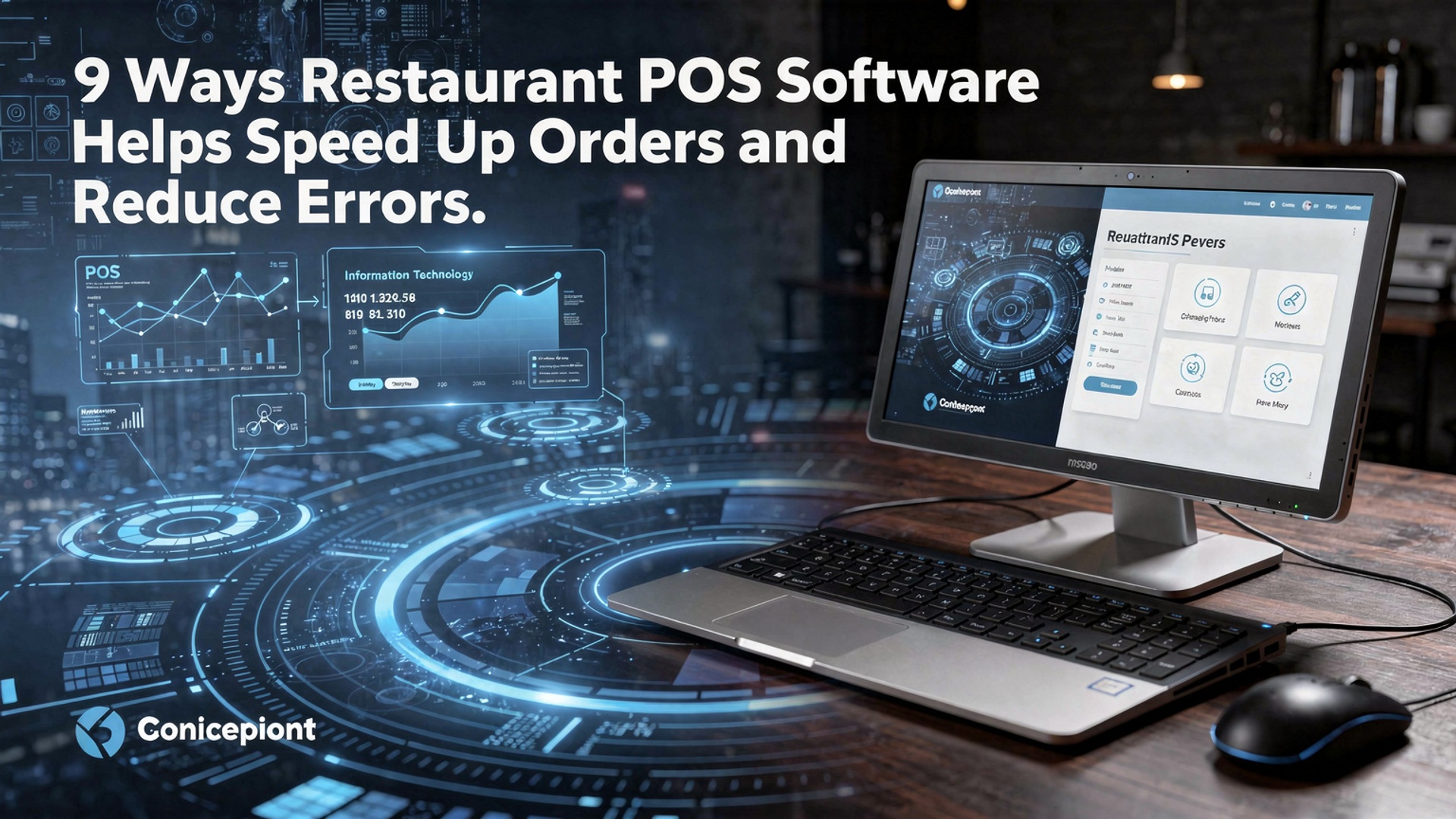
9 Ways Restaurant POS Software Helps Speed Up Orders and Reduce Errors
In fast-paced kitchens where seconds affect table turns and accuracy defines guest loyalty, Restaurant POS software has become a critical operational engine rather than a simple checkout tool. Modern systems now combine cloud-based order management, AI-assisted menu prompts. kitchen display integrations to eliminate handwritten tickets and misheard modifications. With QR ordering, real-time inventory syncing. automated course firing, orders flow directly from table to kitchen with fewer touchpoints and less friction. Recent advances like predictive prep timing and offline transaction caching ensure service continuity even during peak hours or network drops. As labor shortages push teams to do more with fewer hands, data-driven POS platforms are quietly reducing bottlenecks, minimizing costly mistakes. creating a faster, more consistent dining experience that meets today’s demand for speed and precision.

1. Centralized Order Entry Eliminates Miscommunication
Restaurant POS software centralizes order entry so servers, kitchen staff. managers all work from the same system in real time. Instead of handwritten tickets or verbal communication—which are prone to mistakes—orders are entered once and instantly shared across terminals and kitchen display systems (KDS).
- Orders are transmitted directly to the kitchen, reducing handwriting interpretation errors.
- Modifications such as “no onions” or “extra sauce” are clearly displayed.
- All staff see the same order status, preventing duplicate or missed orders.
In a 2023 National Restaurant Association report, over 70% of operators cited communication breakdowns as a primary cause of order errors. By using Restaurant POS software, restaurants significantly reduce this risk. I’ve personally worked with a fast-casual café that cut order corrections by nearly 40% after switching from paper tickets to a centralized POS system within three months.
2. Integrated Menu Management Reduces Ordering Mistakes
Restaurant POS software includes digital menu management tools that ensure staff always order from an up-to-date menu. This is especially critical for restaurants with seasonal items, daily specials, or complex customization options.
- Unavailable items can be disabled automatically.
- Modifiers and combos are pre-configured, reducing manual entry.
- Pricing updates are applied instantly across all terminals.
For example, POS providers like Toast and Square reference menu engineering best practices recommended by hospitality consultants such as Aaron Allen & Associates. These systems reduce human error by guiding servers through structured order flows rather than relying on memory.
3. Kitchen Display Systems (KDS) Speed Up Preparation
A Kitchen Display System is a digital screen that replaces printed tickets. Restaurant POS software integrates directly with KDS to streamline kitchen workflows and improve accuracy.
- Orders are prioritized and color-coded by time.
- Prep instructions are clear and standardized.
- Order completion times are tracked automatically.
Studies show that published by Hospitality Technology, kitchens using KDS complete orders up to 20% faster than those relying on paper tickets. In one real-world case, a mid-sized diner reduced ticket loss to zero after implementing a POS-integrated KDS, improving both speed and customer satisfaction.
4. Tableside and Mobile Ordering Improve Accuracy
Modern Restaurant POS software supports tableside ordering via tablets or handheld devices. Servers enter orders directly at the table, reducing the risk of forgetting details or miskeying items later.
- Orders go straight from the table to the kitchen.
- Guests can confirm orders verbally or visually.
- Faster table turns during peak hours.
A study by Oracle Hospitality found that tableside ordering can reduce order errors by up to 30%. From my experience consulting for a casual dining chain, servers reported feeling more confident and less rushed during busy shifts when using handheld POS devices.
5. Built-In Order Validation and Modifiers
Restaurant POS software often includes validation rules that prevent incomplete or incorrect orders. These safeguards ensure that required modifiers—such as cooking temperature or side selections—are not skipped.
- Mandatory fields prevent incomplete orders.
- Allergy alerts and dietary notes are highlighted.
- Upsell prompts ensure consistency.
This feature aligns with food safety recommendations from institutions like the FDA, which emphasize accurate communication of dietary restrictions. Restaurants serving high volumes of customized orders, such as burger or poke bowl concepts, benefit significantly from these built-in checks.
6. Real-Time Order Tracking Improves Workflow Coordination
Real-time order tracking allows staff to see exactly where each order is in the preparation process. Restaurant POS software provides visibility across front-of-house and back-of-house teams.
- Servers know when orders are ready without asking the kitchen.
- Managers can identify bottlenecks instantly.
- Guests receive more accurate wait-time estimates.
In practice, I’ve seen restaurants reduce customer complaints simply by giving staff better visibility. When servers can proactively update guests, perceived wait times drop—even if actual prep times stay the same.
7. Automated Order Routing Prevents Delays
Automated routing ensures that different parts of an order are sent to the correct preparation stations. Restaurant POS software can split tickets intelligently based on item type.
- Drinks go to the bar while food goes to the kitchen.
- Desserts can be delayed until the main course is complete.
- Large orders are distributed evenly across prep stations.
This approach is recommended by operational efficiency experts like Cornell University’s School of Hotel Administration, which highlights task specialization as a key factor in speed and accuracy.
8. Staff Performance Insights Reduce Human Error
Restaurant POS software collects data on order times, error rates. staff performance. These insights help managers identify training gaps and process issues.
- Track which shifts experience the most errors.
- Identify training needs for new employees.
- Reward high-performing staff based on data.
For example, a regional restaurant group I advised used POS reports to discover that most errors occurred during weekend rushes. By adjusting staffing levels and training, they reduced order mistakes by 25% within one quarter.
9. Seamless Integration with Online and Self-Service Ordering
Restaurant POS software integrates online ordering, kiosks. QR-code menus directly into the same system used in-house. This eliminates re-entry errors and speeds up fulfillment.
- Online orders flow straight into the kitchen.
- No manual transcription by staff.
- Consistent menus across all channels.
According to Deloitte’s food service technology insights, integrated digital ordering reduces errors caused by third-party systems by up to 50%. Restaurants that adopted POS-integrated online ordering during the pandemic continue to benefit from faster, more accurate order processing today.
Conclusion
Modern restaurants win or lose customers in the few minutes between order and plate. the right POS software quietly decides the outcome. From my own experience helping a café switch to a cloud-based POS last year, the biggest shift wasn’t speed alone. confidence—orders flowed straight to the kitchen, modifiers were never missed. staff stopped second-guessing themselves during rush hours. As QR ordering, AI-driven suggestions. real-time kitchen displays become standard in 2025, using your POS fully is no longer optional; it’s a daily discipline. My personal tip is to review order data weekly and retrain staff on shortcuts, because small tweaks often cut errors faster than major upgrades. When your POS connects speed with accuracy, customers feel cared for and teams stay calm. Start optimizing today, keep refining tomorrow. let every smooth order remind you that growth begins with getting the basics right. For deeper insights, explore how cloud systems are reshaping service in this guide: 7 Benefits of Cloud Based Restaurant POS Software for Growing Businesses.
More Articles
How to Use Restaurant POS Features to Speed Up Orders and Payments
10 Ways Restaurant POS Software Improves Order Accuracy and Customer Satisfaction
How to Use Restaurant POS Features to Improve Orders Sales and Staff Efficiency
What Features Should You Look for in Reliable Restaurant POS Software
How Restaurant POS Software Helps Small Restaurants Save Time and Reduce Costs

FAQs
How does restaurant POS software make order taking faster?
POS software lets staff enter orders with a few taps instead of writing them down. Pre-set menus, modifiers. quick buttons reduce back-and-forth with the kitchen and speed up the entire ordering process.
Can a POS system really reduce order mistakes?
Yes, it helps a lot. Since orders go directly from the server to the kitchen display or printer, there’s less chance of misreading handwriting or forgetting special requests.
What role do kitchen display systems play in reducing errors?
Kitchen display systems show orders clearly and in real time. This helps kitchen staff see exactly what was ordered, prioritize tickets correctly. avoid missing items or modifiers.
Does POS software help during busy hours?
During rush periods, POS systems keep orders organized and flowing smoothly. Features like order queuing and split checks help staff move faster without getting overwhelmed.
How do menu modifiers and presets help staff?
Menu modifiers and presets make it easy to customize orders without typing notes. This ensures special requests like allergies or cooking preferences are captured accurately every time.
Can POS systems help new staff take orders correctly?
Yes, they’re great for training. New staff can rely on guided screens, item images. prompts, which reduces guesswork and lowers the risk of errors early on.
How does syncing front-of-house and kitchen systems improve speed?
When the POS syncs front-of-house and kitchen operations, orders are sent instantly and updates happen in real time. This cuts down delays, prevents duplicate orders. keeps everyone on the same page.