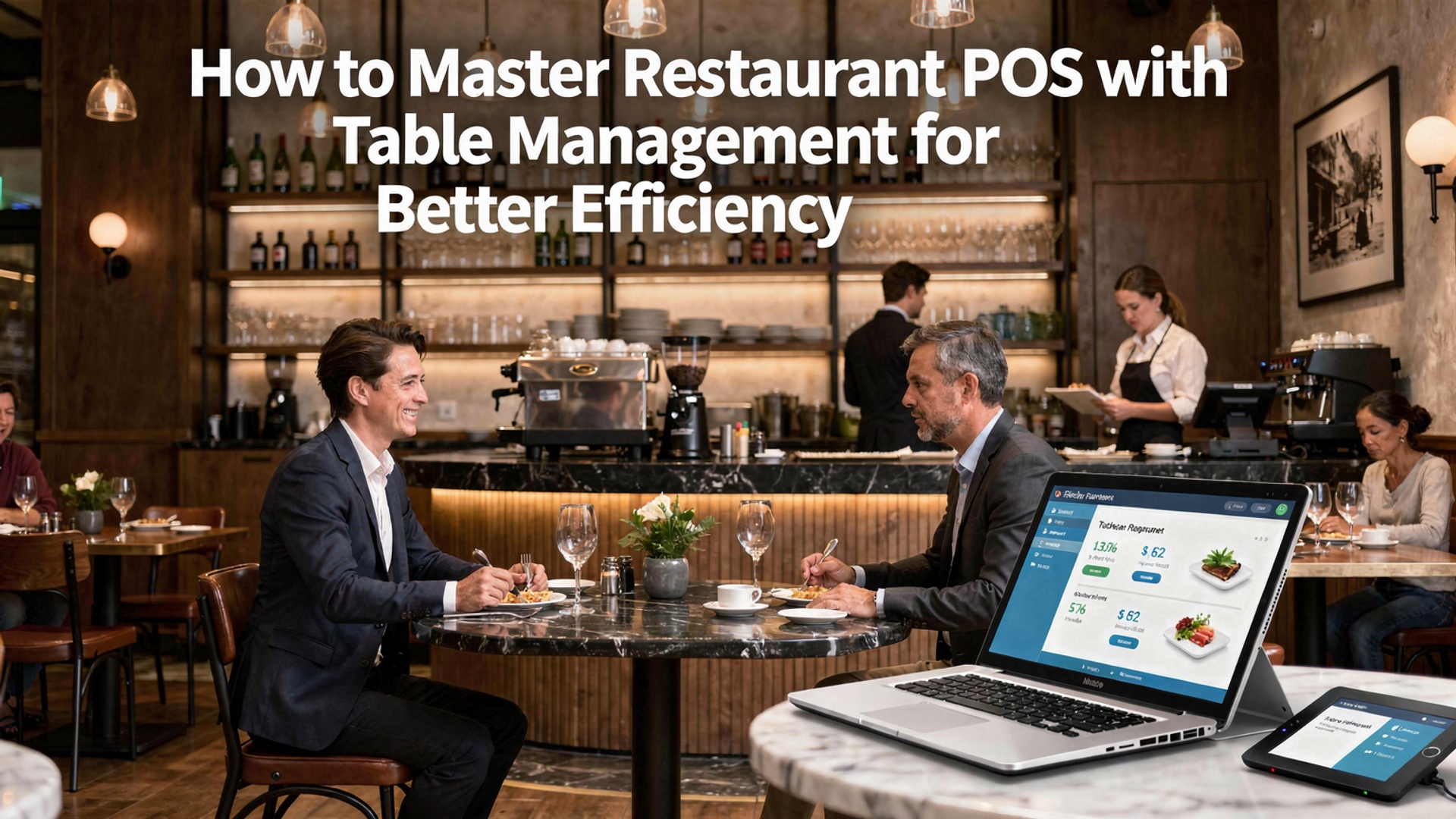
How to Master Restaurant POS with Table Management for Better Efficiency
In the fast-paced world of hospitality, mastering restaurant POS systems with table management has become a cornerstone of modern efficiency. Today’s advanced POS platforms go beyond basic transactions, integrating robust table management functions that streamline operations and enhance the dining experience. For example, innovative features like real-time table mapping and automated reservation tracking enable staff to optimize seating arrangements and reduce wait times. Recent developments show a growing trend toward cloud-based POS systems, allowing restaurants to track performance remotely and adapt quickly to changing customer demands. With intuitive interfaces and predictive analytics, these systems empower managers to make data-driven decisions, balancing table turnover with personalized service. As restaurants increasingly adopt technology to stay competitive, leveraging a POS system with integrated table management is no longer a luxury but a necessity to maximize workflow efficiency and boost customer satisfaction. 
What is a Restaurant POS with Table Management?
A restaurant POS (Point of Sale) system with table management is an integrated software solution designed to streamline operations in a restaurant setting. It combines the traditional POS system’s functionalities—such as order processing, billing. payment handling—while adding features specifically tailored to manage tables, reservations. seating arrangements. The table management feature allows restaurants to map out their dining area digitally, monitor table statuses in real time. optimize seating arrangements for better customer flow and overall efficiency. This combination is especially beneficial for restaurants aiming to provide excellent customer service while maintaining operational efficiency.
Key Features of a Restaurant POS with Table Management
To grasp how a restaurant POS with table management can boost efficiency, let’s break down its primary features:
- Digital Floor Plans
- Real-Time Table Status
- Reservation Management
- Order Tracking
- Split Billing
- Waitlist Management
- Integration with Online Orders
- Analytics and Reporting
Many systems allow you to create a digital replica of your restaurant’s layout, including table arrangements and seating capacity.
Track which tables are occupied, available, or reserved. see updates instantly.
Integrated systems allow for seamless reservation handling, reducing double bookings or long wait times.
See which tables have active orders and their progress in the kitchen, ensuring timely service.
Easily split bills among diners at a table, making payment smoother for groups.
Manage waitlists and notify guests when their table is ready using SMS or app notifications.
Combine dine-in and online orders into a single system for seamless management.
Gather insights on table turnover, peak hours. customer preferences to make data-driven decisions.
How a Restaurant POS with Table Management Improves Efficiency
Using a restaurant POS with table management can significantly impact your restaurant operations. Here’s how:
- Reduced Waiting Times
- Optimized Table Utilization
- Streamlined Communication
- Enhanced Staff Productivity
- Better Reservation Handling
- Centralized Operations
By managing tables more efficiently, you can reduce customer wait times and improve their overall experience.
A digital table map helps allocate tables based on party size, ensuring no space is wasted.
Orders entered into the POS system are sent directly to the kitchen, reducing errors and speeding up service.
Servers can focus more on customer service instead of juggling table assignments and manual order tracking.
Avoid overbooking and ensure tables are ready for reserved parties, improving both customer satisfaction and turnover rates.
Combining dine-in and online orders into one system ensures nothing gets missed or delayed.
Real-World Applications of Restaurant POS with Table Management
Many restaurants have successfully adopted POS systems with table management to enhance their operations. Some notable applications include:
- Fine Dining Restaurants
- Casual Dining Chains
- Quick-Service Restaurants (QSRs)
- Event Hosting Venues
High-end restaurants use these systems to create personalized seating arrangements, track multiple courses. ensure impeccable service.
Chain restaurants benefit from the scalability of POS systems, allowing them to manage several locations with consistent efficiency.
While QSRs typically focus on speed, table management can come in handy for hybrid models offering dine-in and takeaway services.
Restaurants hosting events or private parties leverage table management features to pre-plan seating arrangements and handle bulk orders effectively.
Comparison: Basic POS vs. POS with Table Management
Below is a comparison between a basic POS system and a POS system with table management:
| Feature | Basic POS System | POS with Table Management |
|---|---|---|
| Order Processing | Handles individual orders | Handles individual orders and links them to specific tables |
| Table Status Tracking | Not Available | Real-time tracking of table statuses (occupied, reserved, available) |
| Digital Floor Plans | Not Available | Customizable digital layouts of the restaurant space |
| Reservation Management | Basic, if integrated | Advanced reservation and waitlist management |
| Analytics | Limited to sales data | Provides insights on table turnover, peak hours. customer preferences |
Tips to Master Restaurant POS with Table Management
To make the most of your restaurant POS with table management, consider the following tips:
- Customize Your Floor Plan
- Train Your Staff
- Leverage Automation
- Regularly Update System Data
- review Performance Metrics
- Choose a Reliable Vendor
Take the time to design an accurate and detailed digital map of your restaurant. Include all tables, sections. pathways to make navigation seamless for your staff.
Ensure your team understands how to use the system effectively. Provide hands-on training sessions and create written guides if needed.
Use features like automated notifications for reservations and waitlists to save time and improve accuracy.
Keep your menu, table layout. staff assignments up to date in the system for smooth operations.
Use the analytics tools in your POS system to identify bottlenecks and make data-driven adjustments.
Invest in a POS system from a reputable provider with excellent customer support and regular software updates.
Popular POS Systems with Table Management
Several restaurant POS systems with table management stand out in the market. Some popular options include:
- Toast
- Square for Restaurants
- TouchBistro
- Lightspeed
- Revel Systems
Known for its user-friendly interface and robust table management features, ideal for small to medium-sized restaurants.
An all-in-one solution offering flexibility for both quick-service and full-service restaurants.
A highly visual POS system with customizable floor plans and advanced table management capabilities.
A powerful system with an emphasis on detailed analytics and integration with third-party apps.
Designed for high-volume restaurants, offering comprehensive features for table and order management.
Future Trends in Restaurant POS with Table Management
As technology continues to evolve, the future of restaurant POS with table management is full of exciting possibilities:
- AI Integration
- Augmented Reality (AR)
- Contactless Technologies
- Enhanced Mobile Capabilities
Artificial intelligence could help predict peak hours, optimize seating arrangements. provide tailored recommendations for diners.
Visualize table layouts in 3D and use AR for better space planning and design adjustments.
With rising demand for touch-free solutions, expect to see more POS systems with QR code-based ordering and payment systems.
Mobile-first POS systems are becoming more common, allowing staff to manage tables and orders remotely.
Conclusion
Mastering a restaurant POS system with table management is not just a technical upgrade; it’s a transformative process that can redefine your restaurant’s operations. By integrating features such as real-time table tracking, automated order processing. seamless payment integration, you can elevate efficiency while delivering a superior dining experience. The key takeaway here is to focus on simplicity and customization—select a POS system that adapts to your restaurant’s unique needs rather than forcing your operations to fit into a generic framework. For example, modern POS systems now incorporate AI-driven analytics, allowing you to monitor peak dining times and optimize table turnover without compromising customer satisfaction. Leveraging such tools can have a direct impact on revenue, particularly in cities like Chennai, where increasing competition demands operational agility. From my experience, even minor upgrades like adding a mobile POS tablet for servers can dramatically improve workflows and eliminate bottlenecks in communication between the kitchen and the floor. Remember, the ultimate goal is to streamline, not overcomplicate. Start small—identify your pain points, explore the latest software trends. train your staff to embrace innovation. With consistent effort and the right tools at your disposal, your restaurant can experience unparalleled growth, efficiency. customer loyalty. The journey to mastering your POS begins today. Keep pushing forward; success is within your reach.
More Articles
How to Identify the 7 Essential Features of a Restaurant POS System
5 Ways Restaurant POS Software Can Transform Customer Experience
5 Best Practices for Using Restaurant POS Software to Maximize Profits
5 Common Problems Solved by Modern Restaurant POS Software
How to Choose the Best Restaurant POS Features for Seamless Operations

FAQs
What is a restaurant POS with table management?
It’s a system that combines point-of-sale features with tools to manage table reservations, seating arrangements. customer flow in your restaurant.
Why is table management crucial for efficiency?
It helps you optimize seating, reduce wait times. ensure smooth operations, which leads to happier customers and better staff productivity.
How can I get started with mastering a POS system?
Start by learning the basics of your POS software, exploring its table management features. training your staff to use it effectively.
What features should I look for in a POS system for table management?
Look for features like real-time table status updates, customizable floor plans, reservation tracking. integration with kitchen systems.
Can table management improve customer satisfaction?
Yes, it helps you minimize wait times, provide accurate seating insights. deliver a more organized dining experience.
How do I train my staff to use table management tools efficiently?
Offer hands-on training sessions, provide easy-to-follow guides. encourage them to practice using the system during quieter hours.
What are common mistakes to avoid with restaurant table management?
Avoid overbooking tables, forgetting to update table statuses. neglecting staff training on the POS system.
Should I update my POS system regularly?
Yes, keeping your POS software updated ensures you have access to the latest features and security improvements.